I’ve been a little busy lately making palettes to share with you all! I’ve made 5 new ones based on official swatches of traditional art supplies:
Caran D’Ache Neopastels
Mungyo Gallery Oil Pastels
Miya Himi Jelly Gouache
Holbein Acrylic Gouache
and Faber Castel Polychromos Pencils
Their all in one file for convenience, hope that doesn’t cause any issues. If there is please let me know and ill do my best to fix it!
13 Likes
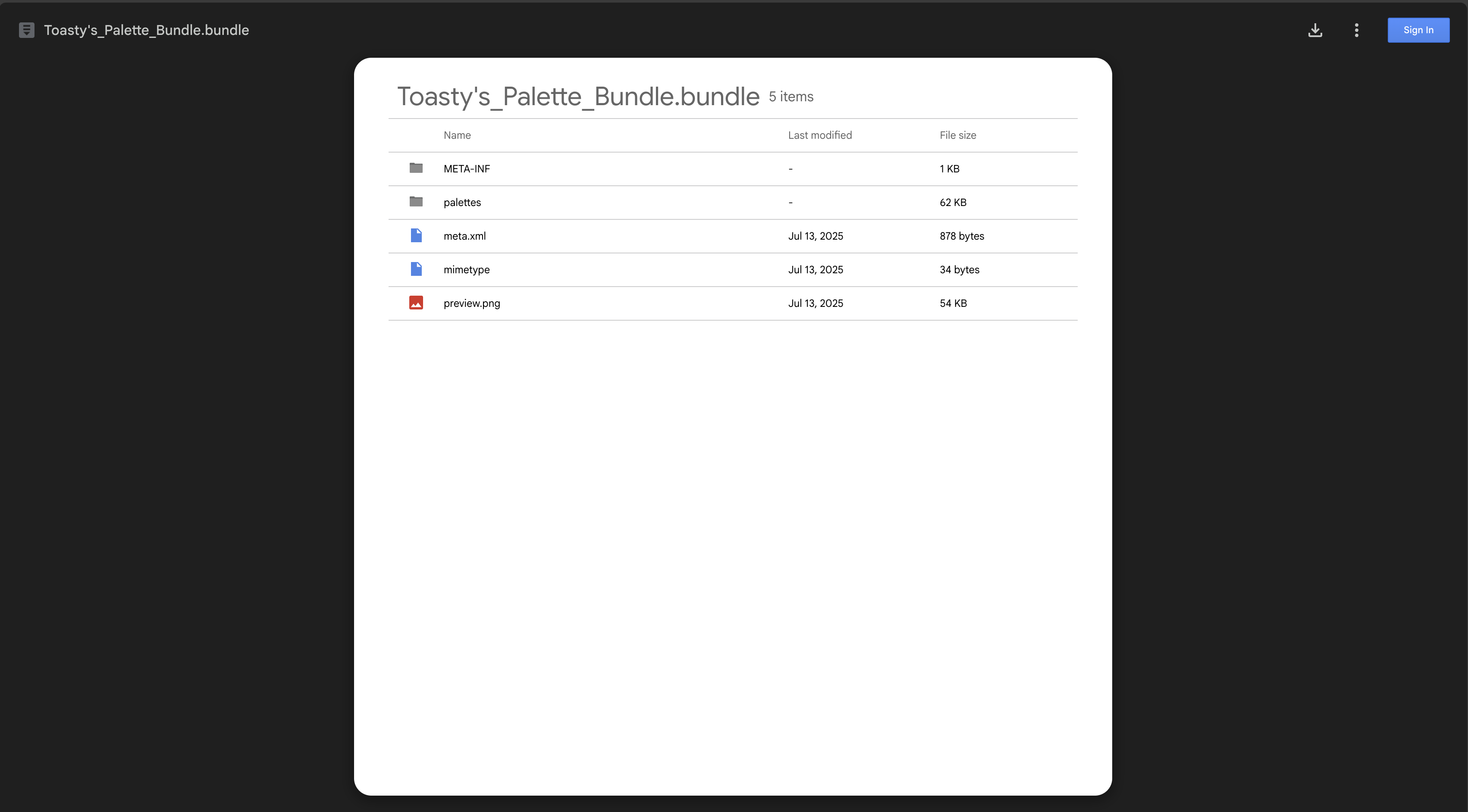
When I try to download this, I get a .bundle file. I have no applications to option this, not even Krita will. Since it is like this for me, I cannot see the preview or click on anything like I could in Google Drive:
Hello, have you been able to import other bundles into krita? Like through the “Settings > Manage Resources > Import Resources” way?
Yes, I have. When I try to download this and import it into Krita, it is only a bundle file without any brushes.
This is a color palette bundle, There shouldn’t be any brushes in it. to see if its working try checking what color palettes you have in krita
1 Like
Hi,
Sorry for the confusion. I am new to Krita and thought this bundle in Krita looked different than other brush ones I had downloaded. I will see what I can do!
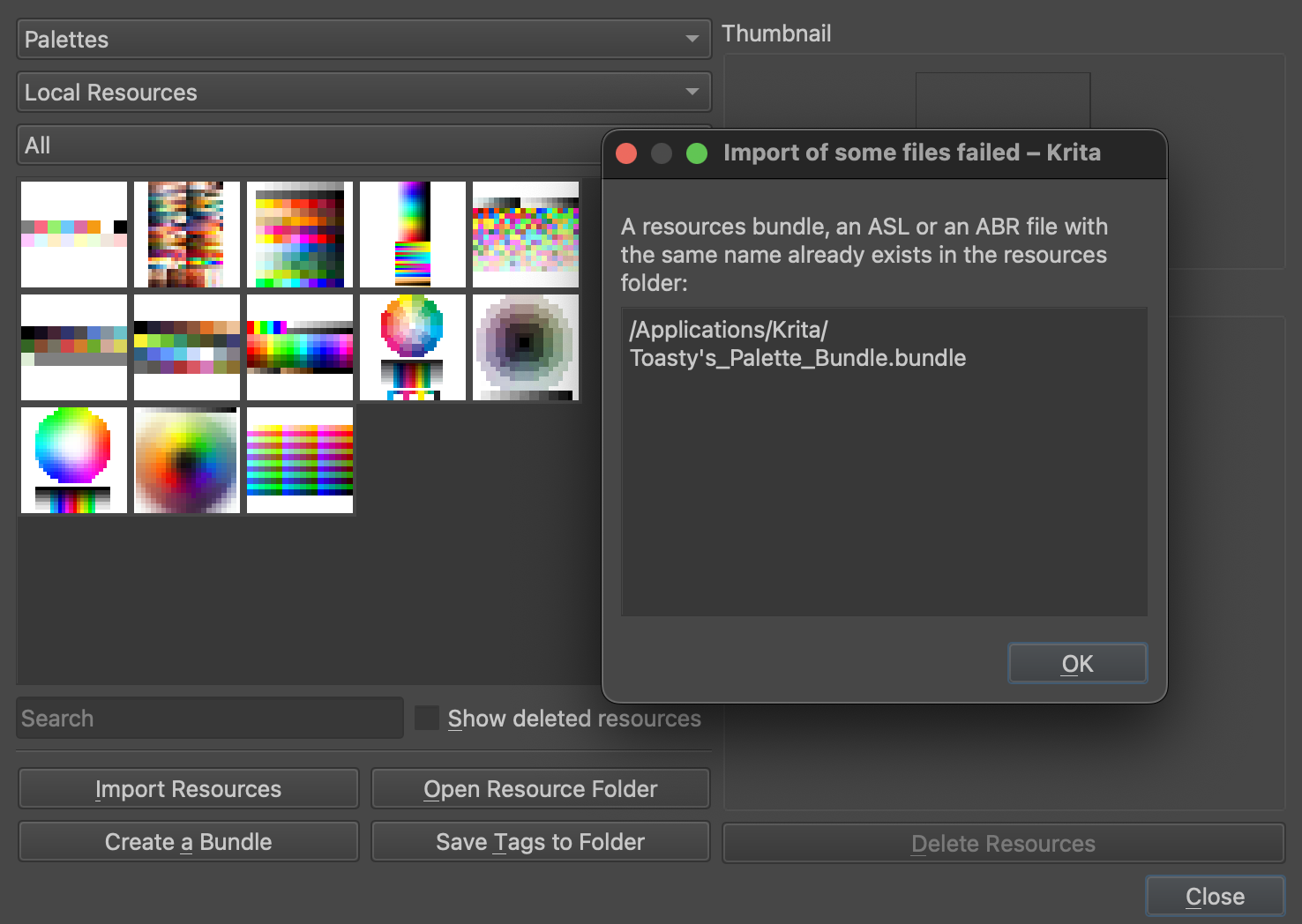
I still cannot get it. I tried importing it into my palettes instead, but it says I already have it saved. Nothing is showing up though.
Ive had my mom test this bundle and it worked for her, but didnt show up in that menu. have you restarted krita?
I have not found it yet. What is the name of your palette? I did restart Krita, but it still isn’t showing up in the preview or under what I have saved. Since I accidentally saved it under brush presets, I’m not sure if that’s why it’s messed up for me?
The palette names are listed in the original post, when you create a new canvas you may see a color palette docker, and possibly this little button under the name of the palette, try clicking it if you can see it, it should come up with a list of all palettes found

Yes, what is the name of the palette group? The same as the name of the download file? I’m sorry I don’t see it, I have a MacBook and no software that can normally open a .bundle file. I cannot import it by using this icon I see, only a .kpl file. This is a .bundle file when I download it.
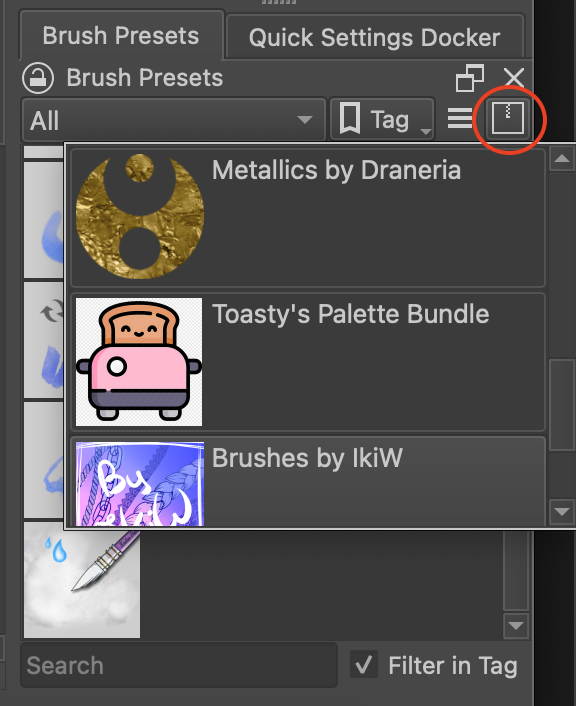
I see them now, each palette is five different things–the same as what you have in your first, initial post. It took a bit of closing in and out of Krita and redownloading your file in order for them to show. Since this is good now, there is one slight thing: since I incorrectly have these saved to a brush preset, I cannot get rid of it. I would not like it here because it is not a brush preset pack:
All bundles will show up there, no matter if their brushes or palette bundles. That’s normal don’t worry 
I’m good, then. Thank you so much!
No problem, happy i coulld help. Enjoy the palettes!