Toumin's Usagi Fineliner Pen 2.0

Hello there! Just want to share a brush I’m very happy with!

This is a remake of my old pen by the same name (Usagi pen in 2020), and it was built as fineliner pen in mind, but the original wasn’t working as intended so I deleted it.

Hence the 2.0! This new version changed the tip shape and fixed the brushstroke end being too thick for line art, and suitable for sketch.

Download Link (google drive)

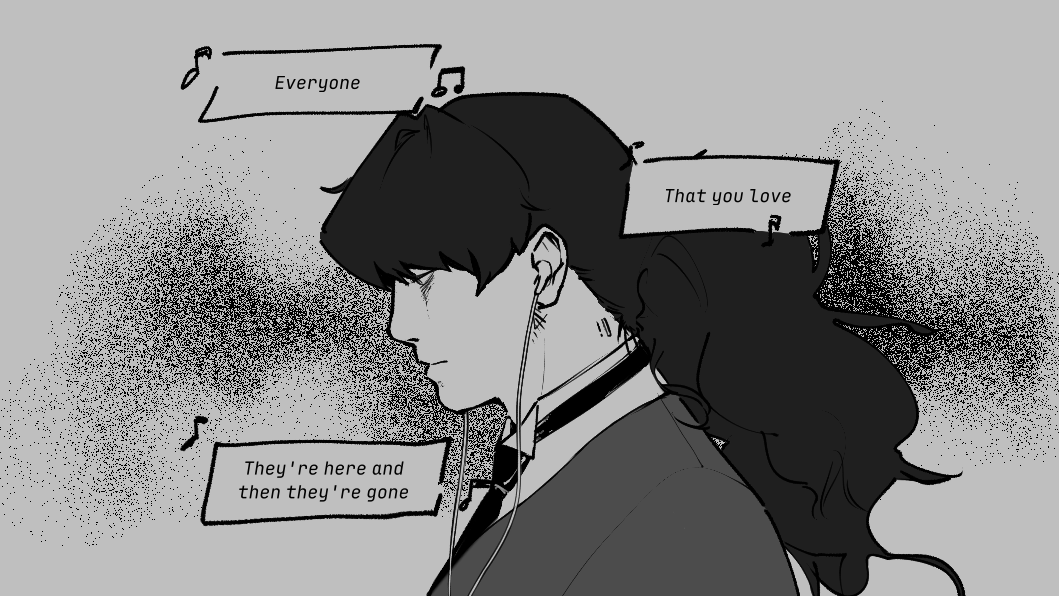
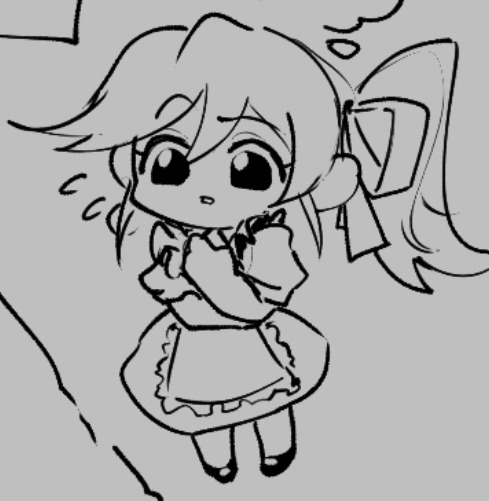
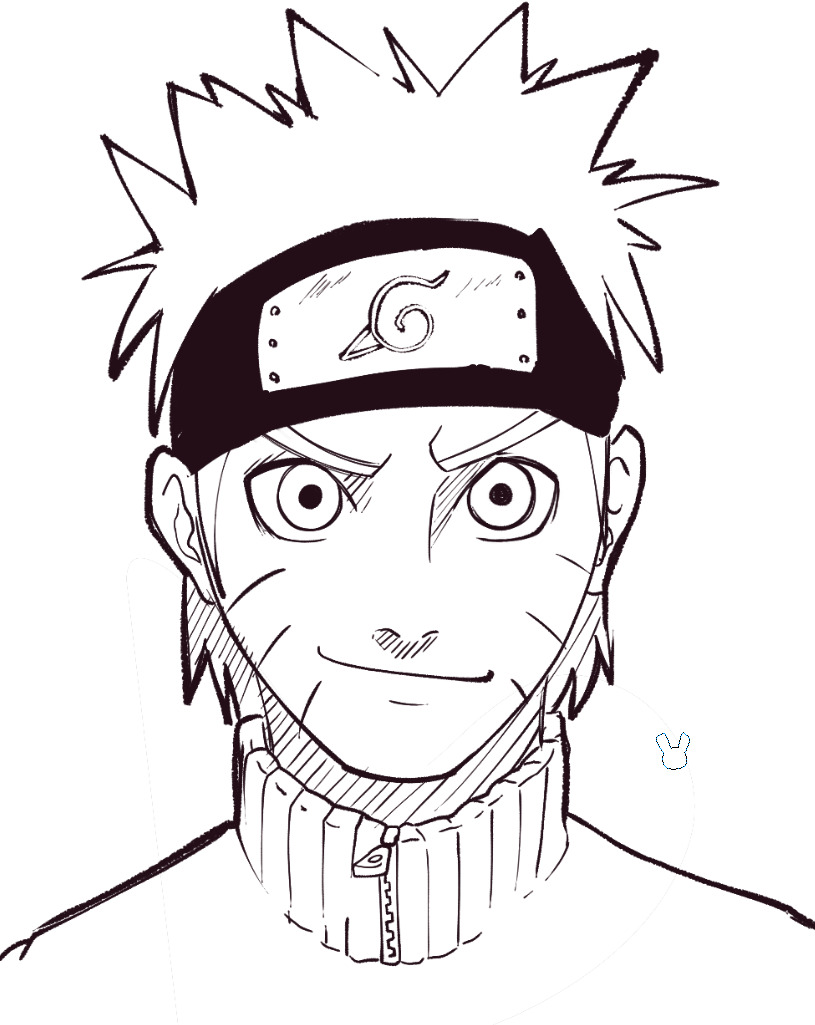
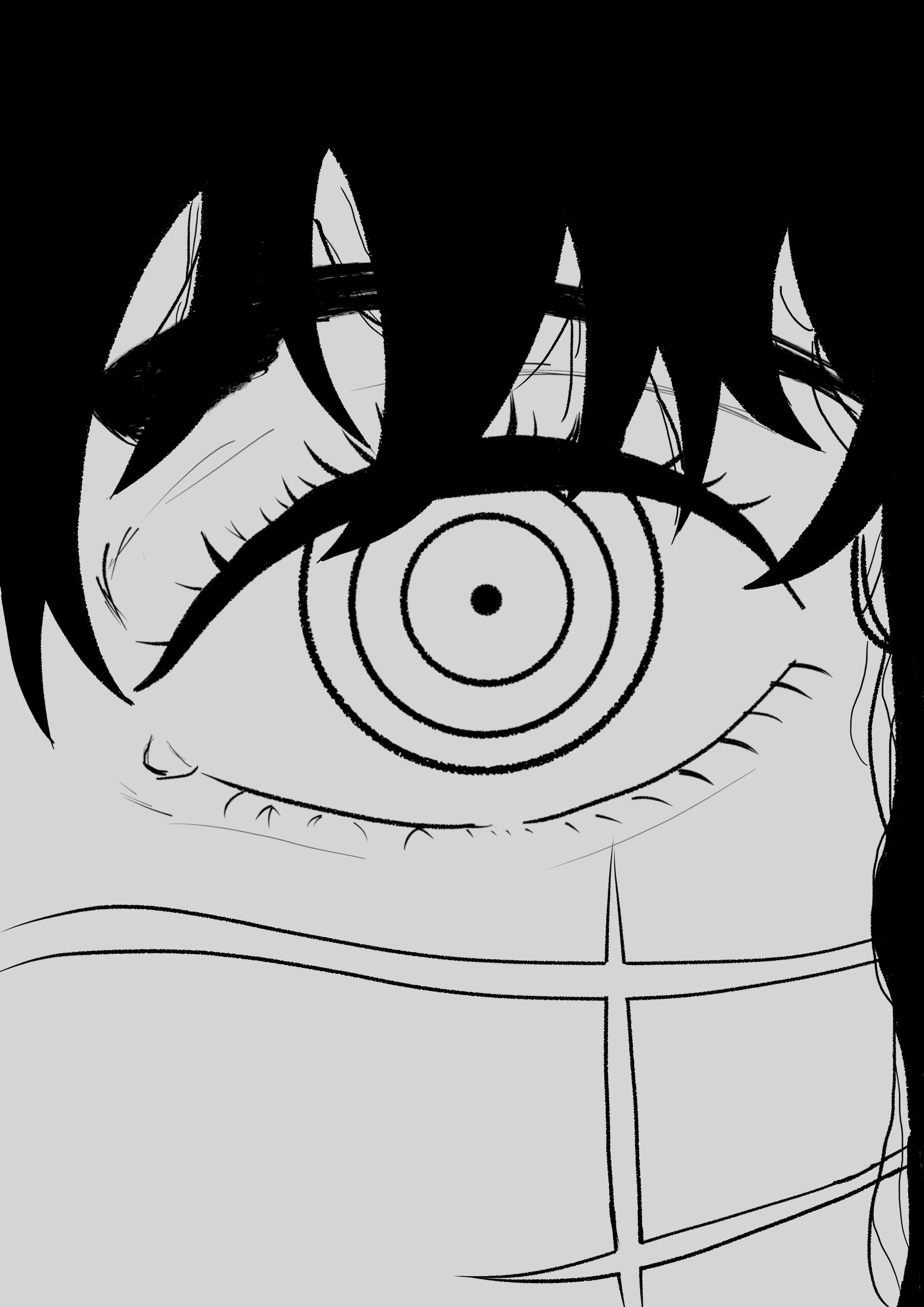
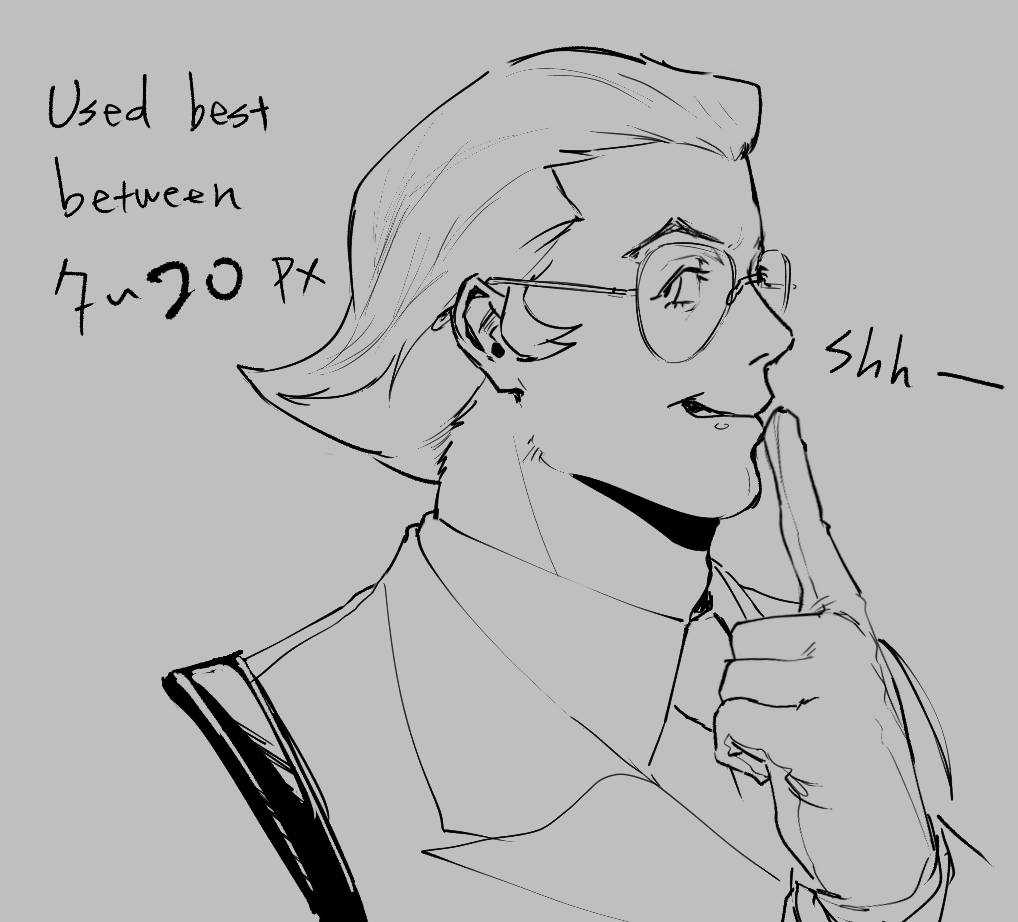
Here’s some of my attempt: (1600x1600)

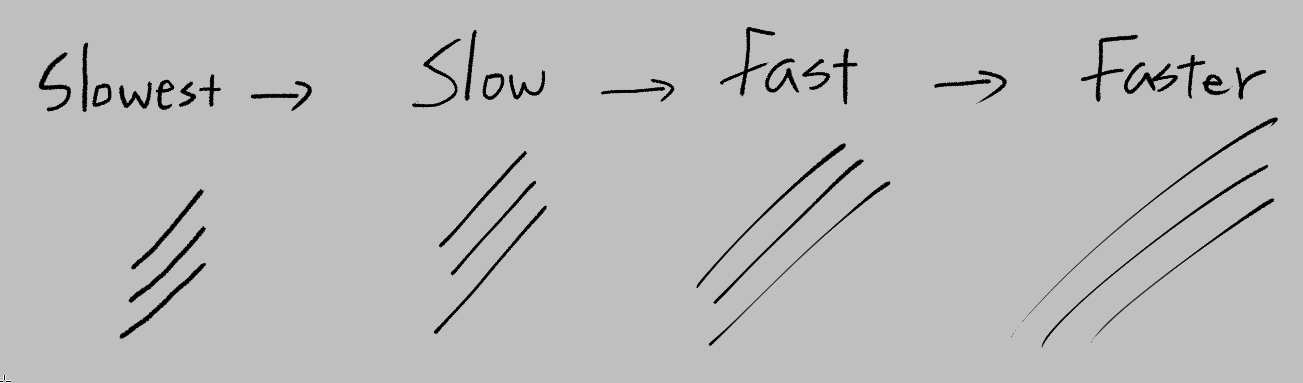
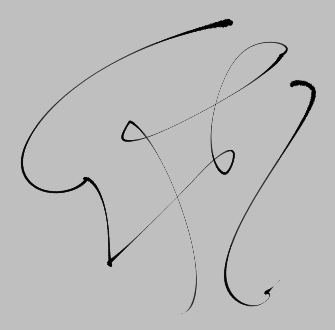
The thickness will change according to speed and pressure. (Here is using basic smoothing so might variate on different machine and tablet settings.)

The reason I find it satisfying is because it replicated the feeling I got on clip studio (smoothness and speed) and some of my favorite brush look :down_arrow:

Hope you like it and give it a try, and if you enjoyed the brush show your result!!

62 Likes

Psst, you gotta fix the privileges on the share link! Can’t download the brush at the moment :kiki_sweat_smile:

2 Likes

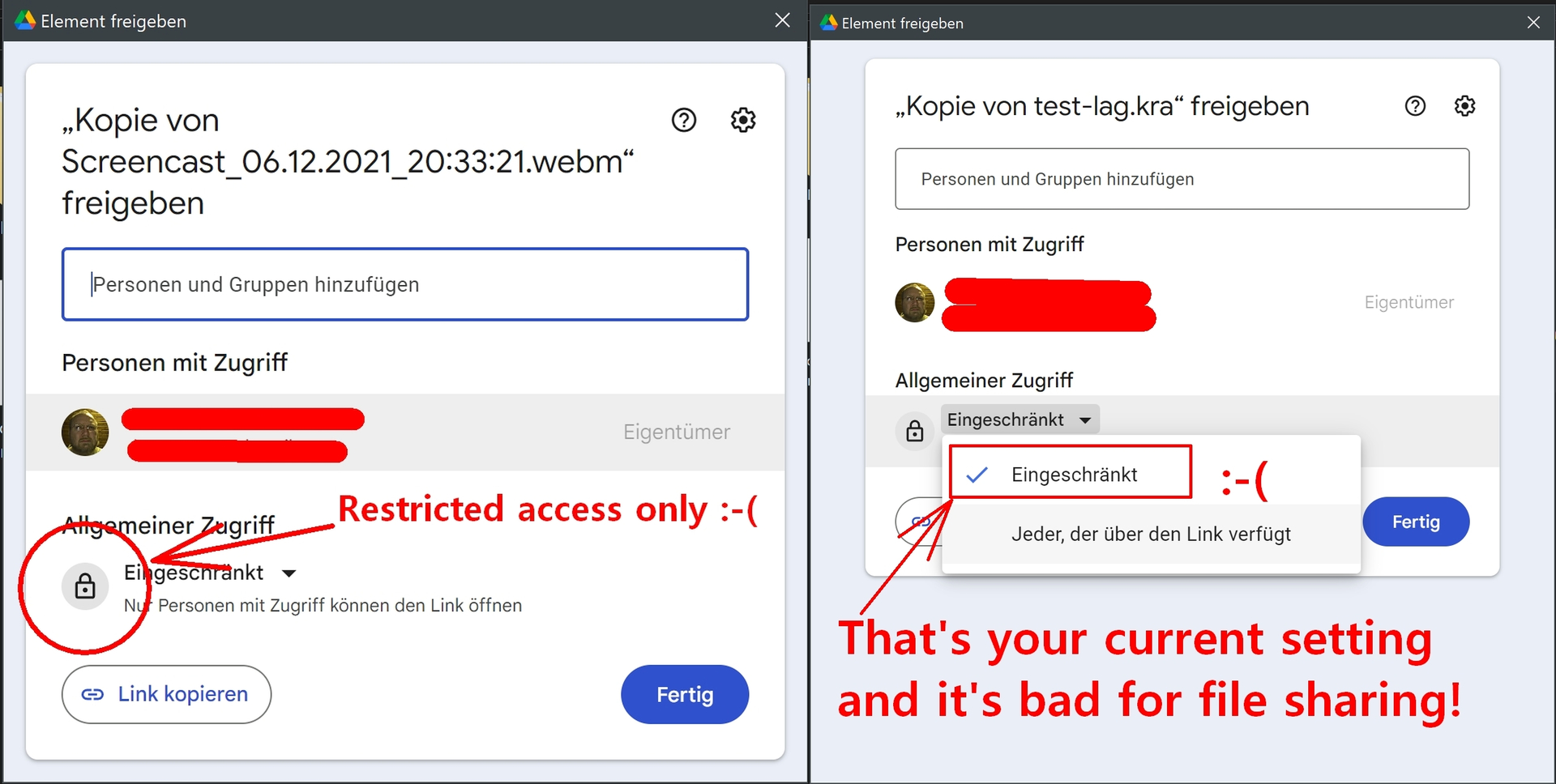
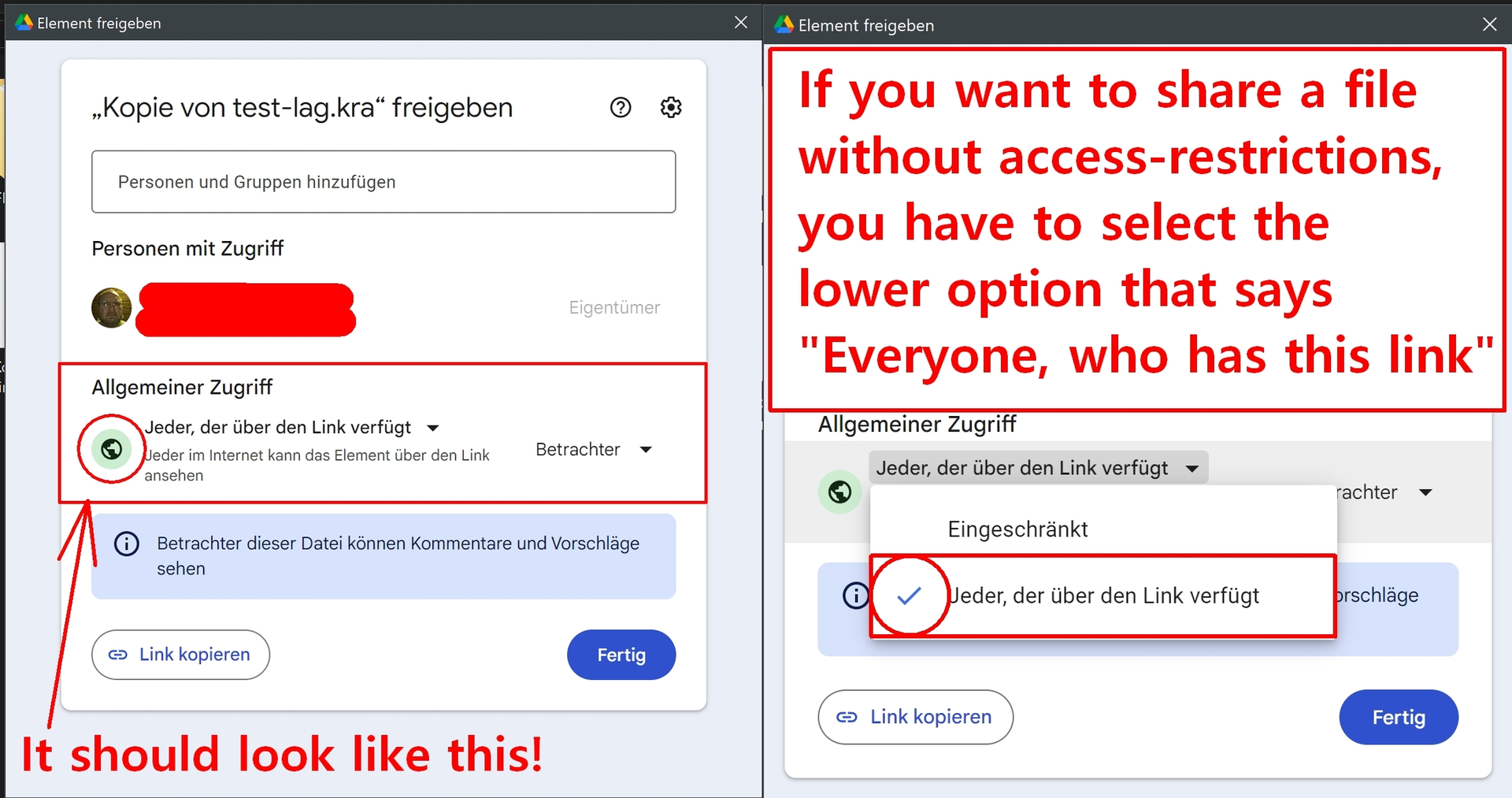
Yep, @wakocima is right, you need to set it like this:
This is your current setting:

But you need this:

Because (nearly) no one here is willing to give you and Google our mail addresses.

Michelist

1 Like

oh no I made sure i changed it!! Sorry it could’ve been internet issue that it didn’t change, now it should’ve been fixed?

Changed now, can you check again that it is fixed?

It’s all good! Personally I can’t see the brush in v6, but that might be because a few brushes are broken on that ver. Still, the bundle opened just fine! ^^

v6 meaning krita 6?
I’ve never used that version I’m sorry, but I hope you like the brush!

1 Like

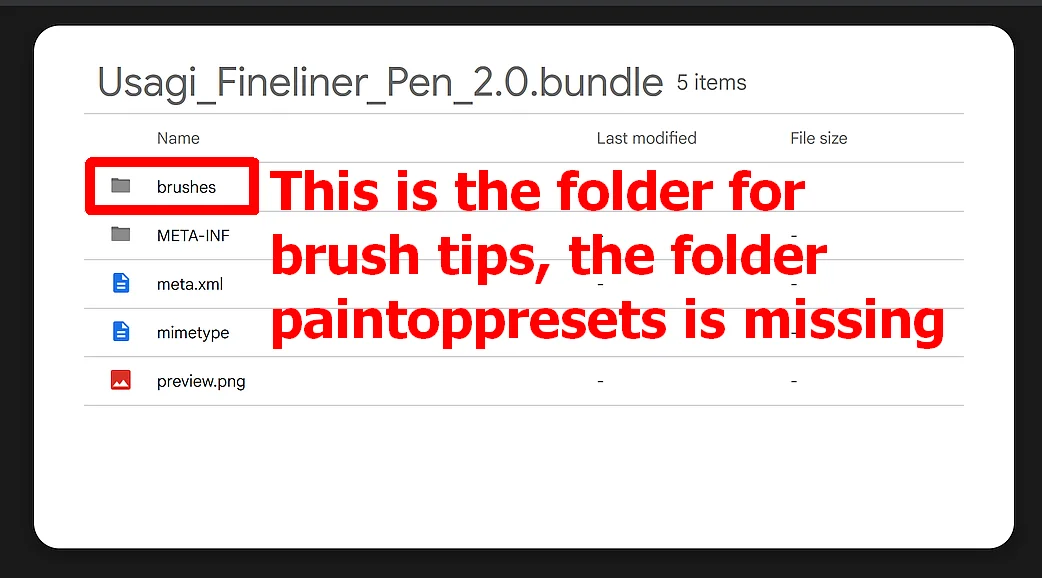
@wakocima: Of course, you can not see any brush, because in the shared bundle is only one brush tip added.

@toumindraws: If this really should be the thing most people call a brush, so a Krita brush preset in fact, what I guess based upon your description, then you did not add it to your bundle.

So, if my assumption it should be a brush preset you want to share with us is correct, then you implemented a glitch in your bundle creation, which can happen. You only need to draw the brush presets in Krita’s bundle creator into a bundle, Krita will then automatically add the needed brush tips to the brush preset files. If you should need support on this then feel free to ask, but it is very possible that I’m not answering this night, it will probably be in about 14 to 16 hours from now.

Michelist

Maybe my pc is having a hiccup today, I made a new one and made sure checked the tip and brush again.

1 Like

Nice brush!

4 Likes

Aww awsome good job!!

1 Like

hola, soy nueva aqui, intente descargar el pincel pero tengo problemas para descagarlo

A continuación encontrarás una traducción automática realizada con DeepL.com:

:slight_smile: Hello @kio707_20, and welcome to the forum!

In this forum we speak English, and because our forum software doesn’t offer any translation services the users are required to either write directly in English or alternatively add an English translation to your texts in your native language. Especially users who don’t speak English themselves are asked to always add their original text in their mother tongue because translators are machines that can and do make mistakes, this allows us to try to translate your computer translation using a different translator to understand you better.

So please be so kind to always add an English translation to your own texts or write directly in English, this helps us to be a big community instead of a place with dozens of different language fractions who doesn’t understand another, what would be sad.
Thank you!

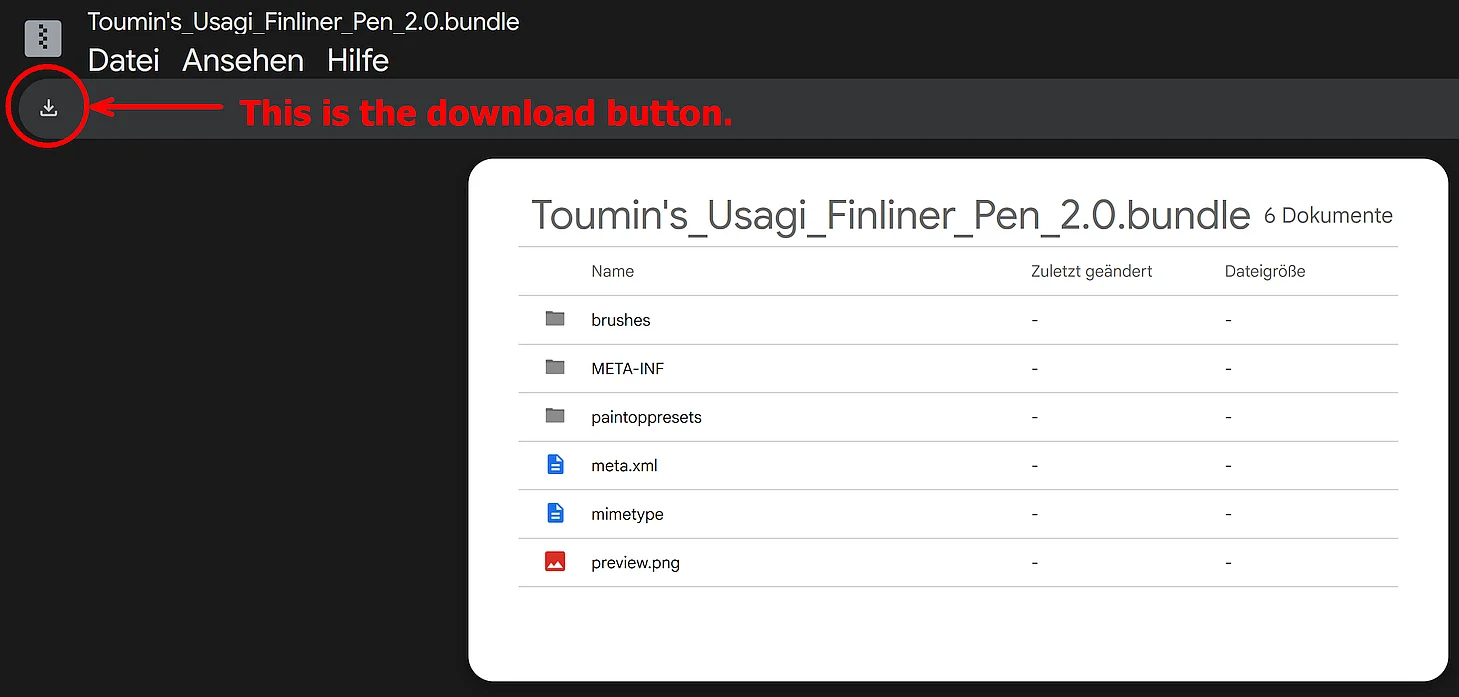
The download button is shown in the screenshot.

Michelist

##############
##############

:slight_smile: ¡Hola, @kio707_20, y bienvenido al foro!

En este foro hablamos inglés, y dado que nuestro software no ofrece servicios de traducción, los usuarios deben escribir directamente en inglés o, como alternativa, añadir una traducción al inglés a sus textos en su lengua materna. Se pide especialmente a los usuarios que no hablan inglés que añadan siempre su texto original en su lengua materna, ya que los traductores automáticos pueden cometer errores; esto nos permite intentar traducir tu traducción automática utilizando otro traductor para entenderte mejor.

Así que, por favor, ten la amabilidad de añadir siempre una traducción al inglés a tus propios textos o de escribir directamente en inglés; esto nos ayuda a ser una gran comunidad en lugar de un lugar con docenas de grupos lingüísticos diferentes que no se entienden entre sí, lo cual sería una pena.
¡Gracias!

El botón de descarga se muestra en la captura de pantalla.

Michelist

Traducción realizada con la versión gratuita del traductor DeepL.com
1 Like

Cute and useful brushes,thanks to the creator for sharing them!

1 Like

why is it shown to me empty when i import the bundle​:sob: i use krita on android tablet

:slight_smile: Hello @Telesto, and welcome to the forum!

If you had at least described the way you tried importing this bundle into your Krita or had noted if you were able to import other bundles before without this issue, then we would have something we could build upon to give you an answer that has substance, but without substance as input, there is none on the other end too. :frowning:

Did you restart Krita twice after you imported the bundle as described below without the bundle’s content showing up? ↓

Since we don’t know if you know how to import a bundle into Krita, here’s my template on the matter:

A bundle is imported into Krita via the menu ‘‘Settings’’ >> ‘‘Manage Resource Libraries…’’ and in the opening dialog you have to click the button + Import in the next dialog browse to the downloaded bundle, select it and confirm the selection. Now Krita imports that bundle, and you can use its content, so the brushes in case of this bundle.
In the case a BUNDLE comes in an archive-file, like ZIP or RAR for instance, then you have to unpack the archive first to get the BUNDLE-File it contains, before you can proceed as described above.

If that doesn’t help, then please answer my questions from above! So, did you try to import this bundle as I describe it above, and could you import other bundles before without this issue?
Also tell us which exact version number of Krita you use.

Michelist

ty<3

1 Like