Currently when making adjustments to a transform mask Krita 5.2 generates a temporary keyframe on the animation timeline
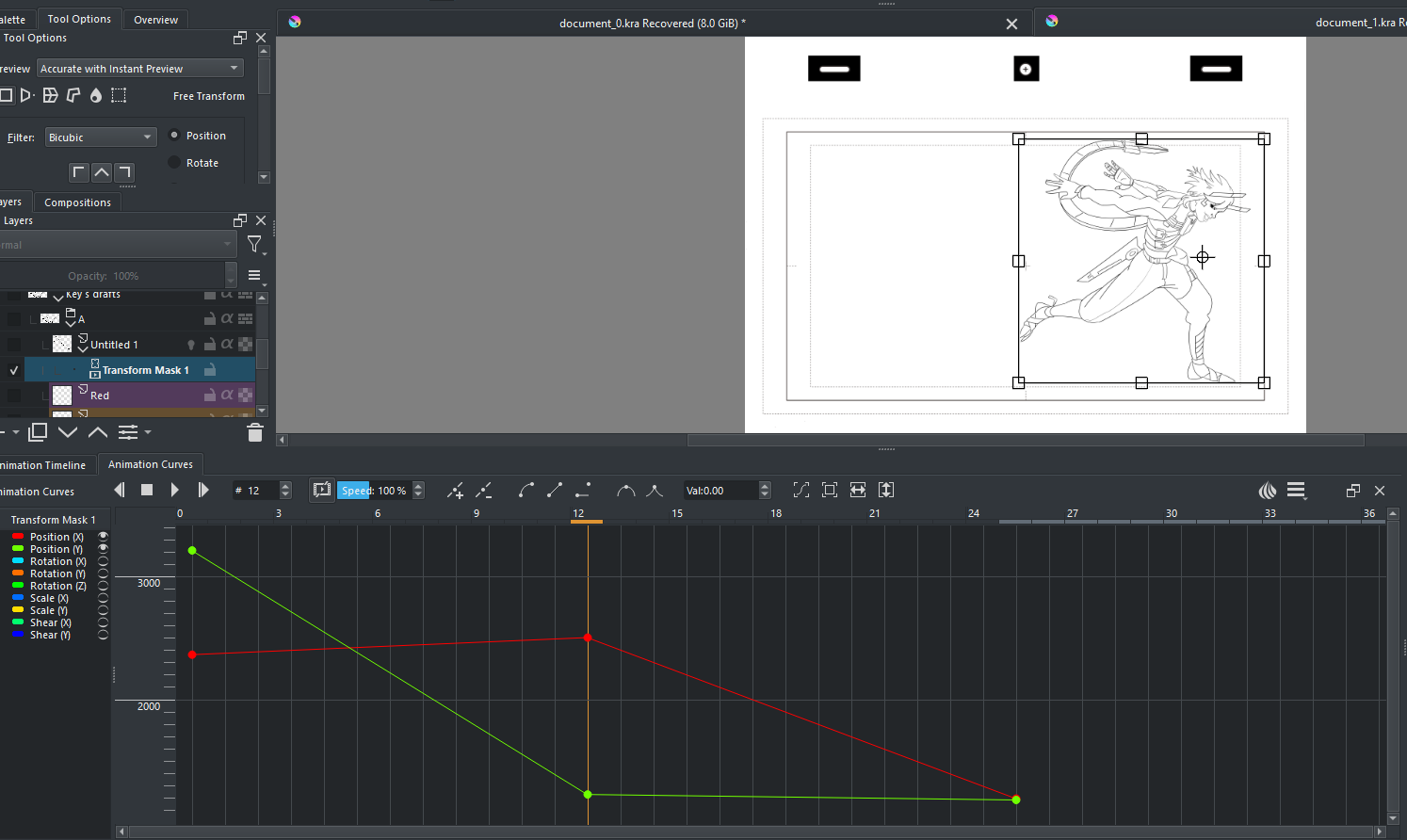
No matter where the layer is positioned the curve is not updated
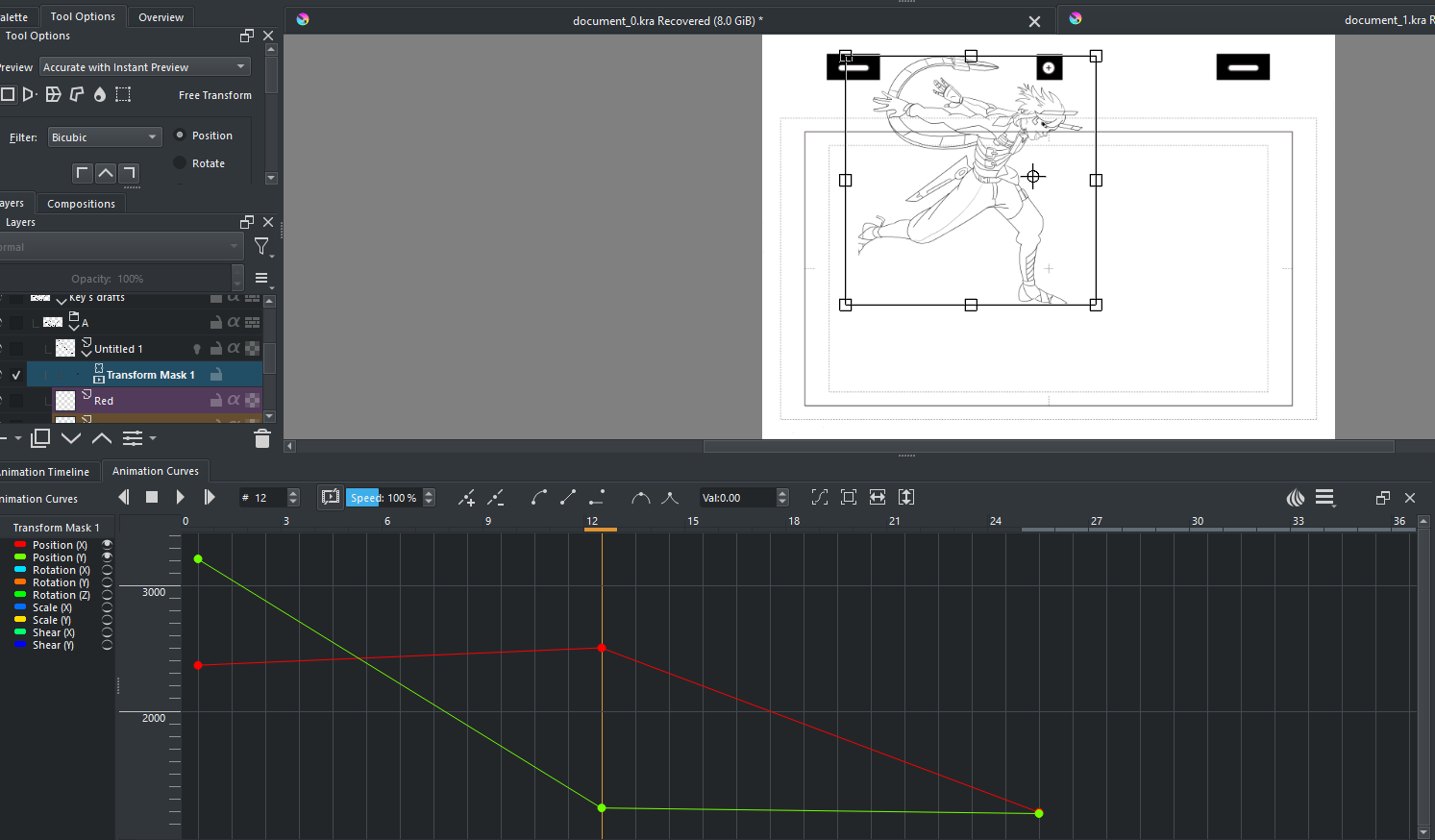
Moving along the timeline and transforming the layer generates a new temporary frame and deletes the old one
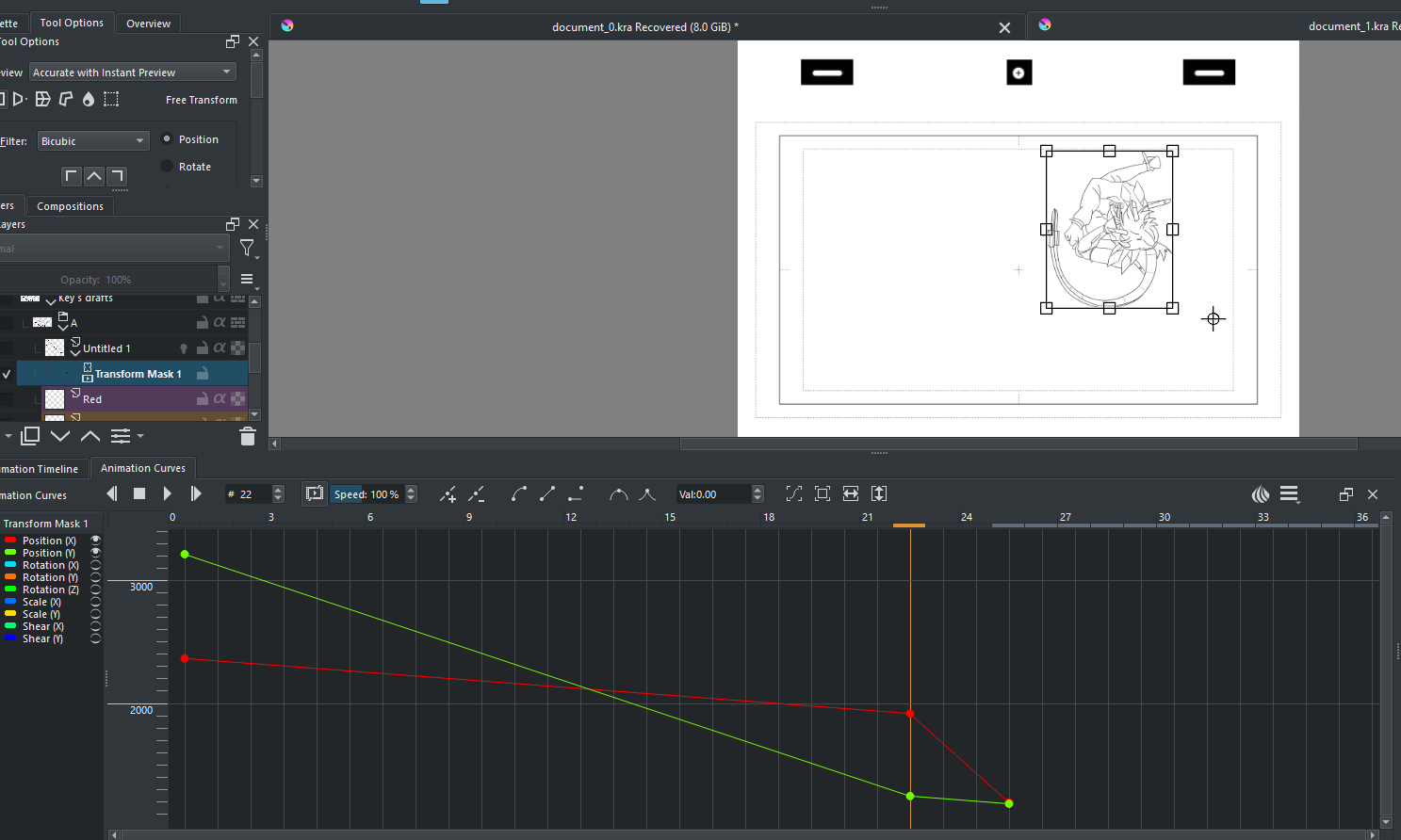
Only when clicking the button under animation curves tab “add keyframe to scalar property” does it commit the changes and add a keyframe. this button does not exist under the animation timeline tab so keyframes can’t be commited there
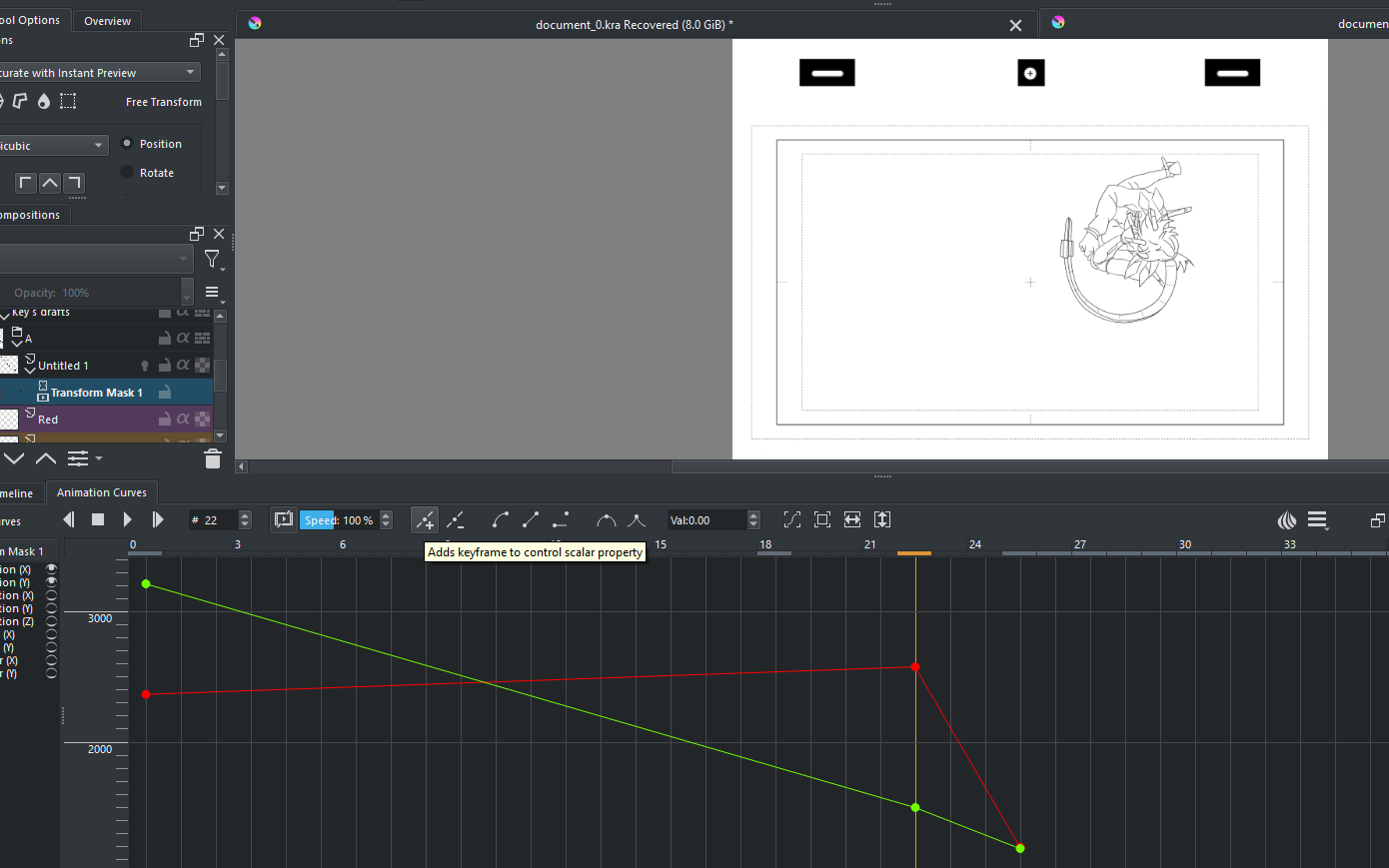
it would be nice if instead of the temporary keyframe, changes made with the transform tool were simply committed to the animation curve and animation timeline and/or “add to scalar property” button added to the timeline tab so changes can be committed there