Good lord.
I hope at least the liquify will get fixed. The current bug forces you to wrap-select the whole image in the layer every time in order to not get the blade scars.
And no, it’s not. Other painting programs use bicubic(for example) scaling to transform areas don’t give you these glitches. (Tested Medibang, GIMP, Clip Studio Paint)
Maybe krita has an additional stage of anti-aliasing for these? (But why for these?) It does show particularly when a vertical/horizontal line goes away from the vertical/horizontal.
I wonder if the compositing math is a bit off…
Let’s say we have this RGB element and we want to use an alpha channel to “cut” out a part of it, then composite it back on top of whatever is left after cutting.
Alpha (Excuse the bounding box please, I’m taking screenshots for speed:
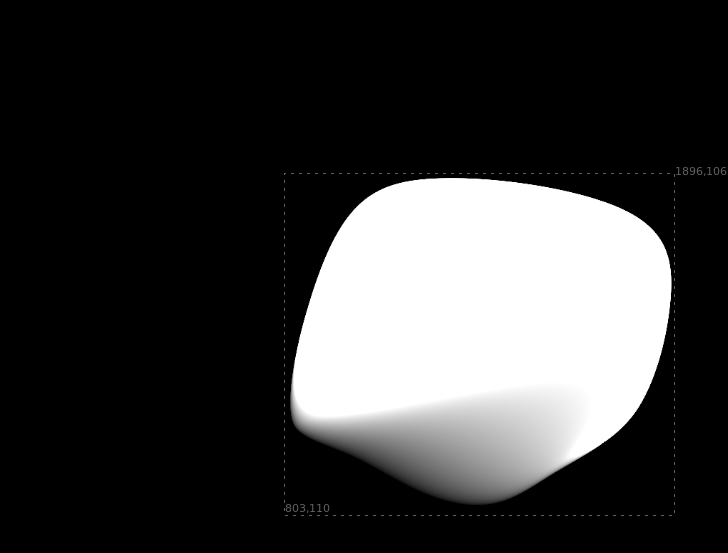
Here’s what should happen when you composite an element with an alpha channel on top of another:
Compositing primer :smiley:
Premultiplied element, call it “A”:
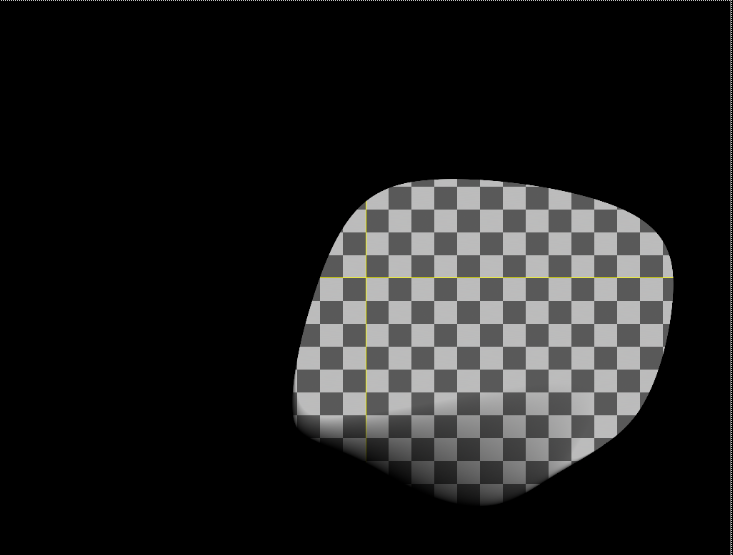
So the compositing operation to merge “A” over “B” is A + B * (1-alpha).
Therefore to merge this element back onto the same checkerboard pattern, we would invert the alpha and multiply with the checkerboard:
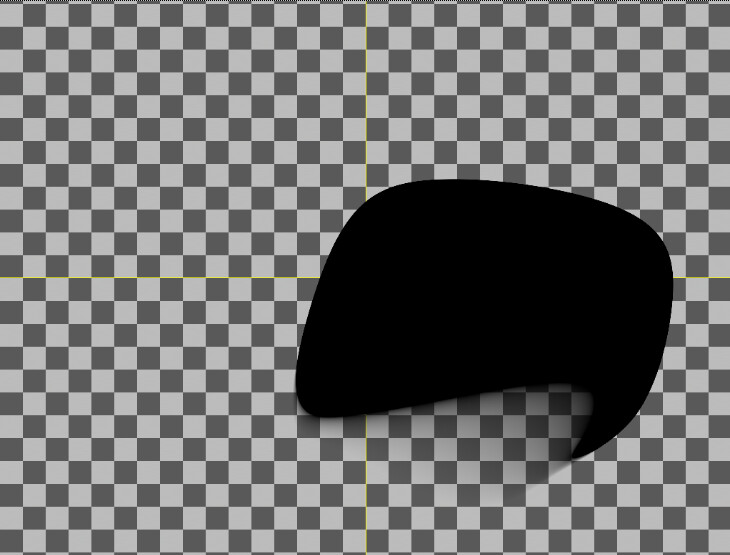
Now we have two elements that we can add together, and the result is:
No fringes, the precise same image we started out with.
I’ve hidden the above because its’ probably familiar to many here.
Now, I’m wondering what happens when a selection is used to ‘cut’ pixels from an image. I rendered out the alpha and the checkerboard and brought them to Krita. I used the alpha to create a selection, and cut that part out of the layer with the checkerboard, then pasted them into a layer on top. We get this fringe, it’s black because my background layer is black:
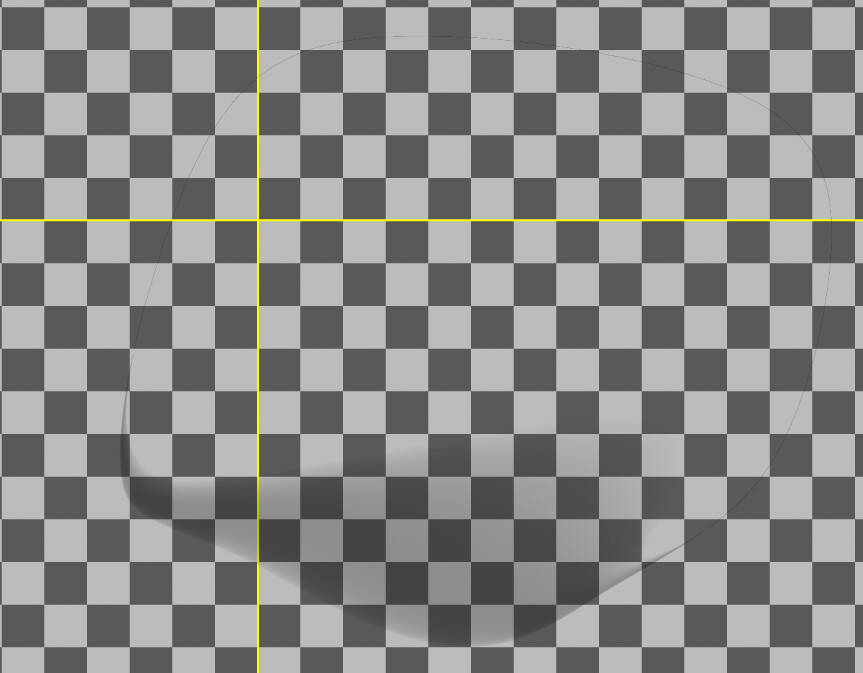
So this is some kind of premultiplication error. I think this is the same fringing issue we ran into here:
and I think the transform tool probably works similarly as if one were to cut and paste pixels from one layer to another.
In that thread, I noted that I think the transparencies are being added together using the standard “over” formula: a+b - a*b
This means that for semitransparent pixels, the results will not add back up to full transparency. E.g. if we have a 50% opacity selection and use that to cut and paste pixels, the sum of the transparencies in the resulting layers will be: 0.5 + 0.5 - 0.5 * 0.5 = 0.75, while we’d want the result to be 1. A fringe must result.
So what should happen? I’m not sure, this is simply what happens when you composite two premultiplied elements on top of each other with the “over” operation, while if you add them together, you get the result I think we want here.
So: for elements A and B, where both have RGB channels premultiplied with alpha and inverted alpha respectively, A+B gives no fringes. However, the “over” operation is, again, A + B * (1-alpha), so the alpha channel for “A” gets input in the equation twice in this case, as it’s also already a component of A.
I don’t feel I know enough about the way compositing logic works in Krita to try to figure out any actual solution here.
1 Like
I didn’t look into this properly but some time ago I implemented the src over like this:
void blendSourceOverDestination(BGRA src, BGRA dst, BGRA & blend)
{
    blend.a = dst.a + src.a - dst.a * src.a;
    if (blend.a == 0)  {
        blend.r = blend.g = blend.b = 0;
        return;
    }

    IBP_premultiplyBGRA(src);
    IBP_premultiplyBGRA(dst);

    blend.r = src.r + dst.r * (1 - src.a);
    blend.g = src.g + dst.g * (1 - src.a);
    blend.b = src.b + dst.b * (1 - src.a);

    IBP_postmultiplyBGRA(blend);
}
The (1-src.a) is needed because the more opaque is src, the less you should see dst.
And if you have 2 semitransparent pixels, the blend alpha should also be semitransparent, just like if you put 2 semitransparent glasses one in front of the other, you can still see through.
Maybe the problem is in how the alpha is set when one piece is cut, although no matter how you set the alpha when you cut the piece, if the two shapes result having semitransparent pixels in the same place, then combining them with src over will produce semitransparent alpha…
1 Like