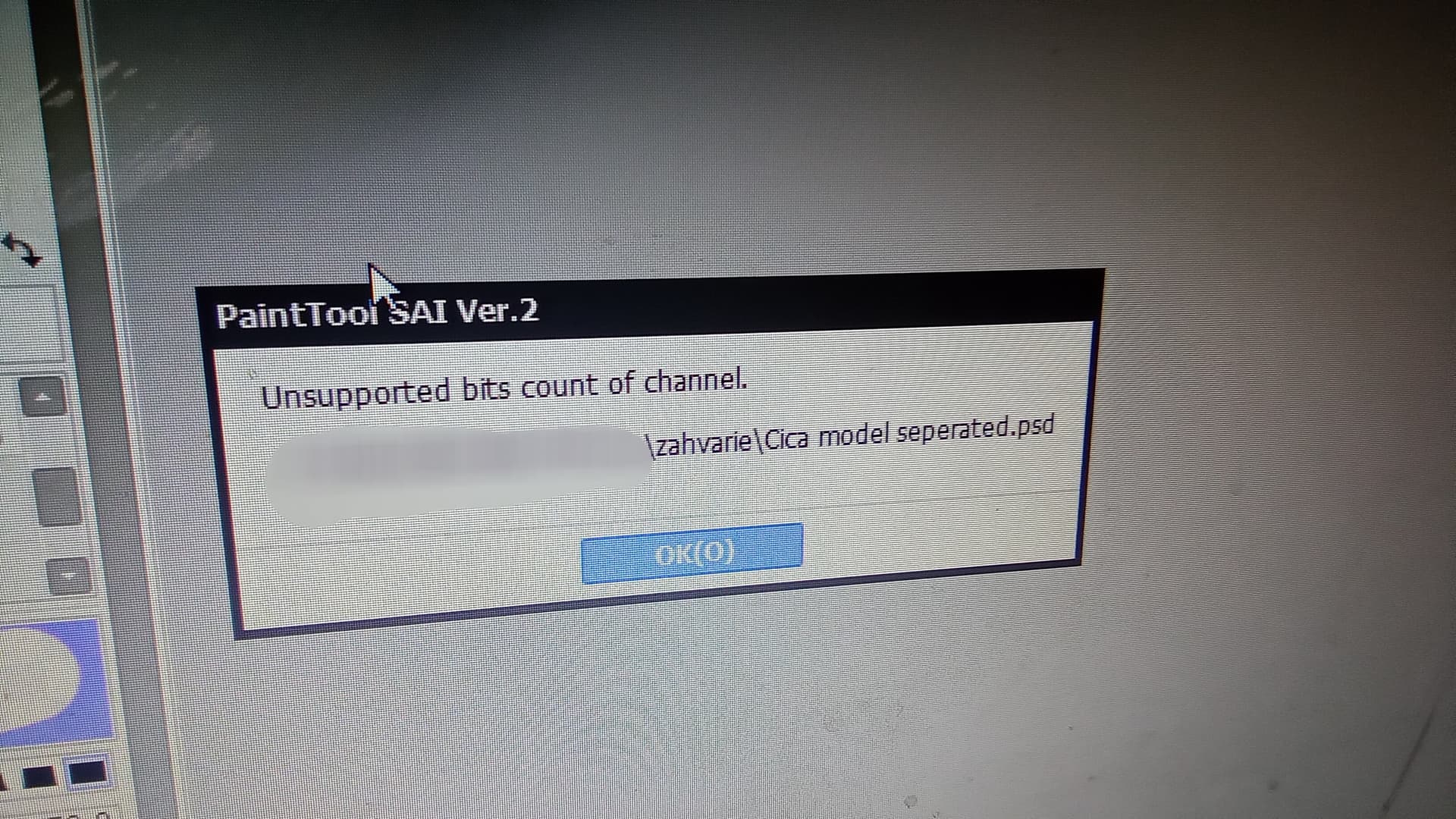
Hello! Ive been having trouble everytime i exported kra files to psd, the PSD couldn’t be opened in other softwares like Medibang, PainttoolSai, Live2d, and even Photoshop itself…i tried changing devices but it didnt work🥲
With Medibang it immediately closes the software
Photoshop is reading my file wrong (alot of missing layer, and very different colors)
With Live2d nothing show up anything
I tried setting all my layers to normal blending mode, unclip all but i still dont know the problem hehe 
For my last project i export them using scripts and arrange 300 layers one by one…
Im using the 5.2.3 version
Im always using the 8bit color settings as far as im aware
Try to export as TIFF because it’s much better documented than PSD, which is a cursed file format. TIFF supports layers and more, but okay, you shouldn’t put too many bells and whistles in them according to the motto “keep it simple”. In my opinion, you should merge everything you think is ready in Krita before exporting if possible, so you can transfer files that are as simple as possible in terms of structure.
But using PSD is for many reasons a bad idea, because this way all the users who whine about the problems associated with it, like Adobe’s market power, are empowering Adobe without even knowing what they are doing. They are conserving the status quo!
If users would start sharing their files in formats other than PSD, like EXR, ORA, TIFF or whatever is suitable for their tasks, then there would be less reason to use Adobe! And that’s true even though TIFF is a format that Adobe holds rights to, because they bought Aldus who created TIFF together with Microsoft.
Michelist
The adobe shade is reasonable 
The work im doing is making vtuber models for the software ‘Live2D’ it could be somewhere around 150- 300 layers, Live2d specifically only accepts psd file for some reason but ill try exporting kra to tiff > medibang/photoshop > psd > live2d
I havent yet explored any other file formating for work but thank you for giving more alternatives!