hello,
I wasn’t sure what exactly to tag this with, it’s likely a niche sort of problem, but it’s one that I feel like if I have a good work-around for it can help improve and make digital pieces easier for me.
as is noticeable from the title , I want to use a photo I had taken of a sketch done on paper, open the photo in krita, and try to “extract” the lines that are present on the paper and make them cohesive enough to turn into a useable lineart layer (somehow). I am also inspired by the work of Mortis Ghost for his game “OFF”, where traditional drawings/sketches of the various characters are digitized likely in some sort of art program and converted into sprites. Although im not exactly sure of how Mortis might have tried to accomplish this, what I want to do is very similar.
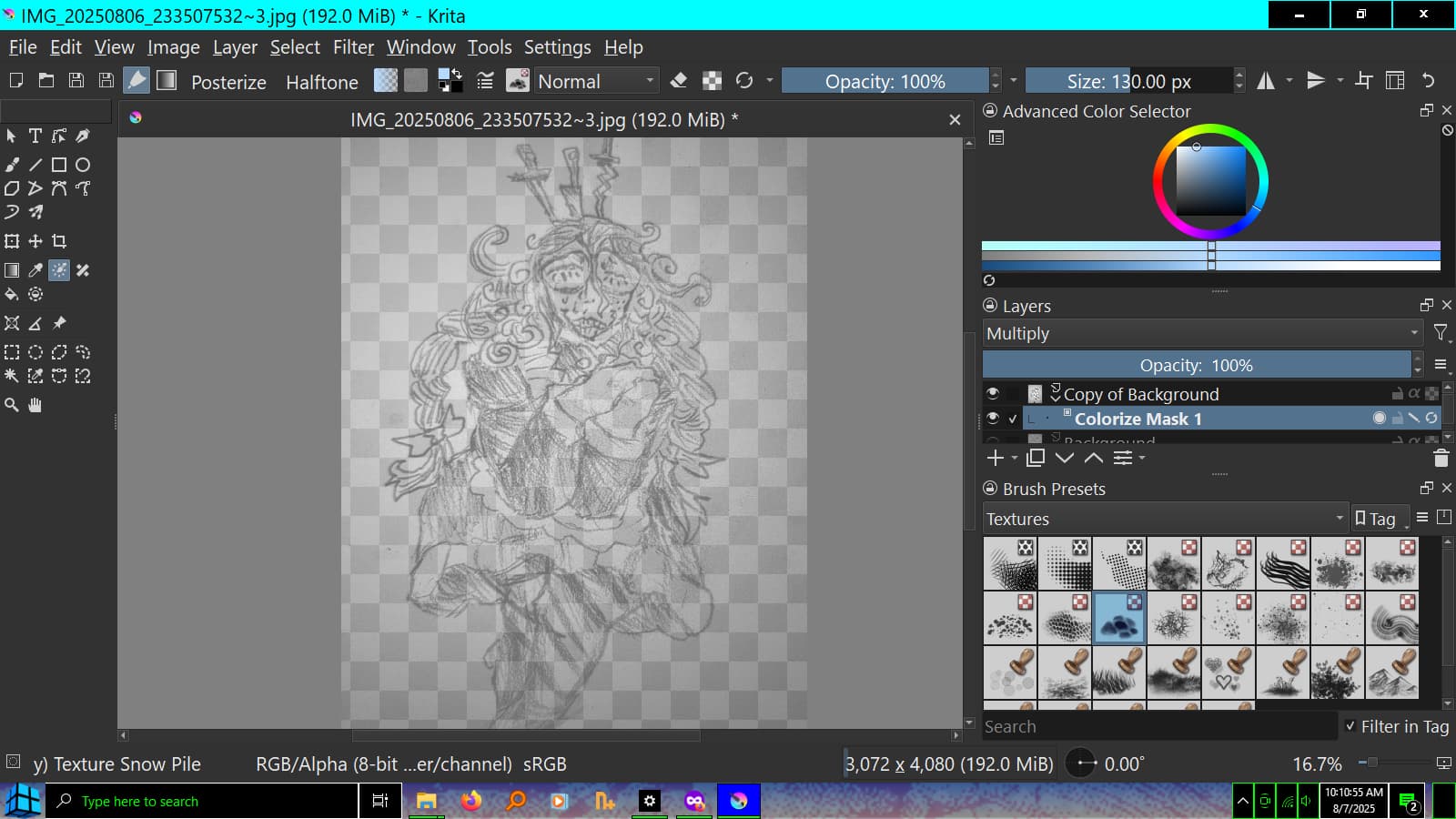
The issue with this is I have an idea of part of how that could be possible but I have no idea of how to execute this. There is, obviously, some grain both from the photo itself with the sort of messy pixelization of what is captured, and from the actual material of the paper itself that shows up on the camera. And that makes it a lot more complicated, as when I go to try and use a tool like “colorize mask” to test on it, the lines from the actual drawing do show up and most of the background is also transparent but very evidently the grain from the photo is extracted along with those lines and I dont know if its possible to get rid of all of it in a clean, easy fashion. I’ll provide a photo here of what I’m trying to do, so you can get a better idea of what I want to achieve (character in drawing also not mine it belongs to an artist named slitherbop):
so yeah uh like if anyone sees this much appreciate it and much thanks