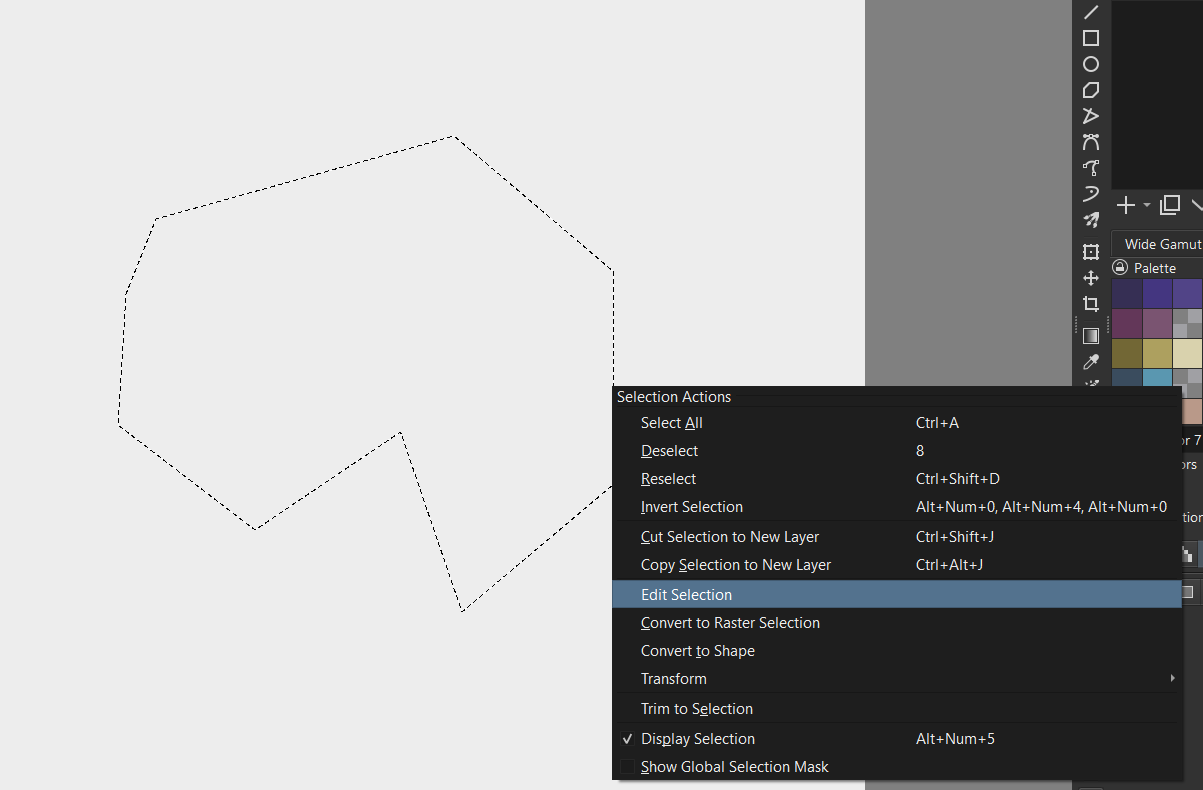
I’ve used the magnetic curve selection tool to select something, as seen here:
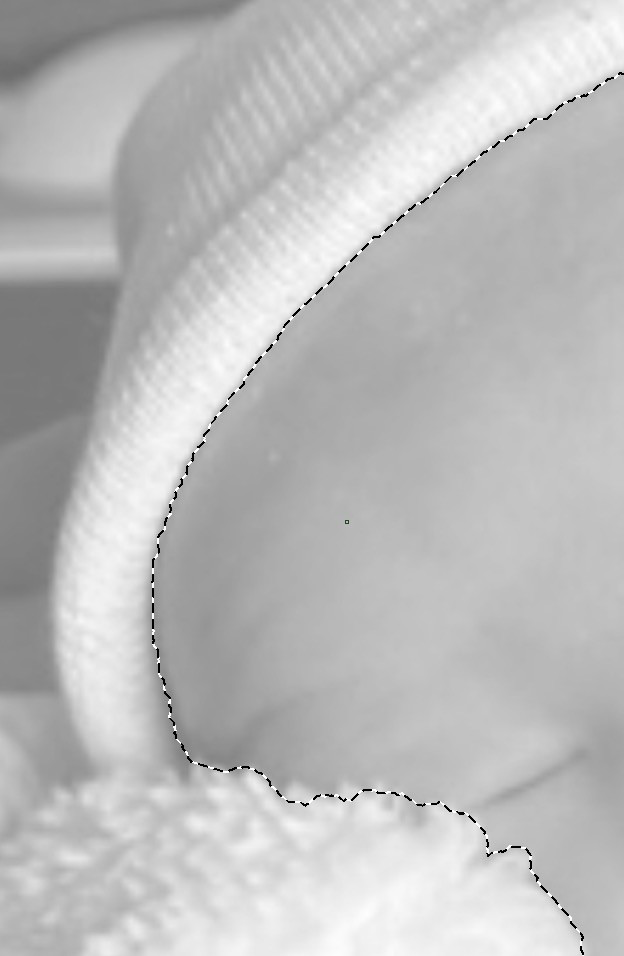
As a shortcut for tracing, I would like to turn that selection into an outline such that the end result looks something like this:
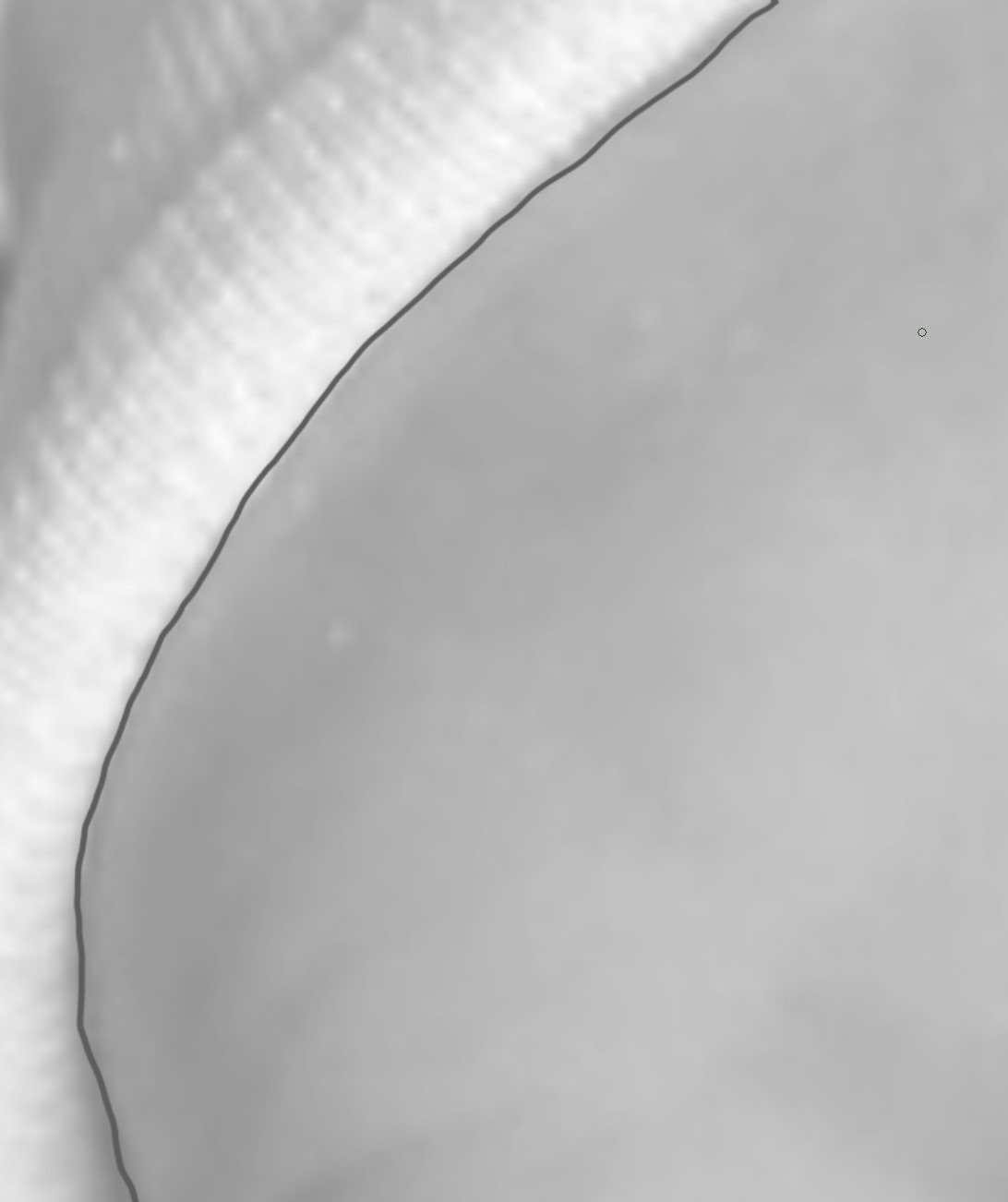
Is there a way to do that? Thanks.
even in a paint layer the original selection is considered vector, so you can fine tune/ adjust your selection, if needed. This being said, you can make a selection using any selection tool (for fewer points, I suggest the rectangle/ ellipse or Polygonal selection tools), then right click on the selection, click “edit selection”
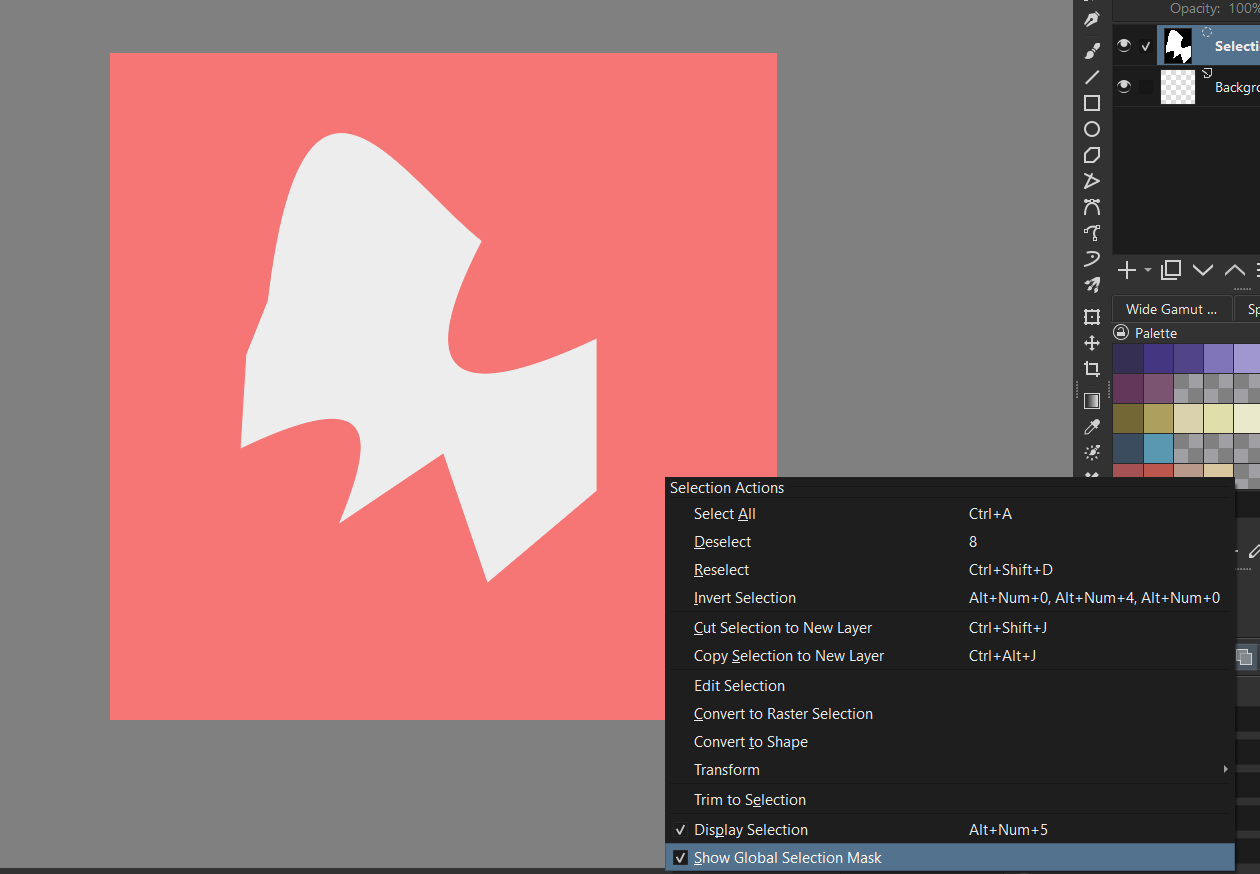
Global Selection mask will appear, select the “Edit Selection Tool”, and the “Global Selection Mask” will hide. With the Polygonal Selection Tool, I found I could just edit lines and points, but with the Rectangle or Ellipse, you would have to right click on a point to create a path by clicking “To Path”. After you are satisfied with the selection, click a selection tool again and right click on the edge of the object, uncheck “Show Global Selection” (also under “Select” on the menu bar).
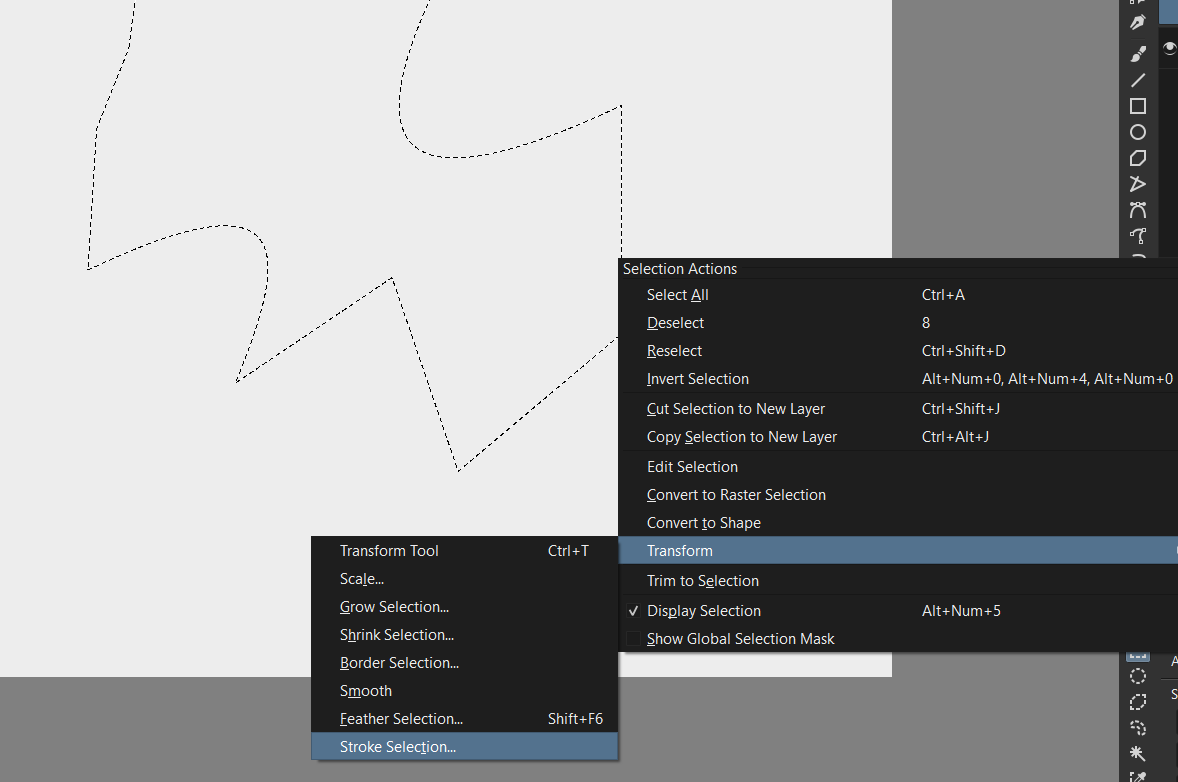
Then you right click the selection again, go to “Transform/ Stroke selection”
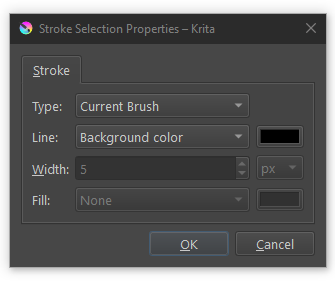
The dialog box @Someonesane shows above appears. If you have your desired brush preset, size and color set already, just hit OK. Once complete, the outline is a raster outline.