I have been drawing and painting in krita for many years, and have always enjoyed its open source mentality, as well as the workflow of painting in it.
The biggest thing lacking for me however is how it approximates traditional media.
This is not exclusive to krita, but rather a defining trait of digital art software.
Rebelle is a different beast altogether, it is a software dedicated to mimicking how traditional media and surfaces work.
For that reason it has fascinated me for quite some time, and since version 5 I have dabbled in it.
Recently I got a really good discount on version 7, and I was excited to do a painting in it.
The thought came up that it would be interesting to compare the two, hopefully to inspire the developers of both softwares to look into the other.
This is of particular importance because I often notice that people in the krita community tend to favor painting workflows over drawing.
Bear in mind that Krita is offered for free on their website, and a Rebelle 7 license costs 150 Euro.
I would like to make clear that I am in no way biased towards any of the two, as I see them both as really strong softwares, but also distinctly different tools, for maybe different philosophies.
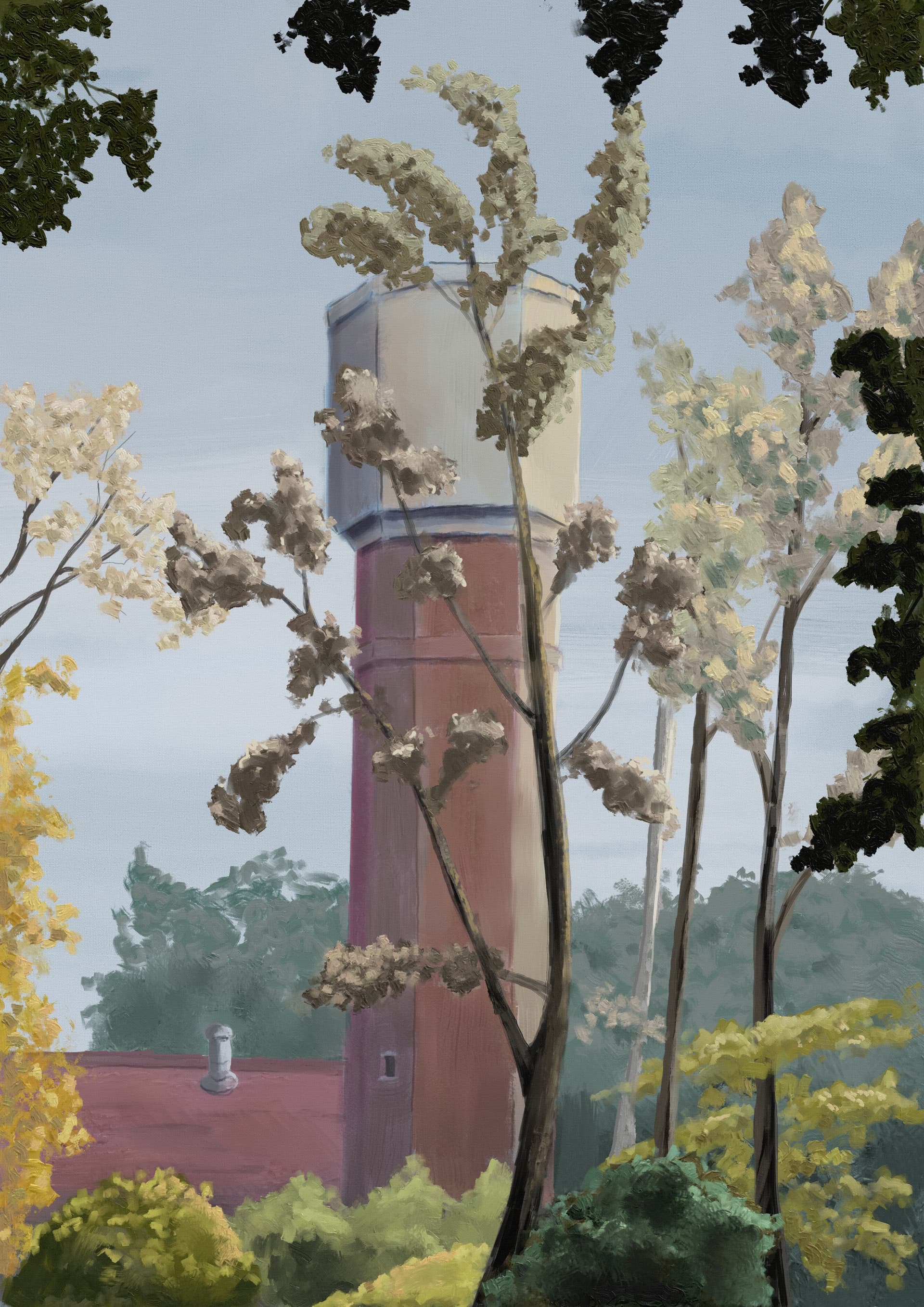
Version made in Rebelle:

Things I miss in Rebelle compared to Krita:
Shortcut problems:
- shortcuts can not be appointed to a lot of things, stands out compared to krita
- no search function in the keyboard shortcuts preferences
- shortcut for selection feathering is missing
- no shortcuts for the different selection modes, resulting in a clunkier workflow
- no way to hide the selection ‘marching ants’
- color wheel customization is very limited
- no way to set canvas rotation to a wheel on my tablet
- hard to be sure if the cursor is in the exactly right spot on the canvas
i.e. starting a line, to find that it is a little bit above where you expected it to be - adding lightness to a color through a shortcut will go out of hue (problematic)
- when increasing or decreasing brush size, the red dot doesn’t do it for me, feels redundant
Version made in Krita:
Things I miss in Krita compared to Rebelle:
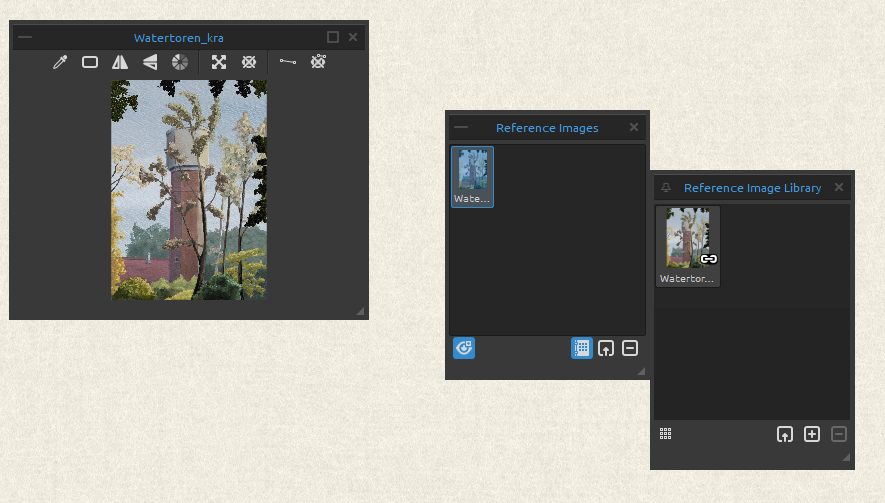
- the guides function on the rebelle reference tool is great, and intuitively combines the functionality
of a reference tool with that of a perspective assistant - reference tool functionality in krita is severely lacking in comparison
the current reference tool is very limited in its functionality, compared with the former reference docker, but especially when you compare it with the rebelle reference tool
- the idea of water in Rebelle is an absolute gamechanger which approximates a watercolor workflow in a way uncomparable to that in Krita, things standing out are the ability to wet and dry your canvas and to tilt it to have the water flow in a certain direction
The result is a far more painterly experience - brushes in krita hardly respond to canvas texture
Painting experience:
I did the piece in krita after the one in rebelle.
In the past I have worked in rebelle, but that was a few versions ago.
The workflow in rebelle felt very intuitive, it often made me forget my usual digital workflow.
At the same time I found myself using more layers than I usually would.
When I started doing the same thing in krita it took me a bit longer to get the colors the way I wanted them to be,
which resulted in taking a lot more time and layers.
I’m not really sure if it has to do with krita itself, but I can say that my process in rebelle went quicker than usually in krita.
Regardless, it was a lot of fun working in both softwares.
The brushes used in rebelle are the default brushes, all of them are tailormade to mimick a traditional feel.
In krita I found myself using third party brush packs pretty soon.
I initially did try to work with default brushes, but couldn’t get the painterly feel, this may also have to do with my prior experience with the third party brush packs for krita.
That said, the krita brushes lacked a good oil paint approximation in my experience.