EDIT: im stupid the linked forum post below is the solution OTL dont troubleshoot for hours and get frustrated.
Type of device* : Display Tablet
Brand and version of the device: HUION KAMVAS Pro GT162
System** : Linux - Ubuntu 26.04 LTS
Description of the issue (you can include screenshots):
Upgraded to Ubuntu 26.04 LTS, Krita now no longer interfaces with my pen on my pen tablet in any capacity. Pen tablet works fine on other applications within the interface. Huion native software is no help because it’s currently bugged and doesn’t work
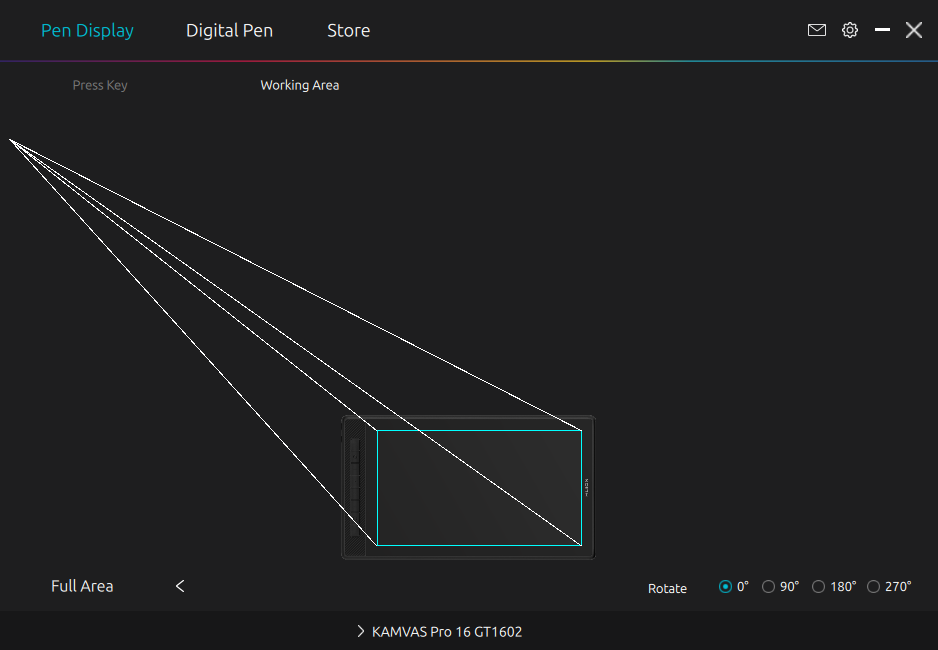
So can’t test with the pen tablet software working lol.
Saw that some other people were having this issue and that there was Wayland settings to update/downgrade to. Tried those and nothing worked. I’m at my wits end and I don’t know what else to try. Tried downloading OpenTabletDriver but it just wouldn’t open after installation and I don’t have the capacity to bother with it after troubleshooting everything else all day today.
Any attempts or assistance on this would be hyper appreciated, because my tablet is otherwise working (ex. it works 100% fine with https://kleki.com/ - pen pressure and all, also the native Ubuntu pen tablet pressure tester works 100% fine). I’ve been having issue after issue with 26.04 LTS though so I’m also mostly just chalking it up to the new Ubuntu version is just buggy as hell compared to previous updates (as in I can’t even download other software to test with bcus my system just straight freezes the downloads so frequently since the update, so if anyone else knows that that’s not a common issue with my Ubuntu OS too…that would be appreciated. Might just need a fresh install?)
Thank you for your time in advance and apologies for the frustrated wording.