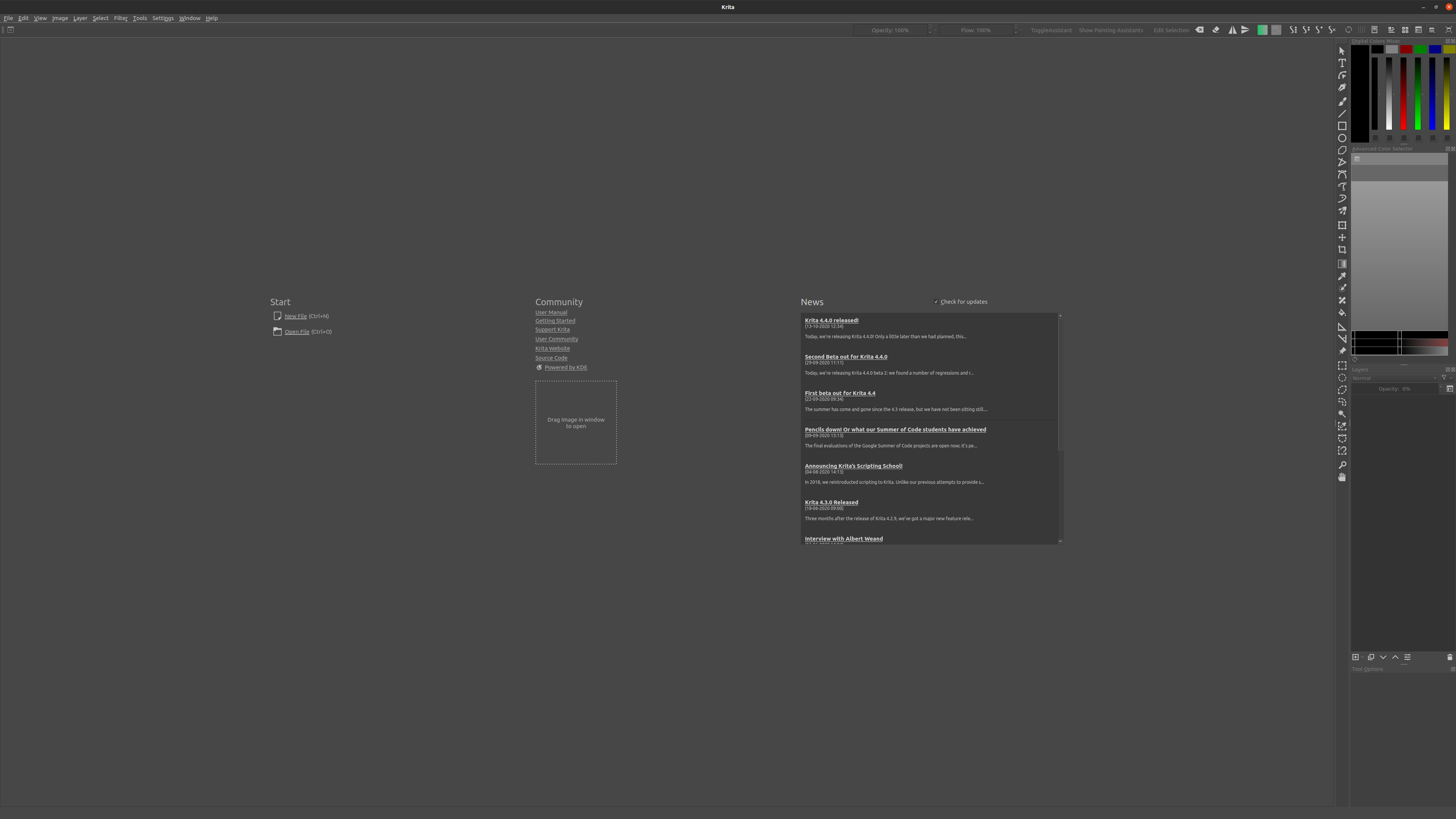
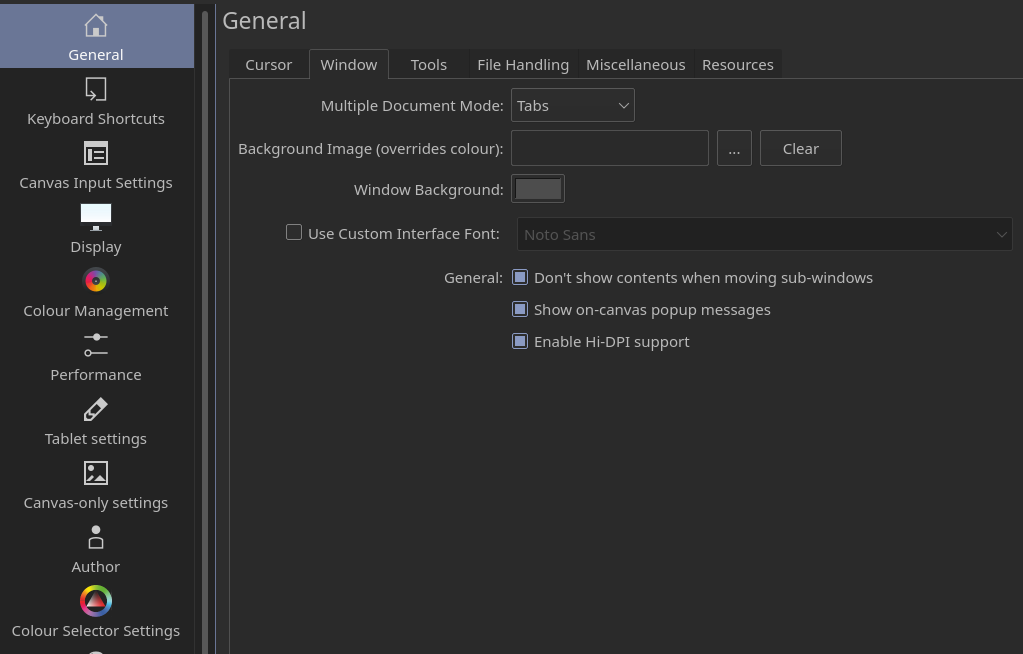
So how to resize the UI only in Krita? Not trough the OS because there’s lag if the scale in Ubuntu is adjusted.
Krita
Version: 4.4.0
Languages: en_US, en
Hidpi: true
Qt
Version (compiled): 5.12.8
Version (loaded): 5.12.8
OS Information
Build ABI: x86_64-little_endian-lp64
Build CPU: x86_64
CPU: x86_64
Kernel Type: linux
Kernel Version: 5.4.0-52-generic
Pretty Productname: Ubuntu 20.04.1 LTS
Product Type: ubuntu
Product Version: 20.04
Desktop: ubuntu:GNOME
OpenGL Info
Vendor: “ATI Technologies Inc.”
Renderer: “AMD Radeon Graphics”
Version: “3.0.14752 Compatibility Profile Context 20.30”
Shading language: “4.60”
Requested format: QSurfaceFormat(version 3.0, options QFlagsQSurfaceFormat::FormatOption(DeprecatedFunctions), depthBufferSize 24, redBufferSize 8, greenBufferSize 8, blueBufferSize 8, alphaBufferSize 8, stencilBufferSize 8, samples -1, swapBehavior QSurfaceFormat::DoubleBuffer, swapInterval 0, colorSpace QSurfaceFormat::DefaultColorSpace, profile QSurfaceFormat::CompatibilityProfile)
Current format: QSurfaceFormat(version 3.0, options QFlagsQSurfaceFormat::FormatOption(DeprecatedFunctions), depthBufferSize 24, redBufferSize 8, greenBufferSize 8, blueBufferSize 8, alphaBufferSize 8, stencilBufferSize 8, samples -1, swapBehavior QSurfaceFormat::DoubleBuffer, swapInterval 0, colorSpace QSurfaceFormat::DefaultColorSpace, profile QSurfaceFormat::NoProfile)
Version: 3.0
Supports deprecated functions true
is OpenGL ES: false
QPA OpenGL Detection Info
supportsDesktopGL: true
supportsOpenGLES: true
isQtPreferOpenGLES: false
Hardware Information
GPU Acceleration: auto
Memory: 32014 Mb
Number of Cores: 8
Swap Location: /tmp
Current Settings
Current Swap Location: /tmp
Current Swap Location writable: true
Undo Enabled: true
Undo Stack Limit: 30
Use OpenGL: true
Use OpenGL Texture Buffer: true
Use AMD Vectorization Workaround: false
Canvas State: OPENGL_SUCCESS
Autosave Interval: 900
Use Backup Files: true
Number of Backups Kept: 1
Backup File Suffix: ~
Backup Location: Same Folder as the File
Backup Location writable: false
Use Win8 Pointer Input: false
Use RightMiddleTabletButton Workaround: false
Levels of Detail Enabled: false
Use Zip64: false
Display Information
Number of screens: 2
Screen: 0
Name: DisplayPort-1
Depth: 24
Scale: 1
Resolution in pixels: 1920x1080
Manufacturer: HAT
Model: Kamavs Pro 20
Refresh Rate: 60
Screen: 1
Name: eDP
Depth: 24
Scale: 1
Resolution in pixels: 3840x2160
Manufacturer: Apple Computer Inc
Model: iMac-
Refresh Rate: 59
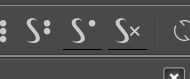
Description of the issue (you can include screenshots):



 However they are because of Qt and there is just no way to fix them