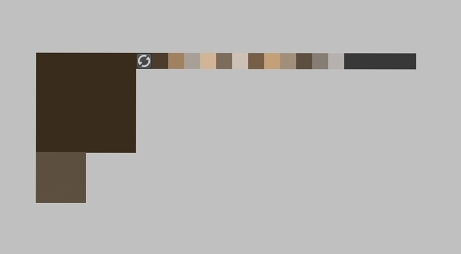
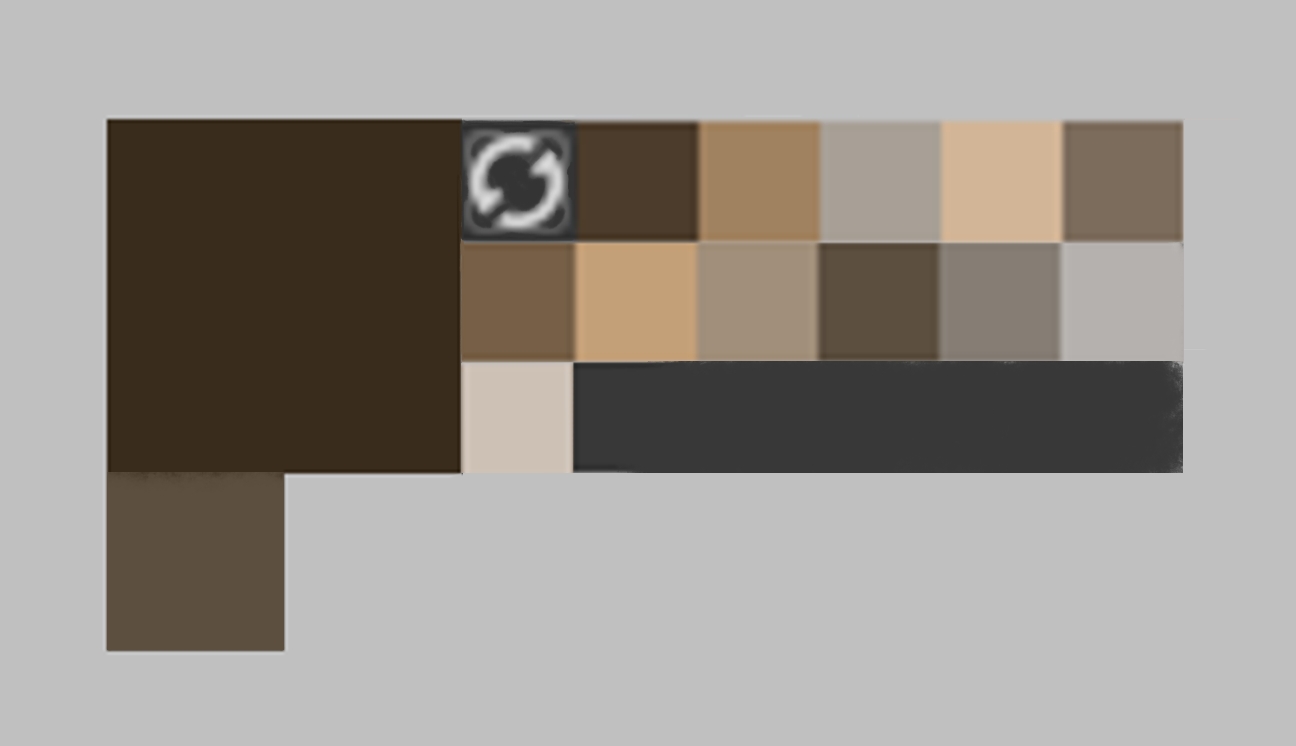
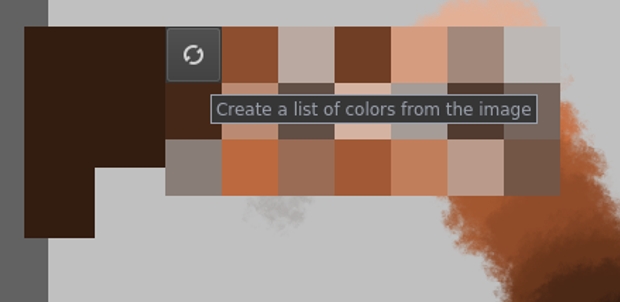
The Show Common Colors palette (CTRL+U) is a feature I use quite often to help maintain colour consistency. Am I in a minority of users who finds it nearly too difficult to use because it is just far too small especially on HD displays?
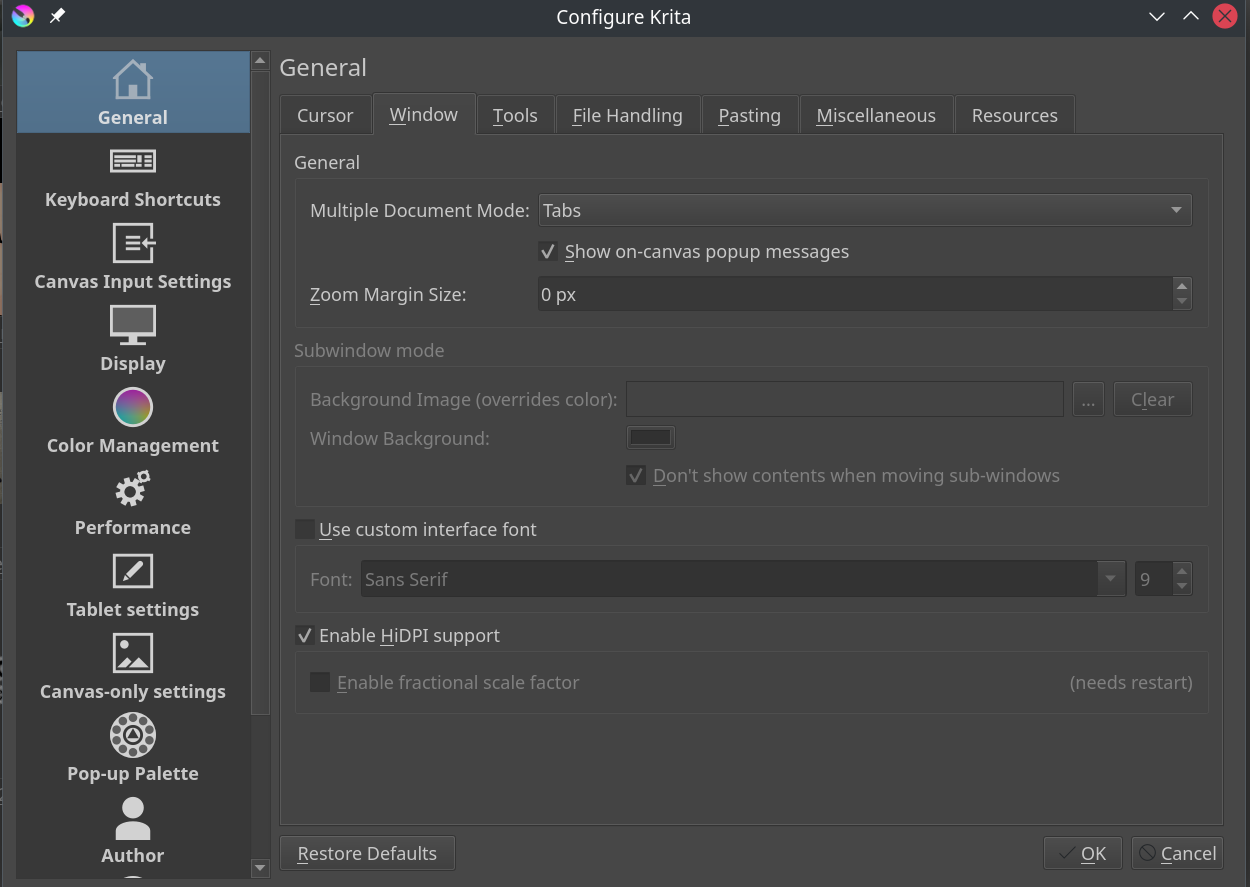
Hi muhuk, just to check, are you running Krita in hi-dpi mode? It should make the UI bigger. I haven’t tested it, maybe it wouldn’t affect the widgets you mention.
Oh I see you are on Linux. You can’t enable fractional scaling? It will matter if your screen scale is 150% or something like that. I need fractional on Windows, because I use a 4K display @ 150% scale.
On Linux/macOS, you’d do export QT_SCALE_FACTOR=[factor] in the command line instead. (Different environment variable setting syntax.)
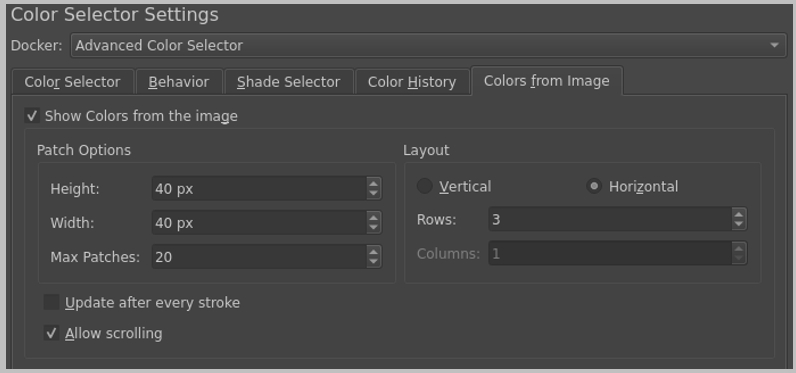
Both the Show Common Colors and Popup Palette are affected correctly by display scale factor. With the former, it’s just a bit small by default, and extremely finicky with closing itself when the mouse leaves it. However, the size of the color patches can be configured in the Advanced/Wide-Gamut Color Selector dockers’ settings.
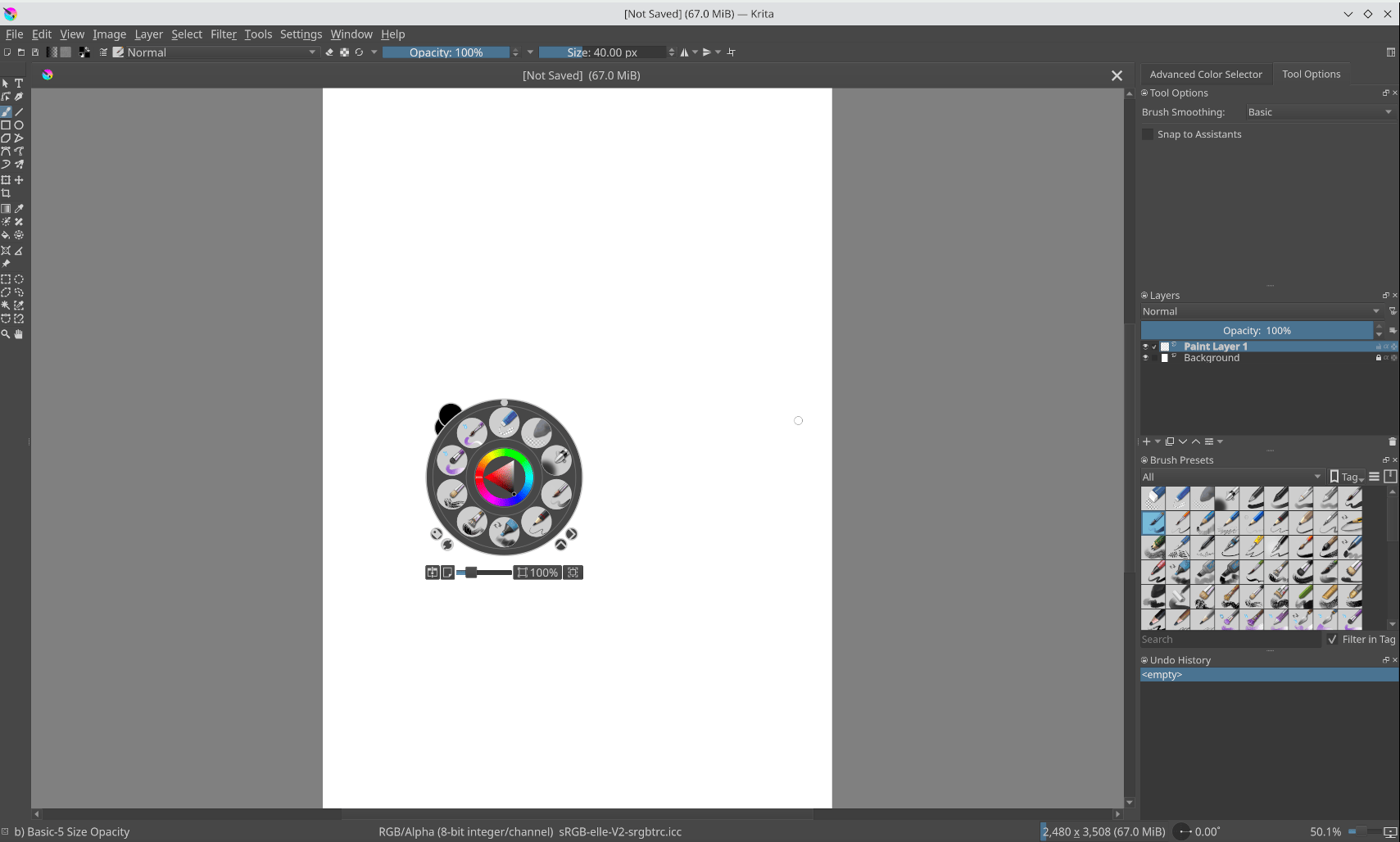
Setting envvar QT_SCALE_FACTOR=1.5 seems to make the pop-up pallette larger. However now everything else is also larger. Because my KDE scaling is already 1.5 (like @YRH ) and it seems the scale factor applied it 2.25 all over the app. I just wanted to make the pop-up pallette larger.
Argh, I did not realize it was this palette, because I never used it via this shortcut.
I guess you had got your answer a lot earlier, but at least we now have learned something new!
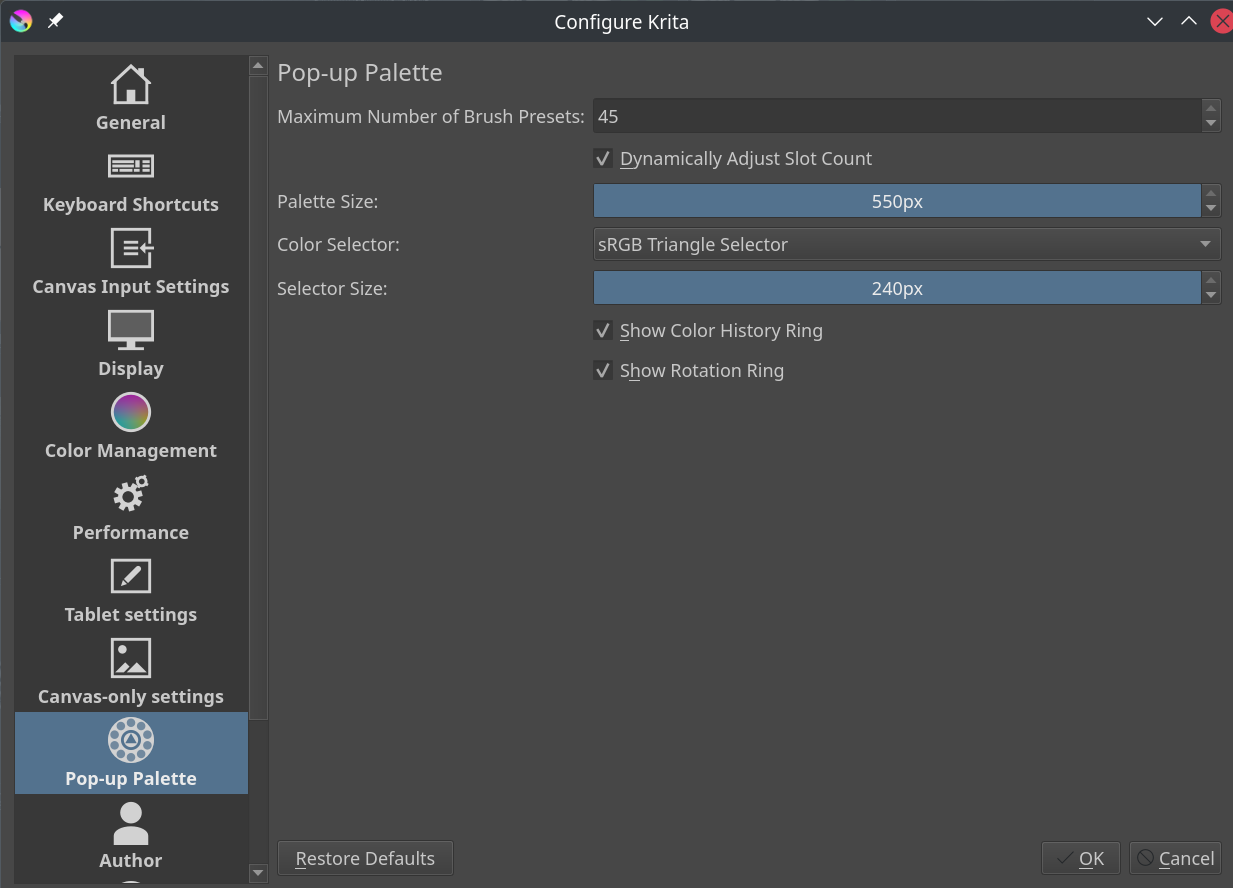
@muhuk Do you have problems with the size of any other UI elements, like the toolbar icons? Maybe there is an issue with your scaling settings somewhere, as the maximum popup palette size should normally be very large.
I did some testing on Linux, and it’s best explained in screenshots.
I’m using Plasma 5 with Wayland (Fedora KDE spin), with display scale set to 200%.
This is what Krita looks like normally:
It’s wrong, the text is the right size but most everything else is not scaled. (But I’m used to my VM Linux being kinda broken, so I usually ignore it.) In Krita’s System Info log, it shows scale under Display Information as 1, not 2.
This is what Krita looks like if I change Plasma’s System Settings->Display Configuration->Legacy Applications (X11) from the “Apply scaling themselves” to “Scaled by the system”:
@freyalupen I am running Krita on Linux Mint 21.3 Cinnamon with NVIDIA GP107 [GeForce GTX 1050] driving a 2560x1440 monitor. All of the other UI elements are displaying correctly and appear to be in proportional harmony.
Maybe the shipped defaults of the “List Colors from Image” popup need to be changed as most displays nowadays are of relatively high dpi. Also, I made a mistake in original post - the hotkey of course is U and not Ctrl+U.
Now that I think of it, there is a way to do that, by modifying the config file. In .config/kritarc search for the line popuppalette/size= and modify it, it will respect values beyond the maximum in the UI.