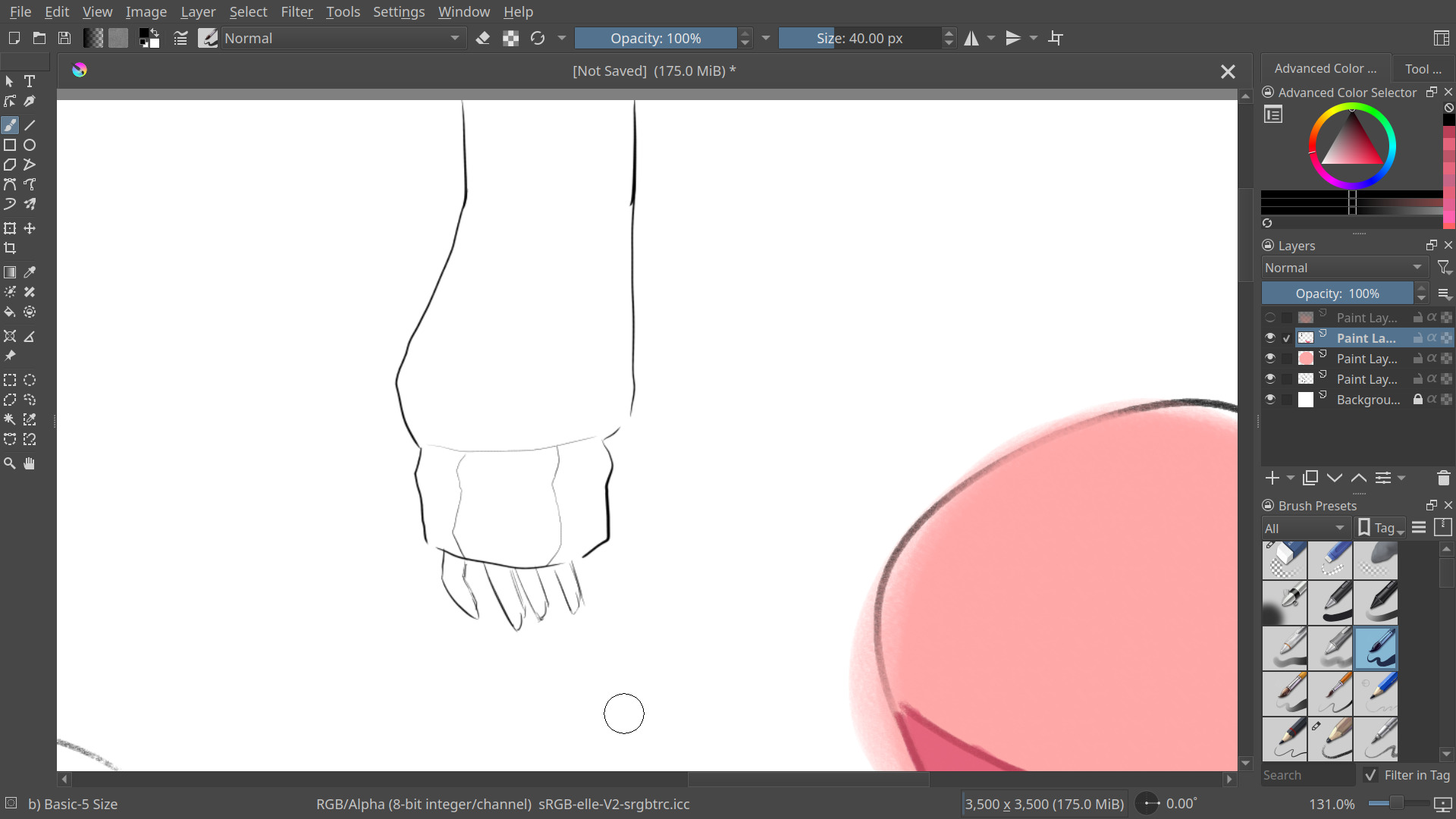
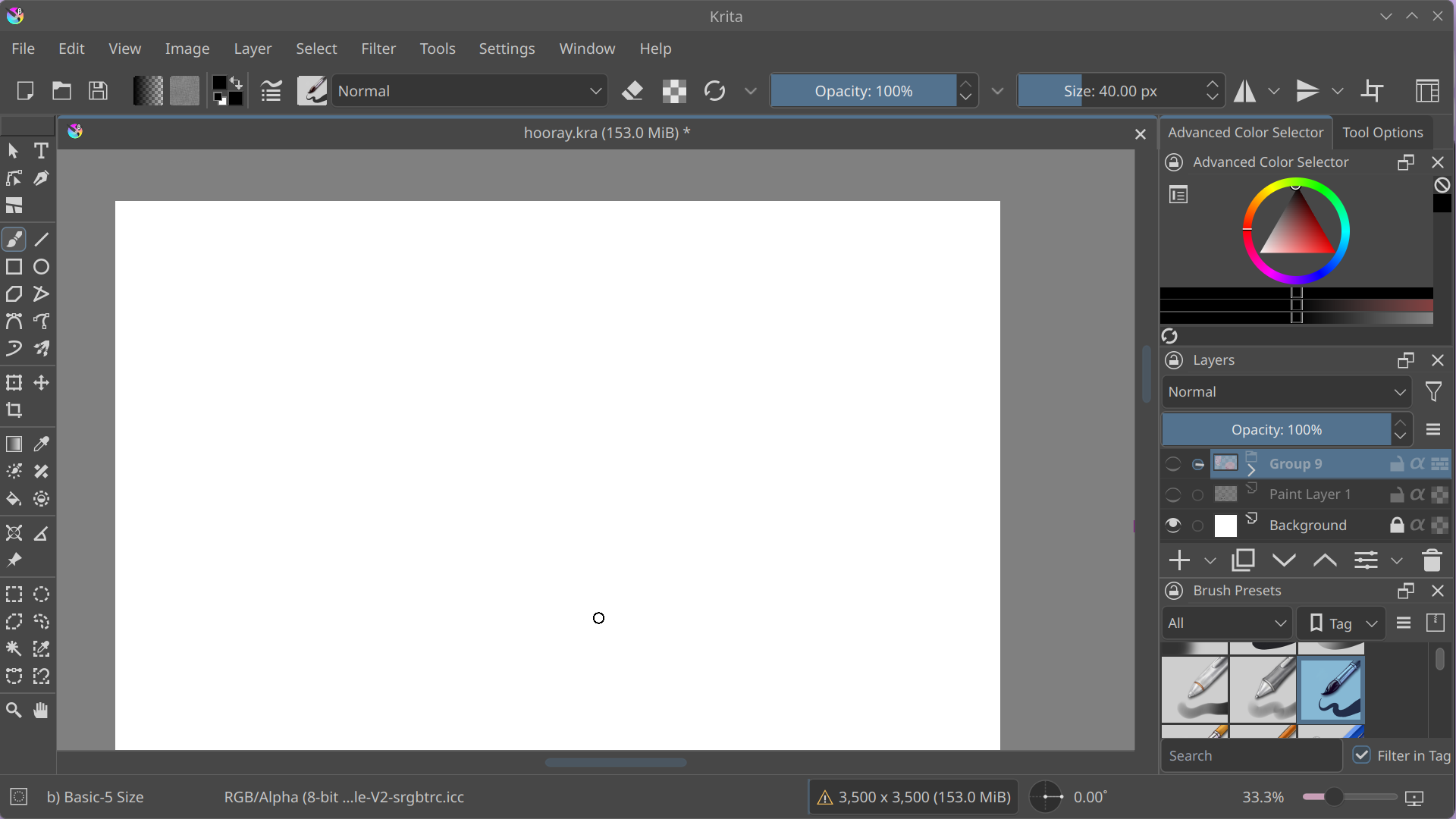
Hi!! I haven’t used Krita in a few days and when I came back the UI was much bigger (I assume because of the update). I’ve had this issue before and disabling HiDPI support fixed it, but this time it’s already off. Screenshot from 5 days ago versus now:
 Hello @spidersnacker, and welcome to the forum!
Did you already try it with QT-SCALE_FACTOR?
Michelist
Are you using Krita 5.3 or Krita 6.0?
Thank you! I ended up switching from the package I had installed with pacman to the appimage so I could try this. I didn’t have the problem in the first place with the appimage.
6.0.0 was what I was using, but the appimage which doesn’t have the problem is 5.3.0.
Yeah this is a bug, Qt6 enables high-DPI scaling by default so Krita needs to do some extra work to turn it off. I have a fix ready here, could you check whether that works? The AppImage for that is here: https://invent.kde.org/graphics/krita/-/jobs/4212643/artifacts/file/_packaging/krita-6.1.0-prealpha-95e3508841-x86_64.AppImage
Hello, I’m sorry for not replying sooner, I didn’t think to check this forum again! Anyway, I downloaded the AppImage (pretty sure that’s what I was supposed to do, but correct me if not) and I don’t think it seemed to be fixed; disabling/enabling HiDPI didn’t change anything. I also got this error when executing it:
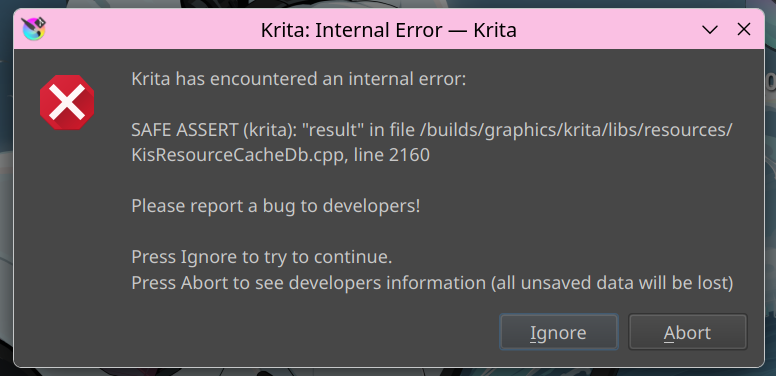
However! I did notice a bug I had encountered before (enabling canvas acceleration made UI occasionally turn black when moving the cursor) was fixed, which was nice.
Yes, the fix didn’t actually work since Qt6 removed the regular way to disable high-DPI scaling. A subsequent attempt with a different way did: https://invent.kde.org/graphics/krita/-/jobs/4216293/artifacts/file/_packaging/krita-5.4.0-prealpha-7c47712cb9-x86_64.AppImage
You can also fix it by setting the environment variable QT_ENABLE_HIGHDPI_SCALING to 0 when running Krita, which is what the fix does under the hood.
I set the environment variable for the AppImage you sent earlier and it’s fixed again. Thanks for your help!