This is the first bundle I made. Please let me know if there are any download problems.
Have fun!
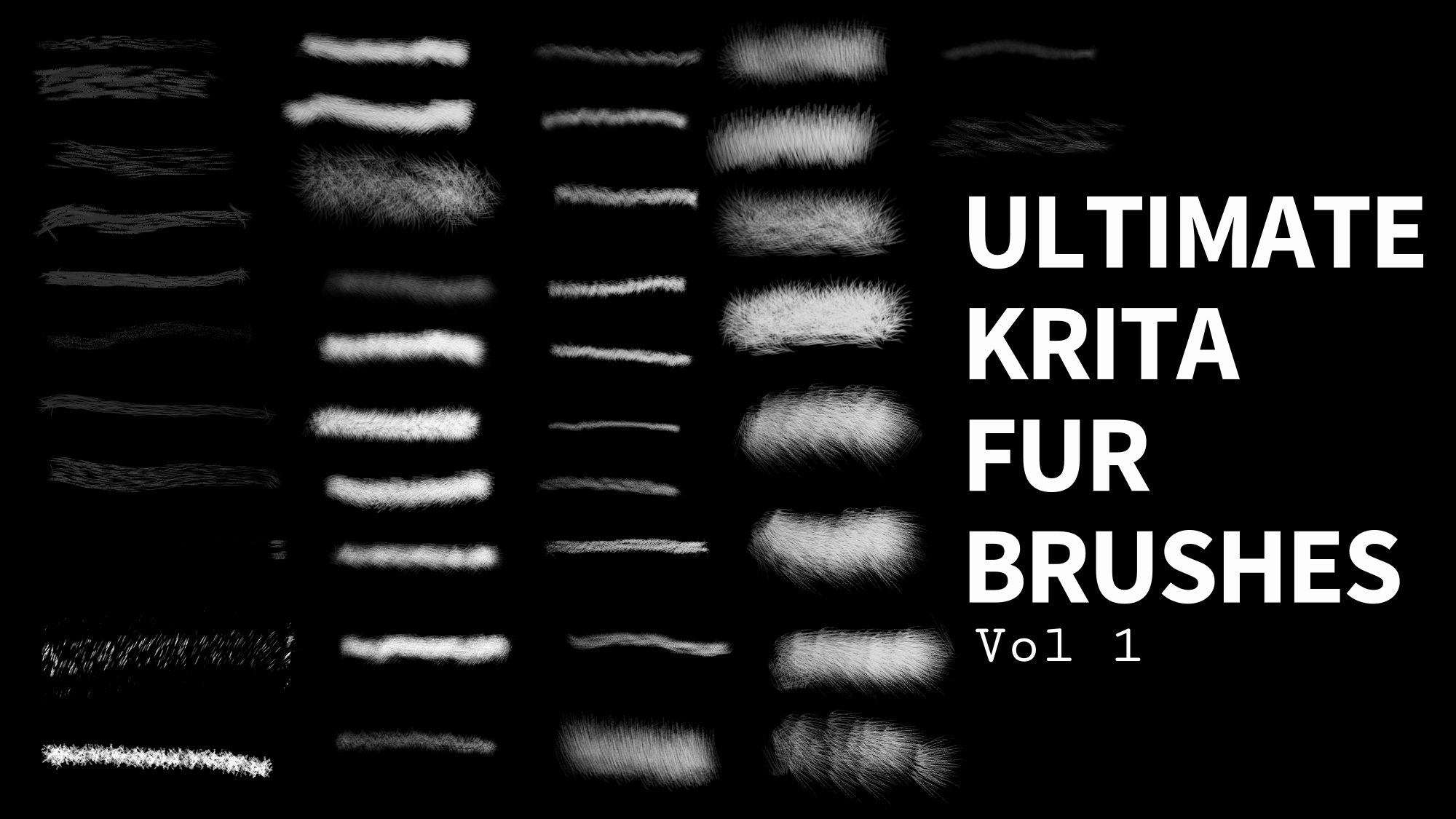
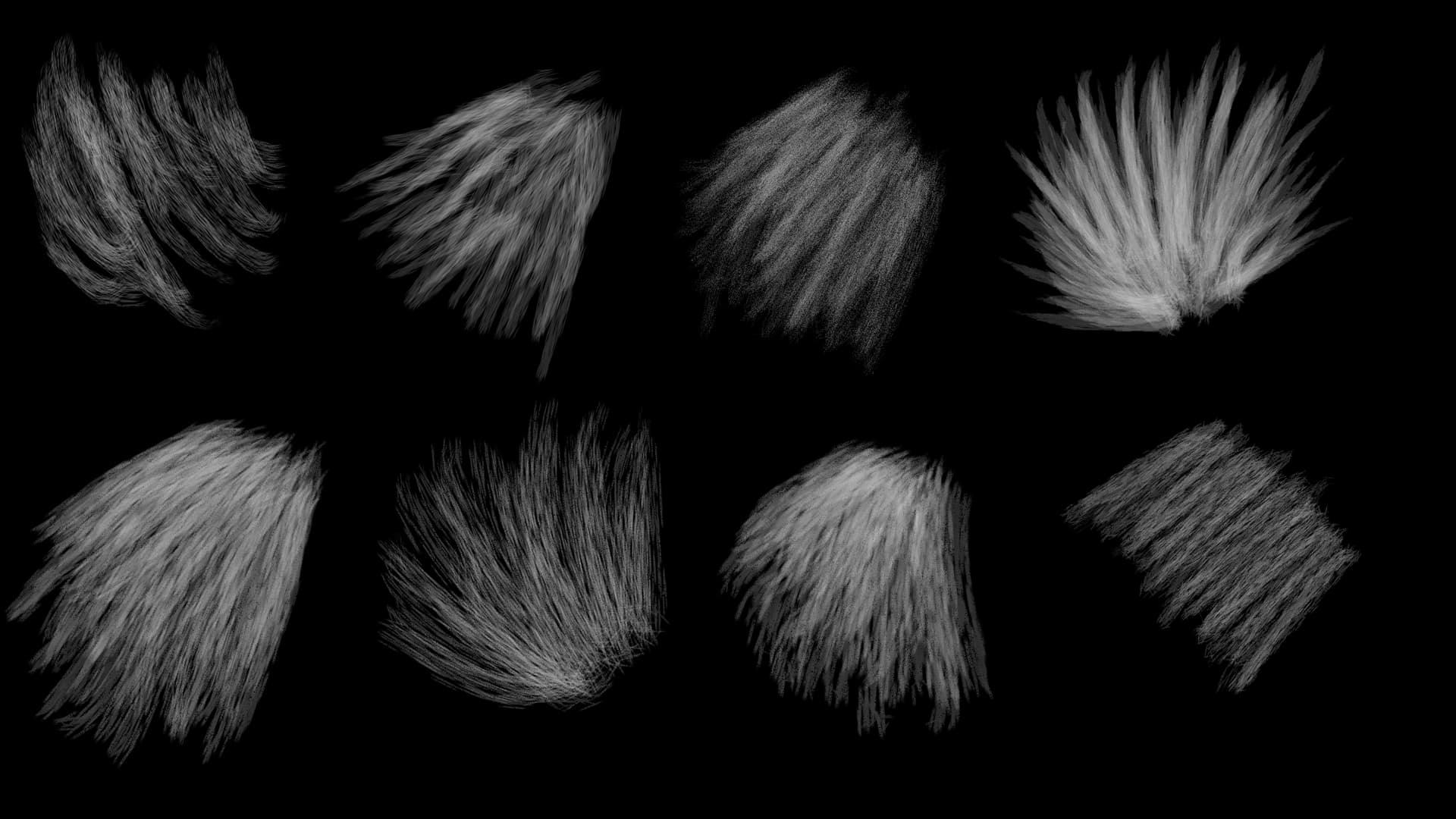
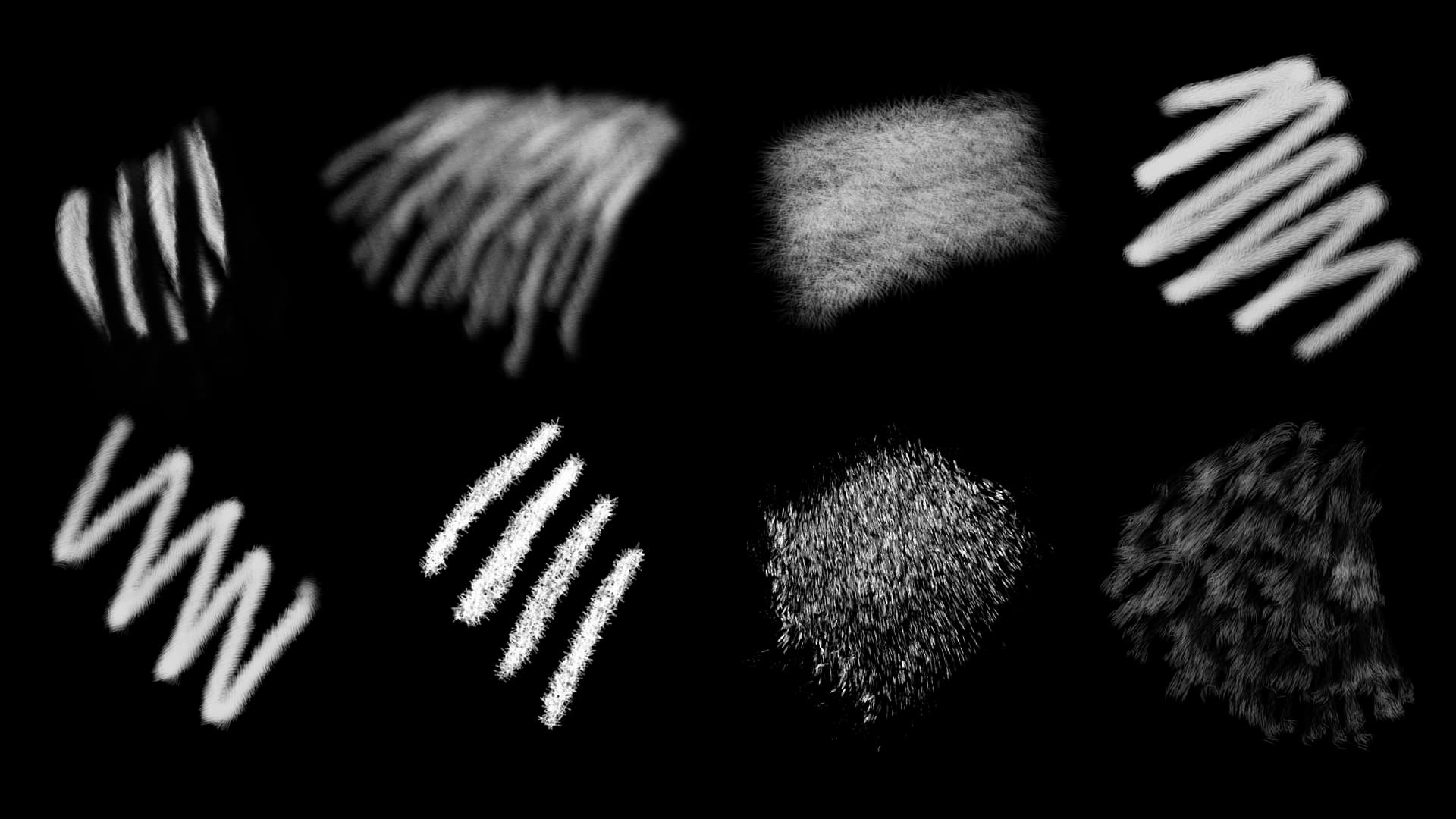
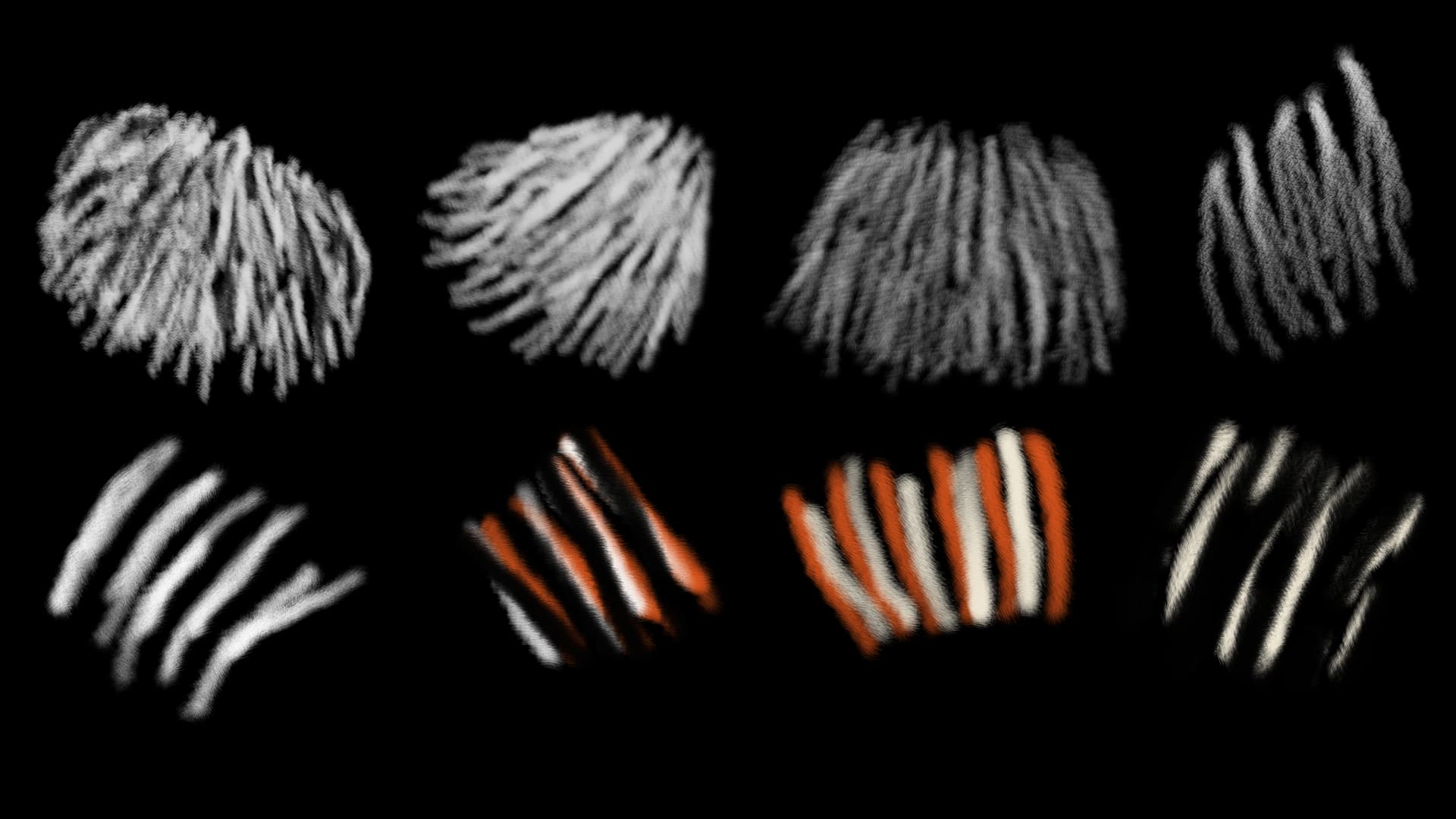
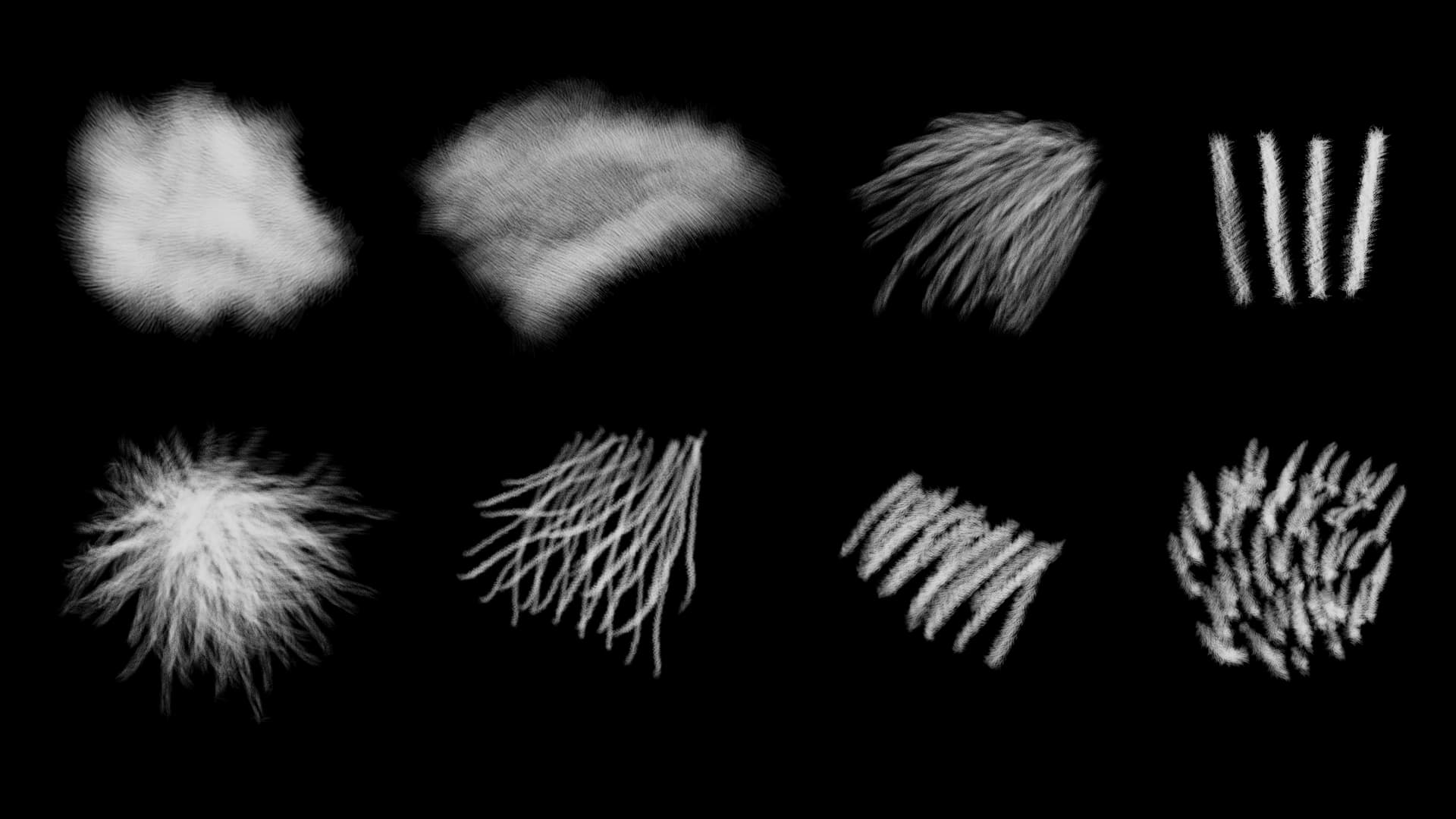
pro tip: these can be used for more than just fur
Vol 2?
This is the first bundle I made. Please let me know if there are any download problems.
Have fun!
pro tip: these can be used for more than just fur
Vol 2?
Thank you for sharing your work with the community!
Michelist
Just wondering if anyone had any download or issues using the brushes? Alot of people downloaded the pack, which is awesome. If you have any artwork using the brushes, feel free to share. Also, if you have any feedback, positive or negative. or any questions in general.
I am already working on a few more brush packs.
Thanks
If there were download issues, then you had already seen a lot of messages about that.
Michelist
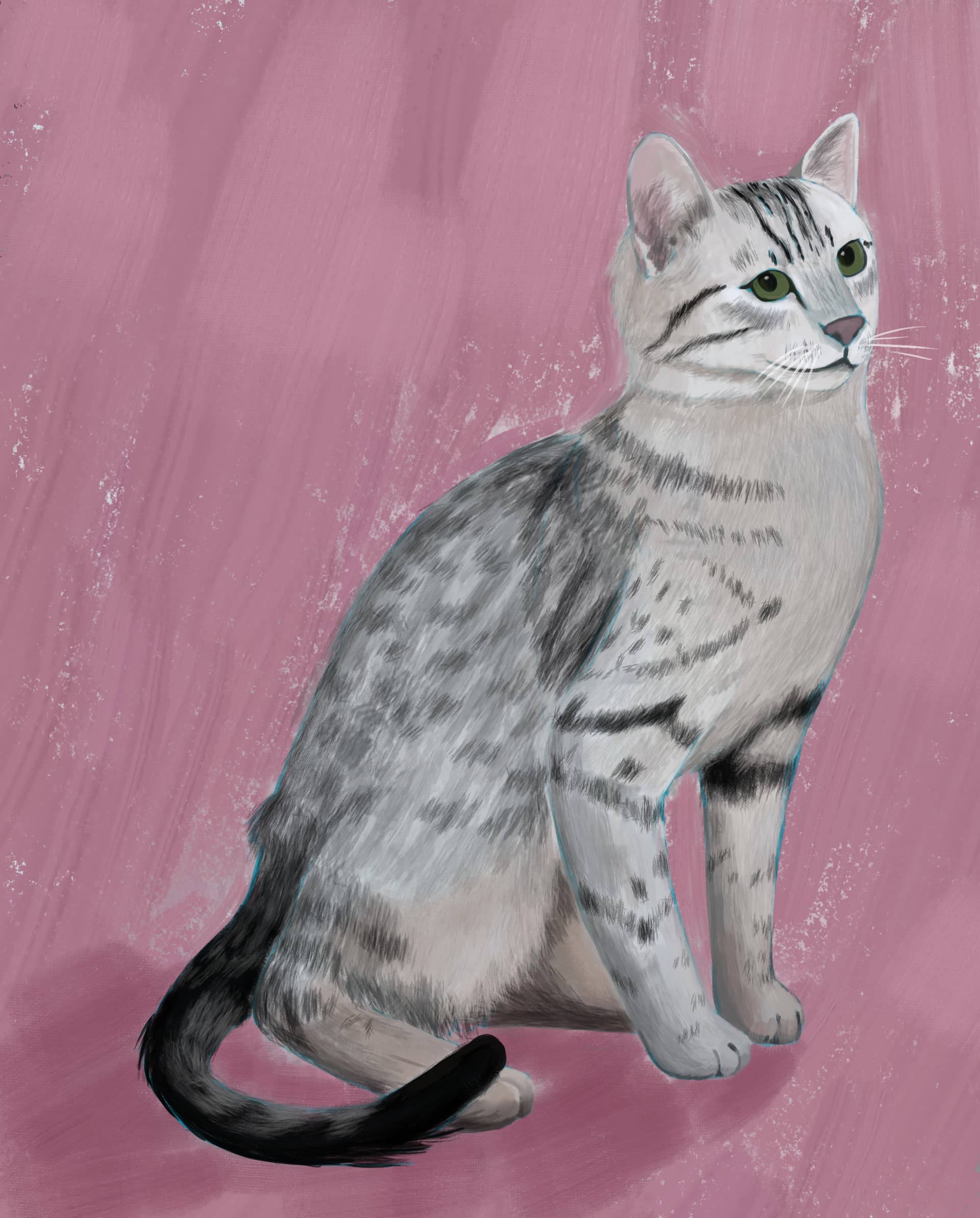
Thanks for the brush, I used it for this study :
Awesome! Thanks for sharing and the feedback. I know what you mean about the tilt. Some of the brushes were made when i first started making brushes, and didnt really know how tilt worked. I suppose I can fix them in a update.
In the meantime, rotating the canvas, might help with the tilt. I hope that makes sense. lol
Also, I really love the cat study. It has some charm!
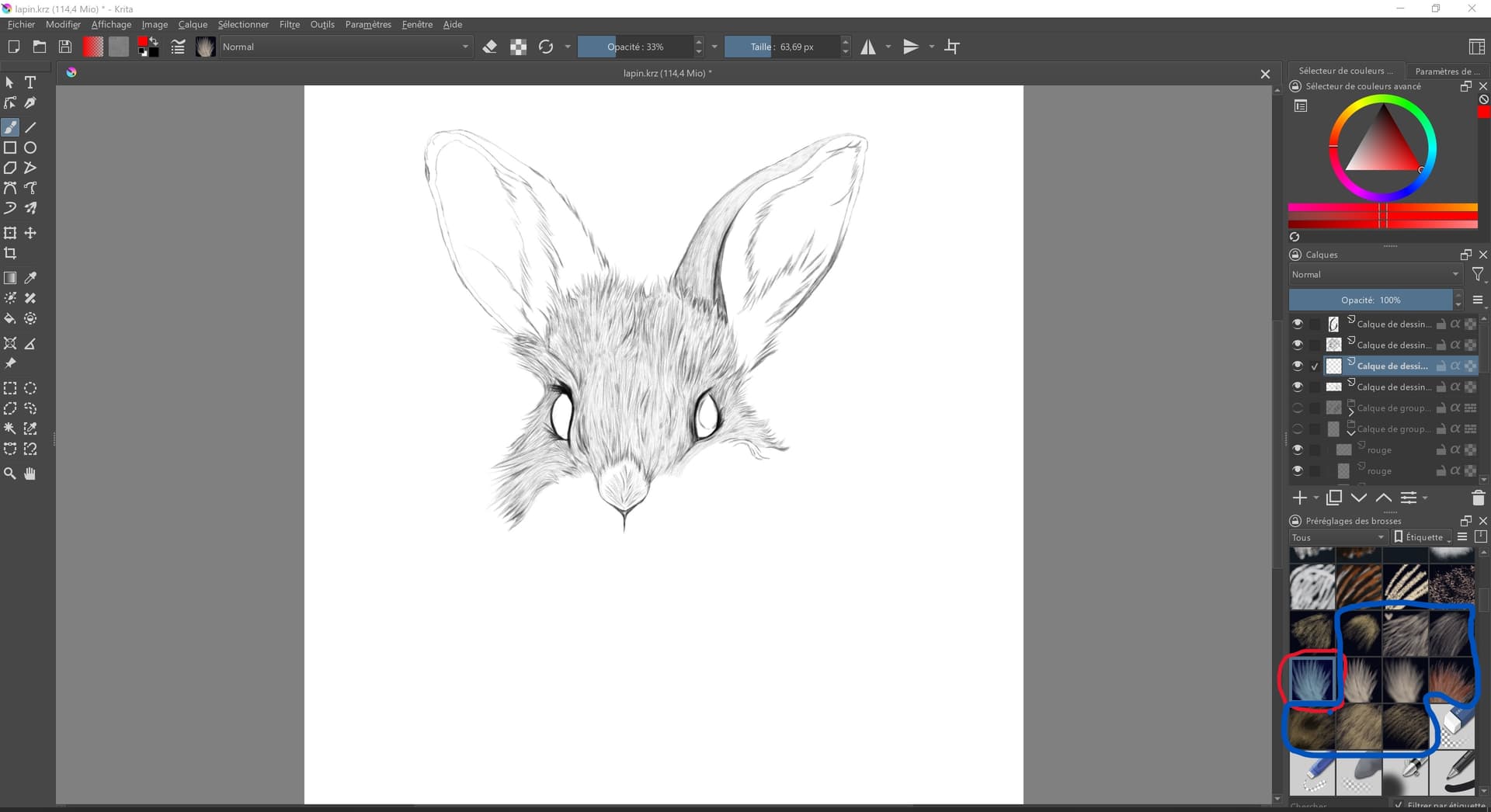
Hi. I was using your brush, and then, suddenly, a day, some of brush in the pack just stop working. Have you a advice ? I’ve tryed so many thing, inclued install again the whole program
here, in red, is the one I use (my fav, also stopped working) and in blue, it’s all stopped working
 Hello @Kalek, and welcome to the forum!
You should reinstall the driver of your graphics tablet, especially when you use Windows, and even more when you are using a Wacom graphics tablet, this is the main issue you face when suddenly painting functions disappear that are provided by your tablet. But also, if you don’t use a Wacom, try the tablet driver first.
And when reinstalling your driver, you should make a full power-off reboot after the uninstallation and also after reinstallation.
And don’t believe only because your tablet may work okayish with other programs than Krita this could not be the case, it unfortunately seems to be the case that Krita “feels” a corrupted driver before other programs do.
Michelist
I’ll try it. But it’s doesn’t work when I’m using mouse and disconnect the tablet
Can you share a screenshot of your brush settings?
Press F5, or click on the squiggly line at the top with the 3 dots and lines underneath. Its right under Image and Calque.
Especially the last brushes, so those from the screenshot, need an input device that applies pressure-differences, a mouse can’t use them.
Michelist
go to settings
configure toolbars
click on maintoolbar
change to brushesandstuff
in the available actions box type:
use pen pressure
select the use pen pressure from the list
click on the right arrow in the middle of the windows to add it to the toolbar
click apply
click ok
click on the use pen pressure icon
try and see if that works
hopefully it does!
That solution work perfectly ! Thanks you very much !
I always wonder how the pen pressure can suddenly be disabled when the button for it isn’t even available in the toolbar? Or did you have this button in your toolbar before you completely reinstalled Krita (i.e., by uninstalling Krita, completely deleting Krita’s resource folder, and removing the configuration files from your user directory, which is located in %LOCALAPPDATA% on Windows, ~/.config on Linux, and ~/Library/Preferences on macOS)?
If you did not uninstall Krita in the way described, the button and all your other settings had survived your reinstallation of Krita (which usually is useless if not made as described).
Michelist
(sorry in advance for my bad english)
I really don’t know what happened, honestly. Last day, I’ve work on krita, save my file, close all. Few day later, I’ve got a malware and buy and install Norton. It’s the only thing had change in my computer. I never touch my keyboard when I’m on krita, I completly disable it and put it on the side. Then, I’ve opened Krita today and… You know what next. Driver checked, no update needed. Completly uninstal and remove file. The solution of Bubba work.
It’s feel like it’s not completly like it’s was before, but it’s ok ; I’ve change some little thing like the opacity.
I actually use a tablet from Veikk (yea, cheap one, but I’ve broke my XP PEN. Veikk do the job)
So… I don’t know what happen… maybe the malware ? maybe the Norton ? didn’t see anything on norton that put a driver on quarantine… Or maybe it’s other thing.
Btw, I’m on computer, Windows 10.
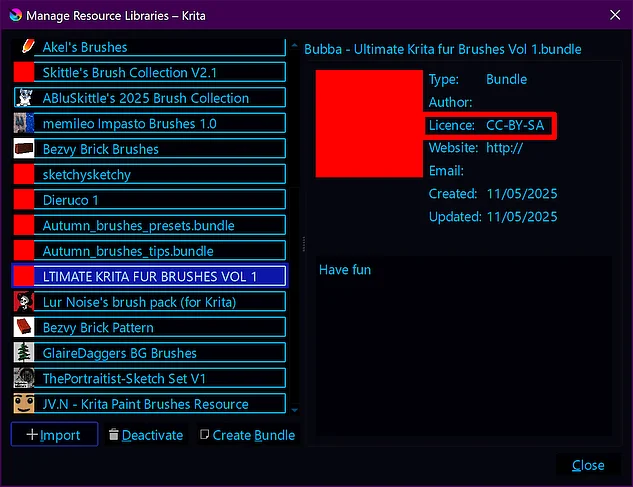
what kind of license does it have, theres no info if its commercial free
This bundle of course has licensing information shipped with the bundle, you just don’t seem to know where to look for this information, but okay, maybe you want to know about the license before downloading the bundle?!
The license given is CC-BY-SA, but for any bundle you already have installed, you can find the given license via Settings → Manage Resource Libraries...:
Here you can download the license text, in a shortened human-readable version (Deed) as well as the full legal text, both can be downloaded as PDF or, if you want to open it in your browser, as HTML:
Michelist
Great ! Loving it <3