Understanding the effects of thick paint brushes

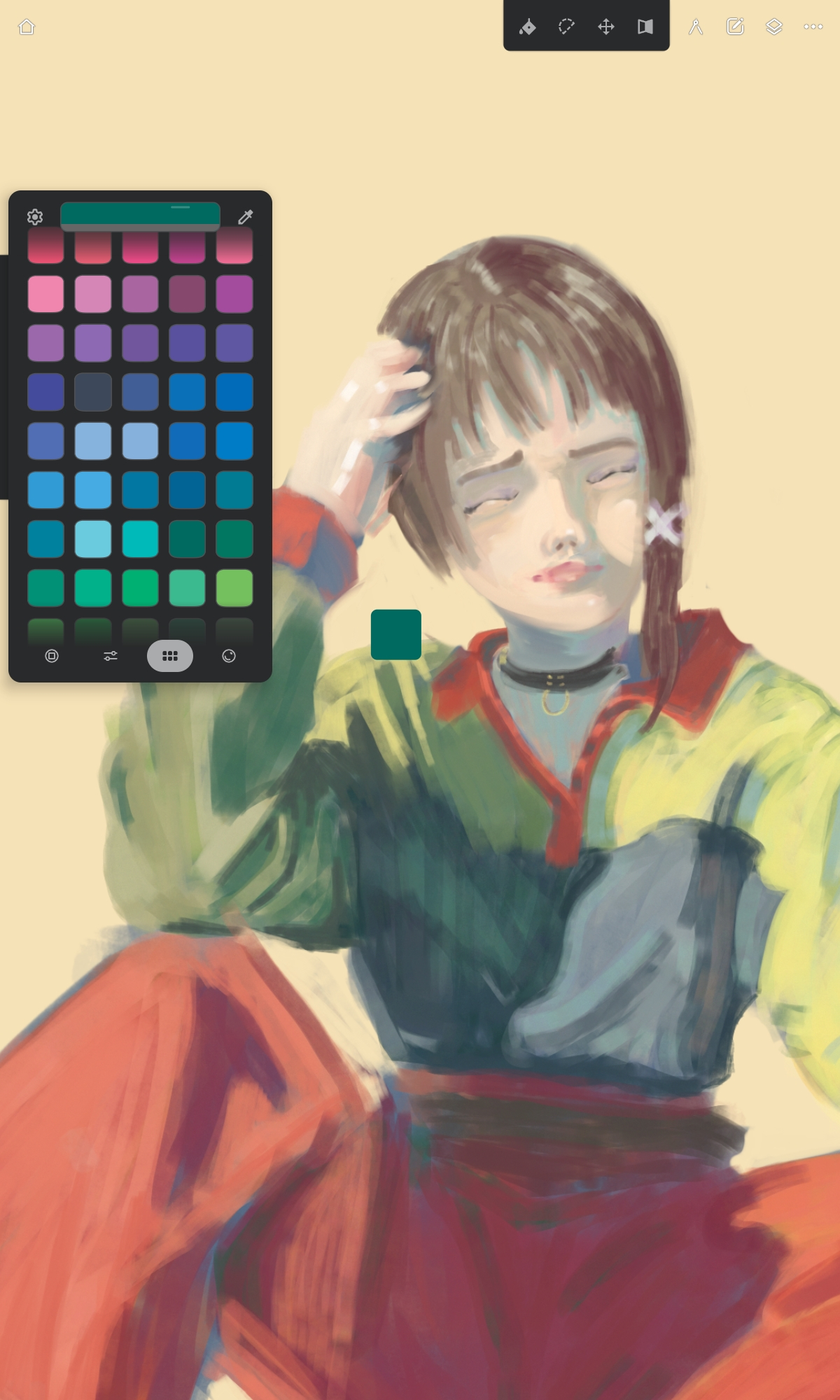
Here we see work as I switch from Infinite Painter to Krita.

Samsung Galaxy Tab S6 lite SM-P613

My tablet is old and not powerful at all, so I have to use a small canvas size and low color depth.

Limiting the brushes is key to not get stuck in menus, I seriously hope krita improves the UI for tablets, staring down a photoshop clone UI is depressing.

35 Likes

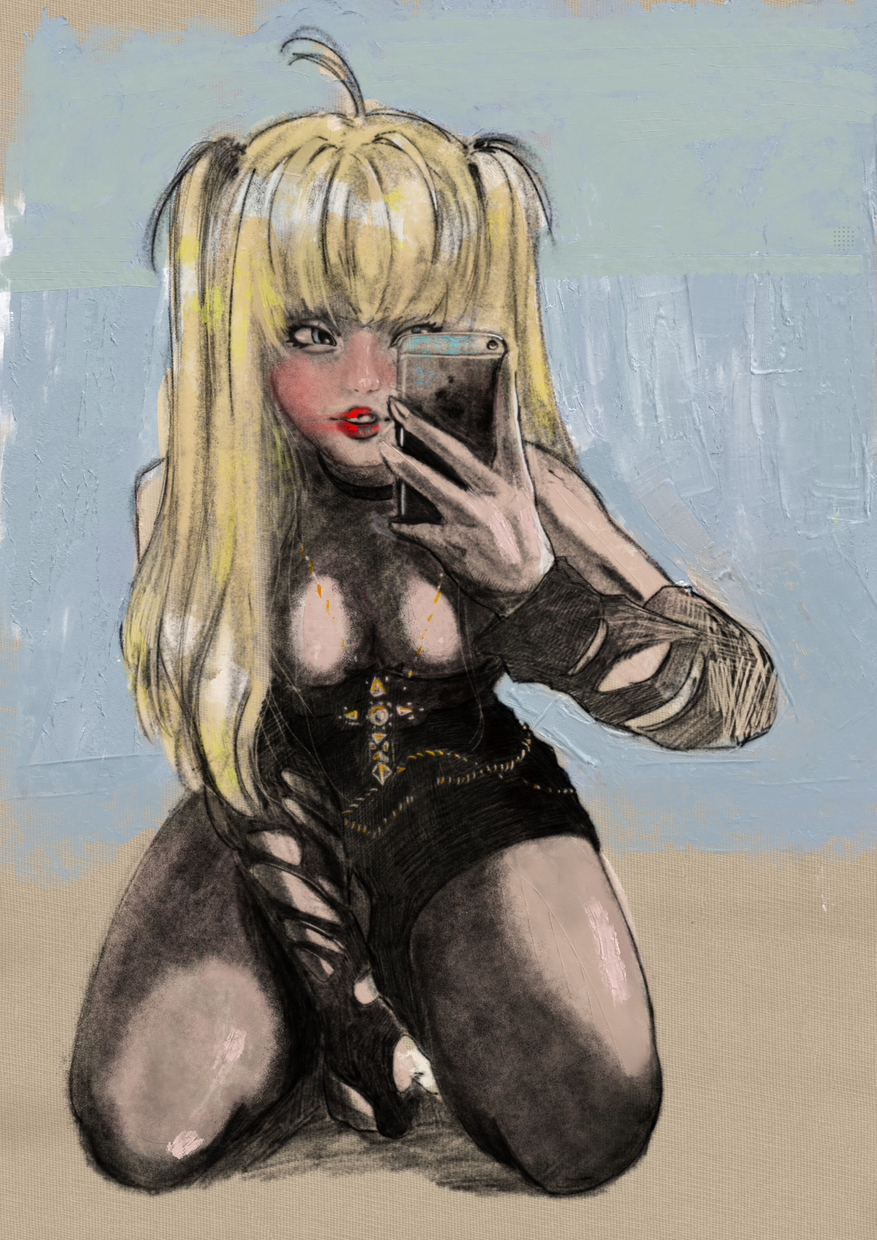
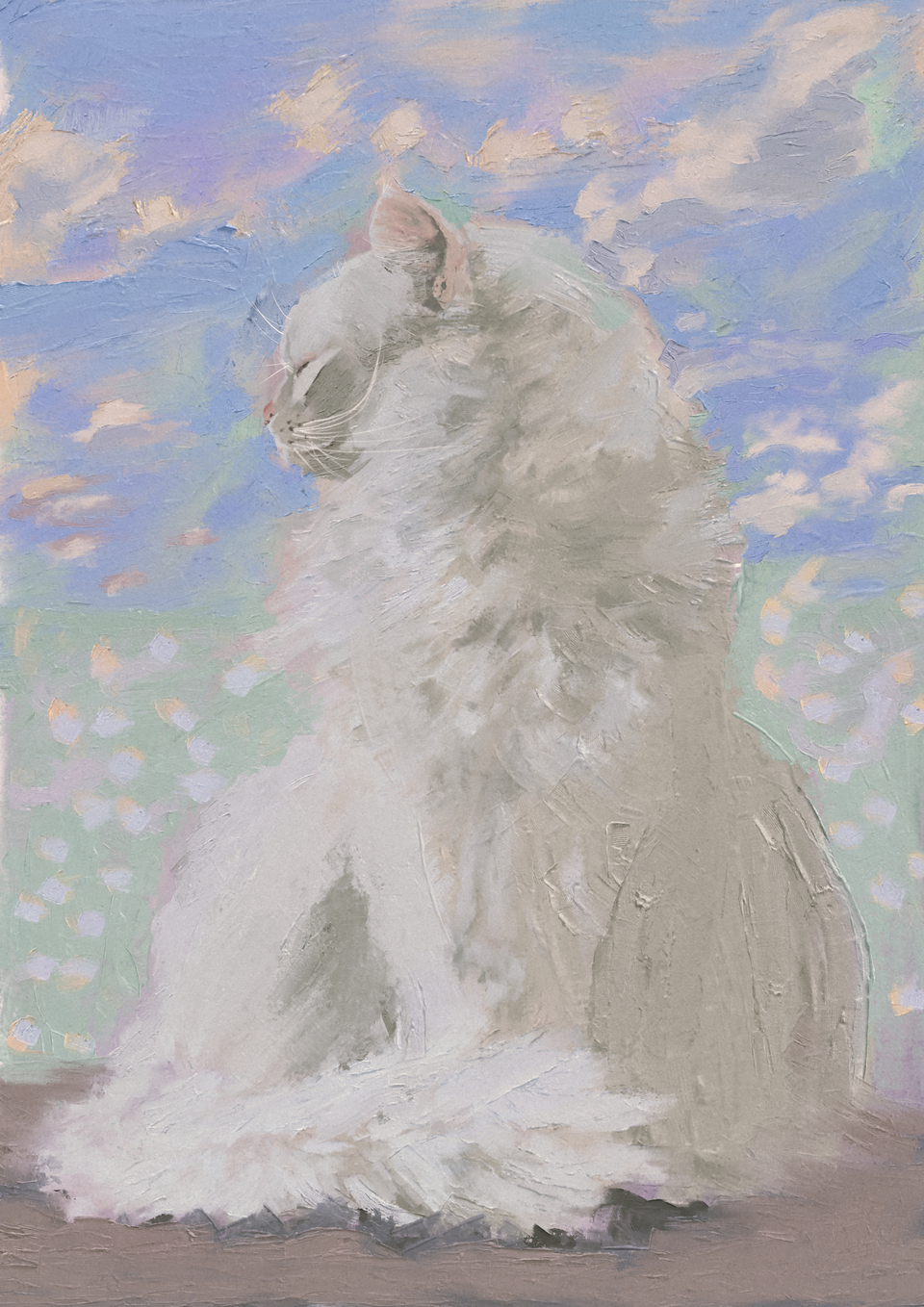
Welcome @Travis_Ark! :waving_hand: Excellent job! What a fluffy kitty! That expression is timeless :grinning_face_with_smiling_eyes:.

1 Like

Welcome, @Travis_Ark

I like your art.

There are two new-ish features I love that help keep the UI sleek and that is the ability to load dockers onto the pop-up palette and also to add docker buttons to a custom toolbar. Have you seen those already?

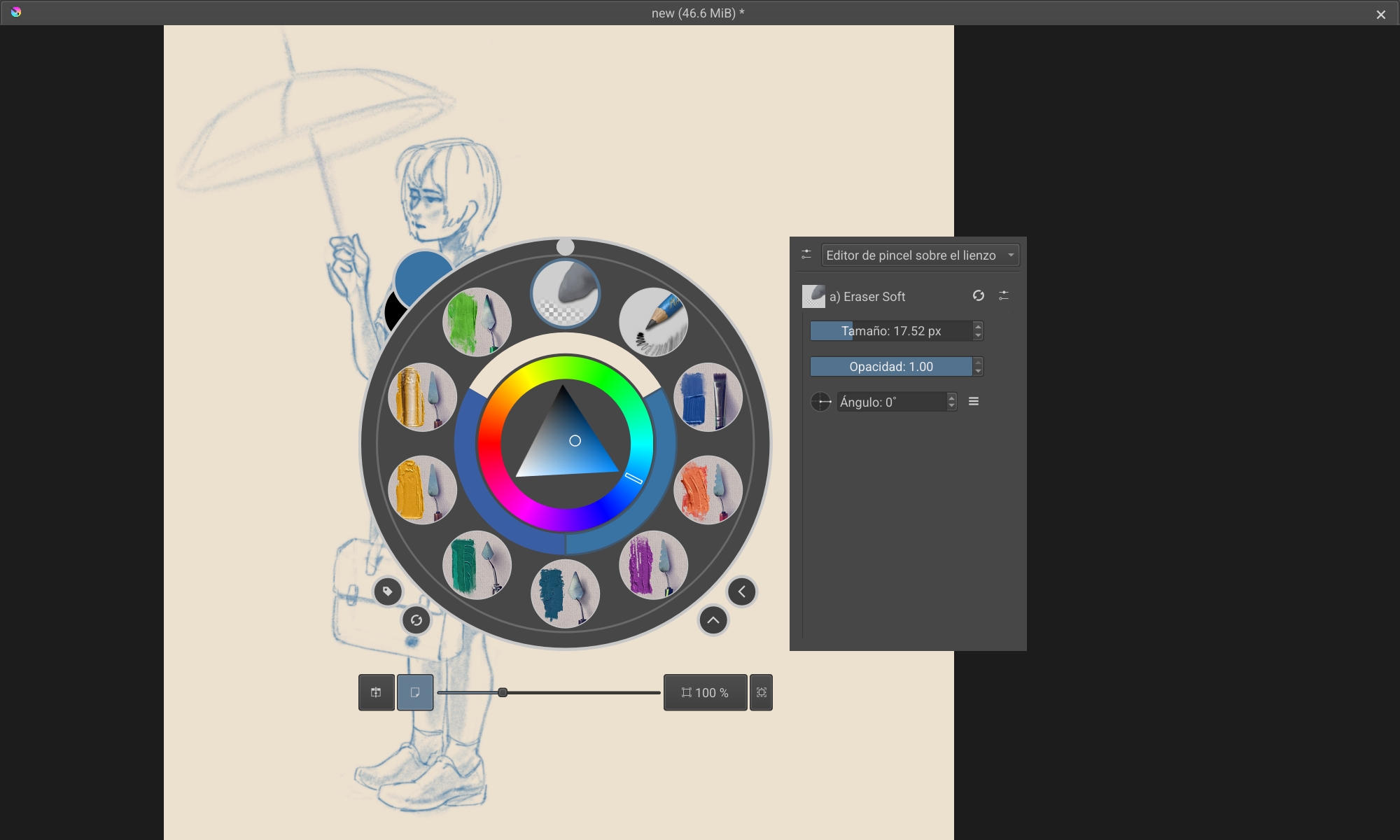
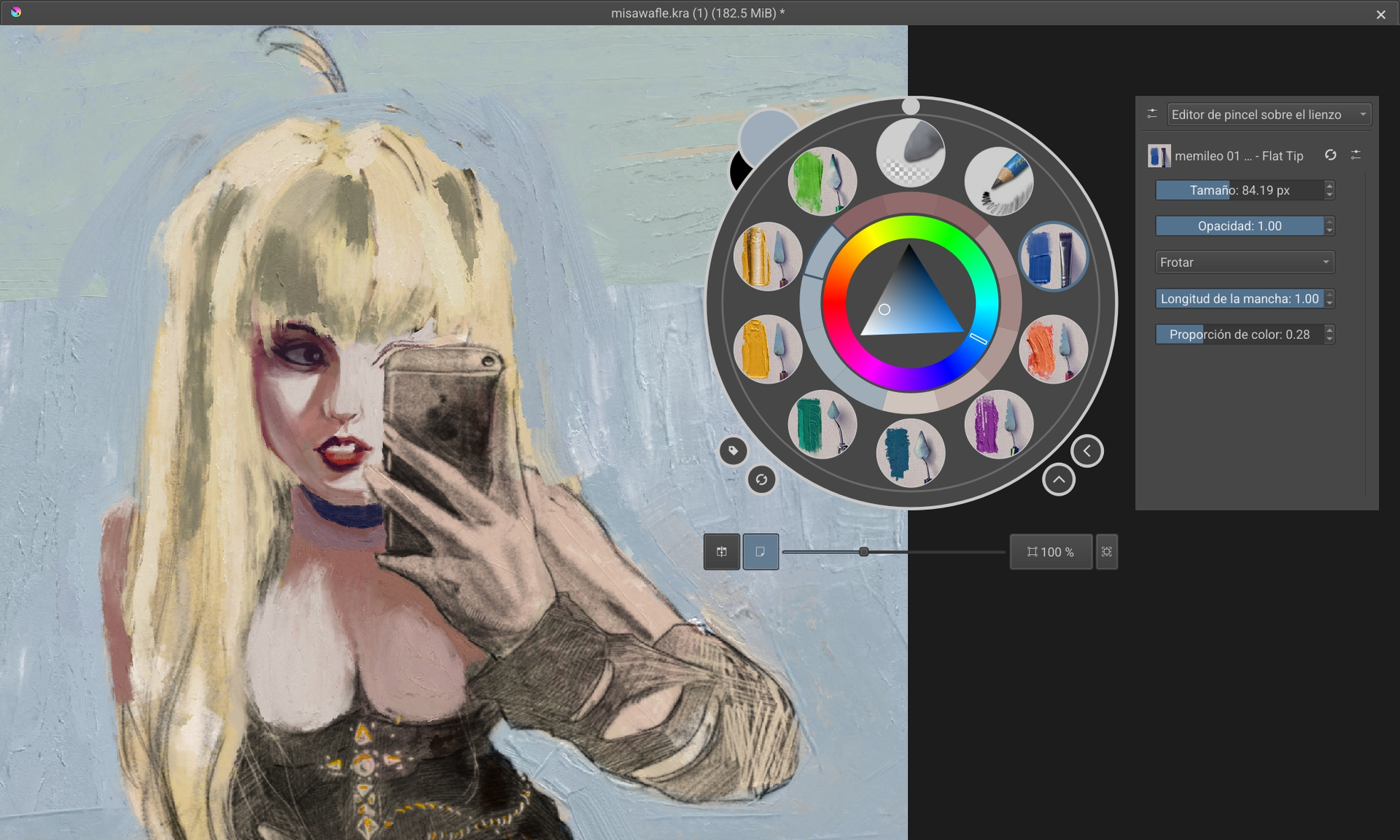
I need to learn to love it, but I find odd that I cant pick the “artist color wheel” in the round pop up. I often open it by accident.

I yearn for Infinite Painter’s UI, the canvass feels larger and oxygenated, having the top windows bar on top screen doing nothing, plus, the poorly designed pop up wheel makes me feel claustrophobic . I even noticed my shoulders being stressed.

But I love the brush engine. This alone makes it worth it, I have to suffer to use it.

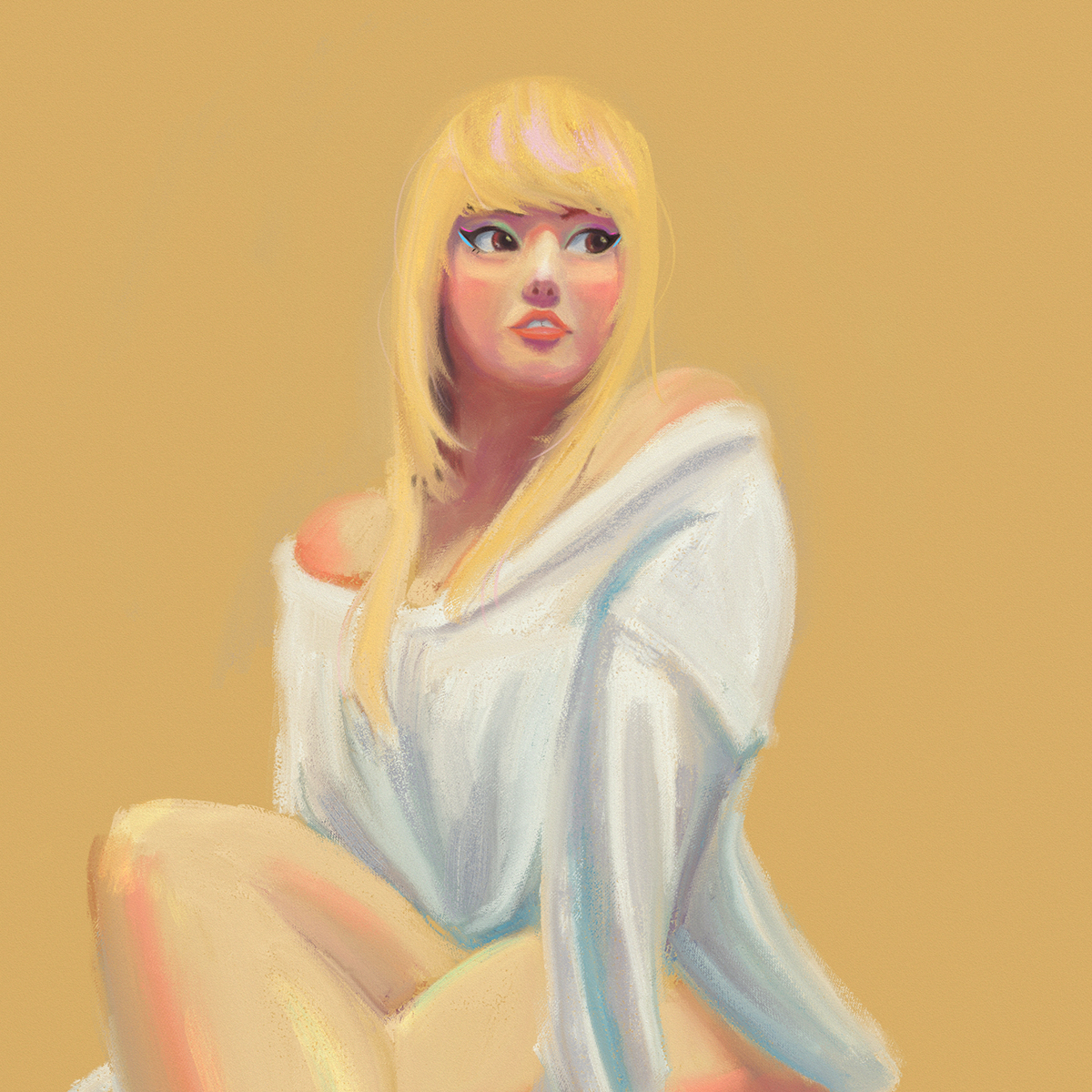
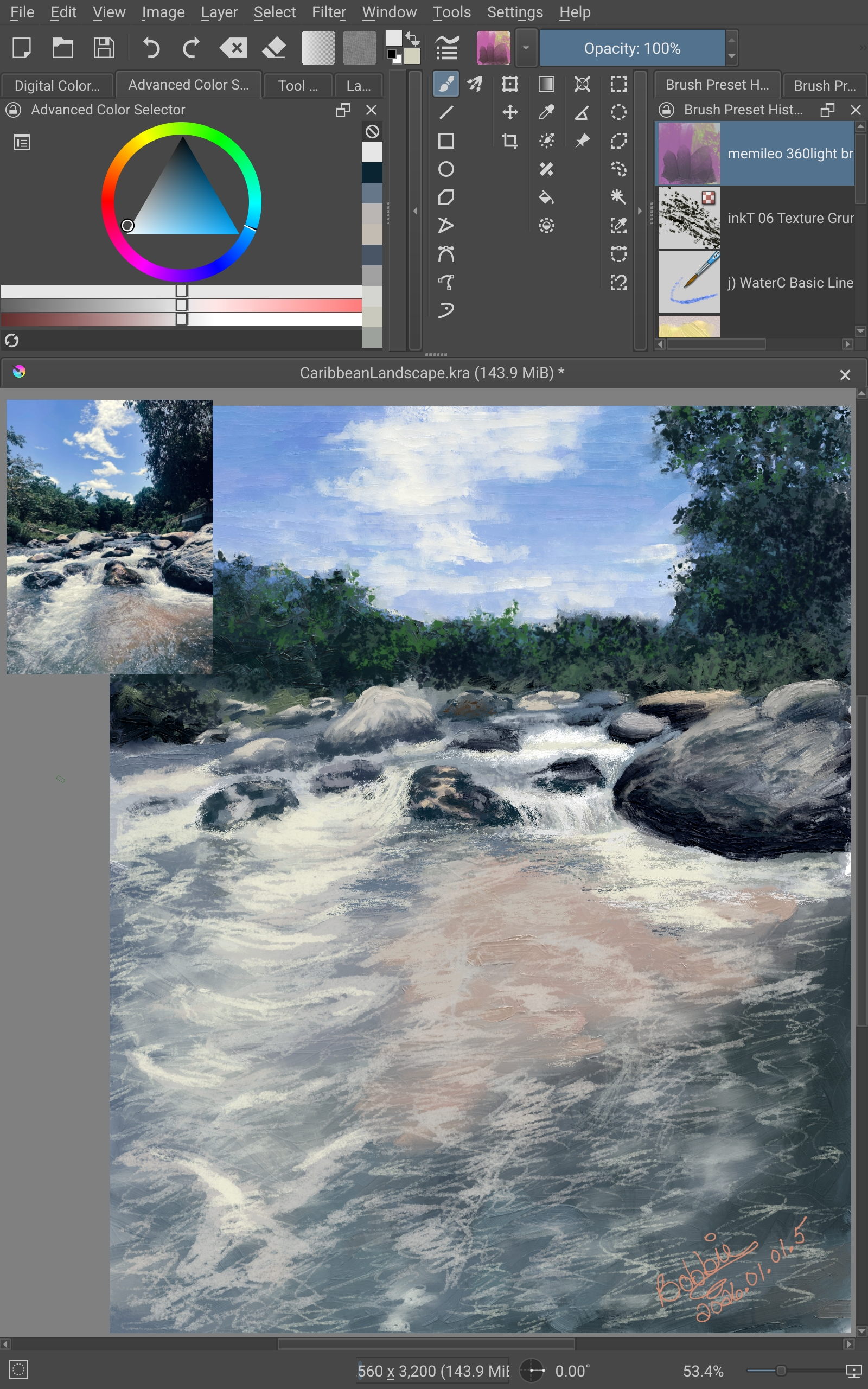
krita drawing:

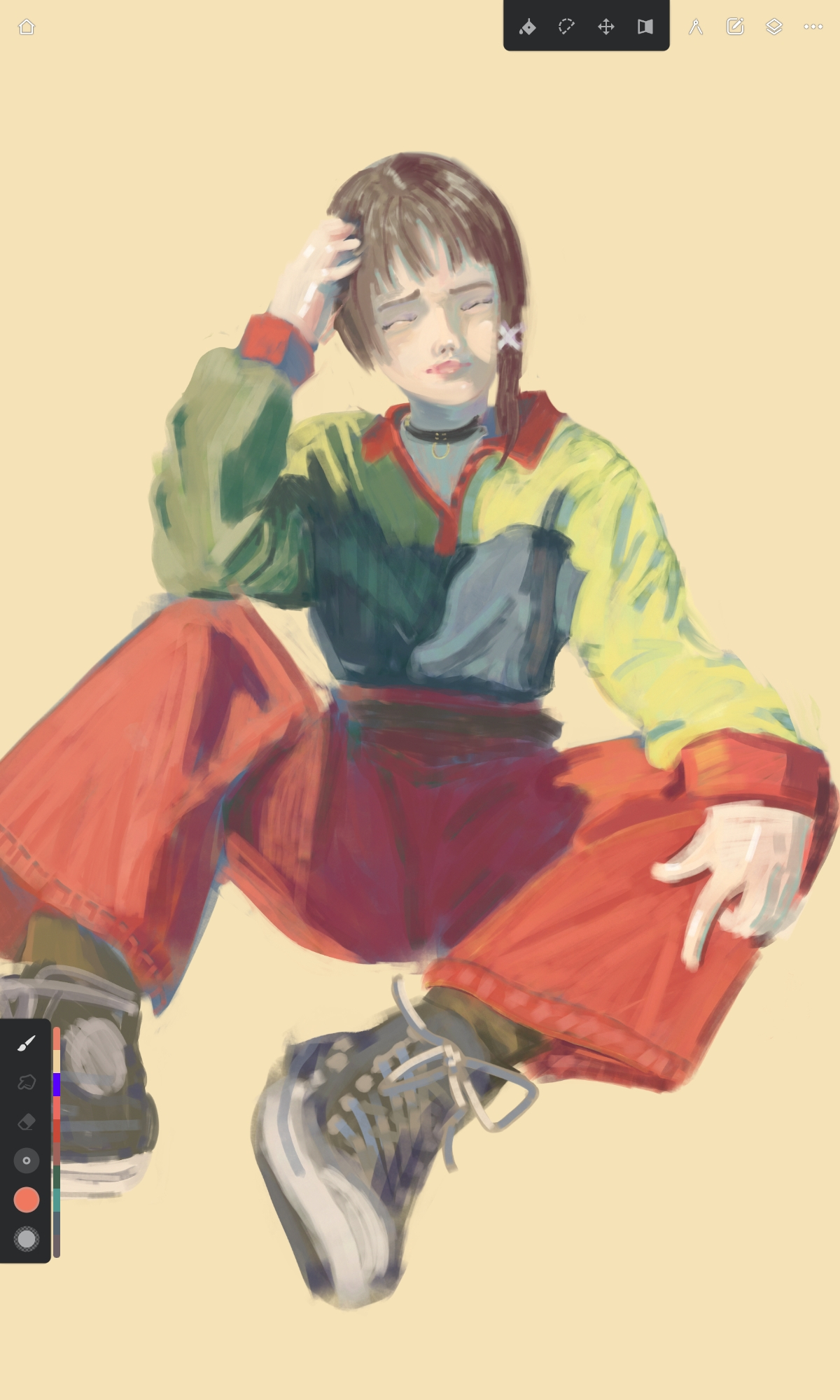
infinite painter drawing:

I can feel the difference even in the result, maybe suffering makes me do better art?

2 Likes

No need to suffer. Once you learn how much customization you can do, you can have a lovely, open workspace. And if you really don’t like Krita, you always have Infinite Painter. Are you on Android?

1 Like

**Yes
**
old android tablet. samsung s6 lite.

I used Infinite P. for 2 years before traying new software, i’m currently testing CSP, krita, and sketch book, krita and CSP have the best brushes but uncomfortable ui.

take a look:

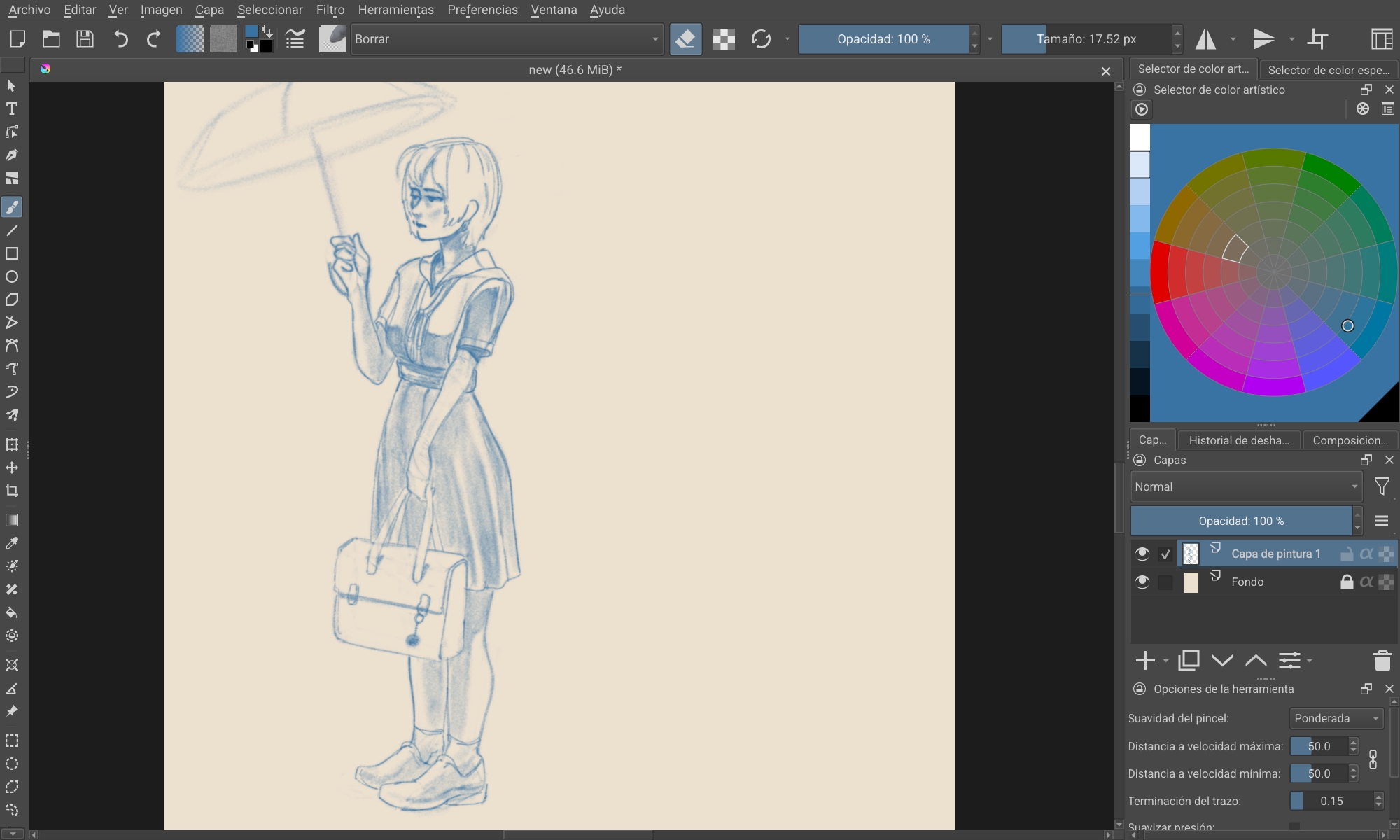
first, krita:

So many toolbars that I need once ever 5 mints, I cant remove them because I’ll need them at some point and finding them is tedious.

and no chance of using it like a book, there is no space for all that in vertical.

Here’s with full screen plus the tool bar wheel pop up: (cant even see the important thing: the artwork)

Now Infinite P:
is all there!!!

brush size change? 3 finger up-down.
brush opacity? 3 fingers left or right.

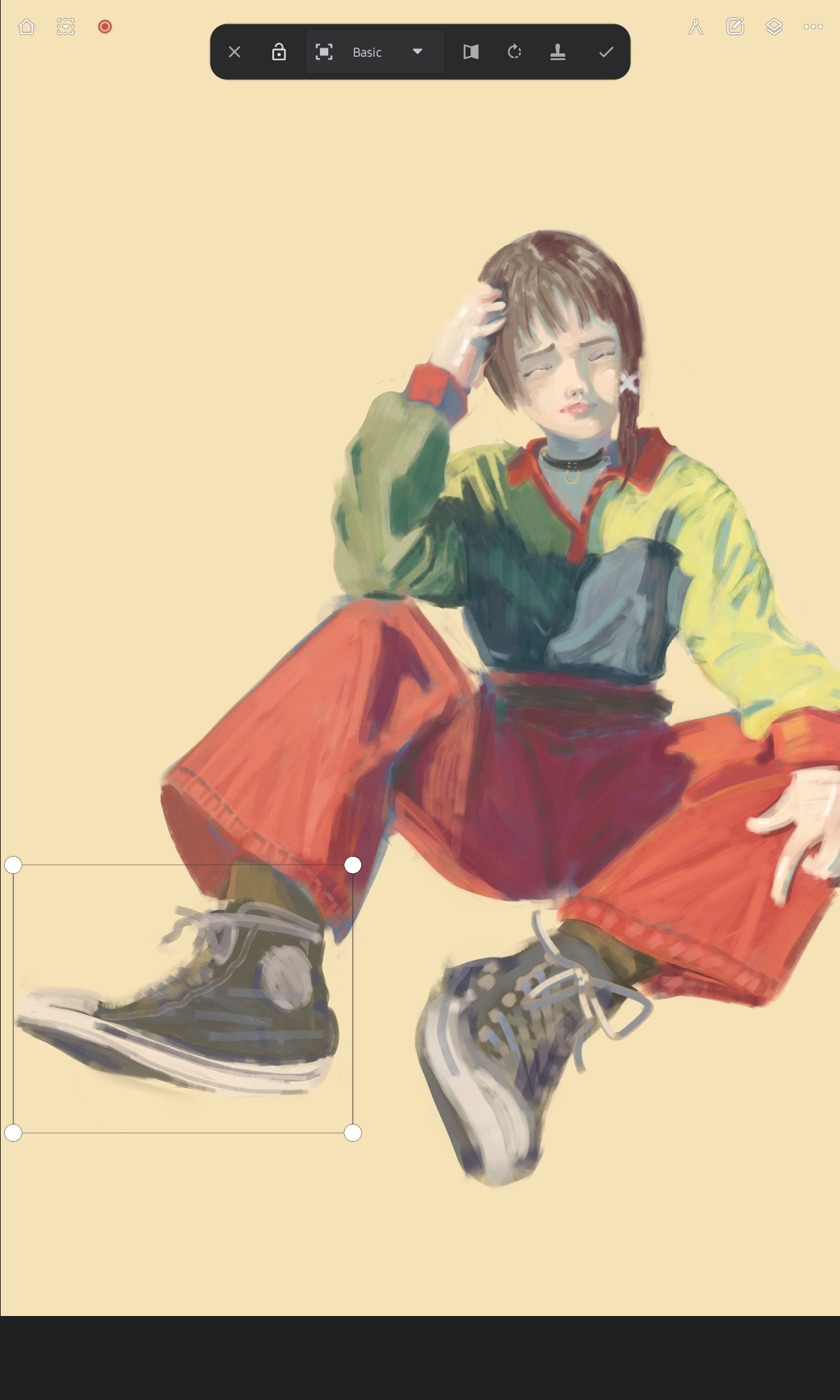
flip canvas? selection? one button always ready to be used, with no 10 other tools that are kinda similar bot not quite-thing else. scaling without distorting by default, not like in krita under 20 cm of menus.

place the color over the painting to compare values? drag and drop, so no extra ui for many tools. no accidental gestures so no 1 or 2 finger gestures.

Color selection:

I’m scrambling online to find equivalents in krita, since its open source maybe there is a brave soul making a fork?

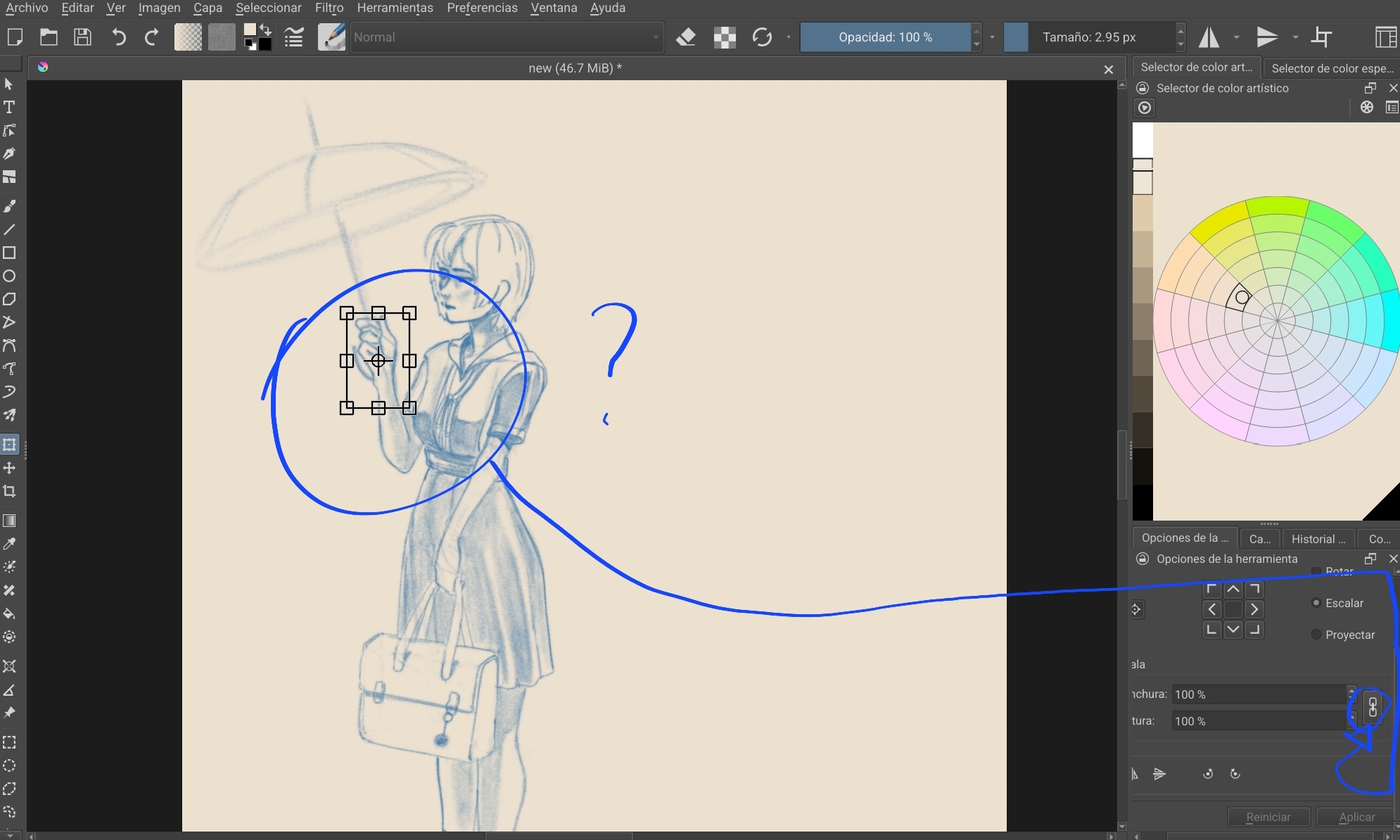
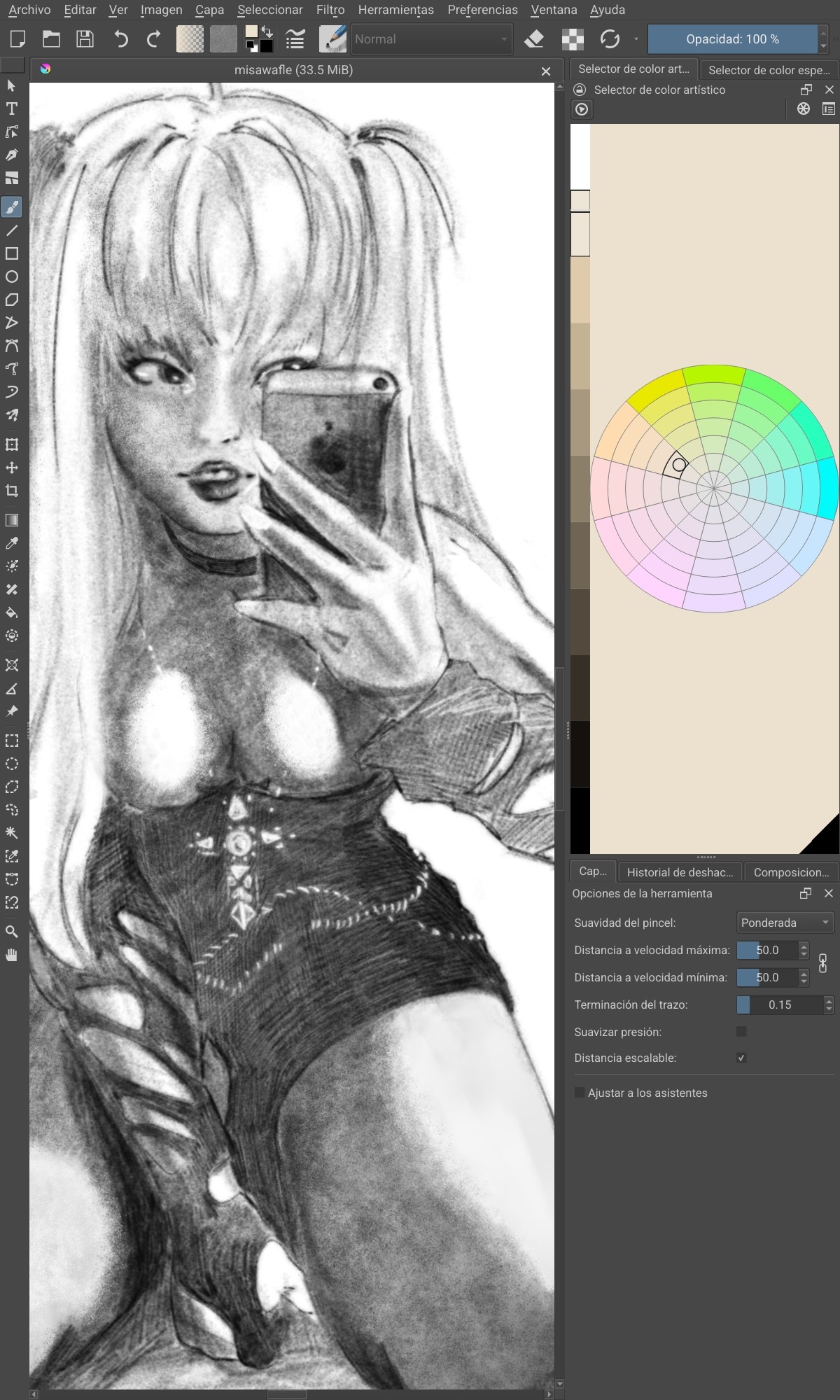
krita LOVES to hide the art under the UI, like the selection tool:

I cant see what im sacaling, the edges distort the selection? I have to scroll down a different menu toolbar, go down, and link the height and width to make it scale, feels like Autocad, I dont need those numbers I need the hand “a little bit bigger” not x pixels wide and x pixels whatever.

same problem, with infinite painters solution:

sad times, why cant I have it all.

this is the vertical view in krita (holding the tablet as a sketchbook)

my poor drawing is in jail I need five of those tiny icons on the left, none of the words on top, and all of the windows on the right..

ohhhh yeaaaaahhhh and one more thing, I noticed that SOME menus when I click something then I go to draw, the first stroke does not make a stroke on the canvas: it closes the window (or not) so I have to make the line twice for it to draw, true test of patience.

I guess krita is focused on using those screenless tablets, drawing by a proxy, not directly moving the hand to make a stroke under the pencil kind of vibe. drawing in a PC, looking ahead.

But I want to draw on the tram, or looking down at my other traditional drawings or a magazine side by side.

I truly hope this improves, but I see its not the priority, thats fine. I hope I learn to live with its flaws.

I dont want to sound negative or entitled, im just a tourist and I have work tomorrow.
Ok, good.

If ever you have a specific question about making the Android interface look more sleek, make a new post and put it in one of the tech support categories (one question per post will attract the right people more quickly).

There is a large group of helpful people here but many of them won’t see a help request if it’s posted in the finished artwork category as this one is.

2 Likes

I’ve seen some good suggestions, and my concerns are well known and felt by other artists here so that’s good to see I’m not alone, thanks for stopping by.

This is my vertical setup on my Samsung S7 tablet…

I’ve got a few things in tabs. I wanted this layout for portrait mode and I have a different one for landscape mode.

Dunno if a layout like this world be helpful until a nicer ui is done. :person_shrugging:

3 Likes

are you sure that the tablet’s performance is the issue? like, i’ve Samsung S7 Tab and I bought it used off hands from eBay and it has zero issues - I use A4 and up canvas at 300dpi plus brushes at 500px+ sometimes. what i mean, are you using a normal system there, like LineageOS for example, or default Samsung/Google one? if the latter - that’s the issue. when i first got my tab and was preparing it for flashing a normal system onto it, it was awfully laggy and seemed almost dead. Google doesnt even ship newer Android versions for old Tabs btw, mine “updated” to the 13th (iirc, might be 16th but am sure 'twas 13th) while LineageOS gives the real newest ones.

as for the interface, well last time i touched photoshop 'twas the Photoshop CS3 and i cant say Krita looks the same. you can tweak the interface the way you like btw, like hide and/or add new widgets inside etc. i use default cuz am too disabled and dysfunctional to tweak anything, i legit draw with a few brushes and use eraser instead of masks and lasso just to reduce overwhelming stuff. but i’ve seen beautiful custom layouts of people who does tweak it, somewhere on this site there was even a topic where people shared iirc.

what i wanna say with all this long post, that is your art is amazing and i’d really like to see how it looks with full potential of fixed tablet/app xD

UPD: i’ve read the comments and now I wanna try using it vertical way to see how it works for me. never did that before tbh, i always draw on horizontal canvases or if rarely on vertical - i still hold the tablet the horizontal way and just zoom in the artwork. and the tools you’re having troubles with are completely unfamiliar to me as well, am not a great colour expert i guess. i just put my own palette and then choose needed colours from near the colour wheel when i need it… and each time i need to sample colour (for shading/effects/etc, not at the start when am creating the palette or sampling it from a reference sheet) - i just eyeball it to not get overwhelmed lol. but then, what works for me doesnt have to work for you and i understand that other people can and will have different approaches and styles. just aye, i never even knew that those tools actually exist…

as you were already suggested, i agree that 'tis a good idea to make some posts with what could be changed and how, about all this customization etc, i’ve seen many improvements done for android version lately! i use an old 5.1.5 version myself cuz i’ve no mental or physical resources to upgrade and re-import all my stuff (even researching it is tedious and painful to me), so am just watching from afar xD but aye, there are huge improvements already so maybe your ideas will get implemented soon as well.

UPD2: i hope i didnt sound rude cuz that was not an intention! i really wanna help. well am biased cuz Krita was my dream app and I even bought the tablet specifically for it. and to me it appeared even better than expected. but before Krita I used Procreate and it was so torturous that it almost made me quit drawing at all, so aye i do get the feeling you describe - about an UI that makes you suffer. i felt similar with Procreate, quit art for a year or so, then got Samsung S7 for Krita and finally could draw again. so, i do know the feeling, please dont think i’m trying to force you to love what is uncomfortable.

2 Likes

cute :sparkling_heart:

1 Like

I think because im a graphic designer I get a strong itch when I see all that wasted space among the UI elements, I want to hit the UI designer with a metallic ruler lmao, but I see the idea of allowing uninterrupted space for the canvas

1 Like

I’ve done all I can with the stock android install, If i can get a confirmation that I can still use my paid apps (all drawing apps) then I will try Lineage OS, I have heard of it, never seen anyone irl with it.

My tablet is not mainline like the fancy S7, mine is the “lite” version of the older S6 “SM P613” from 2022.

I hope I dont brick my only digital drawing tool ,haha.

and you dont sound rude at all, love your reply.

I only use 2 layers, sketch and paint.
I can live with this.
Regarding perfomance, now work at A5 size with 96dpi. with some other settings like ram and core allowance to 80%.

I definitely think installing Lineage os will give the tablet more life, thanks for confirming krita wokrs there.

lovs!

aye, you can install google services and google stores alongside but you do it at the flashing the ROM stage. LineageOS have a guide on their site. there’re a few variants of google services iirc so check for the ones which will allow you to use your PlayMarket account (iirc 'tis the one for Google apps??). am not an expert in google stuff, only in how to get rid of it, sorry xD if you dont have Windows machine then you do all the same steps but with Heimdall instead of Odin ('tis the same tool but for GNU/Linux systems and for some reason 'tis not mentioned on the official site). bricking a mobile computer is extremely hard tbh, especially samsungs, just make sure you download the ROM’s version corresponding to your device. if something goes wrong mobile devices basically just reset themselves into default state. am a programmer myself and i kinda really hate how people gatekeep all this knowledge when reinstalling any system on any PC/mobile device is actually easy and safe. am hella doubtful and panicky when it comes to me doing stuff to my own tech so i flashed it THRICE before i dared to try and use it, like just to make sure i didnt screw it up. i tend to just reinstall the whole system every time something goes wrong on my PC even (even when the “wrong” is about something quickly fixable…) soooo i’ve been with flashing/installling stuff for pretty long and nay 'tis no risky at all when you follow the guide for specific system.

ah, i see that you’re a graphic designer! am not, am a traditional artist lol. i do hate minimalistic simplified “nothing visible around so you have to click or press or gesture stuff” UIX xD being a control freak requires that every tool i might need in the future (even one time ever) is visible and easy to reach, so ig that’s why Krita is so comfy xD

i doubt 'tis a RAM issue, seems really more like performance of old android system… like, my hugest work so far was smthn ~4000x2700px in size n 300dpi, it had ~300 layers and i used huge brushes. in the very end, aye it started to slow down when i had to use 1000px brushes for some final touches but that’s like fully understandable lol. it ate ~4Gb of RAM and I dont allow Krita to use all of my RAM cuz fr too lazy to go into the settings. and everything works with LineageOS there, even that cursed S-Pen. I’ve got Lamy EMR pen which is the perfect tool imo so i dont really care for it, but even the button on S-Pen works, if 'tis important for you. but i’d tbh suggest to look into Lamy EMR pens cuz they do have that same button and work with all modern androids and even Wacom and some other devices (technically, with all modern EMR devices) and they come in fancy colours xD

…and I just realised why i never use portrait orientation when drawing, just my hand aches and i must rest it on the screen xD

1 Like

This is also why I moved away from Procreate. Everything is “gestures”, hidden UI elements. No brush panel visible, colors take up most of your screen space if “pinned”, no UI scaling, no comfortable way to preview your art from afar… it’s awful. I understand that this is what “modern UI” is like, but I loathe it & it’s why I stick to the default “advanced” CSP UI and Krita. I WANT to see my brushes. I WANT to see my color swatches. Not having that option makes my brain itch, in a horrid uncomfy way.

Having a more compacted UI in Krita/ scaling options is good, but turning it into a Procreate wannabe only is a big no-no in my opinion.

4 Likes

THIS, EXACTLY THIS. I loathe all this minimalism and liquid ahh style of UI so much, i have no words to express it. am a disabled control freak with shaky aching hands, I MUST have all the tools before my eyes or am gonna explode lmao. fun fact, Procreate updated without my permission and deleted the only two brushes i liked there, but fortunately I was already with Krita when I checked it. tbh i did like only two old brushes in it and my own brushes it obviously deleted after the update. so, torturing thing, as basically everything from Apple. aye, I do have some of their tech so am speaking from experience lol. but basically, aye this: i see minimalistic ui - i dont even try the app. also gestures are really an unfriendly feature for disabled people, with my chronic pains i never use it plus if i cant switch it off it ruins the whole thing as i have to rest my hand on the screen. and tbh Samsung with its palm rejection is a blessing - i dont even need that artists’ glove!

3 Likes

Don’t I know it. RIP to my ~100GB of brushes.

Aaaameeen to that. I still have an iPad, but it’s mostly now a glorified sketchbook and youtube player instead of being my main workstation (I’m also disabled, yay! My spine’s f’d.)

I looked at some “redesigns” of Krita & some are genuinely, horrifyingly Procreate-like and I can only pray I never have to fork at least this one thing in my lifetime, so it can fulfill the purpose of being my main program. Anyways, big tangent to be under an artwork, but hey. At least it’s somewhat on topic.

Tl’dr: think of us disableds when you make a “modern” UI. Not everyone will see & use things like you want them to :winking_face_with_tongue:

saaaame! i dont use ipad at all now (need to sell it ig) but i do use iphone just as a dumbphone lol. also aye almost same, my spine n hands are kinda very cooked, i basically do everything from bed.

u can always download old versions of it btw! like, i use 5.1.5 for example cuz was dumb and had no idea i can get any version from KDE site and used the one available from F-Droid (my only app store on Tablet).

and factually we’re continuing the UIX and convenience discussion :thinking:

I count find the correct supported version for my model saldy, bit I did tweak the stock android disabling everything I could. Im now experimenting on desktop, I dont prefer screenless tablets but the performance difference makes it super smooth.

1 Like

damn, that’s really sad, i was sure they had for almost every Lite Tab, well at least i saw many on their site… the issue with performance is the system’s issue so you might try to find another ROM like Ubuntu Touch or e/OS if any of them have a version for your Tab.

i had a Wacom very long ago and ended up never using it, i cant draw without my tool touching the actual artwork ig.

anyways, good luck! i hope at least something works out for you ~

1 Like