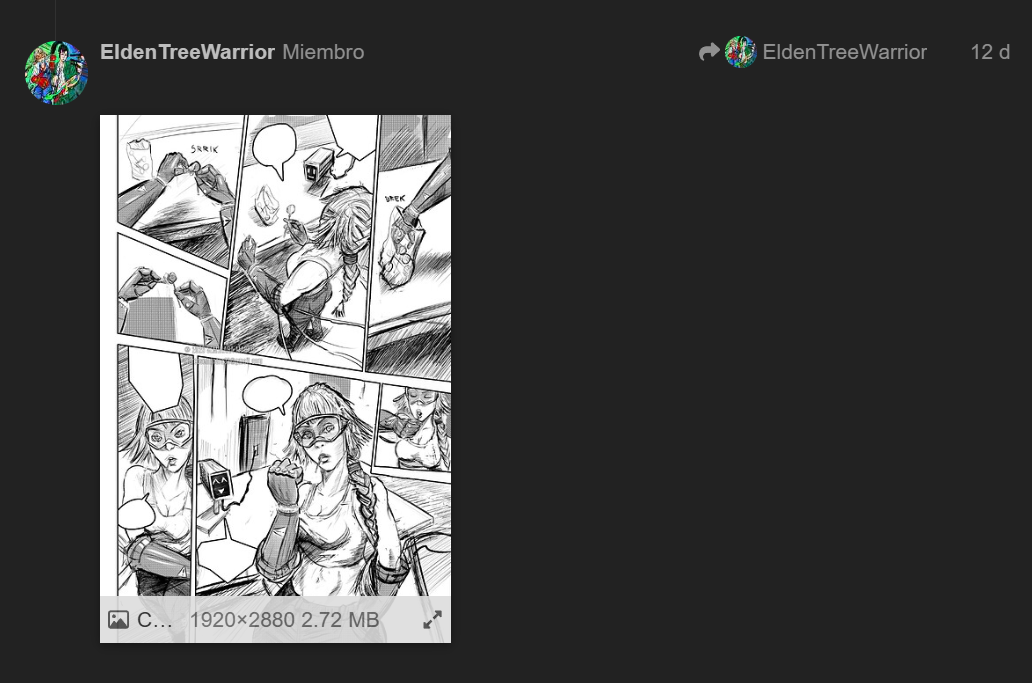
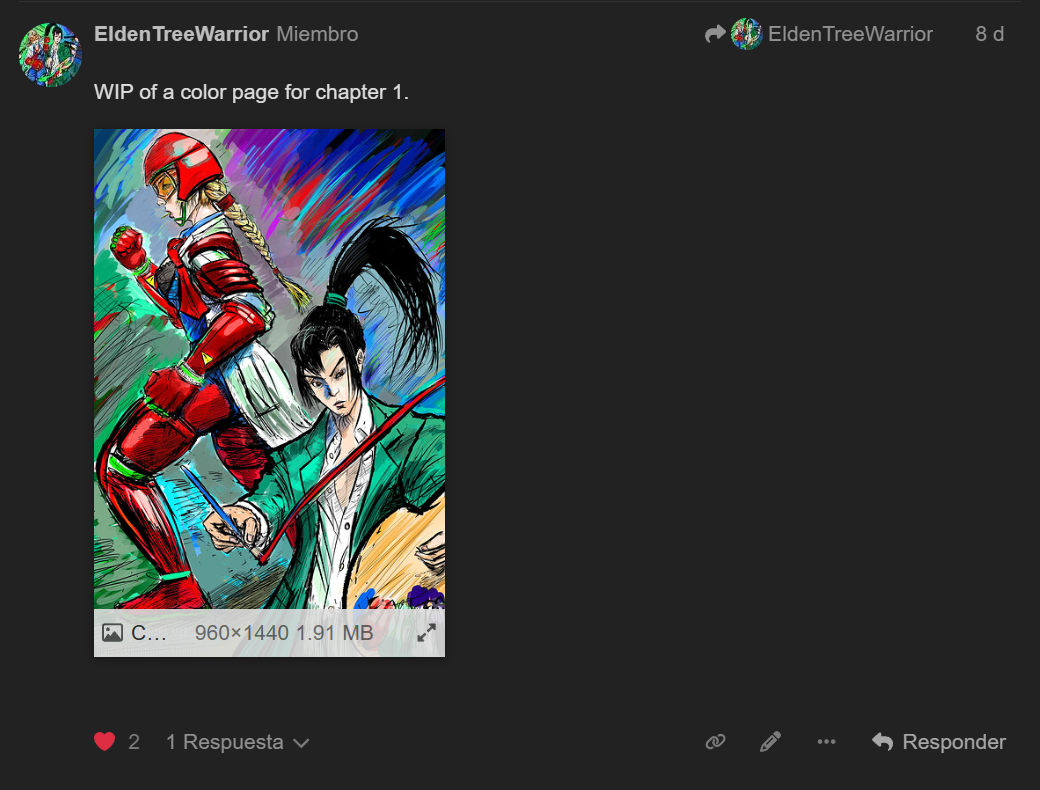
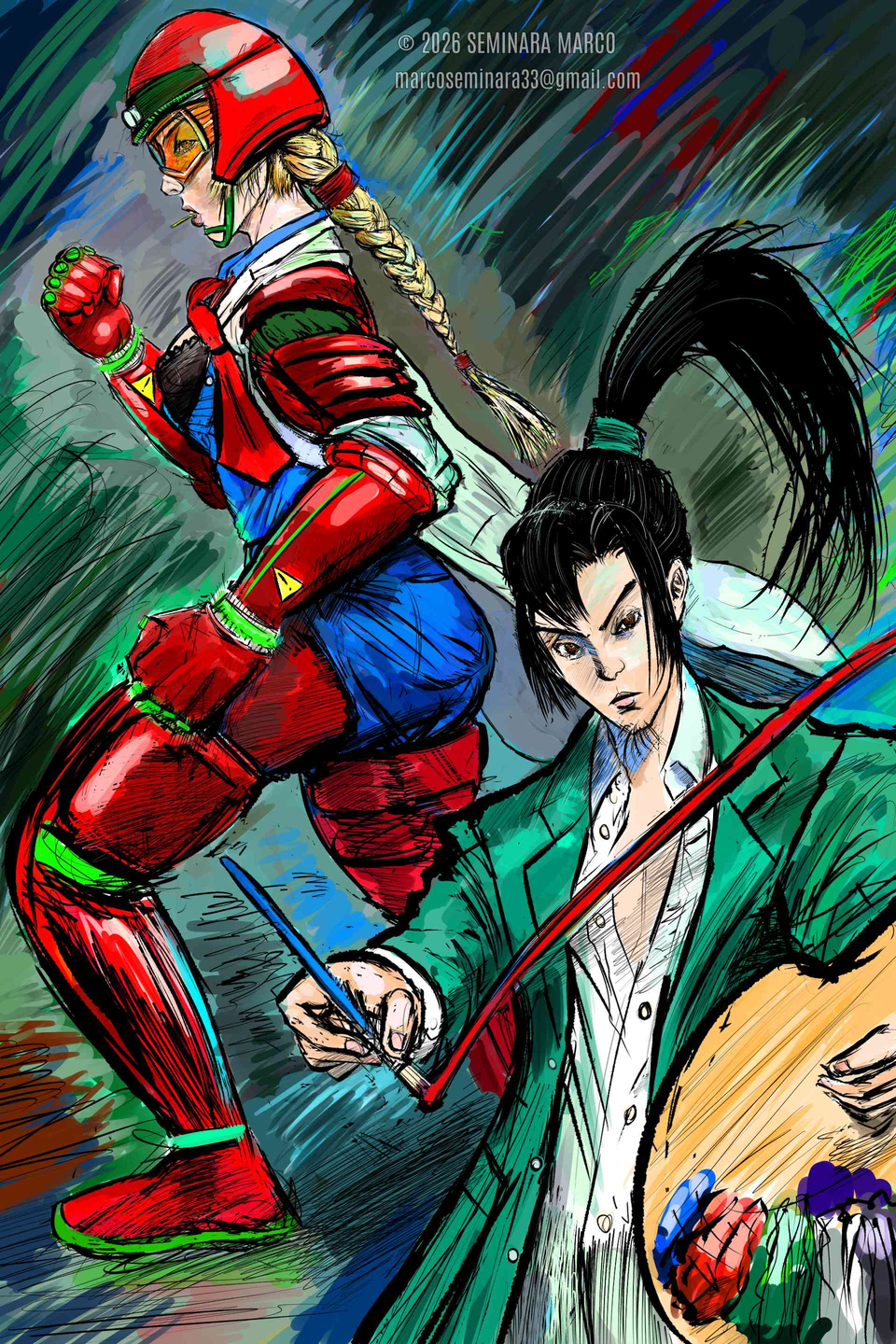
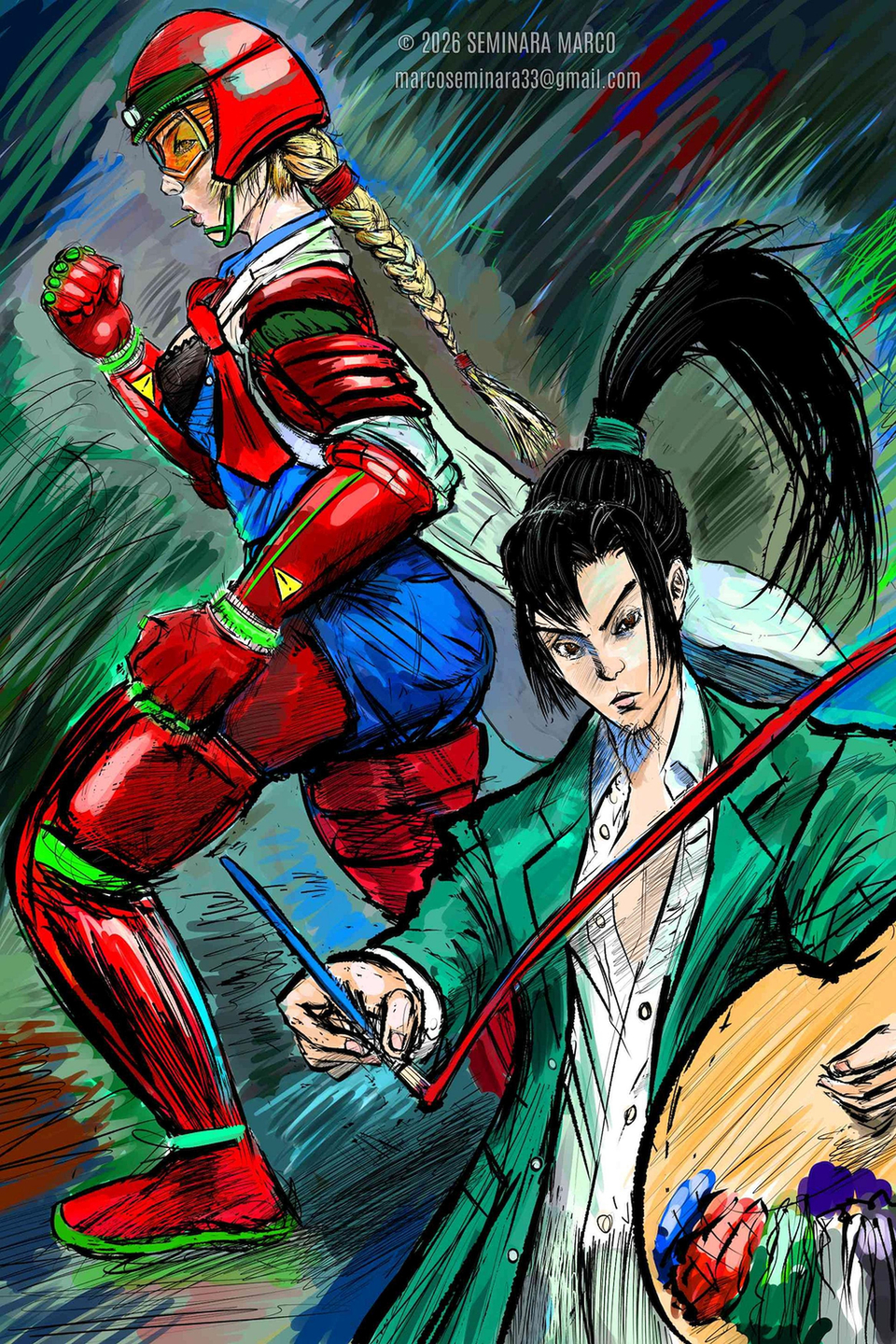
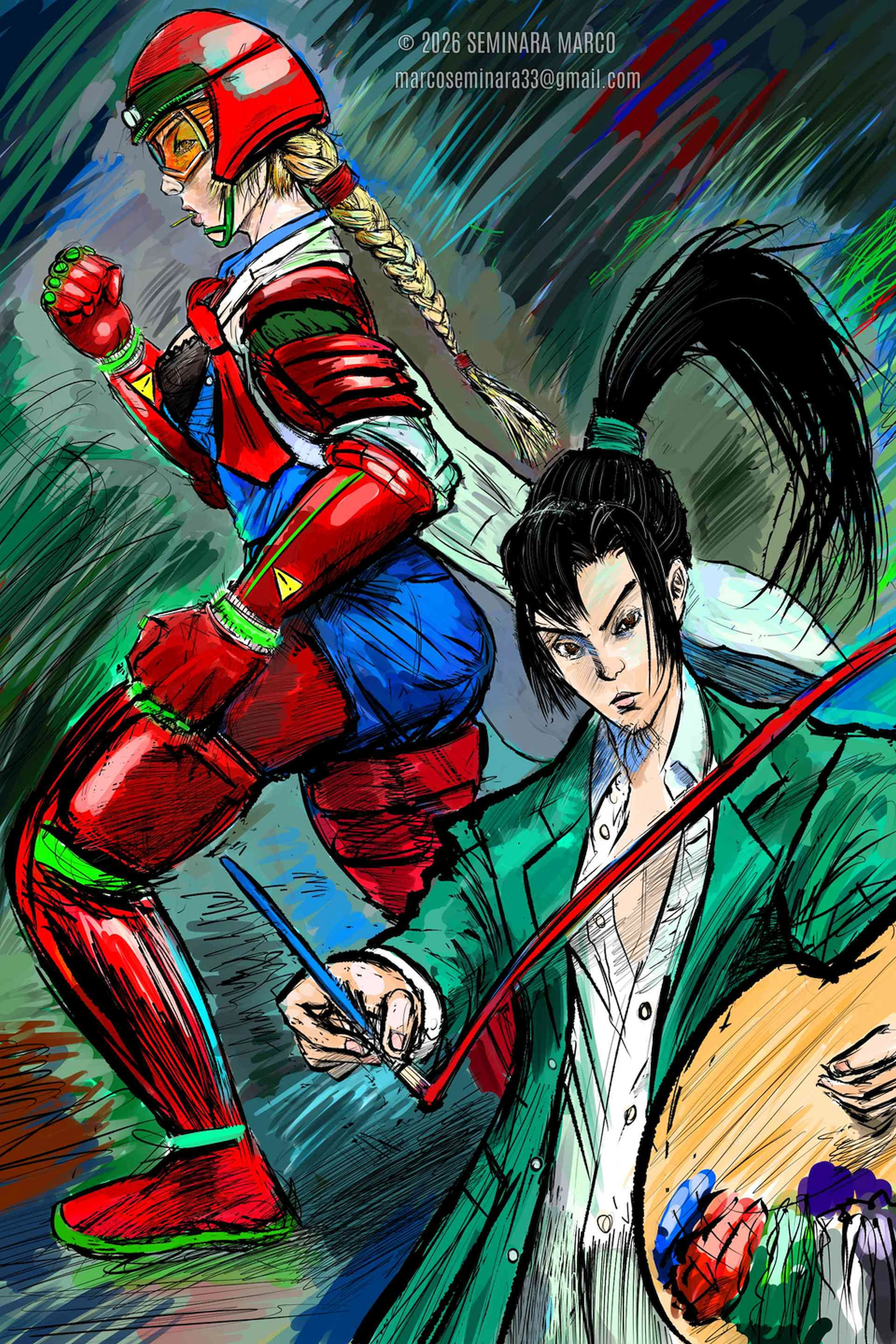
Recently I was uploading images to a thread (Manga WIP) and the system resizes images automatically. To be more precise: this effect is not happening consistently. Sometimes:
a) The image is shown as uploaded (1920x2880)
b) The image uploaded is replaced by a different JPEG image of half the size (960x1440)
How does this happen and what can I do to upload in native resolution?
(Link to post) 587 kb, 1920x2880 = it’s uploaded, but it’s replaced by a 1.91 MB image of half the resolution. EDIT: you cannot access the original from the website.
I can right click on both these images (or long press) and choose ‘open link in new tab’ and the image looks like it’s full size there. That’s what I do when I share winning images on our social sites. Take a look at your images in a new tab and tell us if they look full size to you.
Yes the upload limit is still 3 MB. Images embedded in posts can be in lower resolution to have better load times and due to the responsive design of the website. The download button should open the “original” size with the largest resolution.
Oh, and max image width and height is 400px but that applies only to thumbnails. For the upload size it’s 9 Megapixels.
Also, there’s some room with the upload limit. Images slightly larger than 3MB won’t be rejected outright but they will be resized automatically. In this cases the original resolution will be lost on the forum.
What I mean is that once I open my image on a new tab, the image is half the res. of the original on my device. When the upload process is taking place, it detects the original image and the system replaces it. So, in the end, you can’t access the one of 1920x2880.
And in case the WEBP won’t be scaled down, then it is another reason for using it as format to prefer for uploading artworks to the forum, beside being significantly smaller with most pictures (but not always, only with most content!).
Regardless of which format you want to recommend, if the original file was well within the 3MB and 9Mpx limits but got resized to half the resolution and over 3 times the filesize, that’s a serious issue which should be investigated.
Is there anything else which might trigger a modification of the original image besides the size limits? Maybe it tries to strip metadata or something and then recompresses it poorly enough to need to resize it? The fact that it’s exactly half the original resolution is a little weird.