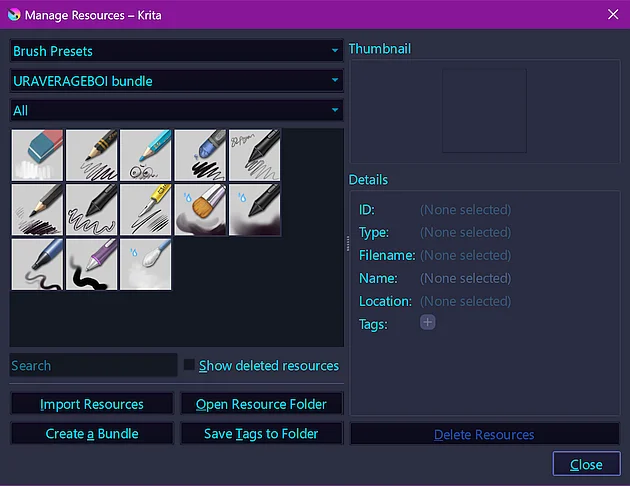
Upon request by our user @amirka22 I’m sharing here for you the Bundle and a Brush by our former member @URAVERAGEBOI.
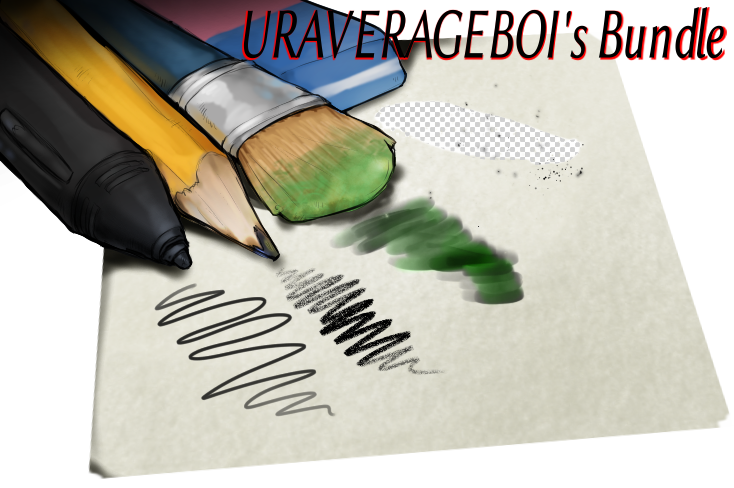
The bundle and brush were very well received when they were released and had many downloads, so, since the license CC BY-SA allows it, I am making this resource available to the public again.
I hope you enjoy it and at least silently thank @URAVERAGEBOI for these great brushes and the work they put into them for you.
The two links below lead to the folders containing brush and bundle files. The folders also contain a copy of the respective forum topics in which these resources were published, as well as the lead image associated with the resource.
The bundle is found in this folder, including a folder holding the license for those interested:
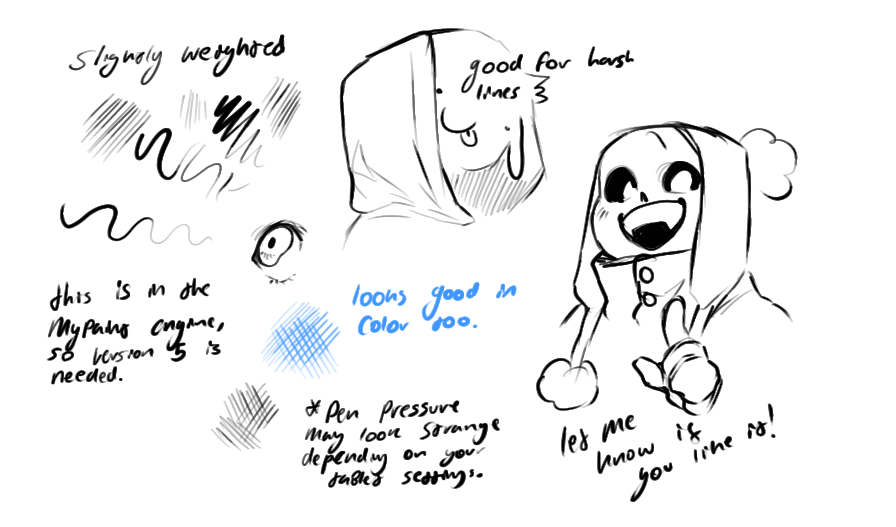
Here the additional “chart” presenting the brushes abilities:

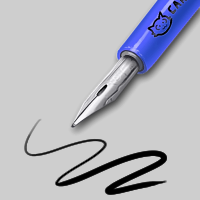
And the brush is found here:
This pic shows the behavior and use case of this brush:
And it can be found searching for this icon:
Have fun with these great resources!
Michelist
Before I forget it, bundles are installed as follows:
A bundle is installed in Krita via the menu ‘‘Settings’’ >> ‘‘Manage Resource Libraries…’’ and in the opening dialog you have to click the button + Import in the next dialog browse to the downloaded bundle, select it and confirm the selection. Now Krita imports that bundle, and you can use its content, so the brushes in case of this bundle.
In case this BUNDLE comes in an archive-file, like ZIP or RAR for instance, then you have to unpack the archive to get the BUNDLE-File it contains, then you can proceed as described above.
And brushes and all other unbundled resources are installed this way:
A brush or any other loose unbundled resource can be imported into Krita via the menu
Settings>Manage Resources...where you have to click on the button Import Resources, in the opening Explorer dialog window browse to the downloaded resource, select it and confirm the selection with a click on the OK-Button. Done!
If a resource doesn’t show up after importing it into Krita, you have to restart Krita two times, only if a resource can’t be found after that, you have an issue. But this bundle and also the brush are without errors.