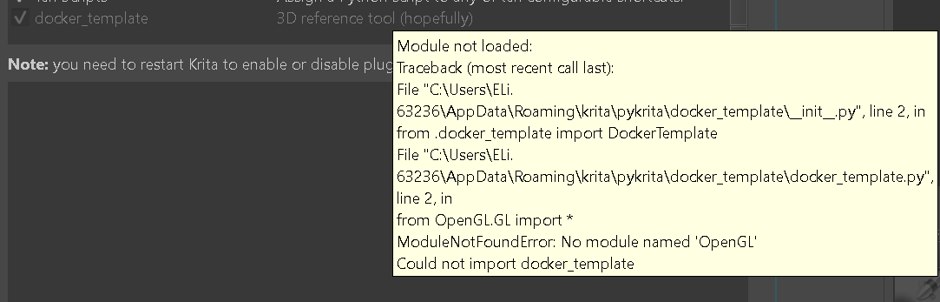
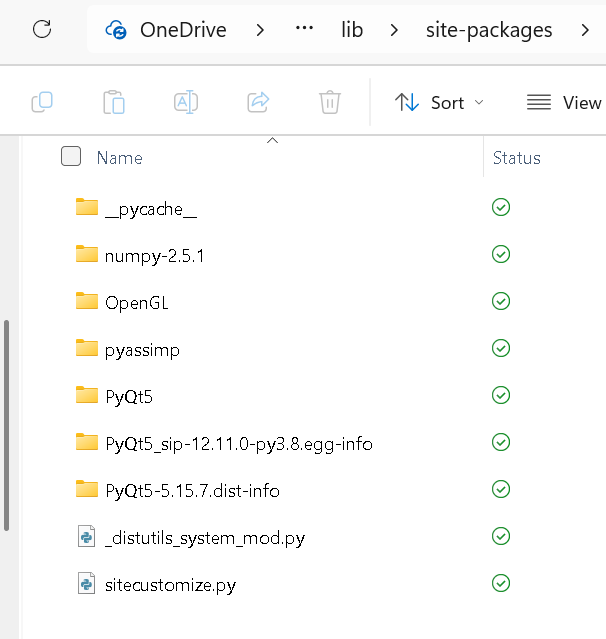
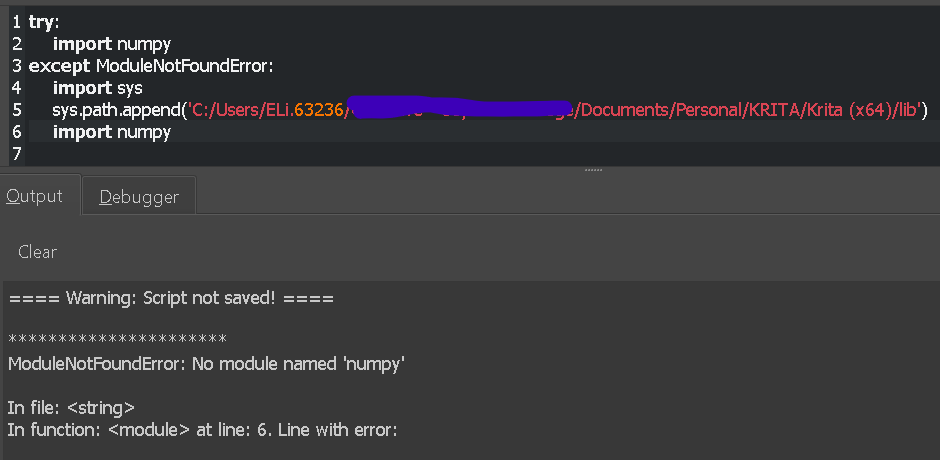
Hi, I had downloaded PyOpenGL, NumPy and PyAssimp, and transferred the folders over to Krita’s site-packages folder, but Krita doesn’t seem to be able to see them.
I sorta rely on them for the plugin I’m currently building, so I would appreciate any input on what I can do next. I probably should have done more research before I reached this point…
Thanks!
Are the packages for correct python version, needs to match to pykrita version, NOT system python version. Also try appending package paths “manually” to sys.path:
Note, if you manually append to sys.path, then package can be placed under your plugin, without need to modify Krita’s own files e.g. krita/pykrita/my_plugin/site-packages/numpy-2.5.1.
Thanks for the advice. I double checked the versions, and the version of PyOpenGL and PyAssimp I had downloaded should be compatible with Python 3.10. I only had to change the version of NumPy.
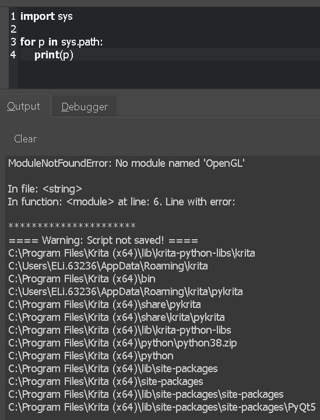
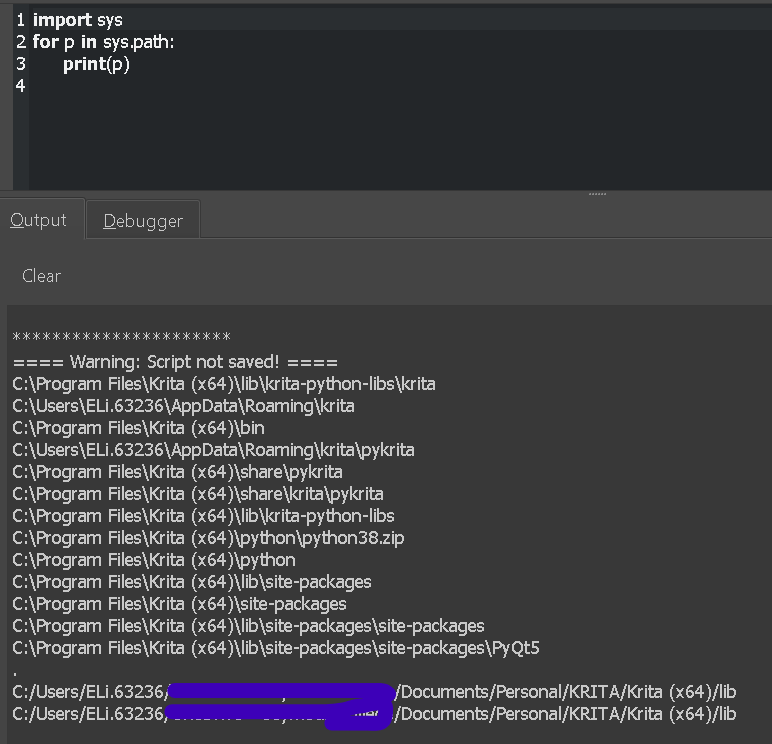
Manually appending the files didn’t seem to work in their original location, so I tried with the folders under pykrita (based on what worked in the post below) but that also didn’t seem to work either.
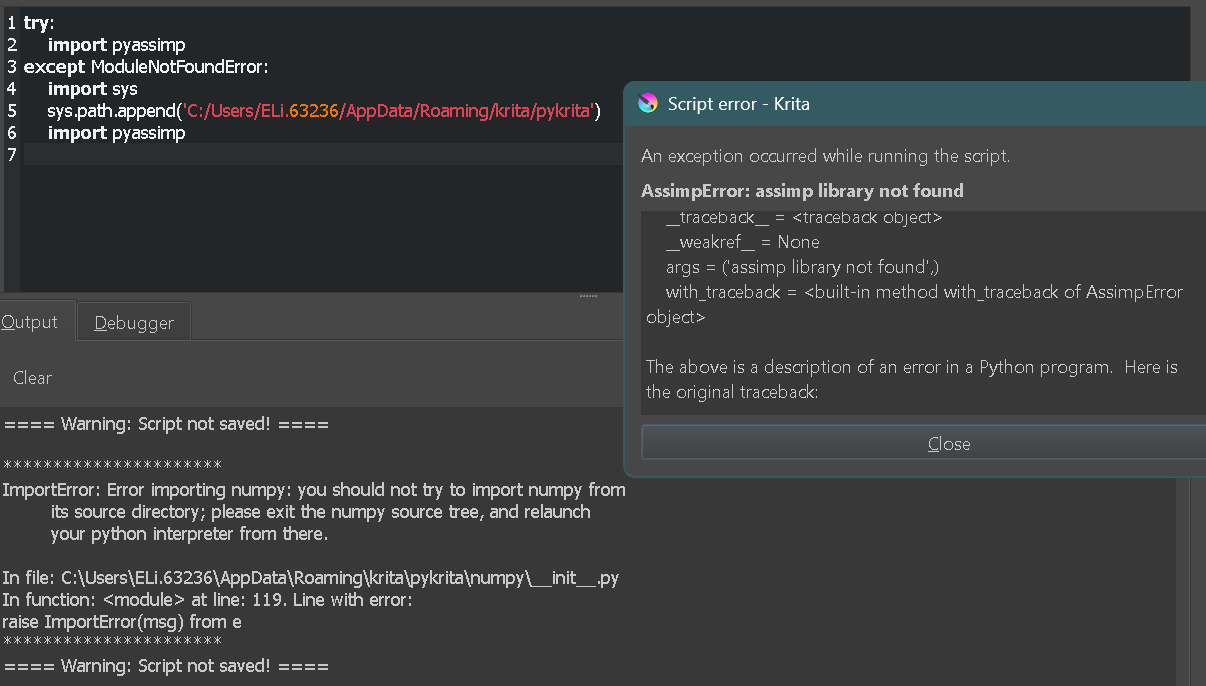
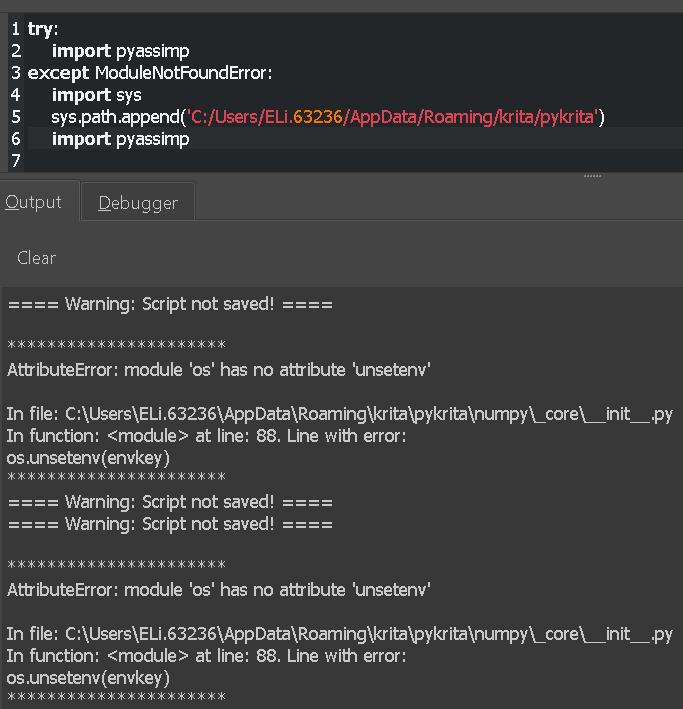
The screenshot above is after I tried to append NumPy and PyAssimp in that order. I moved the NumPy folder back to the original site-packages folder, but then Krita just couldn’t find NumPy again.
At some point, this message had also appeared for NumPy and PyAssimp (sorry, I don’t remember what I did at this point, so I’m not really sure what changed):
What version of Krita is this and what does print(sys.version) say? os.unsetenv should really be available.
Putting this stuff into OneDrive is also a point of failure. It regularly locks up files or reverts them to earlier versions, so you can easily get corruption.
Ah that’s probably the issue. I installed Krita a few years ago and hadn’t really thought of updating it since. I’ll try again after updating and moving the files to This PC. Thanks!
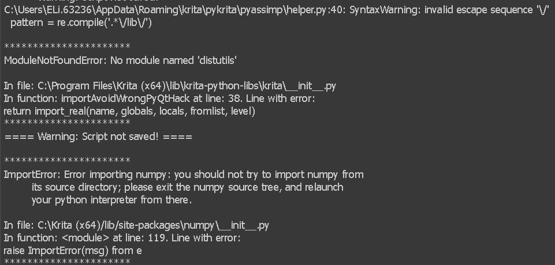
I didn’t realise that the distutils module was incompatible with Python 3.13. I downloaded setuptools and placed it in the same folder as the krita.exe file, but the same error message appeared again.
I also completely deleted and reinstalled NumPy in case I had accidentally left files where they shouldn’t be when I was moving folders from location to location as Krita might’ve been confusing them. But It didn’t change anything either, I got the same error message for NumPy again as well.
Trying to import OpenGL again doesn’t result in an error message, but it still doesn’t show up among the directories that Krita can see to import modules.