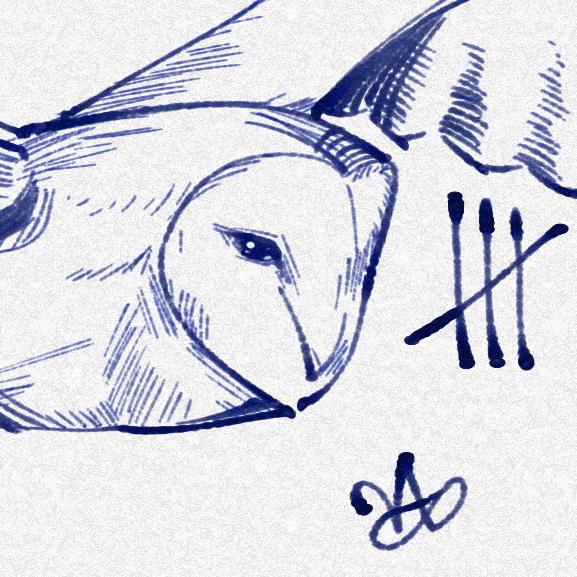
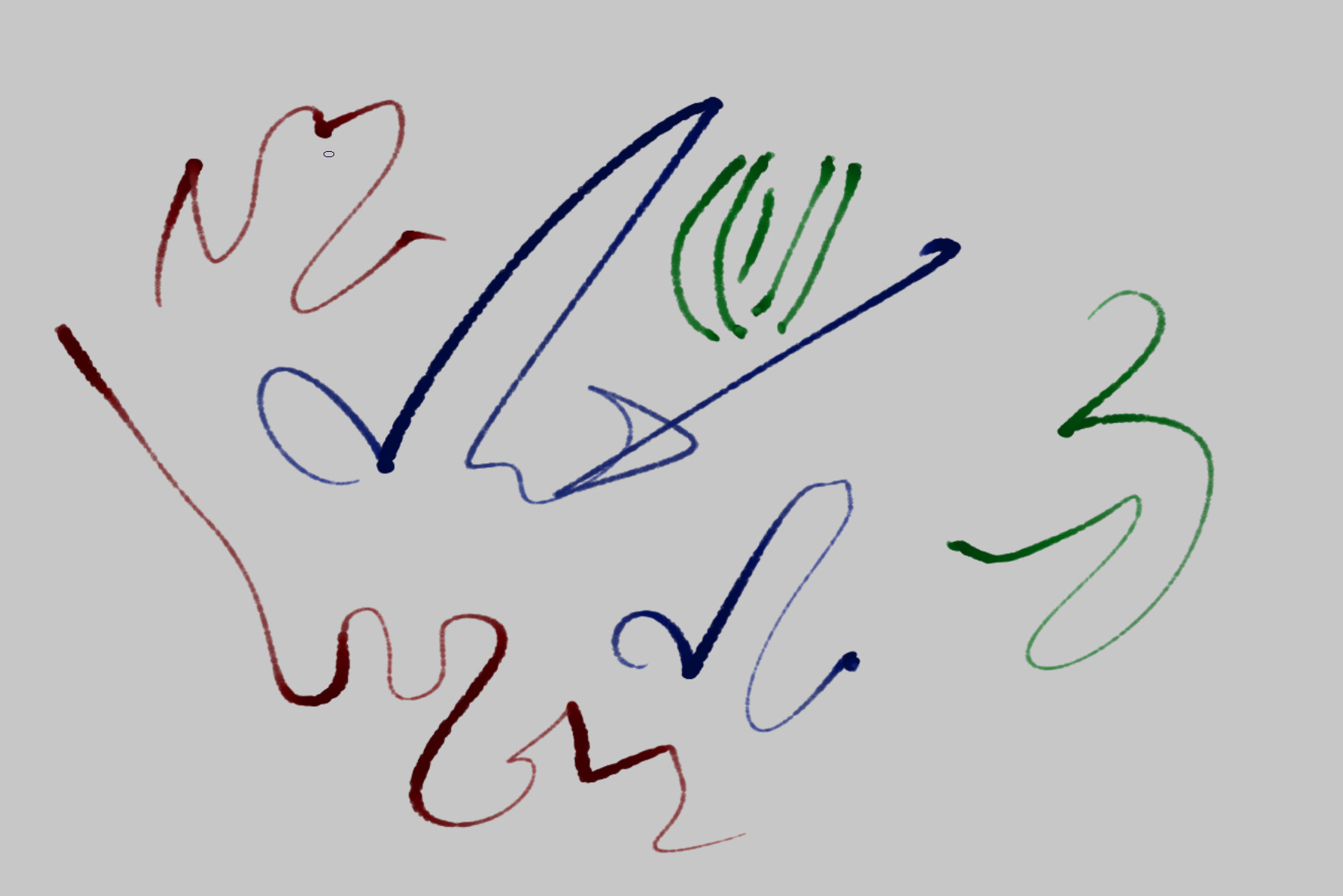
It’s nice that when drawing quickly, the ink flow realistically lags behind, making the line thinner, that looks good and is fun. It’s also a valuable addition to the toolbox in other ways, I believe.
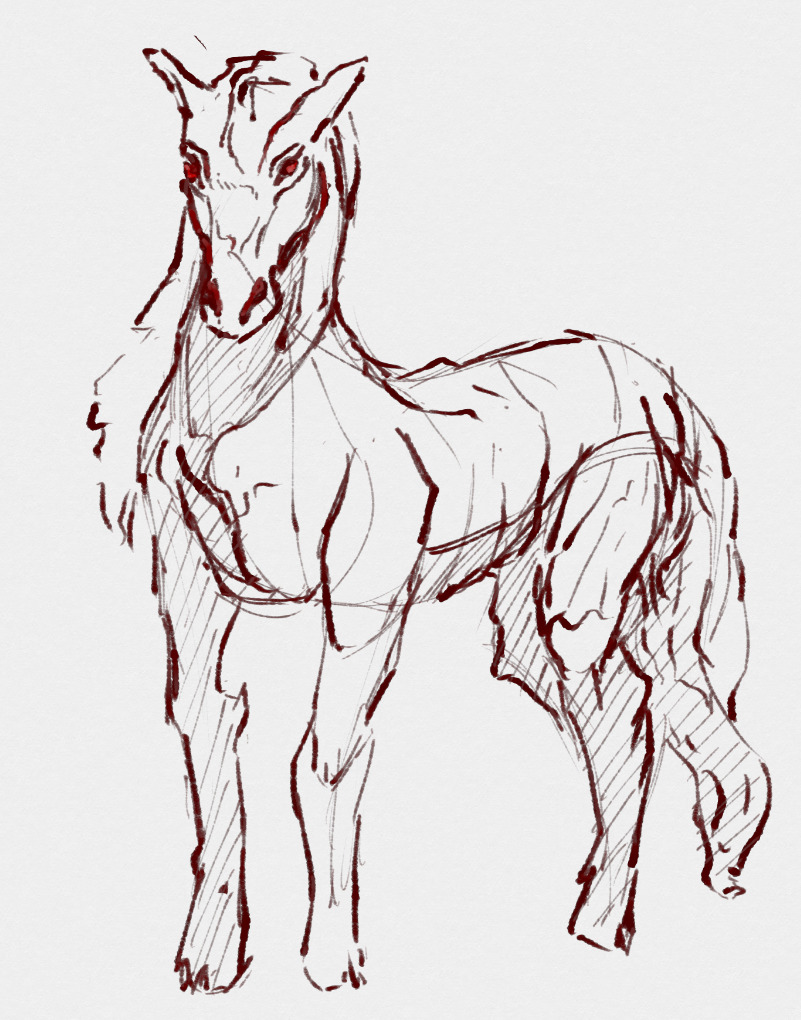
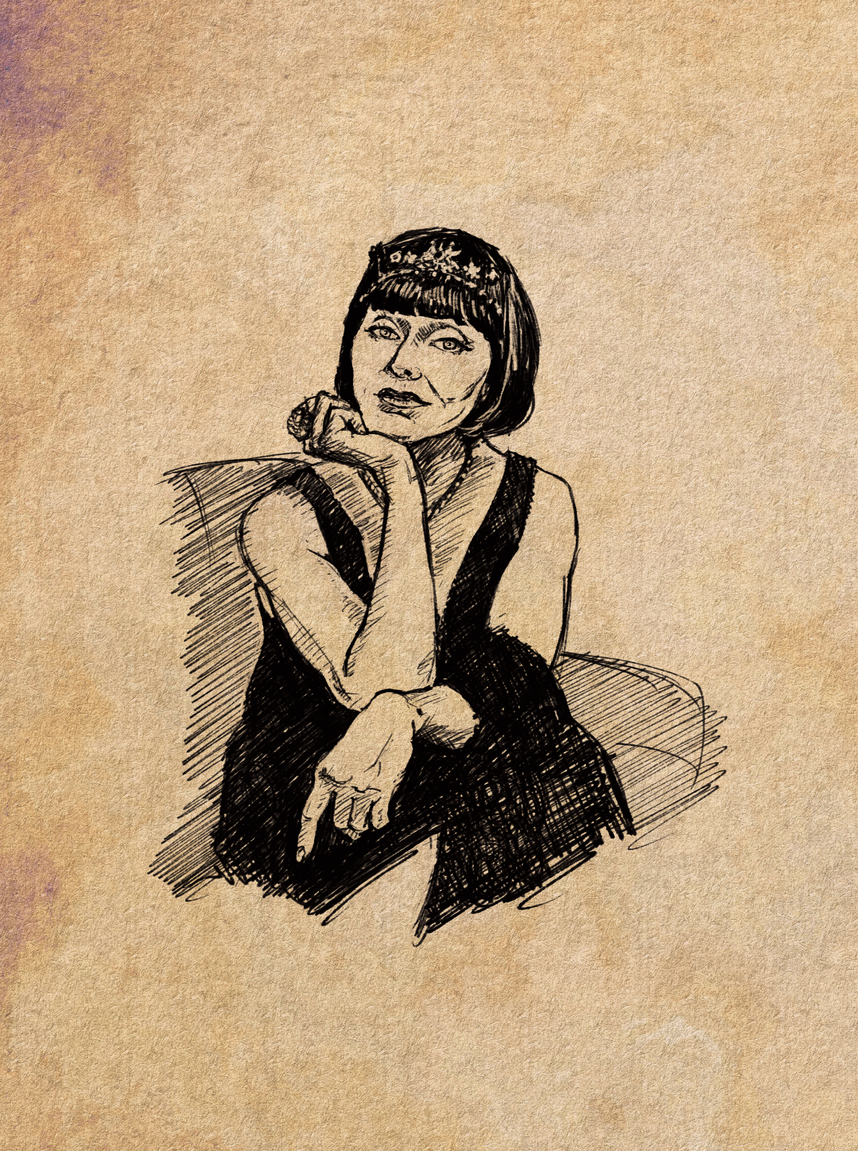
Thank you! To be honest, I didn’t know this character’s name. For many years, I’ve been saving all the images I like so I can use them for my drawing studies. I love this actress’s face and expressiveness, so I decided to sketch her using the brush created by echolessowl.
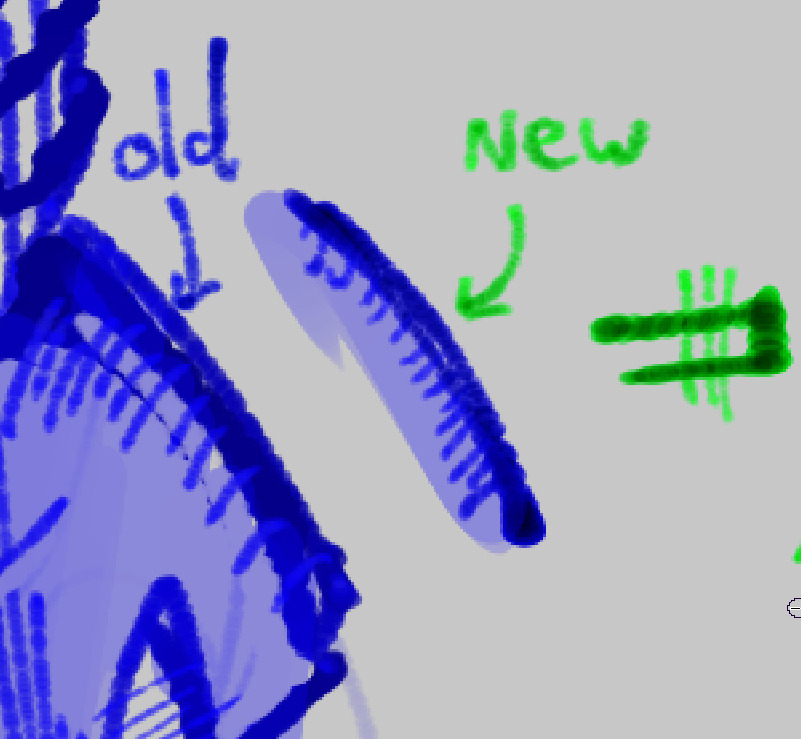
The default blend mode is now multiply, and i’ve adjusted the value curves to compensate for this. this naturally causes the brush to get darker toward the center of the stroke, and will now cause lighter lines to not appear above darker lines. This should make the brush behave much more like real ink.
Hi, I’m new to digital drawing. Could you help me figure out how to try this pen after downloading it from DRIVE? What are the steps to use it in Krita?
Thanks
A bundle is installed in Krita via the menu ‘‘Settings’’ >> ‘‘Manage Resource Libraries…’’ and in the opening dialog you have to click the button + Import in the next dialog browse to the downloaded bundle, select it and confirm the selection. Now Krita imports that bundle, and you can use its content, so the brushes in case of this bundle.
In case this BUNDLE comes in an archive-file, like ZIP or RAR for instance, then you have to unpack the archive to get the BUNDLE-File it contains, then you can proceed as described above.
Hello Michelist, and thank you so much for your help.
Thank you for creating this tool at echolessowl.
For now, I’m studying to understand how Krita works. I’ll let you know how it goes once I’ve completed my training and tried out this pen.
Have a good life!
I moved the link to the updated version to the first post in this thread. Please put all links in only that post. It makes it so much easier for members.


 Hello
Hello