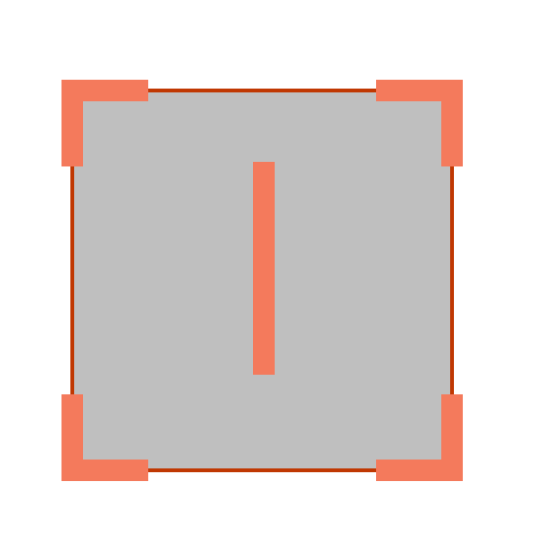
When I import object from my custom Vector library it gets blurred (seems like antialiasing applied) on edges.
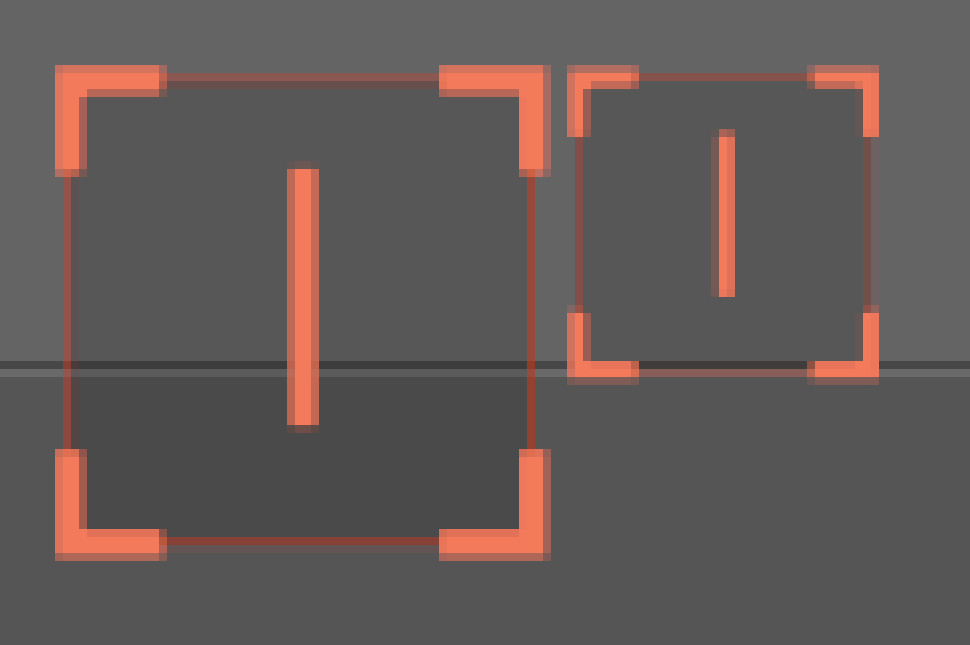
Is there way to make it so my vector does not being smoothed?
Screenshot from InkSkape
When I import object from my custom Vector library it gets blurred (seems like antialiasing applied) on edges.
Is there way to make it so my vector does not being smoothed?
Screenshot from InkSkape
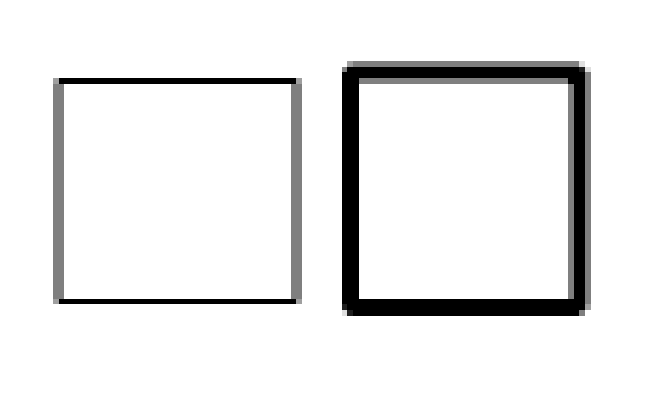
There is antialiasing applied to the raster projection of the vector and it can be quite variable depending on line thickness and the exact position of the lines:
There’s no way to get rid of it and that has been asked for before.
All you can do is make the shapes larger so that it’s not obvious in the final result.