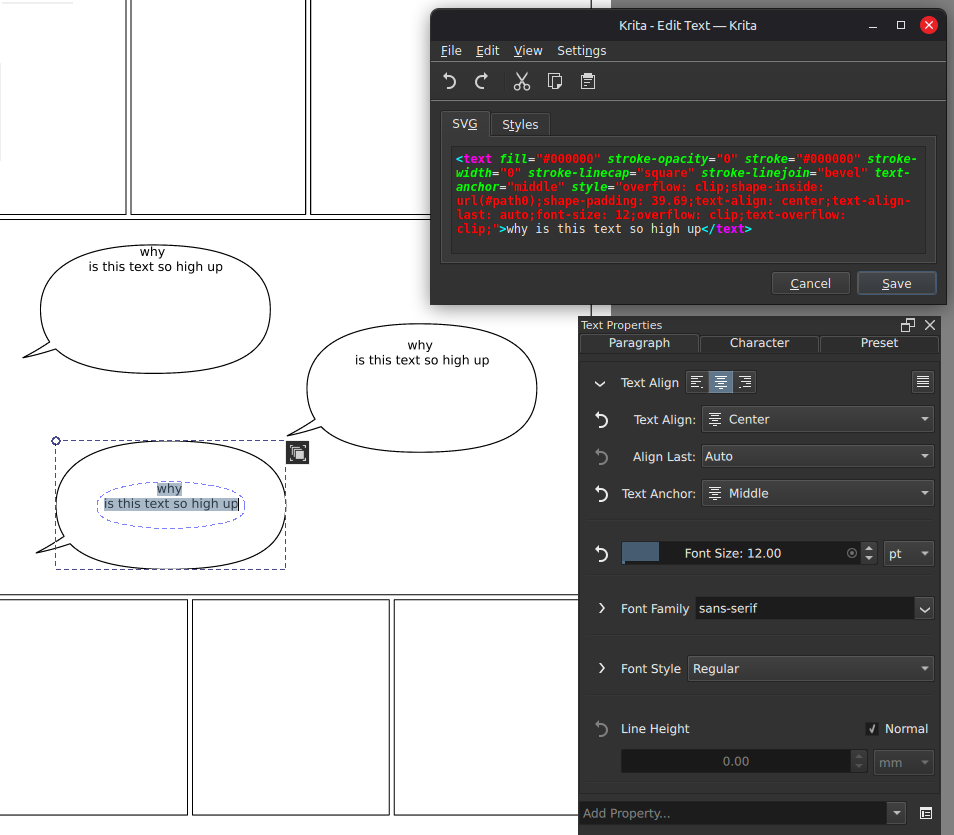
Now that Krita 5.3 introduced being able to fit text inside of vector shapes, it’d be great to have an option to align the text vertically to the top/center/bottom of its available area.
Right now it just bunches up at the top, where it will 9 time out of 10 should go at the center at least.
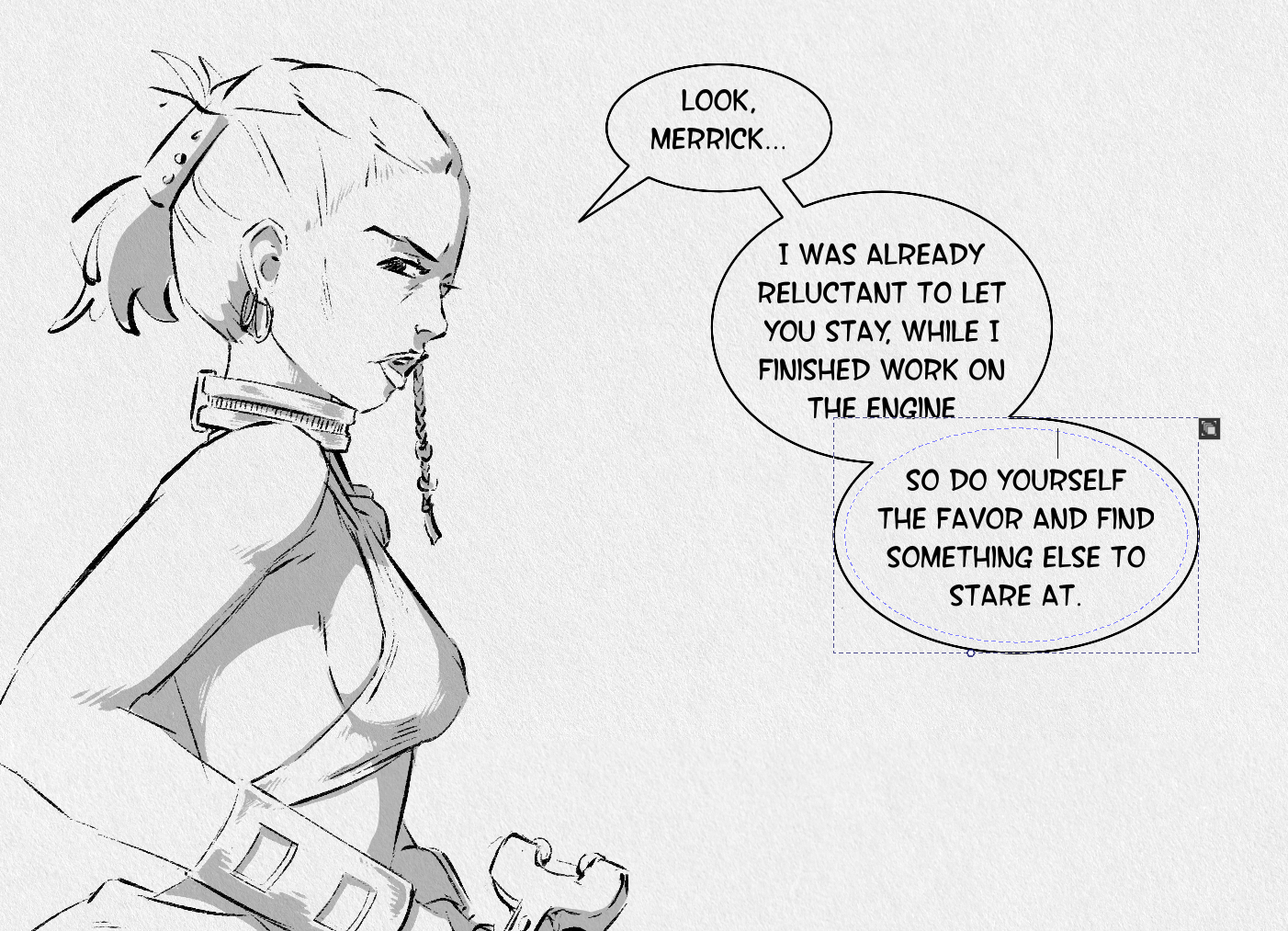
Messing around with the new and amazing padding property only takes you so far as you can see in this image:
This new Text tool is amazing and I’m really happy with it.
For now I can just create the text outside the shapes and align it by eye, but this would be nice to have.
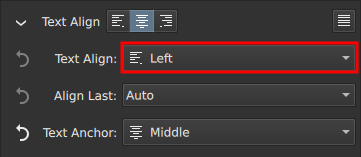
PS: Speaking of Text Align, the default preset to center text horizontally has it still align to the left unless you modify the sub menu
I agree. I’m loving all new features available for the text tool but have noticed it would be helpful to align to the vertical center. I’ve taken to dropping an empty space on my top line, so that my text will drop to the next line (shown in the screen shot). This helps, but it’s a bit cumbersome. Saves me from needing to make a secondary layer for the bubbles though.
Unfortunately this isn’t part of the SVG spec, which we’re adhering to, and I have to admit I don’t really know how to do this properly without it becoming really slow. The problem is that it’s easy to vertically align when everything’s a rectangle, but when it’s a circle or a triangle that becomes really hard.
I’ll keep an eye out for it, whenever the SVG/CSS working groups discuss stuff like this, but those are fairly slow-moving groups.
My art-brain thinks, “Can’t the text wrap like it would at the top, but just be moved to the center, like I would do were I handling it manually”, but my logical side knows it’s far harder to program these things, than that.
I suppose this is the official workaround for now
That and changing the font size of the empty line to fine-tune the final height
I don’t know how easy it is to mess with that bit of code, but the only solution I could think of would be to have an alternative wrapping method where it assumes the shape is a rectangle.
Maybe it defaults to the bounding box and you just manually adjust the width and height of the virtual/invisible rectangle.
The current wrapping is still useful to keep around for many things, but I think speech bubbles are common enough to need something like this.
Here’s hoping an actual solution comes around
Thanks for the info