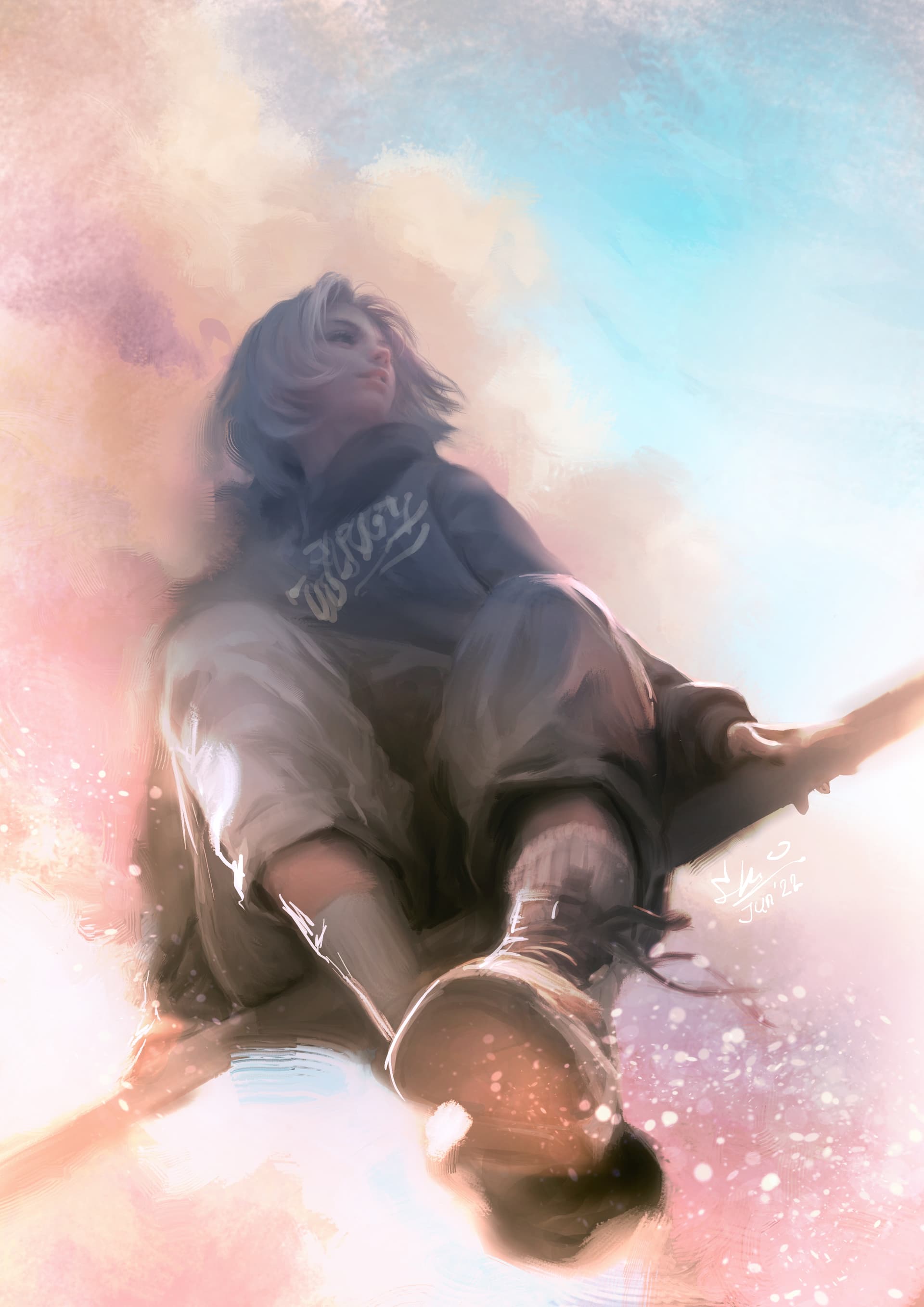
Watching sky

i try to use the technique “overlay mode*” told by @MangaTengu to blend/blurred some part of the character in other layer (so if it fails the original layer still intact), and it looks nice, i like the result, thanks for the tips, Mangatengu

*overlay mode: blending mode that works on all layers below it on one layer and no need to merge them all. (this is new to me). you can turn it on / checked / unchecked on the brush setting.

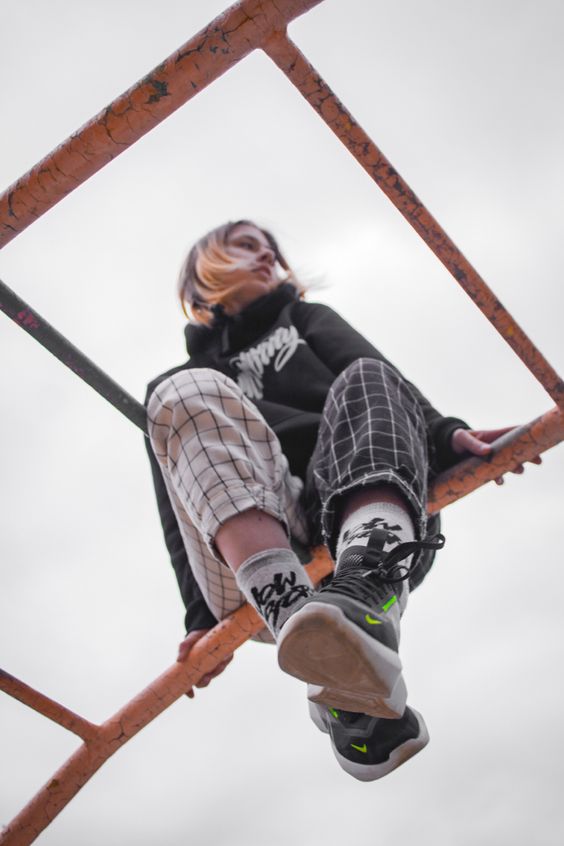
a practice using this photo reference:

175 Likes

Excellent work!

thank youu!

1 Like

This looks great :heart_eyes:

thank you, Biene

1 Like

Great job!

1 Like

Wow…jaw dropping :flushed:
Edit: And btw I’ll take the use of the blender rake from you :heart_eyes:

brilliant work

Really good. I love the switch in colors, lighting and mood. Excellent

ohh im honored :handshake:
honestly, i actually learn the atmosphere (try to follow) from this guy (but it turns out the result is different, lol)
https://www.artstation.com/kyz

2 Likes

thank you, Houndsmanart

thank you RamonM.
the switch in colors ya… hmm… i kinda didnt realize it before…you give me a new angle of view now. thank you for your nice words

Amazing! I love how you transform the faces to your own style. Really beautiful.

exellent painterly rendering, soft tones and brush work, and also; wow for succeeding a pose with this super difficult view angle. :+1:

1 Like

Wow I love his work. The textures and smudge are so well done it feels like he smudges over traditional works :exploding_head:
(… Now I’m gonna try out things like rgba brushes and mixing traditional and digital…)
Your surrealistic painting is marvelous.

1 Like

beautiful work :slight_smile: the overlay mode turned out so well

1 Like

looks great. cool that you share your reference as well :slight_smile:

1 Like

Stunning! Love it.

1 Like