Is there a downloadable textured background for watercolor and oil canvas? I’m new to Krita and want to create painting on “canvas” that are high res and printable. Everything I have seen on youtube from a few years ago all show textures but they all tile and therefore show repetitive patterns. Can anyone steer me in the right direction.?
I think you might find what you’re looking for in here – both the tutorial and the link in the video description.

LOL, the guy references @RamonM’s smart canvases from here:
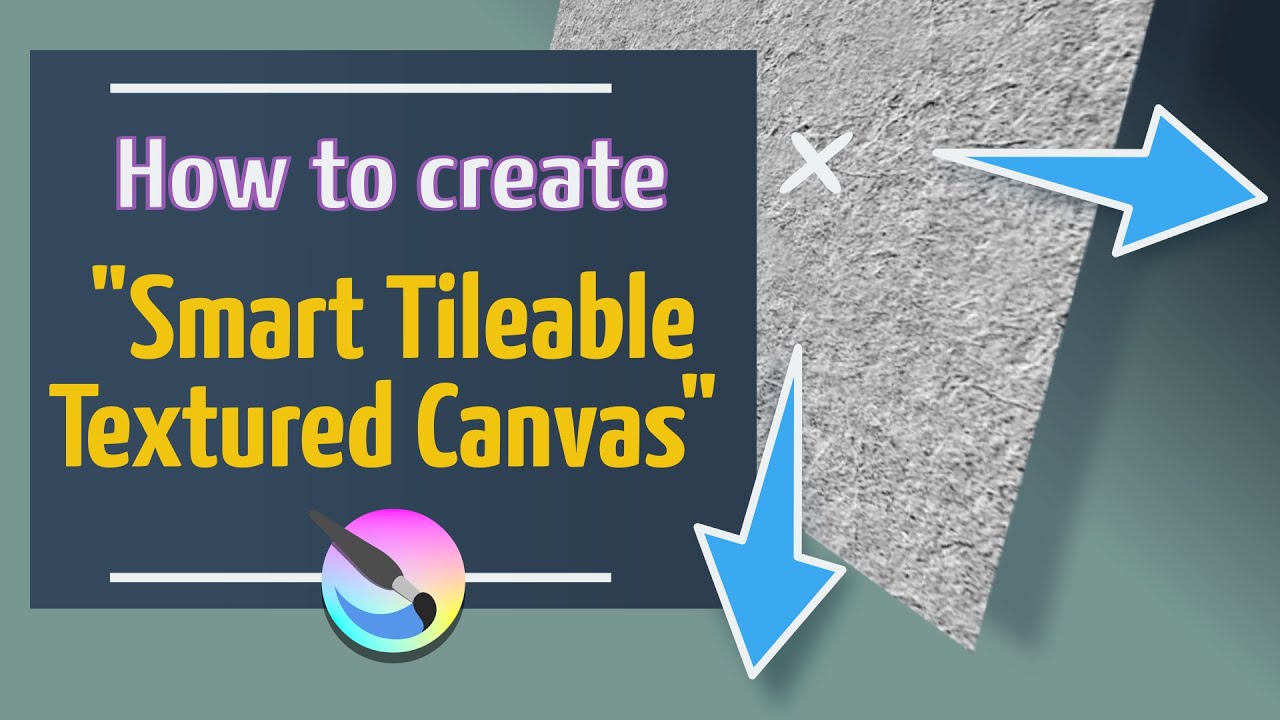
Downloadable directly from here:
Smart Canvas Templates for Krita.zip
Michelist
When I go to Manage Resources - Import patterns, the .kra files in the download folder are greyed out and not selectable. What am I doing wrong. I’ve already unzipped the ZIP file into my downloads. - geomooart
They are supplied as .kra files with multiple layers already set up for applying a texture.
The structure and how to use them is explained in the video.
I understand how to use them from the video. The three included in the “Smart Canvas Templates for Krita”, Oil, Pastel and Watercolor do not show when I try to import them into the patterns. They are there but greyed out as in not selectable. They are .kra files I know.
You can’t import them as patterns because they are not pattern files.
Those .kra files make use of patterns that are already in krita.
Do you want to find some patterns that are suitable for watercolour, from somewhere that provides them, or do you want to learn how to make your own seamless pattern files?
I seem to remember some topics here that are about providing or giving links to collections of patterns. I have a vague memory of a tutorial (probably YouTube) about making your own seamless/tileable patterns.
I don’t want to make patterns myself, there should be a way to import these .kra files. Maybe someone else has a solution. If not, I will just use what’s already in the patterns folder. If someone else has “pattern” files for watercolor, oil, and pastel, hopefully they will add their information. Thanks for your replies. - geomooart
@geomooart The reason I linked that particular video is Steve Elliott does a great job explaining exactly how to use the files.
You don’t need them as a pattern. No tiling. No seams to worry about.
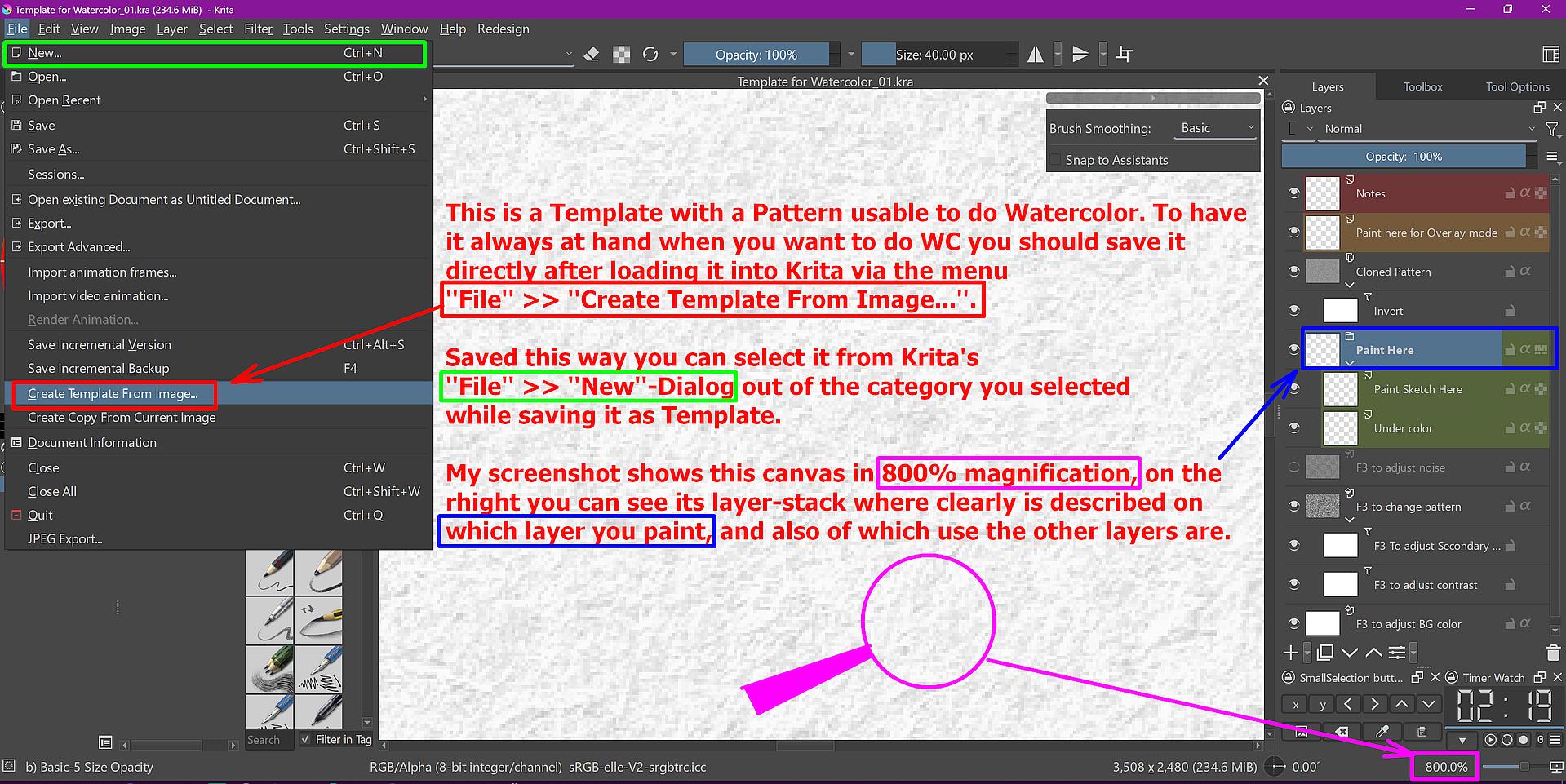
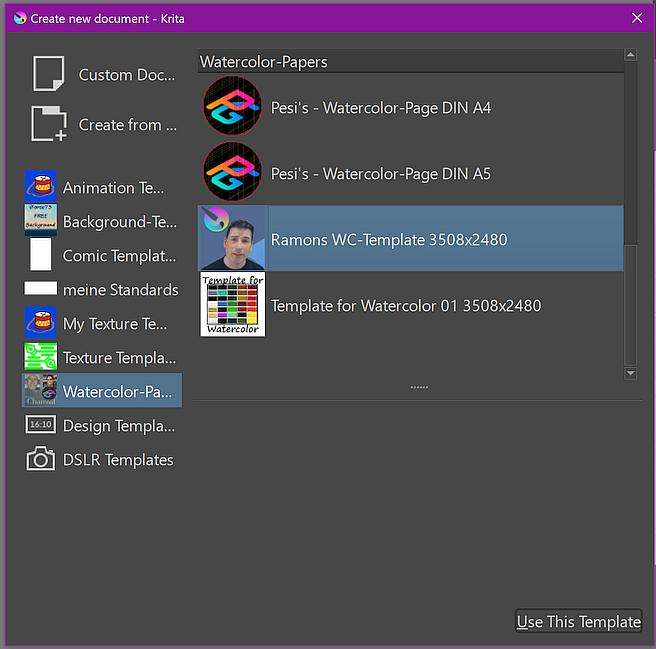
These canvases are Templates with a pattern usable to do watercolor, oil or pastel. To have it always at hand when you want to do watercolor, you should save them directly after loading them into Krita via the menu ‘‘File’’ >> ‘‘Create Template From Image…’’. Saved this way, you can select it from Krita’s ‘‘File’’ >> ‘‘New’’-Dialog out of the category you selected while saving it as Template.
My screenshot shows this canvas in 800% magnification, on the right you can see its layer-stack where clearly is described on which layer you paint, and also of which use the other layers are.
Screenshot of: Template with a Pattern usable to do Watercolor (incl. Typo)
If you like to give that dialog your own touch, you may want to give your new template an own icon to recognize it better, in case you made a lot of watercolor canvases like I did. Something you may also want to consider in case you create an own category for watercolor canvases:
Michelist
Thank you so much for this information! Once I get going with my day, I will give it a try. I’ll let you know how it works out for me. - geomooart
By the way, I forgot to mention that you can scale these canvases via “Scale Image To New Size… Ctr+Alt+I” seamlessly to any size you prefer or need.
Michelist
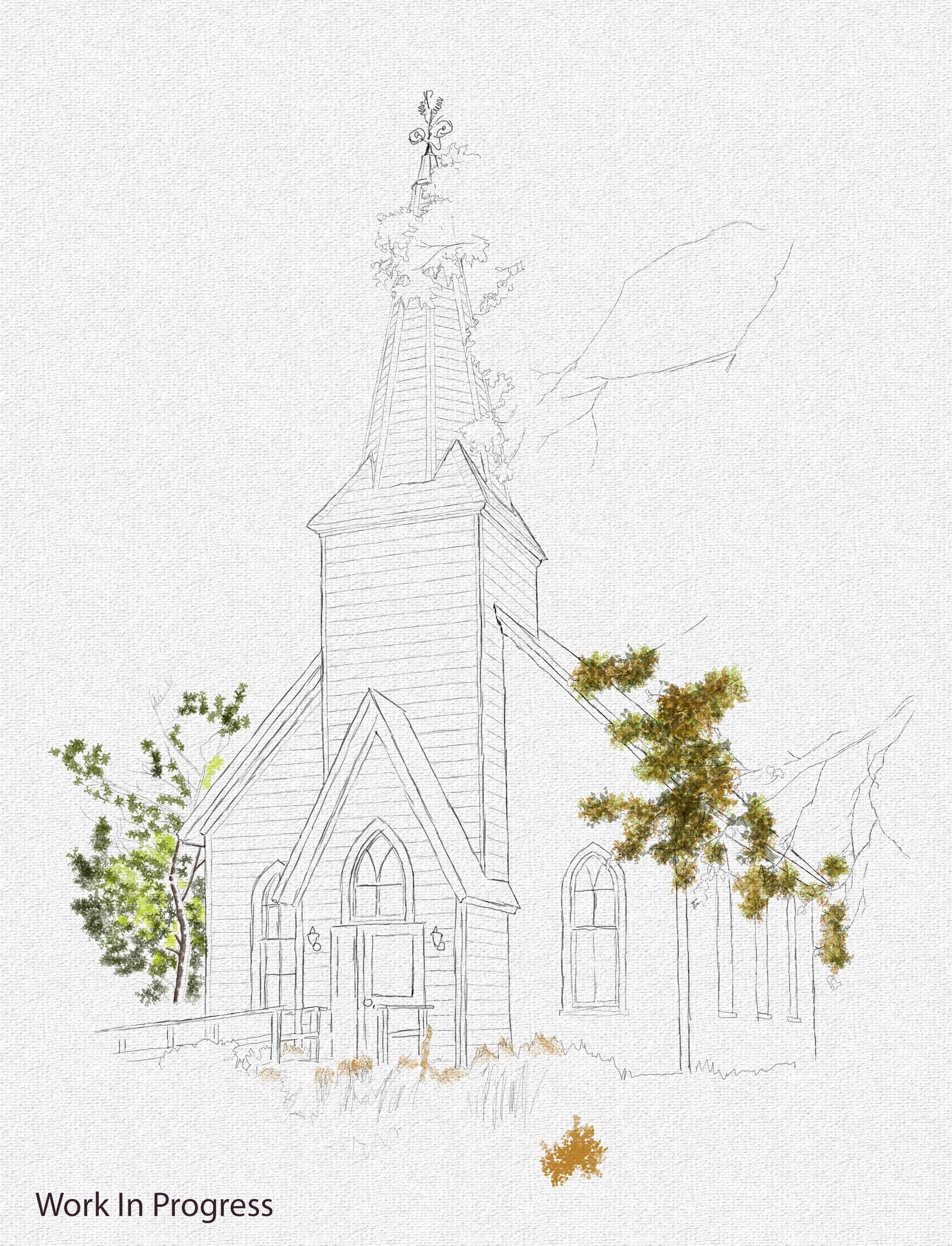
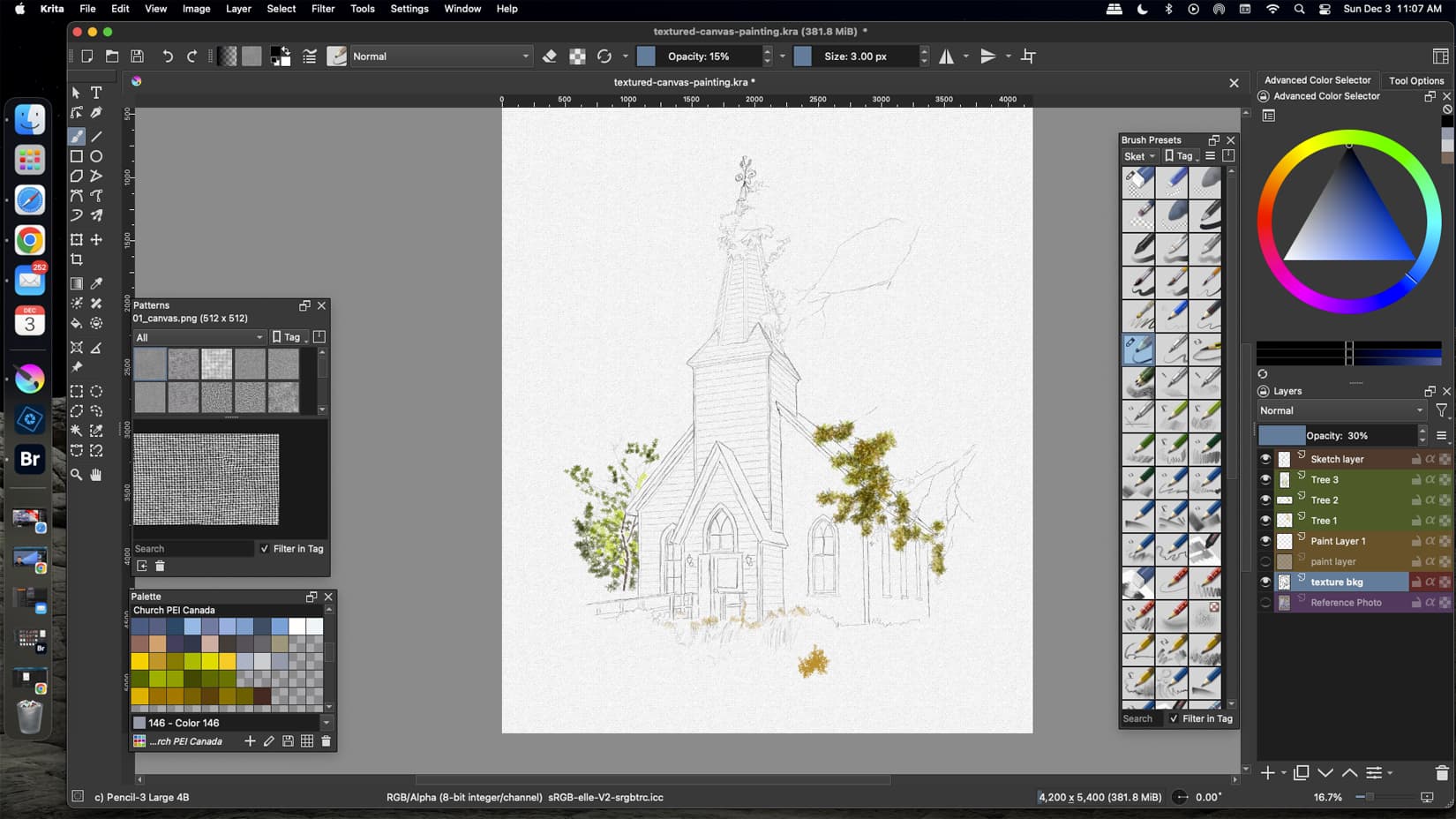
Apart from the note layer, you should actually keep the layers of these canvases, among other things, to be able to make adjustments at the end of the picture using the adjustment layers. Ramon has certainly thought of something here. But you are of course free to do whatever you like with your pictures and canvases.
As I am a layer-devouring monster, I create my painting layers in a self-created group under the default group ‘‘Paint Here’’.
Michelist