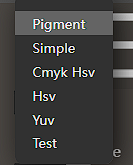
EDIT: I forgot to mention my OS and Krita Version, I am working on Win10 and Krita 5.0.6
According to Krita Official Documentation, Layer on “Value” blending mode
“Takes the Hue and Saturation of the lower layer and outputs them with the Value of the upper layer.”
But that is not happening at all when I try it
Instead of changing just the value of the color, it messes with the saturation too, it’s supposed to change only the value, Is this a bug? or some misunderstanding on my part about how HSV Value blending mode works ?
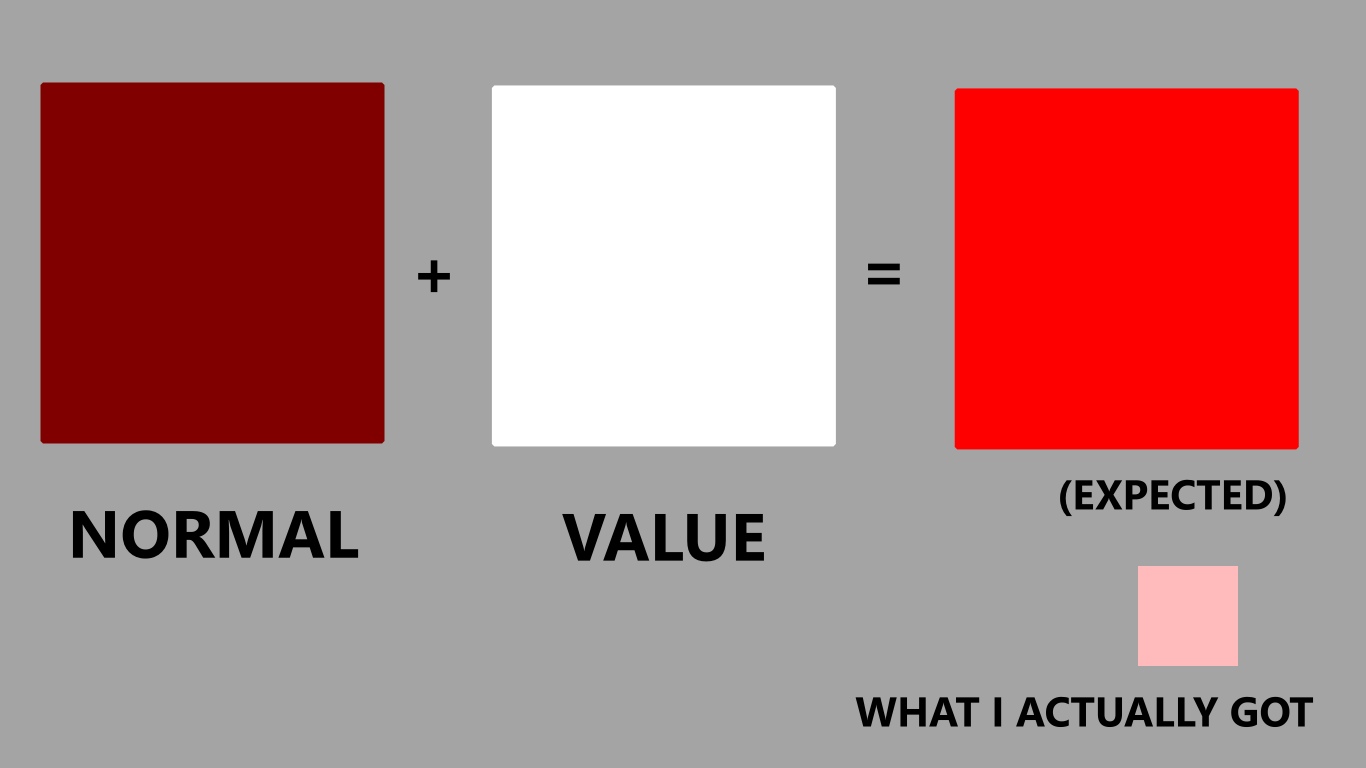
I’ve isolated this to a very specific isolated example, I am trying to change some full saturated dark red (#800000) to full valued using a Value layer on top with just white (to set the maximum value), I was expecting to get fully saturated red (saturation is supposed to keep the same), but instead of getting the expected #ff0000 , I’ve got #ffbbbb
Sample file:
It includes one layer on normal mode with color #800000
And another layer on top with HSV Value blending mode with color #ffffff, I expect to get #ff0000 but instead I got #ffbbbb
https://drive.google.com/file/d/1a4abq_YuAoKtec-S2G2kBHp5JVqq3oyG/view?usp=sharing