Basically it was Pantone for minerals ages ago(Pantone is goddamn homedepot monopoly that gatekeep their color system behind paywall, overpriced books and worst color picker software in entire universe since 2020 at least sorry for rant but seriously this is bizarre, i hope their big colorful office will get cockroach infestation), colors weren’t reconstructed tho
Giant credit, respect and thanks to Nicholas Rougeux’s work, amazing guy:
I can’t get that to do anything, so frustrating as I can see the Kpl file in the google doc but can’t download it separately.
I’ve gone to the Nicholas Rougeux source and found a page called data which has all the information for the 110 colors, the actual originals aren’t good because they are hand painted and have texture variation so it would be hard to color pick them, but the DATA page contains the hex information and the swatch included is averaged into a solid color so I can also color pick it. I’ve created a PDF of that and will be able to to recreate a full palette of the 110 colors for Krita (should I feel a need to).
That’s odd, I can’t get that to work either, I put it in the resource pallet folder and imported it but it doesn’t seem to recognize it. I might just have to spend an hour making my own from the data spreadsheet. Although just_scp_lover seems to have already done it.
It downloads ok and Imports ok and I now have that palette in my collection
If you edit the link to say …dl=1 instead of …dl=0, that will give immediate download instead of the Dropbox site attempt to sign you up, which is always annoying.
Thanks for saying so…I got about six pages in and sort of fell out of love with it, so it may never get finished. When I look at it I see lots of horrible lines and over working, and I took up music last year and my interests have moved to that.
Of course it’s nice to get a positive comment and I’ll keep it in mind.
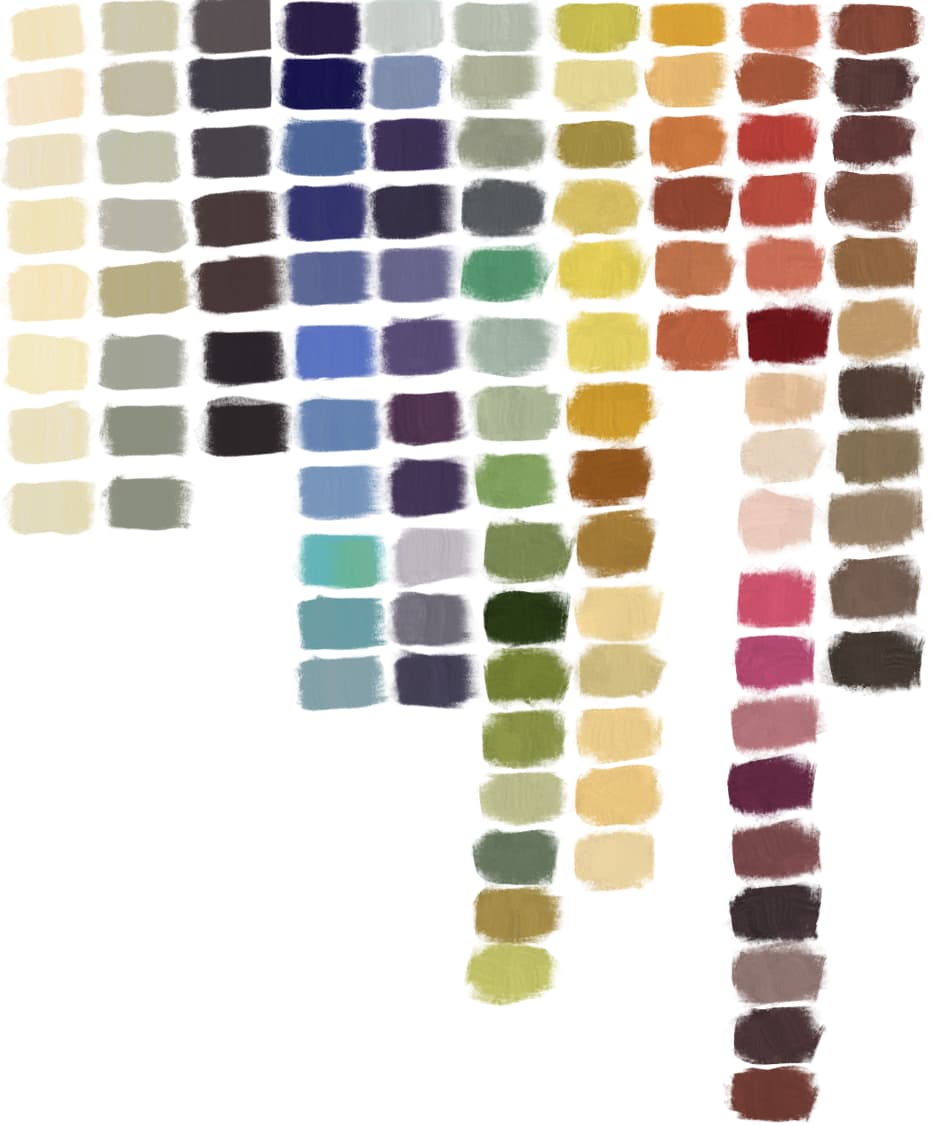
 , but kpl file is inside of a bundle. I guess you should import it through Manage Resources.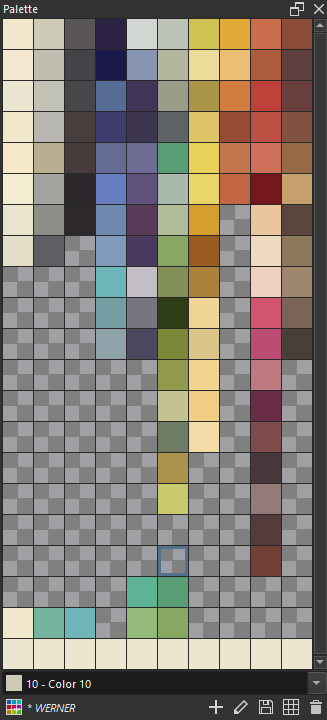
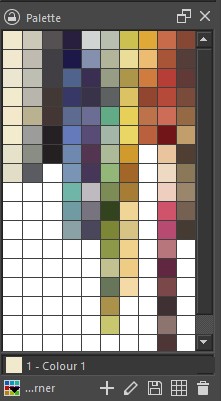


 many MANY thanks for sharing these


