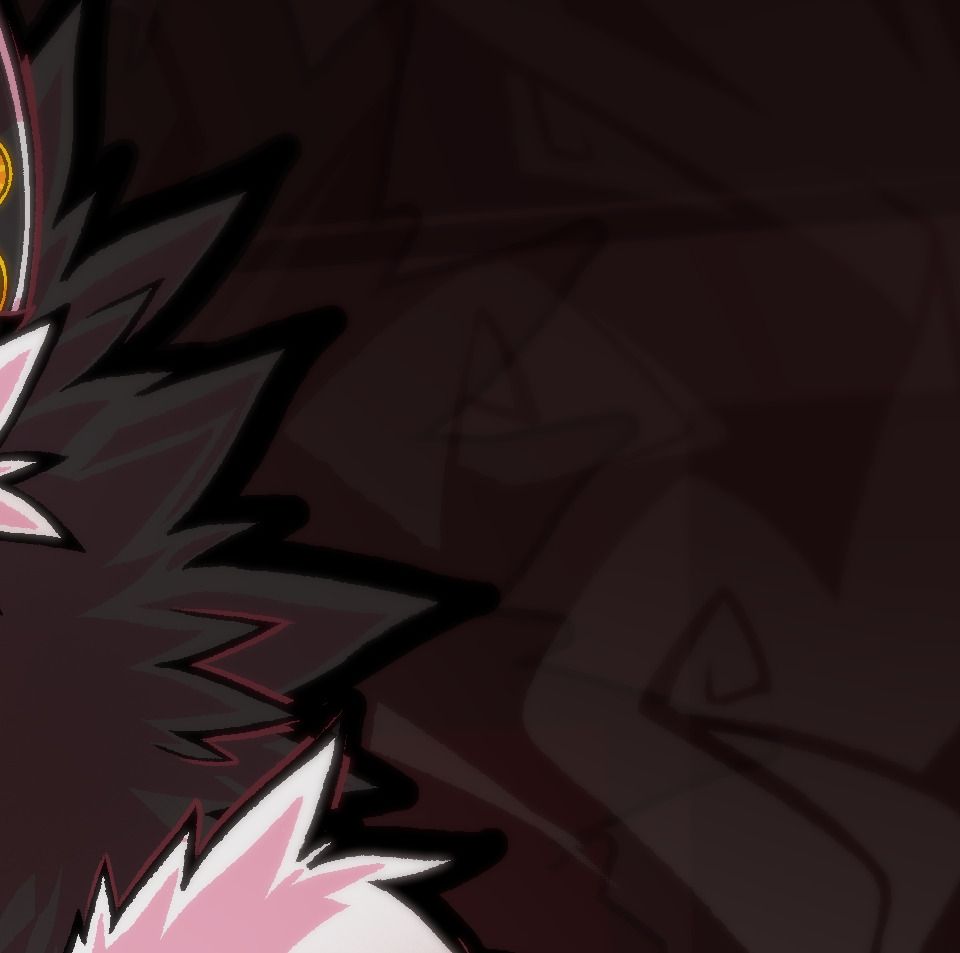
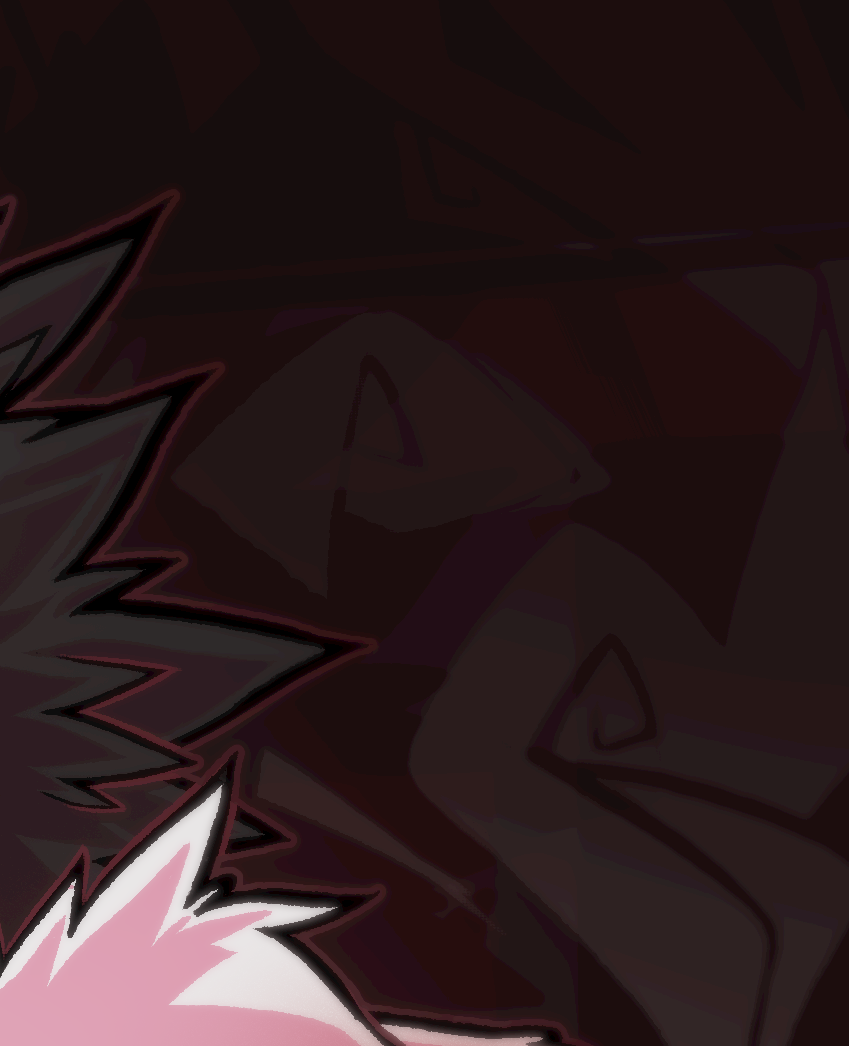
Looking mainly at the smoke, what’s making it look so terrible when exported in 8 bit vs being shown on my 8 bit monitor?
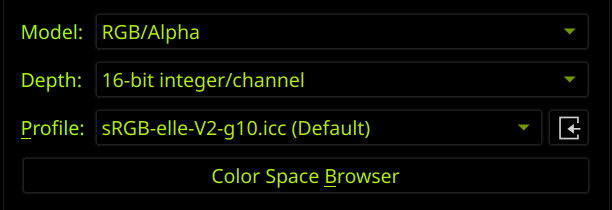
For example:
GIMP [ 8 bit, 11.4MB ]
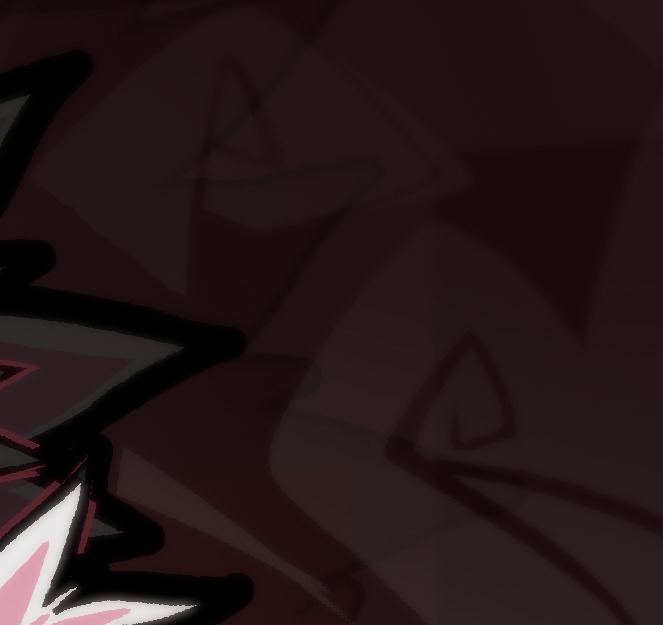
Krita [ 8 bit, 7MB ]
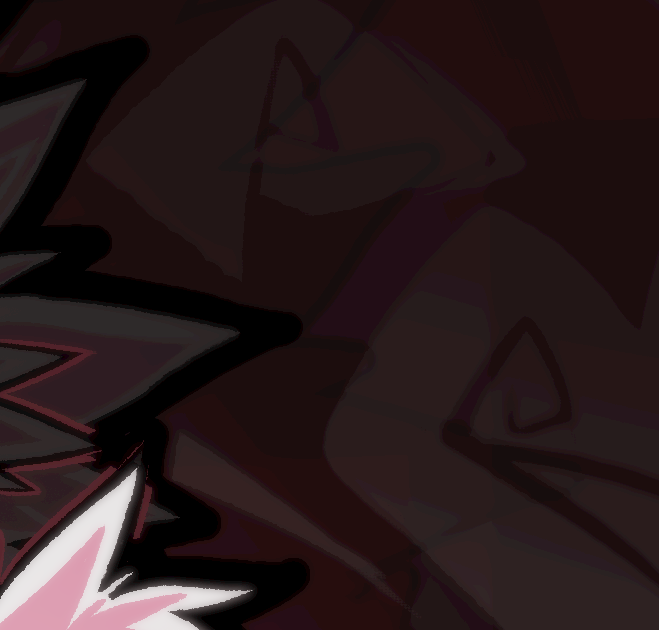
Krita [ 16 bit, 48MB ]
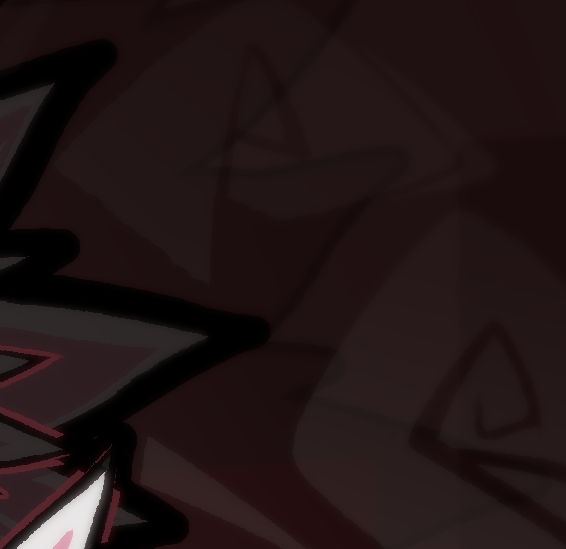
What’s the best way to get a good export out of Krita without extreme debilitating compression or overbearing file size?
What happens if you first flatten the image and convert it to 8-bit before exporting?
It looks much better, and significantly smaller too.
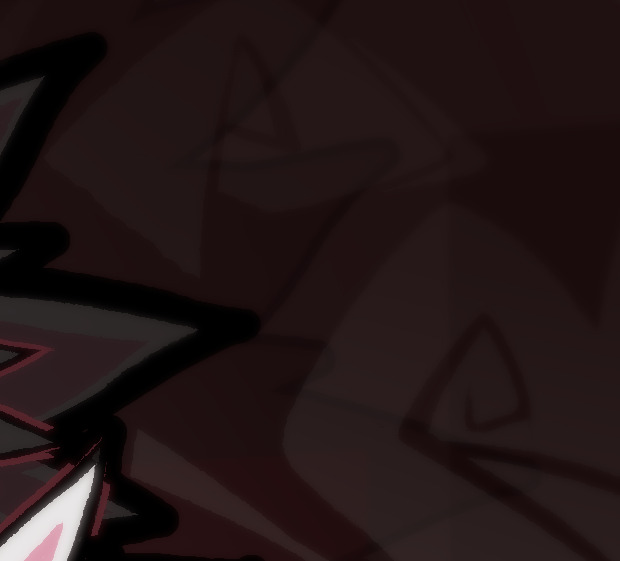
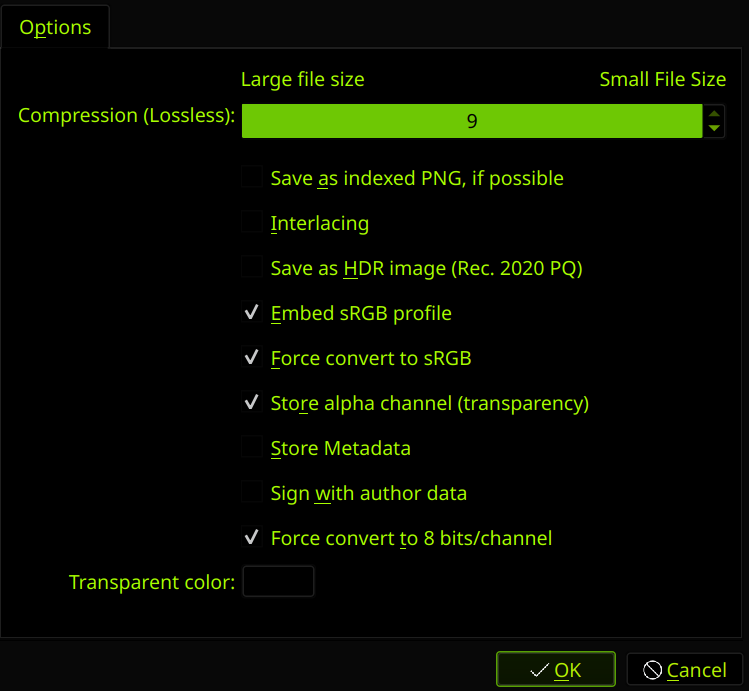
I thought that’s what the new force convert to 8 bit feature was supposed to do. That feature was supposed to get rid of the need to merge all and downsample manually.
What is the export feature doing that makes it look so terrible compared to the regular downsample? Can it be modified slightly to produce the same results as if you manually merged and downsampled?
2 Likes
I have opened a bug report about this issue.
The ‘Force export as 8 bit’ was a lifesaver but now I’m back to manually flattening and converting before every time I export it.
4 Likes
What happen if you export with the compression level at 1 instead of 9 ?
PNG compression is lossless, so it makes no difference if you use 1 or 9 for PNG-Compression. If there would be a difference, then something would be wrong with the compression-algorithm, but that is a widely used implementation, so it would affect other pieces of software too.
Michelist
1 Like
I stopped using the embed color profile option because most image viewers don’t handle it correctly, even if it’s just an sRGB profile for some reason. And when opened outside Krita, makes it look odd.
Unfortunately neither the convert to srgb or embed color profile option fixed the exported image.
Without looking at the code I would say it seems a bug in the “force convert to 8 bits/channel”.
This topic was automatically closed 30 days after the last reply. New replies are no longer allowed.