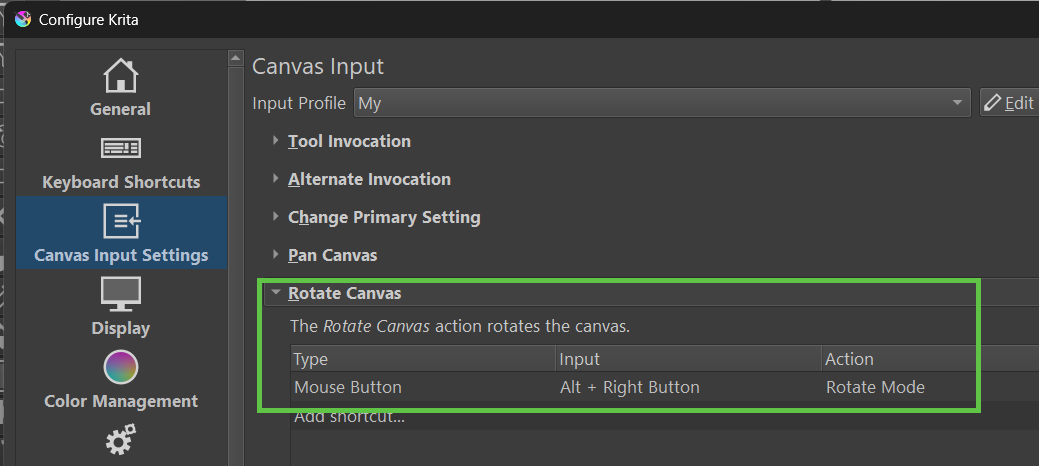
Background
Recently, my boss tossed me into the world of design work again (I guess I’ve become the magical “wish-granting turtle”—every art-related task ends up on my desk). So here I am, drawing again.
I happen to use a hardware controller (like TourBox or Stream Deck) that lets me bind keyboard shortcuts to dials and wheels — super handy for speeding up my workflow.
However, once I mapped Krita’s canvas zoom and rotation shortcuts to the wheel, I ran into a serious problem:
the canvas rotates way too much with each click.
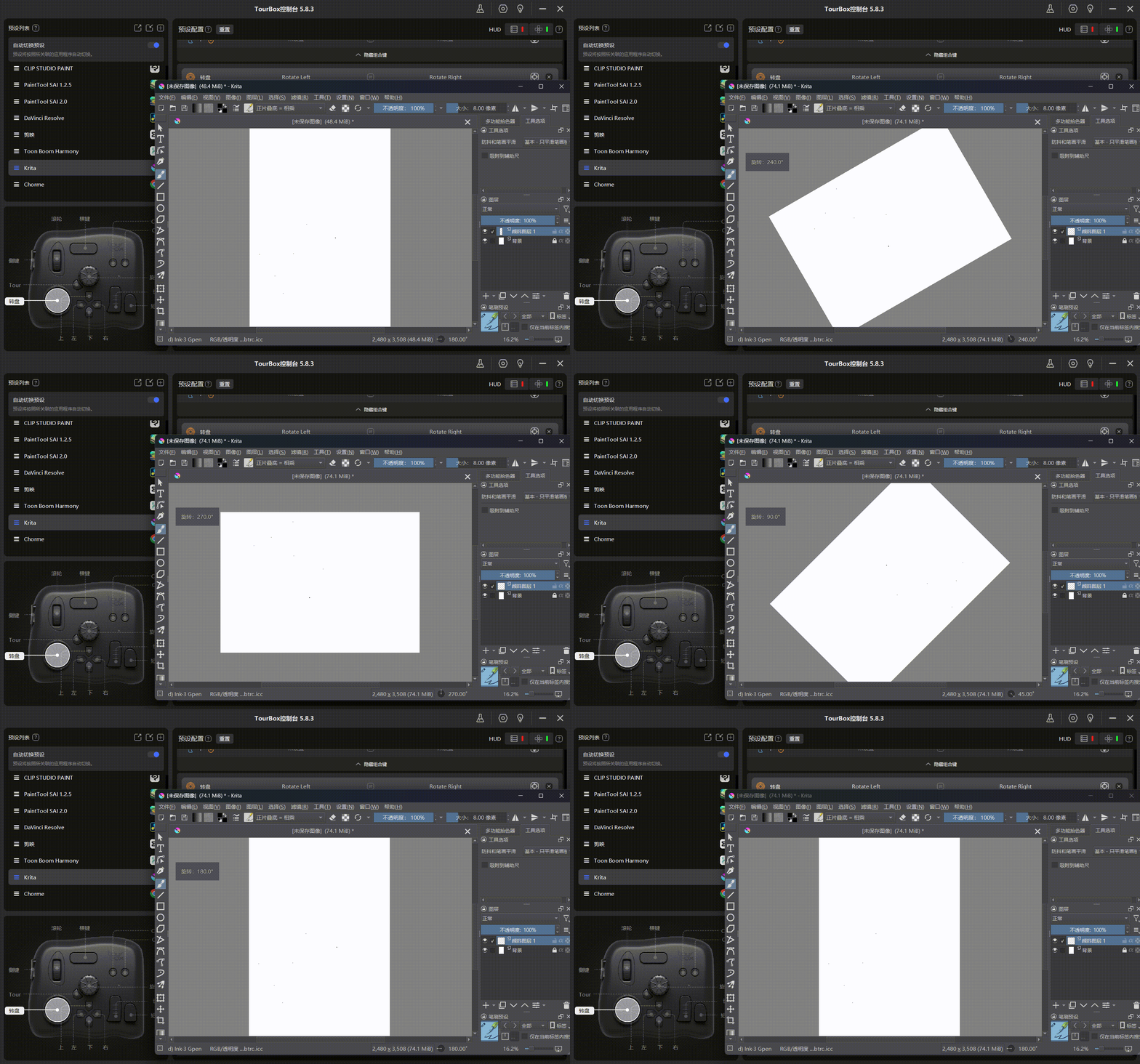
Zoom sensitivity can be adjusted
…but rotation can’t.
The default rotation keys (like 4 / 6 or Ctrl + [ / Ctrl + ]) rotate the canvas by a whopping 15 degrees per press, which is just… too much. I just wanted to make a slight nudge, but the whole canvas flips around like crazy.
I thought it was a minor problem — until I found this 2019 post on Krita’s official forum:
Addition of a value to settings for changing discrete steps for canvas zoom/canvas rotate/brush size
Sadly, this basic request has remained unresolved for years.
So I decided to build my own plugin to fix it.
 Krita Canvas Rotation Tool
 Plugin Features
Micro Rotate
Allows you to rotate the canvas precisely, in small increments (e.g. 0.1° to 5.0°).
Perfect for fine adjustments or using with a dial/wheel controller.
Default shortcuts: Ctrl + 4 / Ctrl + 6
Coarse Rotate (Snap to Angles)
Automatically snaps the canvas to the nearest major angles (15°, 30°, 45°, etc.), avoiding awkward “half-rotated” states.
Default shortcuts: Alt + 4 / Alt + 6
Rotation Step Settings
A simple configuration window lets you set both micro and coarse rotation values via sliders.
 Installation & Setup
Everything is explained in the GitHub repository:
 GitHub Repo (with installation & usage instructions):
 Download Latest Release:
 License:
MIT License. Free to use, modify, and distribute.
Feedback and suggestions are welcome — feel free to  the repo or open an issue!
 let us know.