What is a good Linux distro for krita with a cintiq and laptop?

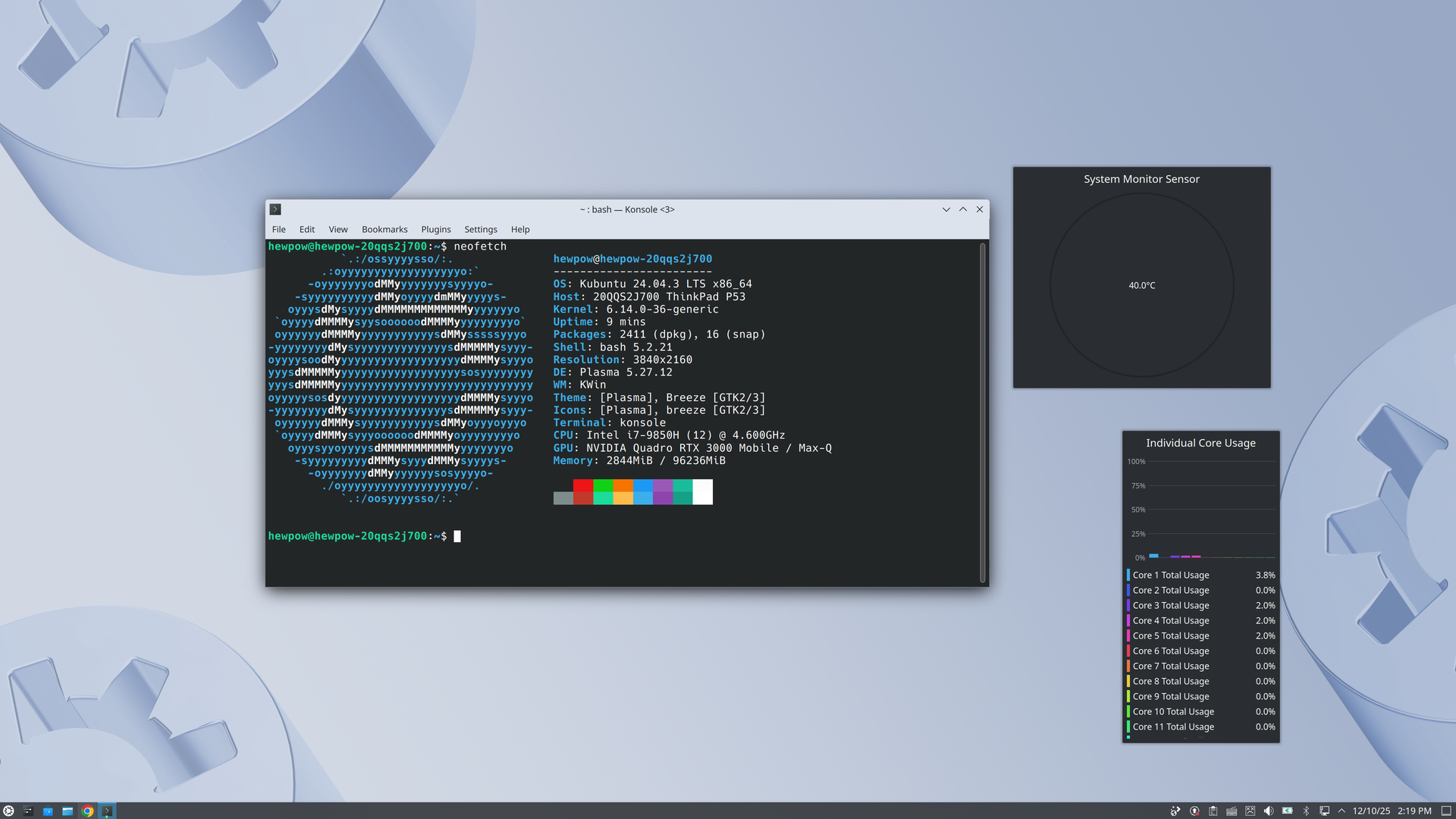
So I’ve been wanting to try out krita on my laptop the specs are

ThinkPad lenovo p53

I7 9850H

96gb ddr4 Samsung ram

RTX quadro 3000 6gb

4k oled touch screen

And the cintiq is connected by a thunderbolt cable, it’s 4k

Are there any people here that use krita in linux on a laptop and with a cintiq? Im not sure if that’s an actual thing that anyone does

I was wondering if there is a distro where there is a gui that let’s me set up multiple pens like how the Wacom driver is in windows that easily let’s me configure multiple pens without any complex terminal stuff

I know linux mint is quite popular, but I find the defaults too opinionated for me. I would recommend one of the following:

  • Kubuntu (You can install with minimal install to avoid snaps pulled in, which may be undesirable).
  • If you want a boring but works distro, debian is right up your ally.
  • If you absolutely need the latest drivers, give fedora a spin.

You’re always welcome to try a distro in virtualbox to get the hang of things early. That’s just my take on things, good luck.

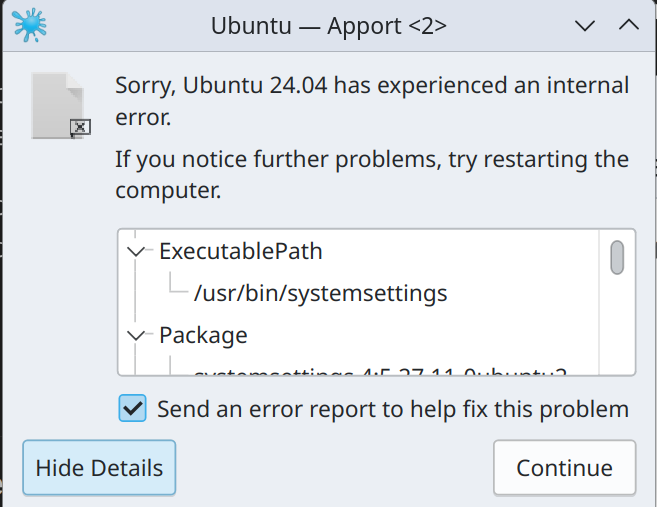
i tried kubuntu and its really bad , the fans are always running at 100% and the pen doesnt even write on the screen, it goes ways off somewhere else. i cant map it to the cintiq . and when i turn it off and then back on it only shows display on the tablet , and random things always keep on crashing

my hardware is too exotic for linux i think , im having a lot of diffrent problems

Try SUSE, if SUSE can’t find your hardware and set it up correctly, you may be right.

Michelist

1 Like

This one is actually worse, I made a Opensuse tumbleweed usb and after booting it’s just frozen underscore still after 20 minutes. I don’t think such a laptop with cintiq configuration exist for Linux.

Your Lenovo is quite a standard hardware, why the heck its hardware isn’t recognized by so many distributions is a mystery to me.


But there is something else which I just recognized. You belong to a growing group of users that seem to have not read the forum software’s manual. :upside_down_face:
And because you therefore misinterpreted the missing arrow and avatar, you deleted your posting to me just to repost it immediately. That happened although your deleted posting was absolutely correctly pointing to me, but without you recognizing it:

Michelist

I’m trying to look up the laptop information to help you. What is the total disk space your drive in your machine, I’m going with the assumption you didn’t swap it out.

1 Like

its just a spare 256gb nvme drive , im still in kubuntu but i wont be for long becuase im always getting a system notification of something crashing and it doesnt work with my cintiq

the live opensuse usb cant even finish booting, it starts loading stuff up and theres some green bars at the bottom but then after that its just an underscore_ and stays frozen not even flashing . im just looking for people that use a cintiq with a laptop in linux but i dont think there are any. it seems to be an extremley rare niche combo setup

and that is weird that the arrow is missing, i wonder why they would design it like that to cause confusion , are you sure this goes to you ?

I can boil it down to one of two test results I found on linux-hardware.org.
One done for ultramarine and another one done for debian 12 and honestly, it looks rather spotty with hardware support. It’s optional, but if you wish to, you can probe your machine using this tool and see better how the specs are with drivers.

1 Like

After reading the hardware reports linked by @jointri, I now am confident to say that my assumption your hardware shouldn’t be an issue (i.e. very common or “standard hardware”) is more or less correct, besides the Bluetooth module (Intel AX200 Bluetooth) which seems that it may need some extra attention. → If you can ship around that hurdle, if that is the issue, you should be able to use everything. If you don’t need that module, you can comment it out of the list of modules to initialize, if I remember that right. (If I only had more time to test such things out … :high_voltage: :cloud_with_lightning: Grumblfax! :ogre: ) Or, if you are lucky, it is a tiny board you can remove out of its slot, because a search via my preferred search engine revealed that this Bluetooth device is very often a tiny PCB secured by a counter screw at its end and not soldered to your MB.

I would try to reset your Bluetooth thing like described in the report for:

1F3EE » desktop ASUSTek /
ROG ZENITH I… 2 [image] Ubuntu 20.04 malfunc
Intel AX200 Bluetooth

Where is described how to reset Bluetooth:

Works for the most part, but after one or two suspend attempts, this device will fall off of USB entirely. Only way to bring it back is to completely power down the motherboard – have to remove all power, including turning off the secondary breaker switch on the PSU. Soft poweroff and reboots will not reset this device, and the USB host controller can’t reset it either. Likely a firmware bug.

Didn’t that user remove the battery, together with PSU and all external connected devices the MB should be “energy-free”? At least after removing the BIOS-Buffer battery, the “magic” must end. But I know that sometimes a connected USB-Hub plugged into mains offers some (faulty designed) boards enough energy to exchange your BIOS-Buffer battery without data-loss - or never lose its memory like described by the user above ↑ …

Directly after this reset, I would try installing other distros.
By the way, usually it is best to use KDE as DE, alone because of the good Wacom driver it offers. If that driver isn’t worth it for you, you can of course use every DE you like, and as driver, if your model is supported, you always should give OTD a shot, it is currently the best driver if it supports your tablet.

Michelist
bluetooth isnt the problem thats not what i want , its working and shows devices, but i dont understand any of this stuff im reading , i was looking for a linux thats easy and plug and play where i write it to a usb , plug it in and it installs and i connect cintiq and start drawing. Nothing is showing up on screen . With kubuntu a bunch of many other problems show up, crashes, very small mouse cursor , scaling issues, not mapping , and it just looks dull, not as vibrant as macos and windows .

For now im going back to windows becuase this is taking up all my data downloading all these distros that are 3-4gb +, this will eat my allowance fast

1 Like

I use MX Linux, which is Debian based. I have a Lenovo Ideapad. A Cintiq 16. If the Cintiq is plugged into the laptop, booting the laptop can be an issue. Properly mapping the monitors took me a while.
I tried many distros on the Lenovo, none gave me joy.

Krita runs on the ideapad, the Cintiq on different computers, so the issues had to do with Lenovo / Wacom hardware.

My 2 cents

1 Like

For the record OP, “distro-hopping” isn’t an unheard of thing. I jumped from Mint (a little too straightforward for me personally) to OpenSUSE (Never got Wayland working) and now I’m trying Nitrux 5.0.

it seems to me linux for anything other than server use is just a waste of time. i realise its really one of the worst operating systems for productivity use. Things that work like a breeze on my imac and windows are such a pain on linux and absolutely not worth it for the average consumer. the problem is the open source drivers provides just some very basic functionalities and not even nearly as feature rich as the proprietary windows mac versions where you can customize for each app. they really suck

the experience isn’t as seamless. also theres no barrel rotation for the kp-701e-01. its nothing at all like what the proprietary driver has. its very watered down and basic. linux is for those who want to fight for things to work. windows macos is for those that just want things to work right away

i never felt stable at home on Linux, i kept doing the classic distro hopping cycle chasing that “perfect” stability workflow for myself only to come full circle and end up on the same ones again in a repeating endless cycle. to this day i cant make up my mind, i end up installing one and then some days/weeks later i format with something else. one distro nails gaming but breaks tablet pressure, another feels snappier but has weird UI quirks etc back and forth loop

and i actually I don’t feel I have more ownership over my pc when using linux, quite the opposite really. if anything i feel much less in control because not everything I want will run on it, plus the amount of troubleshooting needed is way higher than windows.
windows is still superior for my digital painting rendering hobby and gaming hobby, and for general use. linux feels very bland and basic to me . i am happy with my debloated win 11 and no longer wish to pursue linux.

its up to linux bros to get linux so good for me that i convert otherwise im not the one looking for Linux or desiring it anymore. linux has to come looking for me and has to provide my needs. as an artist ive got me own work to do , my time is for creating, not tweaking configs in terminal, dealing with wine etc and then something breaks after update etc like what happened to me in fedora. i shouldn’t have to do any of that. the os has gotta serve me, not the other way around. apple and microsoft spares me the complexity and everything just works and i can have a professional setup easily. Linux just isn’t “there” yet for zero-compromise krita CSP /photoshop/ sketchbook pro + cintiq workflows. Linux is simply not for me and not even worth all that trouble . it needs to fix itself then ill consider

@Hewpow Pushing linux to be windows isn’t going to work, and linux won’t become comparable, for various reasons. Added difficulty with making the move is that search results are worse, making it harder to find answers than it was a few years ago. But if you have a starting point such as looking at e.g. mx linux/mate/x11, which I personally have ended up finding best, since coming to linux in 2016 as a non-techie, that makes it easier. Using non-display xp-pen deco 01v2 also, and I think there’s a tablet gui can be downloaded for xp-pen tablets. Prior to the deco, used a Ugee display tablet, which was excellent and lasted 6 years before conking out; cheaper tablets can be a very well made alternative, and may be well supported if you look them up regarding linux.

Also run older wine (libgl1 mesa drivers were the eventual 32-bit fix!), and no steam etc [can recommend luanti (appimage via forum) if you like minecraft]. I don’t run newer/latest anything; only do that occasionally regarding krita nightly and browser appimages. All makes for a stable system, simple desktop to paint in, and able to get on with art.

1 Like

CachyOS is very good.
Mint is also very good.
Pika is great as well.
Fedora is great

But CachyOS takes the crown

OpenTabletDriver is excellent for drawing tablet drivers. I primarily use it.