I am not even sure who they are or what they are talking about !!
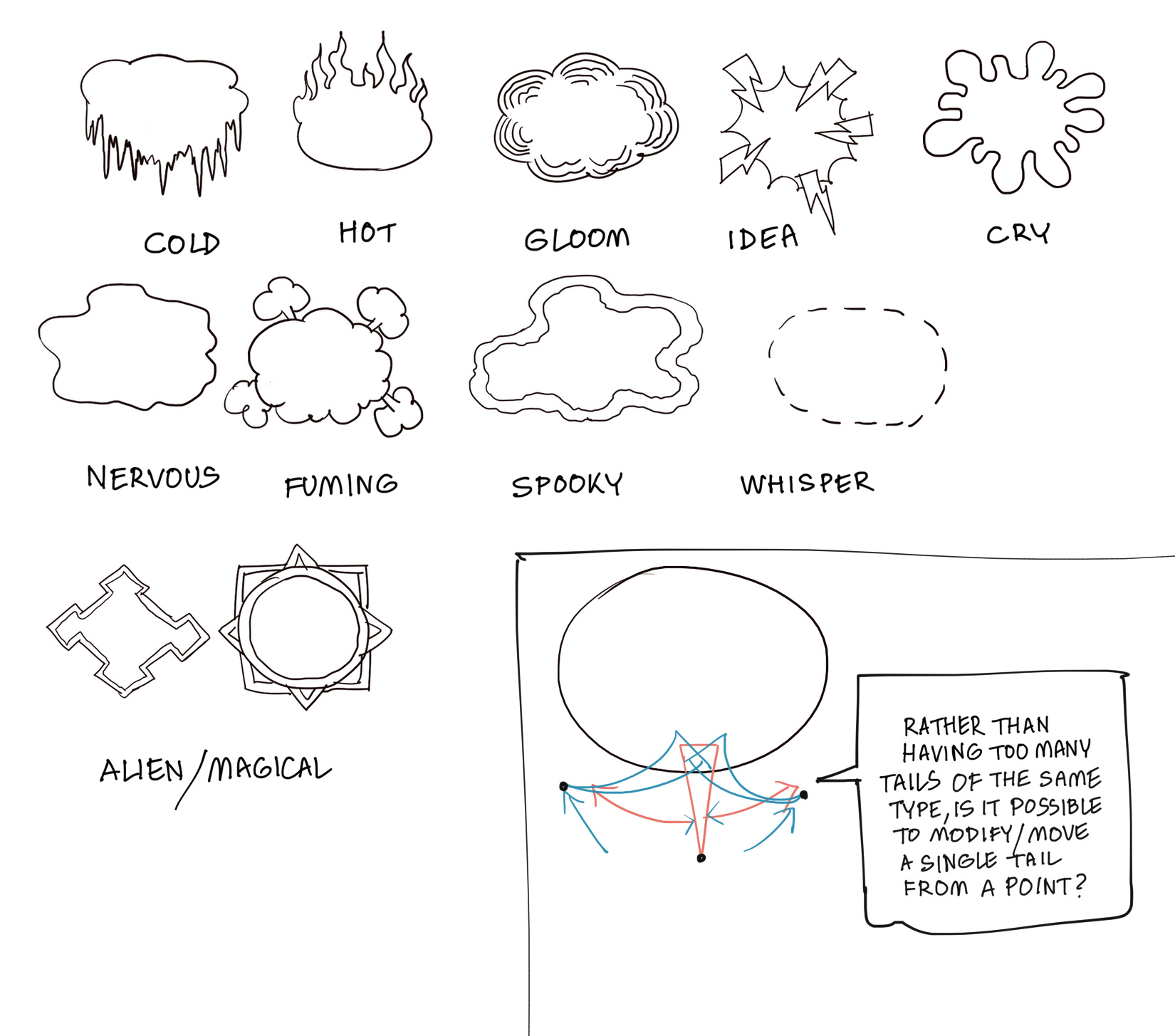
I did a quick random art,just to test out the speech bubble variations  !
!
Not without a whole lot of work 
speaking of which, i think i should do more of those kind of tails and connectors.
Personally I feel you have already created a huge set of tail options !
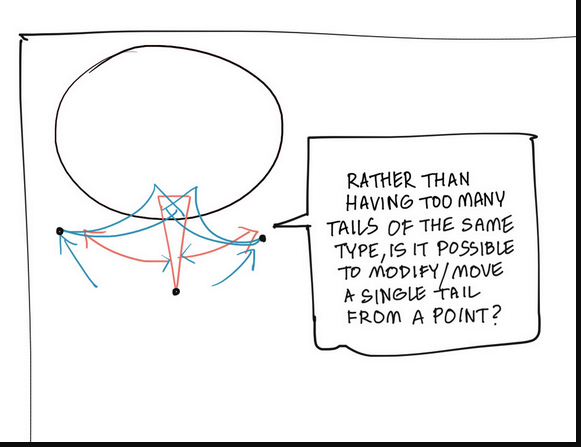
May be now if we could have an advanced tail "modifier/mover " for each type of tail,editing can be more fun( as per attached sample ).
But currently I am not sure it can be done inside krita, at least not without going through too many steps !
I was having few ideas about some custom speech bubbles,so tried to share that via the attached sample.
Ignore them if they are out of context  .
.

Thanks a lot  !
!
I will be really looking for that easy tail moving option .
Because today I experimentally tried to add stroke layer style to vector layers and it worked !!!
Before this I had no idea that layer styles work on vector layers also !
So using your base set or David revoy’s speech bubble set and converting them into lines is not a problem anymore.
Now if the tail part can be worked out,things will be much easier from now on .
A little off-topic, but not really.
One should be able to use the symbol libraries together with “Rodugator’s Speech Bubble Generator”, combine them! That would be a real win, if you could select the desired speech bubble and the matching tail from the libraries, then just enter text, select tail position, length and orientation, position the finished bubble in the image and you’re done.
For those who don’t know, the generator adjusts its bubbles to fit the text, and a few nice little things more, only the choice is limited.
Michelist
Yeah it should be, it would be a powerful combo.
Probably need to write a guide for that or look into its code and see if we can add a load library option.
Tail moving like that might be kinda hard, doing a mirror might be easier.
flip - rotate - move.
just kinda clunky with current controls but its doable to atleast reposition the tails.

the example given by ari - would need some coding to anchor the spline handles to a pivot point + offset.
I think this would benefit to be in a docker.
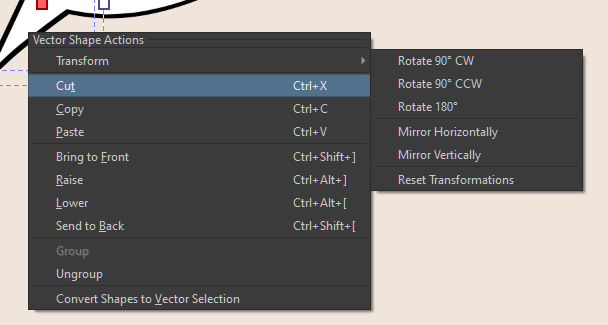
maybe integrating it with the bubble generator would be better .
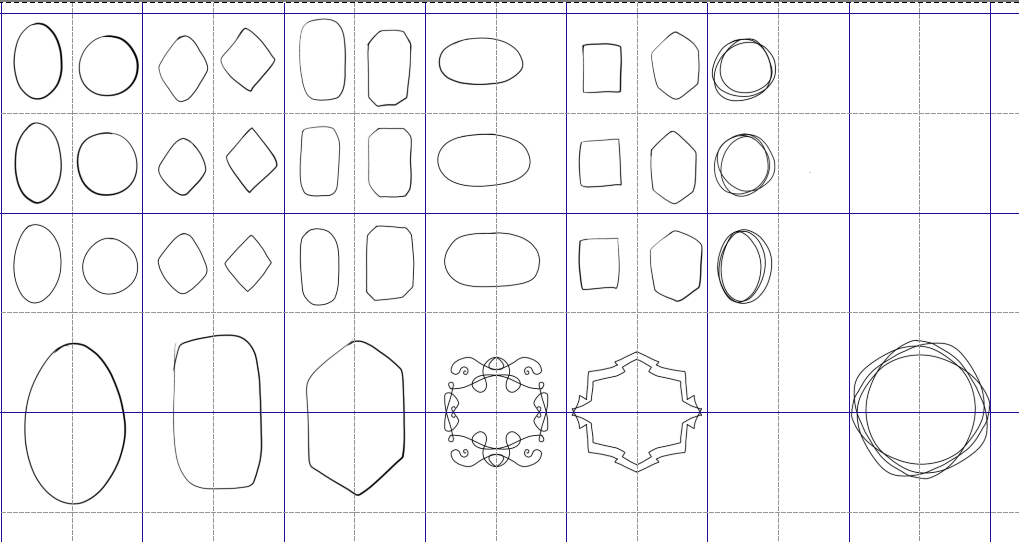
I started drawing the bubbles with alot more shape - most likely going to the angular speech section.
i did make some fancy one… too bad this was set to small.
This are the one I’m set to create.
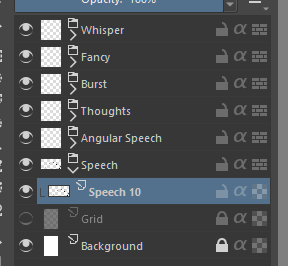
I decided to go with two size
Small set [around 150 x 215] + Large set [ around 450 x 650] both drawn only with two brush max at 10px with size.