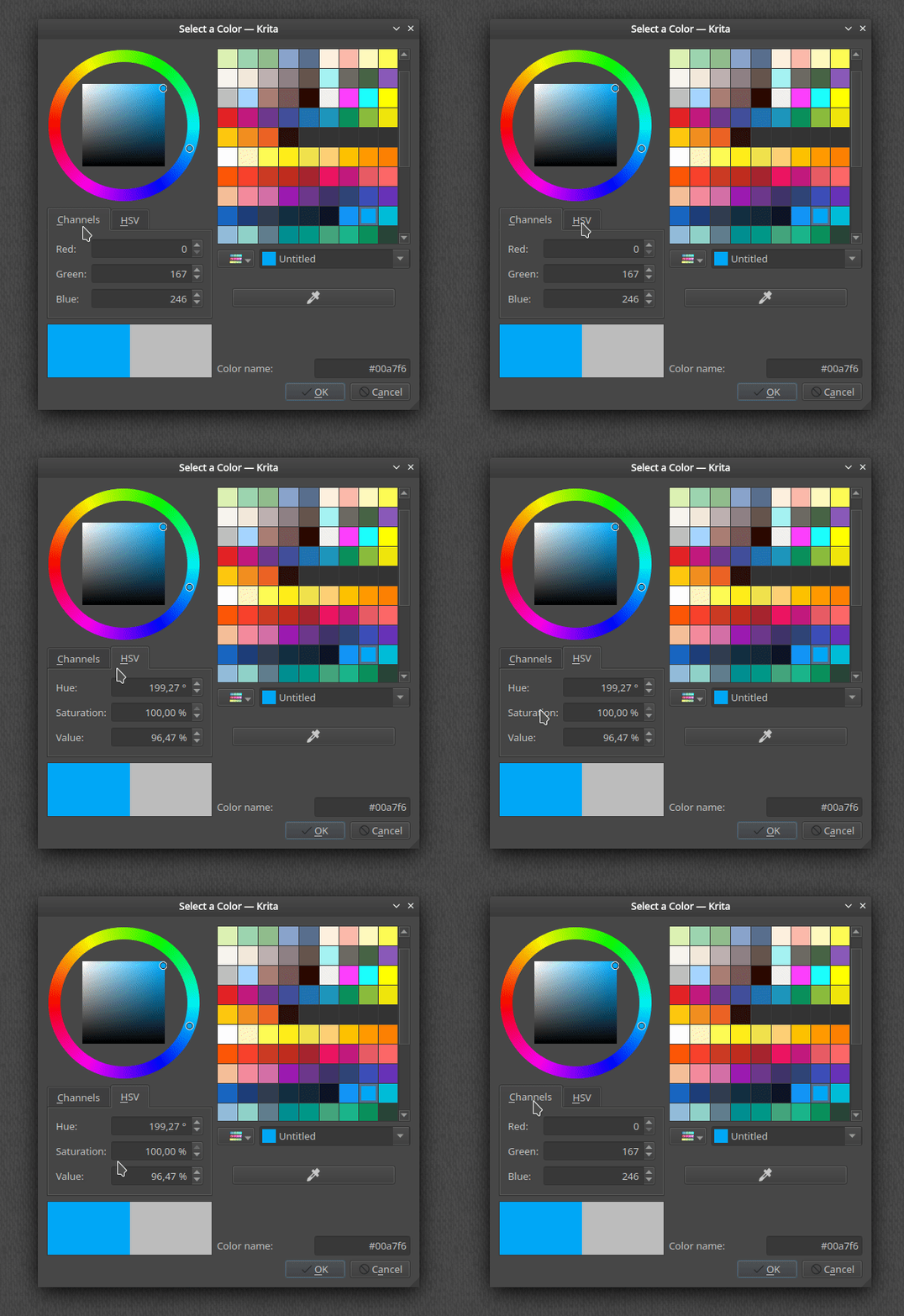
According to the release notes, there is a new color selector that looks like:
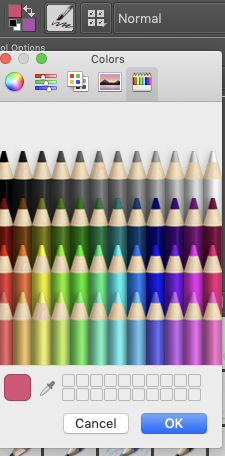
But where is it? When I click the foreground color on the toolbar, I get this MacOS’s color picker:
How can I use Krita’s new color selector?
According to the release notes, there is a new color selector that looks like:
But where is it? When I click the foreground color on the toolbar, I get this MacOS’s color picker:
How can I use Krita’s new color selector?
This may be a Mac specific problem because I see that colour selector if I click on the foreground or background colour in the Toolbar, with 4.2.9 and 4.3.0 Linux appimages.
For future readers, there is a bug report here: https://bugs.kde.org/show_bug.cgi?id=423170
Also the color selector is not new, but it got a new HSV mode, that’s all 
Your answer helped me also. If fact, I was searching in all Dockers and not finding this panel. It could be good to add in these release notes that this color selector can be accessed just by clicking in the foreground/background color region.