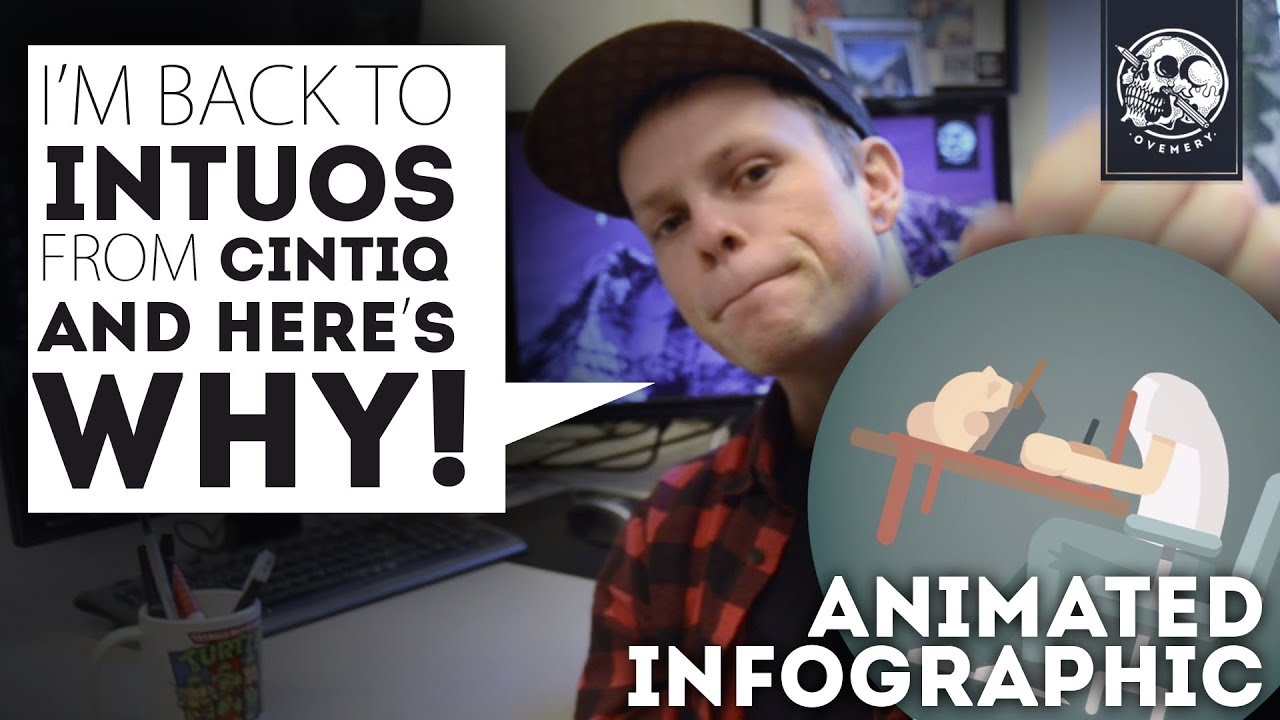
I’d say don’t go for Wacom the same reason I tell people not to buy Apple products: Overpriced tech monopoly. But you do get what you pay for, Wacom products are an amazing quality. But unless you’re a professional with deadlines, Wacom is an overkill.
Go for XP-pen or Huion. Their tablets are pretty much as good as Wacom, you’d never spot the difference unless using side-by-side. With screen tablets: nothing under 16 inches (15.6 still counts), it gets a bit too crowded and finicky on those 13 inchers.
Normal tablets are really good also; You don’t have a stupid hand blocking your view with them. Screen tablets aren’t really necessary, unless you loathe the feeling of a normal tablet.
I used a piece of sh*t Trust Panora (It has a AA-BATTERY PEN!!!) when I started last year and then I got a Artisul D16 just ‘cause it was the cheapest 16’ screen tablet at the time. It… Works… I would like to have tilt… And a screen that’s not blurry… But it works. I might upgrade to a Xp-pen or Huion this year, haven’t had the best experience with this brand. And that’s just because they’re super new.
Thank you Kire. I am sufficiently confused now. You make some valid points, and the only way to solve my dilemma is through some hands on experience. I don’t think i would want a display less than 21 inches but Lynx3d made some valid points about resolution with a display that size…soooo I need to get out there and sample the products.
Yeah, it varies from person to person what’s more important to them: some can’t stand parallax, blurry screens, hard nips, no shortcut buttons or no tilt. It depends how picky you are and if one shortcoming can ruin an experience.
I share the same opinion as @KIRE. Although Wacom products are of great quality, they also are rather expensive. I owned a Wacom Intuos Pen & Touch S as my first tablet, a Wacom Pro M as my second, and now I use a Gaomon PD1560. I used the first on Windows, and the last two on both Linux and Windows.
I am now fully Linux based, and the PD1560 is handling itself really darn well! There is some parallax, but at the time the device was created, the landscape was rather different. Now I would probably go for a more recent HUION, those seem to be really getting better.
Regarding recommendations, it ultimately depends on how much you can afford, and how much you are going to use the device.
If you can afford a top of the line Wacom, go for it, you won’t be disappointed. If you can’t / won’t spend that much money on a first tablet, there are plenty of tablets for you, and they don’t necessarily need to have a graphic display. I was perfectly happy with my first two devices, and they lasted me quite a long time! Don’t fall into the trap of “I need this to make my art look good”. Chances are a simple small tablet will net you the same advantages as a more expensive larger one 
Hope this helps!
Thank you slightlyangrydodo. I just saw a review for the PD1560 which was good.
Overall, If I don’t have a brand in mind yet, at least I have the standard features that I can understand and review, such as parallax, tilt, pressure, resolution, scaling, size, colour management, laminated, and of course, feel. Price is an important feature as well, so getting the best value for the $ that will not break the bank.
So as I look around I can at least be aware of what to look for that works for me. I am not yet convinced, for me, that tilt is as important as say, feel. Pressure over 2048 is pretty standard so I am not too worried about that. I think parallax can be managed, but resolution is important as I zoom in and out of my drawings. Hot keys seem like a really cool feature, but I will need to try it out to see.
Overall, I am now loaded with knowledge which can be a dangerous thing, or at the very least, help me make an informed choice. Thanks for all the wonderful input, this was awesome !


You never mention what is your “need”…
If you’re new and don’t want to spend too much money to get into it, I would recommend and non screen tablet.
Many artists in animation film, 3d etc don’t use screen tablets for various reasons.
I had a Wacom Intuos2 for 25 years and it was still working, I bought a Wacom Intuos Pro M which I love. I have also bought a Wacom Cintiq 16" and while it’s great, it has more downsides I found out than a regular tablet. Hand gets in the way (lol) , parallax thing (though not that bad), screen quality (my eyes are bad when tired), I don’t like the screen surface to paint on that much.
Just my two cents 
Exactly! Screen tablets have their downsides, too. I got a laptop 2-in-1 and… I draw with my keyboard open because it’s just too much trouble without a keyboard and a mouse, at least for now, before we get a good touch docker with ctrl and shift modifiers and maybe a relacement for a wheel.
Thank you Soma…
I guess I really don’t know what my “needs” are until i try something out. Do I care about parallax…I don’t know…seems like my laptop which I use as a tablet (See above thread) has slight parallax and I’m fine with it. My current pen has tilt and its a nice feature, but I’m not sure its that important. The feel in drawing on my laptop screen is not the best (too slick) and the diagonal lines tend to wobble. My screen size 14" so on the smaller size, and I currently have 2048 pressure points and honestly cant imagine knowing the difference to 8192.
My needs currently only match my experience, and I have never imagined using an intuos before. The short answer is I wont know what i want until i try it out to be honest, but at least I won’t feel like a lost puppy now.
What I love about a Intuos Pro M, it’s very mobile and has bluetooth. So I can also use it on whatever computer screen or laptop. I enjoy going outside and use it on my mac book.
It’s different for everyone I guess. And you have to find out yourself at the end. Maybe you buy something you think is cool for your, but then after some time you think different.
Tilt and resolution came in play depends on your artstyle or style where you tend for.
Tilt gives opportunity to control brush tip rotation (image long sharpen pencil, or chalk you rotate with long side). I constantly use it because it help to make expressive stroke and make variations in brushwork. In case you tend more to comics/manga/illustration style with strong importance of lines/lineart the tilt ability doesn’t play a role. Tilt is also non-important in case you use a lot of selection tool to control edges.
I use 13" 1920x1080, when draw hard thin line I easily may see jaggies - pixels just too big to show me smooth line. So, bigger screen with the same resolution just makes those jaggies more visible. But it not so concerning if you tend to painterly style where lines are used only for sketch.
Parallax is only gives a troubles in the edges of the screen. Sometimes I missed the menu, or some small buttons about an edge.
I have 9 buttons on the tablet, but use only 1 for screen toggle between displays because there is no options to bind it to the keyboard. On the keyboard I use abut 30 keys (15 of them are constantly).
Most of screen tablets gives slick feel because of protection screen from scratches, but there are options of protective films with roughness effect with various grades. In the contrary classic tablets have out from the box “paper” feel of surface.
I used 512 pressure sensitivity and 2048. And it really has a difference in stylus feel. And some thinks that more than 1024 is just the marketing.
I didn’t know the Gaomon PD1560 works with Linux…already replaced by PD1561 with tilt support though.
It seems that pretty much these non-Wacom tablets use UC-Logic controller hardware anyway, and it’s mainly an issue of getting userspace part working. Explains why XP-Pen “official” driver doesn’t contain any kernel driver.
About the pressure levels, I think the raw number has little to do with how it feels, having 8k levels helps little if like 75% of the range requires you to push harder than you ever would (and judging by some youtube videos I saw, such device do exist), and the rest is highly non-linear.
I’d rather have a properly mapped 2k levels then.
Well, as I sad couple months ago it is only the matter of time when non-Wacom brands will release tablets with res higher than FullHd. Now we have XP-pen Artist Display 24 Pro with QHD (https://www.xp-pen.com/product/602.html)
I think Huion just announced a new one as well, if I recall from what some friends were saying it is a 2k res 22 inch screen.
I use an XP Pen Artist 12 Pro graphics tablet .
And i usually use FireAlpaca for digital painting , but I’m working on learning Krita .
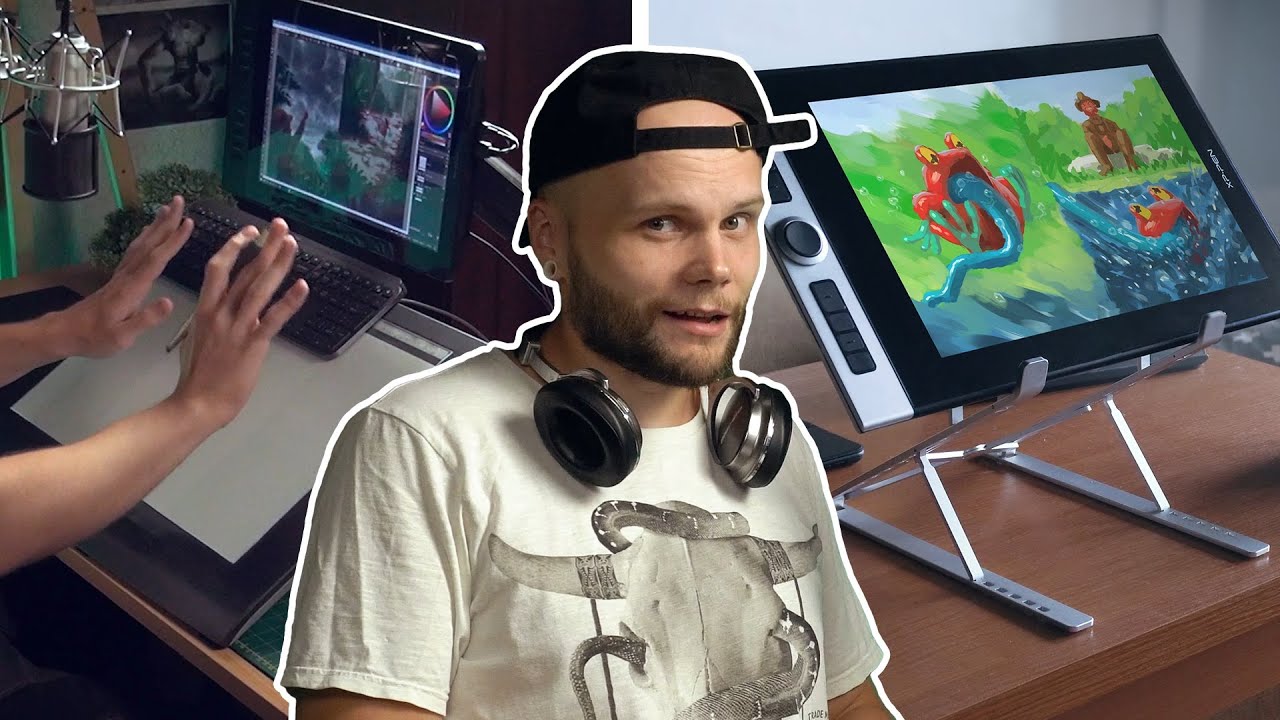
Some useful videos for someone who decides between classic drawing tablet and screen tablet, or who thinks screen type tablets is intimate dream for any digital artist: