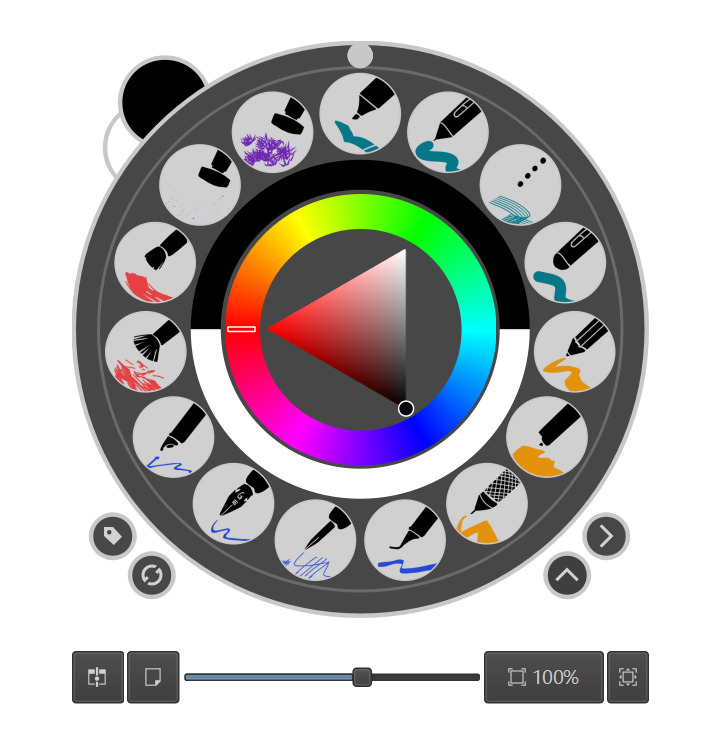
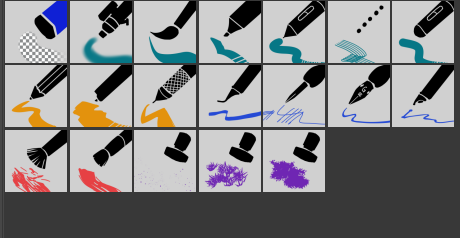
I added three new brushes—a basic eraser, a round brush, and an airbrush! They might look super similar to the default ones, but hey, I gave them matching icons to keep things fresh and tidy.
Please try to restart your Krita two times.
If that doesn’t fix it, I ask you to create a new topic in the category Bundles and resources help where you please use a short descriptive headline and briefly describe your issue, probably including a link to your posting here, then I’ll try to help you to rebuild Krita’s resource database which usually solves the issue you seem to have.
“Sorry I haven’t checked the forum for a long time. You could try restarting Krita first. If it still doesn’t work, you might consider creating a separate thread about this issue. If you’re using Windows, you can use my small utility tool Krita reset backup toolto back up your resources first. Then reset Krita and install this resource bundle (note: your other resources will be deleted, but you can always restore from your backups whenever needed).”
For an issue like this one, it is usually sufficient to delete the resource database resourcecache.sqlite and let Krita rebuild it the next time it starts up. This way you don’t lose any resource and must not fiddle around with a backup from where you then copy lost resources over to the environment your tool cleaned out.
If you want to switch back and forth with different resource stacks, your tool is, or can be, handy!
This bundle is under CC-BY-SA, so yes you can under these conditions:
The short, human-readable version:
The full legal code:
Michelist
Additionally, the other bundle you asked before, in that other topic, is probably under the same license, but the user, who used CC-BY-SA for a different bundle you have not asked for, edited the naming of the license to a not applicable term, since SA without the addition CC-, so it gets CC-SA, it is not guilty/applicable for my knowledge.
I have the 2025 v2 pack. Thank you for sharing your hard work with the world.
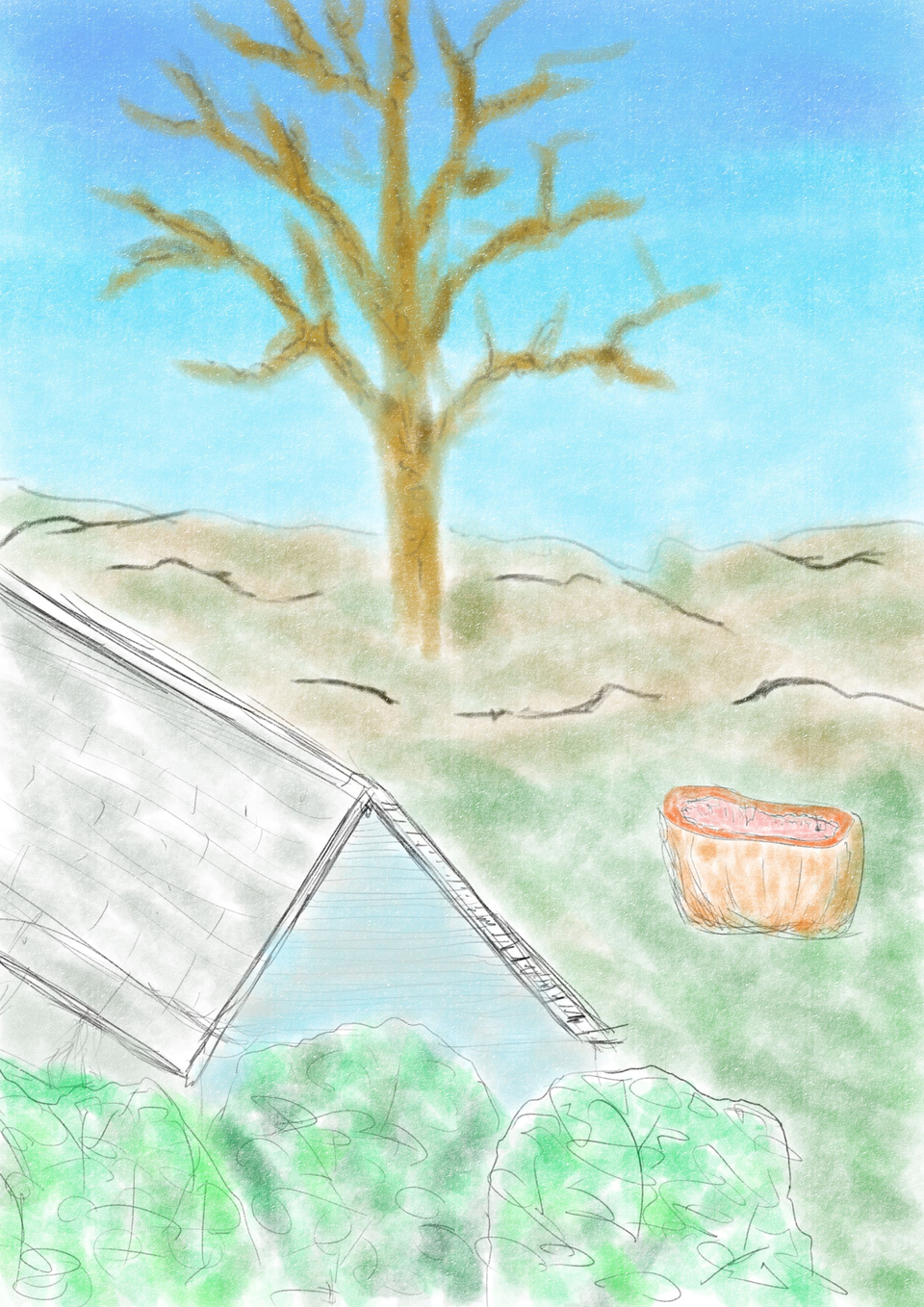
I like to show the brush maker something I have done with (usually) just one brush from the pack, on one layer. I try to show a bunch of different strokes and brush sizes, how versatile is the brush sort of thing, but not always. Trying to picik one from your brush sketchbook was difficult, the brushes allowed me to do some OK stuff.
This one was done with the propelling pencil. I think the way the sky got shaded like a gradient using freehand brush strokes was a nice effect.
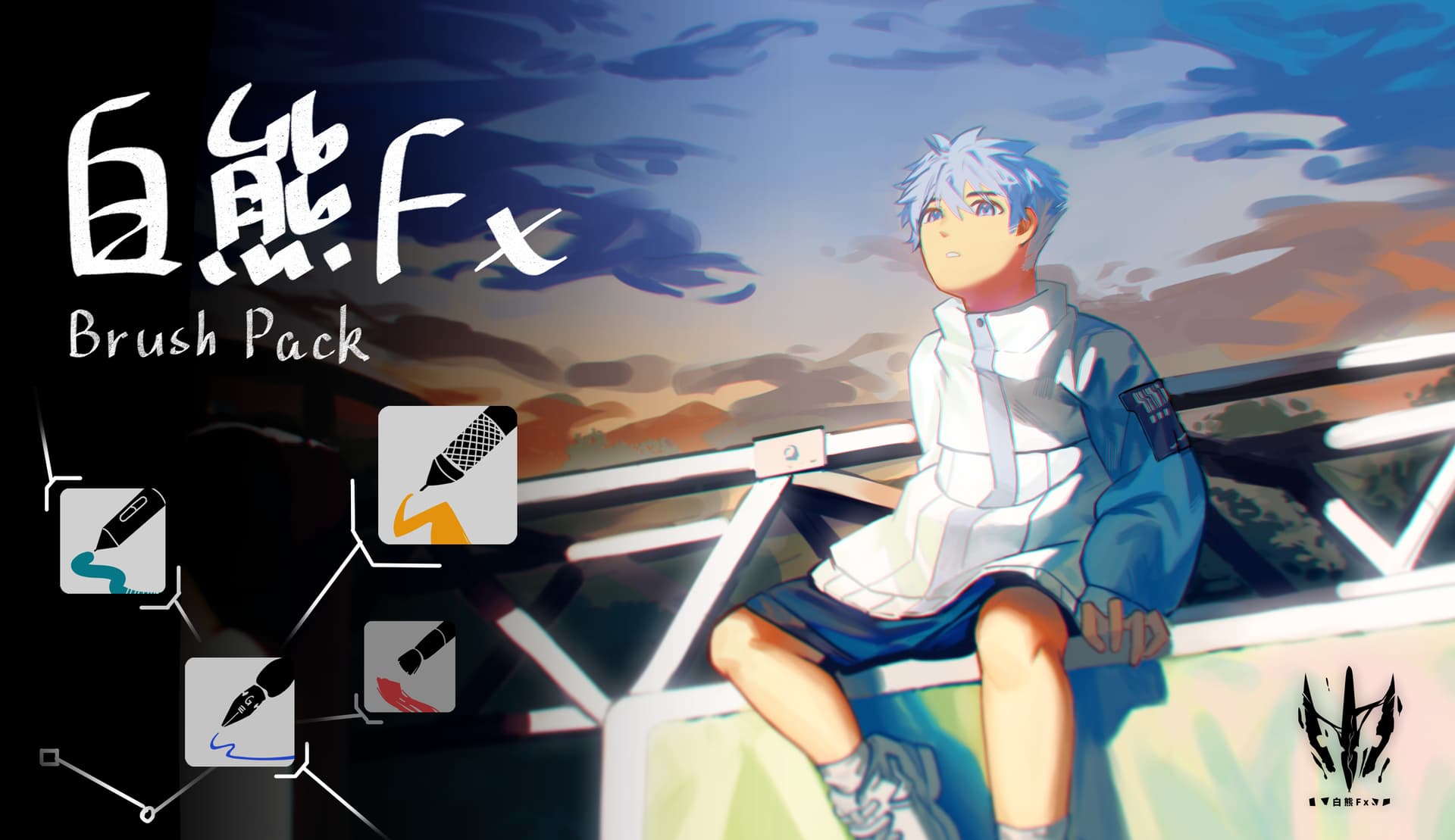
 Multi-Style Versatility
 Click here to grab them now!