Type of device* : Asus Laptop and Huion Tablet
Description of the issue (you can include screenshots):
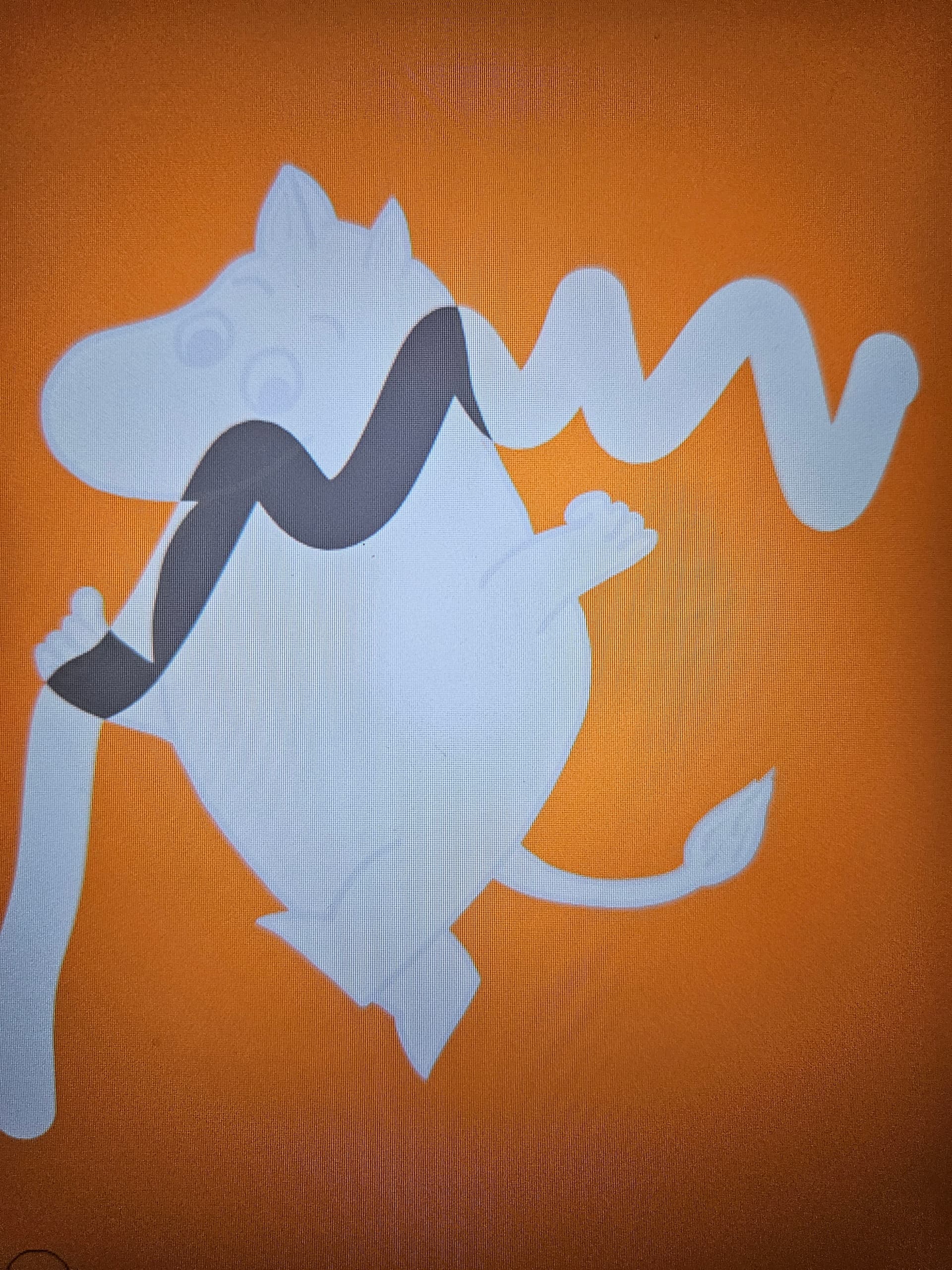
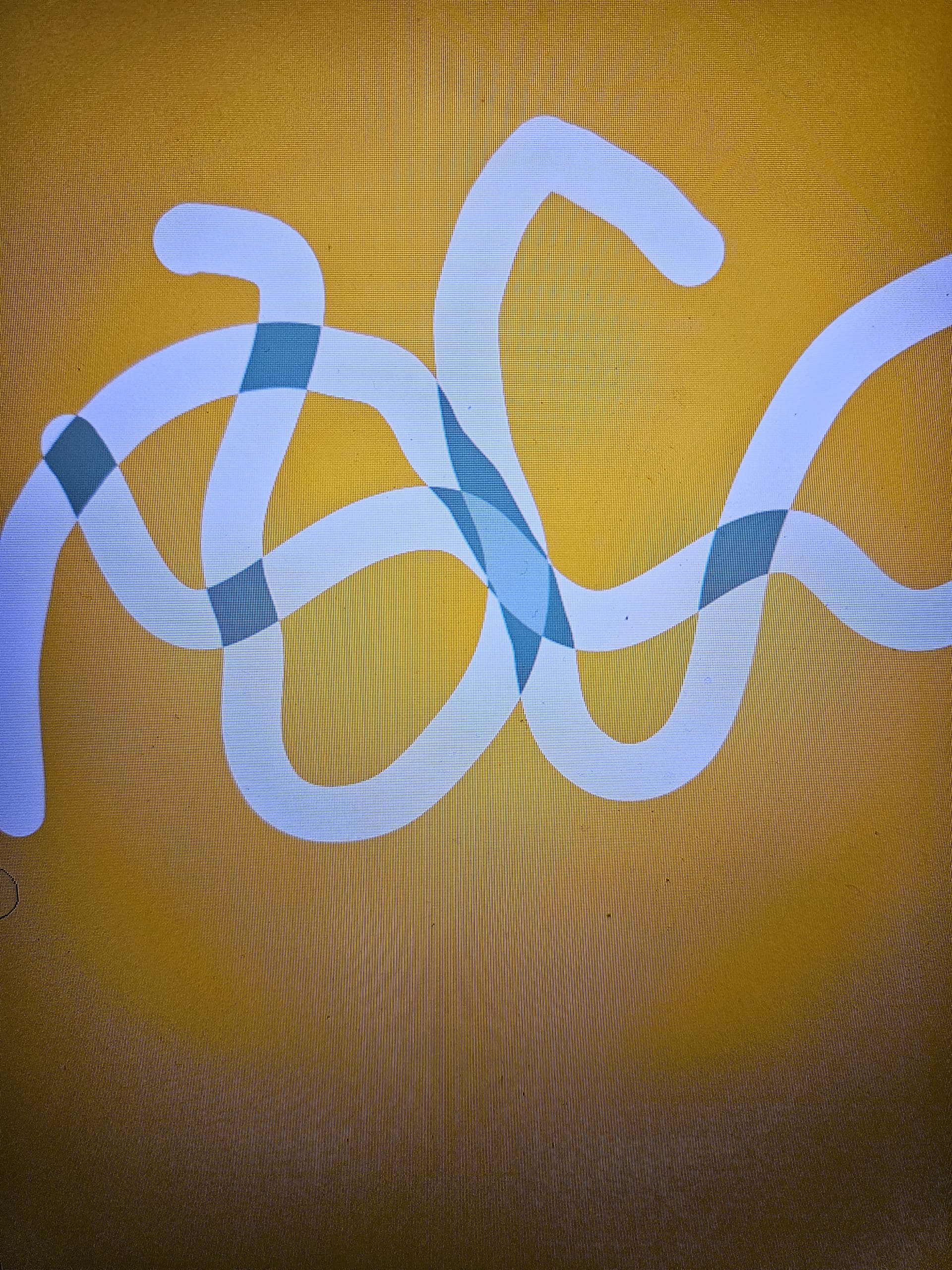
I’ve been using Krita for a while, and now it just suddenly started to appear gray when i pass over old lines. As long as i don’t lift the pen it is fine, but when I start a new one the coulour shifts to gray.
It also shifts to a different one if i pass on the lines twice.
I’m honestly not sure what i dif: it worked fine this morning and this afternoon it’s like this. Can someone help?
Takiro
September 20, 2023, 8:23pm
2
Looks like the blending mode of the layer or the brush is set to something different than Normal. Try setting it back to normal.
Hard to tell without proper screenshot with the whole UI visible.
2 Likes
Filter is set to normal and the brush… seems to be
sooz
September 20, 2023, 9:35pm
4
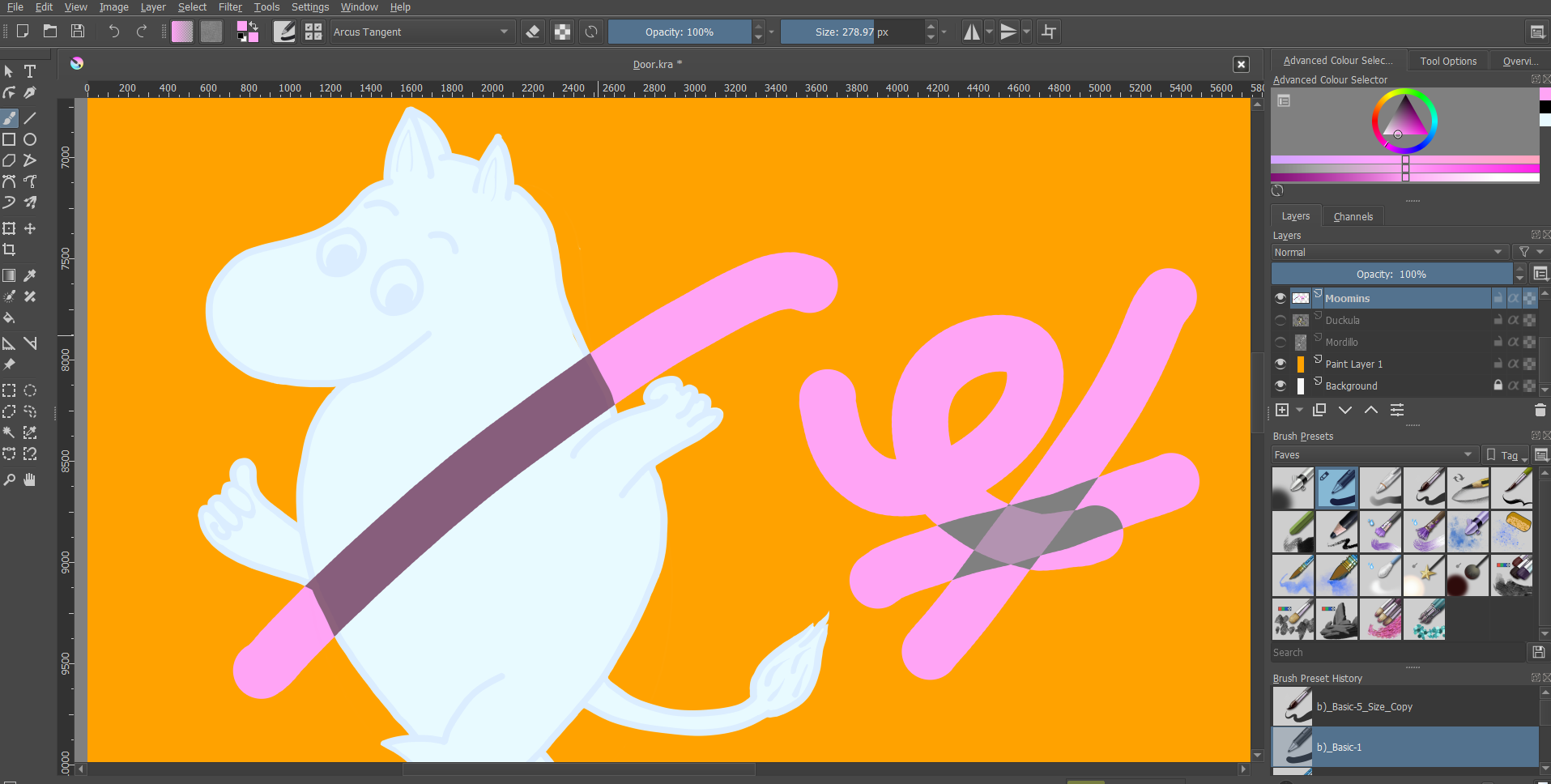
Your brush is not set to normal (it’s arcus tangent) – look at the top status bar.
Your screenshot cut off the bottom status bar so we can’t tell if there are other problems. Do you want to redo the screenshot so it’s included?
3 Likes
Thanks alot!!! Problem solve
1 Like
system
September 24, 2023, 9:38pm
6
This topic was automatically closed 4 days after the last reply. New replies are no longer allowed.