I wanted to draw, but when I opened a file, this happened. It doesnt matter what layer I’m on, its all just gray
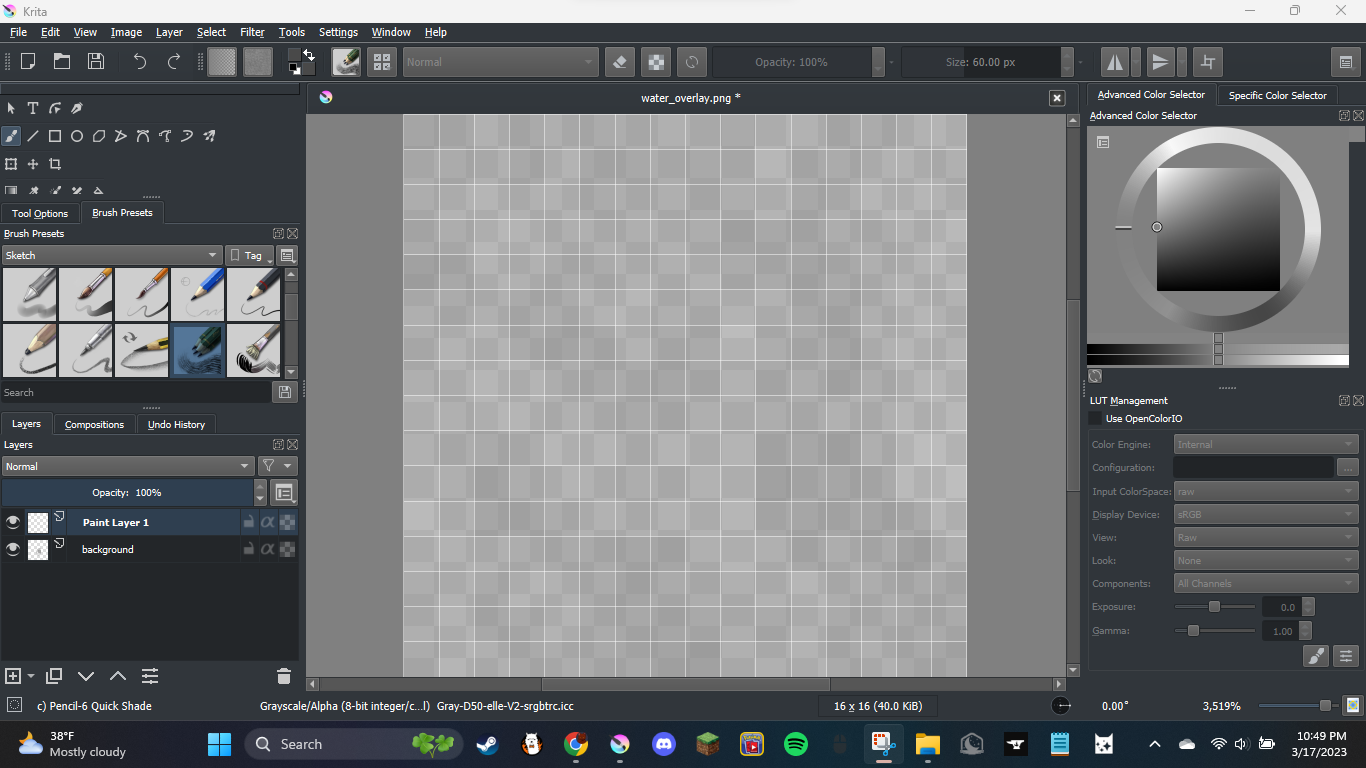
If you look at the status bar at the very bottom of the workspace, you’ll see you have set your colorspace on grayscale.
To change it back to the default, go into Image > Properties > Image Color Space and return it to the default settings in the red boxes below.

Edited to add screenshot
5 Likes
This topic was automatically closed 4 days after the last reply. New replies are no longer allowed.