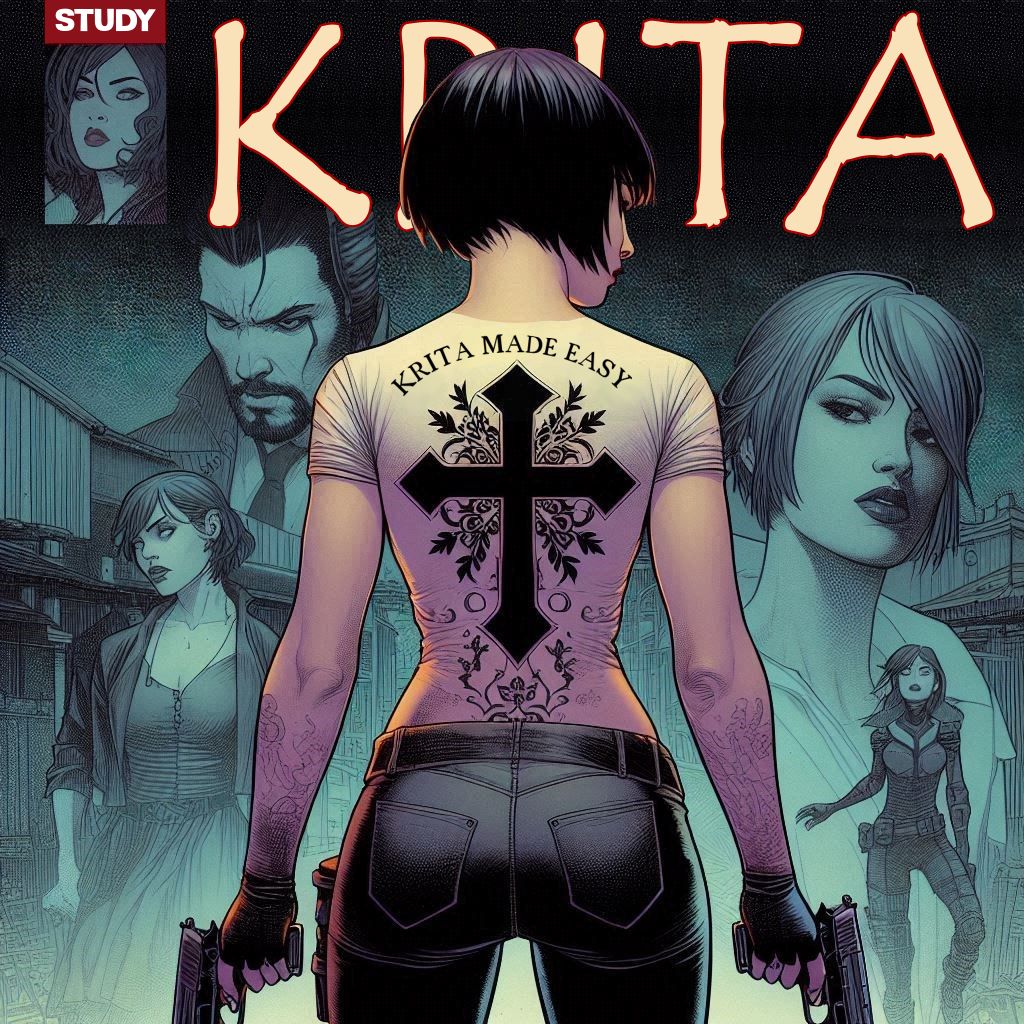
“in ms paint a 5 minute job”
That right? Then why not use MS Paint?
I don’t know how much of your post is simple venting and how much is a serious question, but much of it is no more different than any other art program (that doesn’t have AI doing your job for you). This is how I would approach it…
-
Isolate character or other part of the image (using non-destructive means):
- Duplicate the layer with the elements you need to separate.
- Apply a Transparency Mask to the duplicated layer.
- Use whatever tool you want (Brush, Selection fills, Freehand Path Tool) to block out the areas you don’t want to see.
- Repeat the first three steps for every element you need separated (IE: Character, background, text, conner box, etc).
-
Textures:
- Use the Selection to grab some of the preexisting crosshatching from the background.
- Import the selection to a new document.
- Turn on the Wrap Around mode and use the Clone Tool to make a seamless tile.
- Left Click the Pattern tab on the upper left of the Krita Window, select Custom Pattern, “Click Update”, and then Click “Use Pattern”
- Use this pattern to fill your background where needed, with the Fill Tool (set to use the Pattern at 100% scale).
-
Flipping Text:
- Select the text with the Select Shapes Tool.
- Right click within the transformation rig and select Trasnsform → (whichever option suits your need).
○ If you need a particular word or section alone flipped:
- Duplicate your text layer.
- Right click the duplicated layer on the Layer Docker and select Flatten Layer.
- Erase what you don’t need with whatever tool you want.
- Select the element with Transform Tool and right click the rig and use the options to flip it as needed.
-
Blending the edges:
○ This depends on your preferences and the complexity of what you’re attempting. My most likely approach:
- Isolate any layer that isn’t a part of the text and group them.
- Create a clone layer out of the entire group.
- Set a transparency mask to the Clone layer and mask out what’s not needed, using any tool you want (meaning you can apply any type of edge you’d like).
Proof of concept: