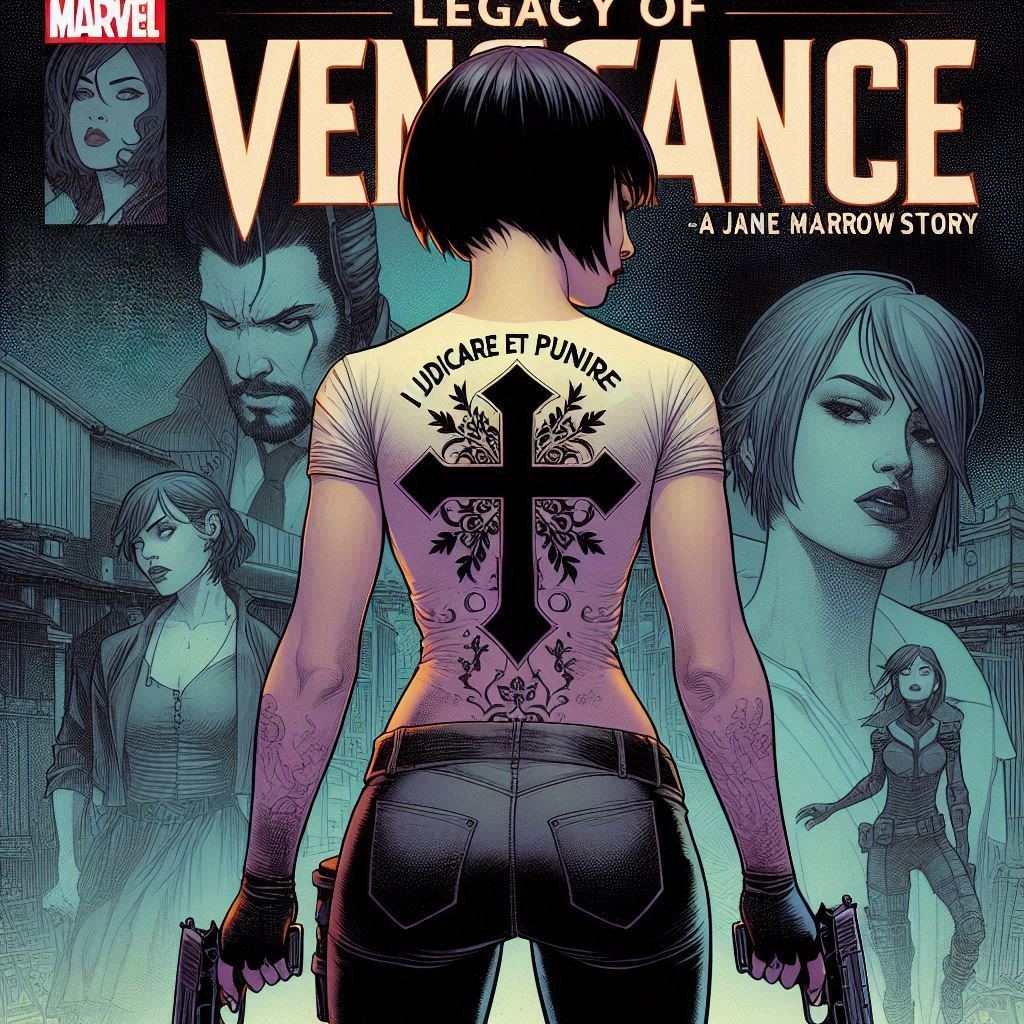
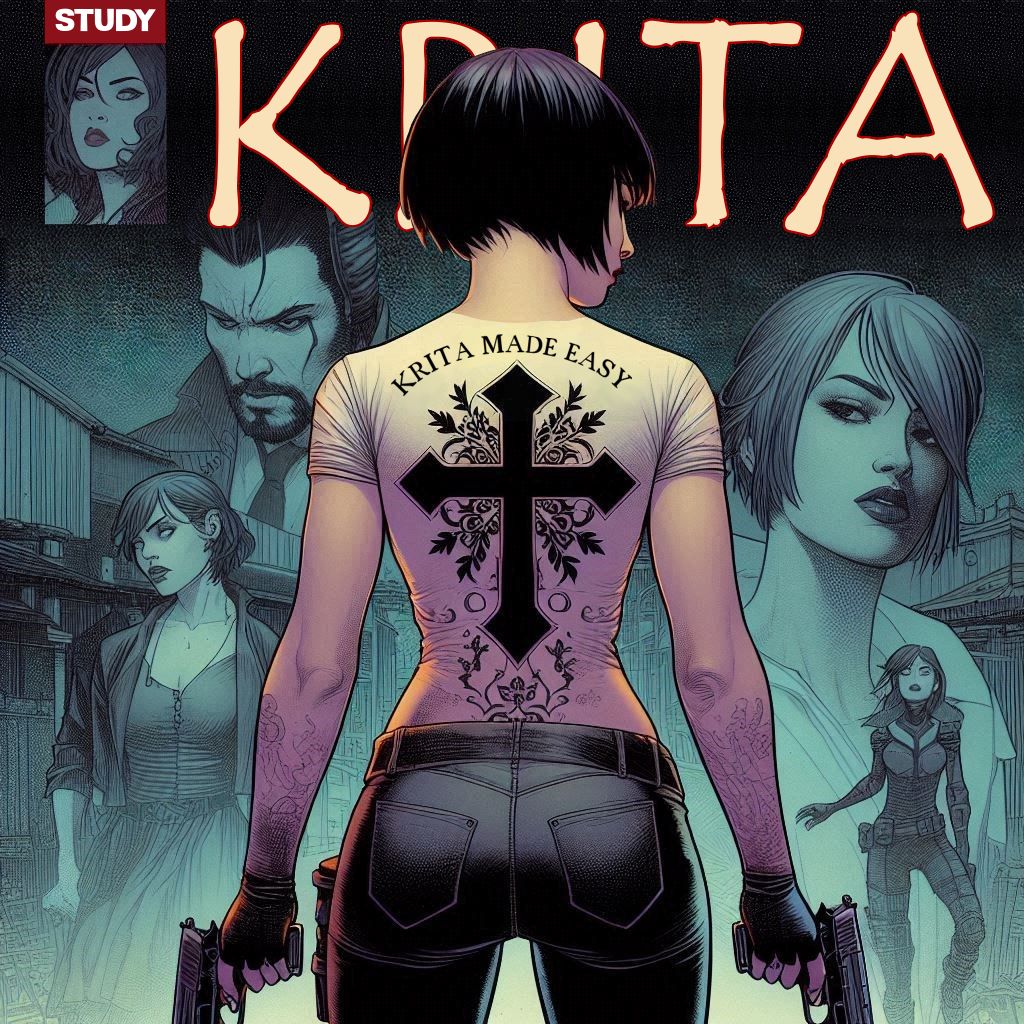
got a Picture i need to redo and patchup a part of the text like font change and scale
not a big thing using a whole meshup of different tools unrelated to each other.
the job at hand suppose to be simple , cover the work area , add the prepared text , blend the edges and be done. in ms paint a 5 minute job
here with Krita im losing sleep over it … flipping a letter is a mission impossible with a idle selected area as main villian why is everything here so complicated ??
I don’t know how much of your post is simple venting and how much is a serious question, but much of it is no more different than any other art program (that doesn’t have AI doing your job for you). This is how I would approach it…
Isolate character or other part of the image (using non-destructive means):
Duplicate the layer with the elements you need to separate.
Apply a Transparency Mask to the duplicated layer.
Use whatever tool you want (Brush, Selection fills, Freehand Path Tool) to block out the areas you don’t want to see.
Repeat the first three steps for every element you need separated (IE: Character, background, text, conner box, etc).
Textures:
Use the Selection to grab some of the preexisting crosshatching from the background.
Import the selection to a new document.
Turn on the Wrap Around mode and use the Clone Tool to make a seamless tile.
Left Click the Pattern tab on the upper left of the Krita Window, select Custom Pattern, “Click Update”, and then Click “Use Pattern”
Use this pattern to fill your background where needed, with the Fill Tool (set to use the Pattern at 100% scale).
Flipping Text:
Select the text with the Select Shapes Tool.
Right click within the transformation rig and select Trasnsform → (whichever option suits your need).
○ If you need a particular word or section alone flipped:
Duplicate your text layer.
Right click the duplicated layer on the Layer Docker and select Flatten Layer.
Erase what you don’t need with whatever tool you want.
Select the element with Transform Tool and right click the rig and use the options to flip it as needed.
Blending the edges:
○ This depends on your preferences and the complexity of what you’re attempting. My most likely approach:
Isolate any layer that isn’t a part of the text and group them.
Create a clone layer out of the entire group.
Set a transparency mask to the Clone layer and mask out what’s not needed, using any tool you want (meaning you can apply any type of edge you’d like).
i mentioned MS since it is a single and flat tool one dont need to bend over or around corners to get things done but at some certain point lacks the compatibality with other formats.
do i need additional moduls to archive this ?? there dont seem to be a un-select
We’re in agreement, then… MS Paint lacks the tool complexity required to do the job. We’ll move on…
I use Krita as it comes straight from the Krita.org website, without any mods or scripts. You should have the capability to do everything I noted in my previous post. That said…
Achieve what, exactly? We can’t help, without knowing exactly what you’re stuck on. I provided solutions to a series of individual tasks. Which of them are you having difficulties with?
Go to “Select → Deselect”. If you have a shortcut setup for this action, going there will also tell you what it is (it will be listed beside the option). I’ve reconfigured my shortcuts a long time ago, so I can’t help you with the default. If you’d like to change it, go to “Settings → Configure Krita → Keyboard Shortcuts”, to enter your own shortcut for the action.