Hay!
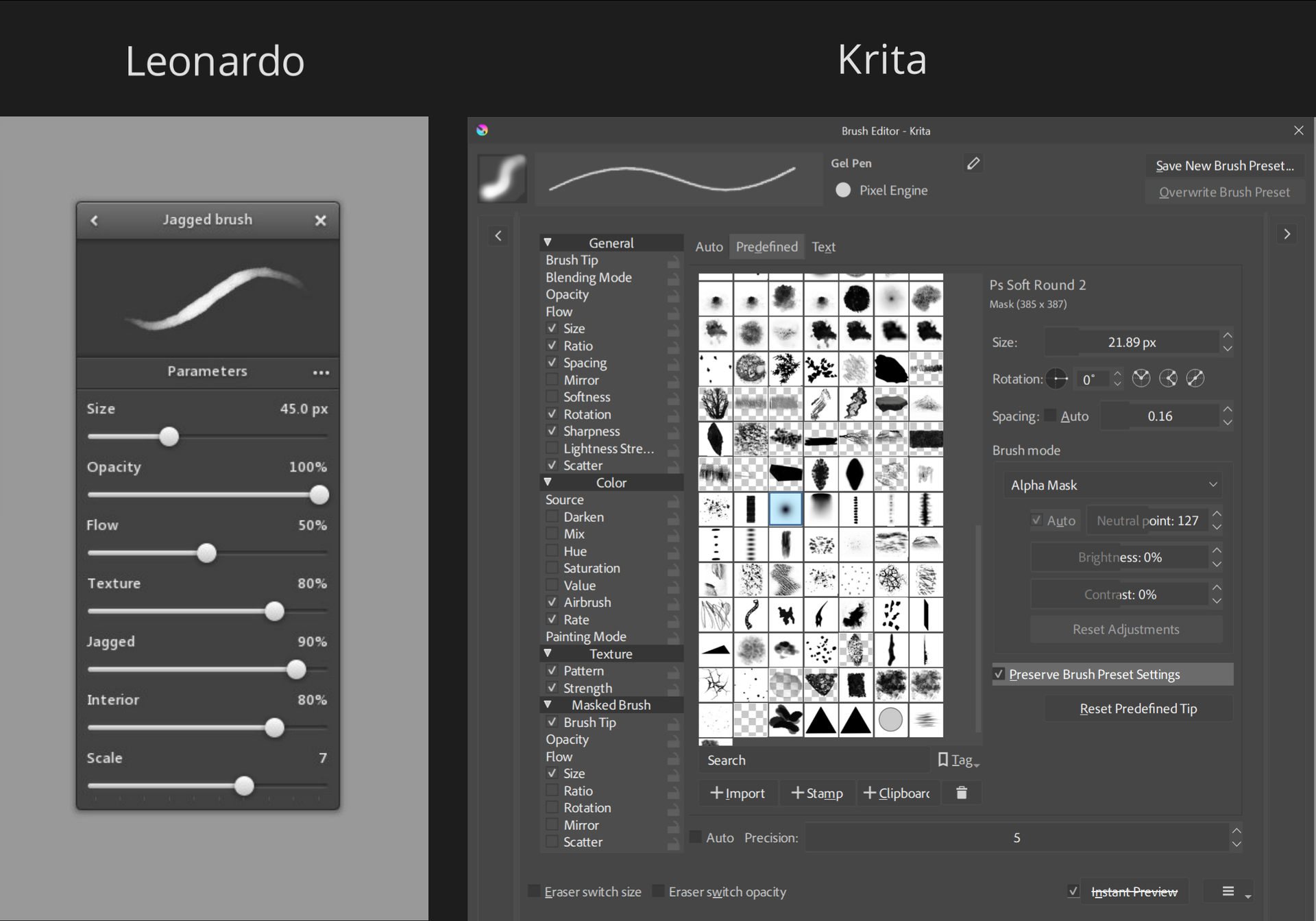
I’ve been using Krita for quite a few years now, and I’m loving it. But before I was a Krita fan, I was using a software called Leonardo, which had an Infinite Canvas, as you can probably guess. I haven’t used Leonardo in YEARS (probably since like 2019 o_O) but I still very much miss that feature. Yes yes, I am aware that Krita technically has an infinite canvas blah blah blah NO it’s not the same as having an actual scrolling canvas.
That’s why I am offering to pay anyone who could produce a working infinite canvas mod/plugin/whatever. I saw that someone already made one but it seems to have some flaws. Good work btw, but I need something better!
I was hoping that by this point in Krita’s lifespan they’d already have their own feature like this, but alas they do not. Anyways, thanks even if no one can help me uwu
If you search on the forum for infinite canvas you will find posts by actual developers explaining why Krita doesn’t have it (anymore) and probably never will. A plugin can never solve the core issues the canvas “engine” has, which prevents having a usable infinite canvas. You would probably have to pay a developer a few months worth of work to implement it at the core.
It’s the fact that it doesn’t scroll forever. It’s not “live.” It doesn’t keep expanding with you, you have to keep telling it to add a little more, and only to one side.
Yes as mentioned I did look before I made this pose. I didn’t see the reason why tho, that could be interesting. Although, at the same time, I am more concerned with how to make it work under any circumstances. Re; the video I linked above for an example of what I’m looking for
Why not pay for the latest version of Leonardo for concepts/sketches and use Krita for finalizing them? Leonardo starts up quick, has an infinite canvas, and simple brush engine so you can make something right away. There’s some value to that limitation. There’s probably a good reason why complex programs like Krita, PS, and CSP don’t have this infinite canvas feature already.
Just a thought from my side, would an auto-growth feature not be sufficient?
For example
you start with 100x100 pixels.
And it only looks infinite, like when you use the tiling feature
Then as soon as you draw over the bounds, which you obviously can not see, krita then extends the file-size in that direction, like now when you use those arrows.
That way you have the same performance as before, but it looks and feels infinite.
Well maybe krita should restrict your layer count, the bigger the canvas gets. Like procreate does, when you create a canvas. But that’s something krita should do either way.
Without rebuilding Krita from the ground up to emulate Leonardo’s infinite canvas feature, a similar feature like this plugin could be implemented where a stroke going outside the bounds of the canvas auto expands (crop tool) the canvas to fit the new stroke within it.
However, the auto expand would only activate when the stroke is released and not live while the stroke is going past the boundary (since Krita wouldn’t know when/how far you’re going to keep going past the border). A more realistic implementation like this would maybe be slightly faster than just using the crop tool for users who consistently need larger canvases.
The effort required to make this a polished feature doesn’t seem worth it when you can set your default document size to be bigger than you need it to be to prevent the need to auto expand consistently.
In the event that a live updating tiling system like Leonardo’s were to be added to Krita (while considering all the other properties it would affect), the added complexity could hurt the maintainability of the codebase (harder to read, easier for crashes to happen) while only benefiting a small niche of people who want this feature and hurting the majority of users who just want a competent program for their illustrations/animations.
Hi, I already created a plugin that does that, someone in the comments already mentioned it., but I didn’t optimize it because it was just something I wanted to do for fun. For example, what consumes the most resources is updating what is drawn on the screen. I could optimize it, for example, by doing a kind of baking and caching and drawing on top of that, and updating the areas that the user draws in real time. But it’s not an easy task. The plugin is already quite complex and resource-intensive because it has to replicate the user’s actions on a second optimized screen that is overlaid on top of the canvas, giving the illusion of an infinite canvas. And for some reason I don’t know, some brushes work and others don’t. Perhaps in the near future I’ll resume the project and fix some very specific bugs that some users have reported, but that’s not what I do for a living; I only program for fun.
for some reason I don’t know, some brushes work and others don’t
There may be some properties that interact with the canvas in an unusual way that hasn’t been accounted for yet in your plugin which may be why some brushes don’t work. It’s very interesting that you’ve been able to do this much with just a plugin without modifying Krita’s source code itself.
Mypaint had infinite canvas as well, but it was still pixels if zoomed in enough. Anyways in Krita we can get something like it by remapping the space key and/or the mouse wheel from “Pan Canvas” to “Tool Invoke” specifically the “Activate Move Tool”. This can be done in Settings > Configure Krita… > Canvas Input settings.
Also you can group layers to move them at the same time.
To use the full window size Crop the canvas to your window and zoom size, but if you are too zoomed out the memory required for empty space seems to go wild at smaller than around 12% zoom
So, you’re suggesting to simply have an enormous canvas and zoom in a lot to make it appear infinite, if I understand correctly. But I don’t understand why you would need to remap any shortcuts. The middle mouse button press is mapped to pan canvas by default, letting you move around the canvas easily.
Not quiet. Layers are infinite, but the canvas in the window is not. The idea is to set shortcuts to use the infinity layers. If you want to, you can even change the normal buttons to work like that
I remember being confused when it appeared you could paint outside the canvas, and even transform those pixels to be back inside the visible canvas. It’s like part of that functionality is already there for some reason. If instead of being entirely opaque it displayed a semi-transparent region like a “safe area”, that could be useful?
Using the crop tool is not too unreasonable though, considering the work that is required for this or an ideal infinite canvas. Having used Krita for several years, and only last year realized the cropping mode can be changed so it doesn’t also erase pixels was just what I needed.
Maybe you could give this a try? I use it a lot in sketching. A plugin that adds 4 actions that extend the canvas in a direction by percentage of screen canvas size or a pixel amount (default is 10%).
I use arrow keys + alt key modifier so just arrow keys are still free for other uses. On windows the alt key opens certain menus and apparently cannot be disabled, but it can be with a script.
Here it is as a convenient plugin.
Thank you everyone who took the time to clarify, help, and give methods for helping or possibly recreating the effect of an Infintite Canvas. You guys are awesome. I will be looking over these and testing some things, but I think my best bet is to use Leonardo as @tenzindraws recommended.