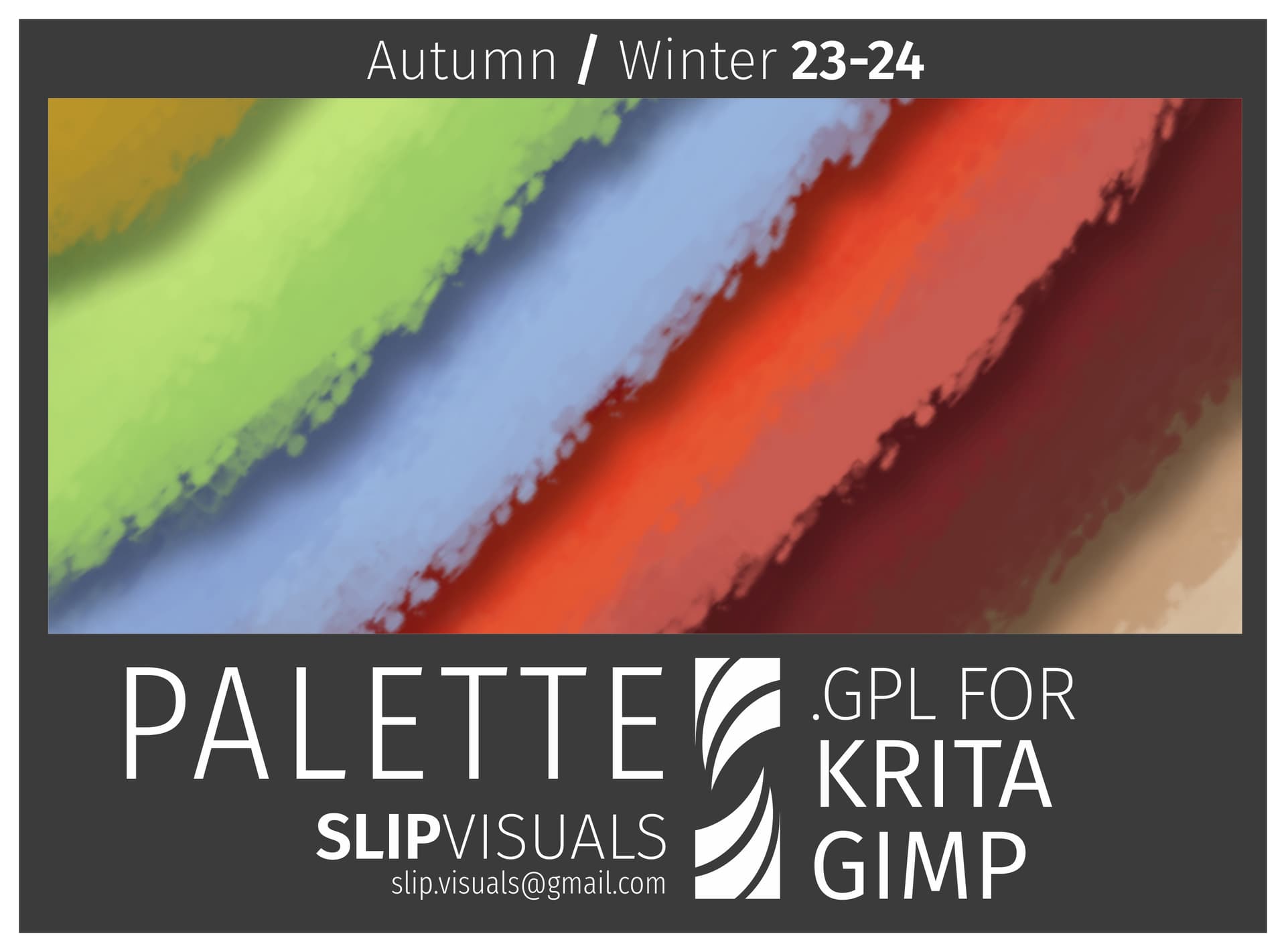
Another free pallet based on the current colour trends.
pretty vibrant for a winter pallet so be bold!
please find more free pallets and other resources at
https://slip.gumroad.com
Much love
Stef
Another free pallet based on the current colour trends.
pretty vibrant for a winter pallet so be bold!
please find more free pallets and other resources at
https://slip.gumroad.com
Much love
Stef
Thank you, @Stef_Price.
very welcome @sooz
link not working.. anywhere else to downoad it @Stef_Price 
Hey there @Birath … don’t know what’s happened to that one. Try this one:
Thank you very much! 
Crit simply doesn’t see this brush when trying to import it (((
This is not a brush preset and Krita can see it on my PC.
How did you try to import it?
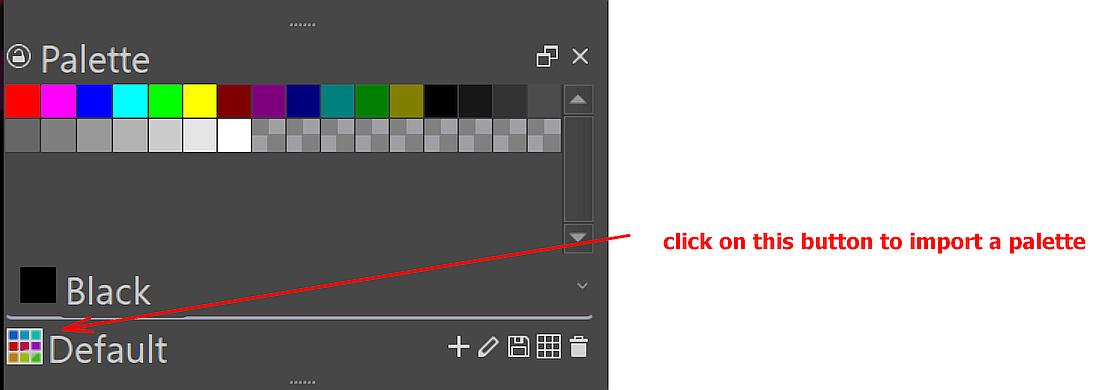
Not bundled resources, like this palette, are installed into Krita via ‘‘Settings’’ >> ‘‘Manage Resources…’’ where you have to click on the button Import Resources and then browse to and select the resource in question, click on okay, or however a selection is confirmed with your file manager, and the resource is installed. In seldom cases, you may need to restart Krita afterward, but usually you can use the resource right away.
Michelist
Hello, thank you for your reply!
I’m doing exactly this, but nothing happens
But you are aware that this is a color palette and not a brush bundle?
In other words: This is not a brush as you named it!
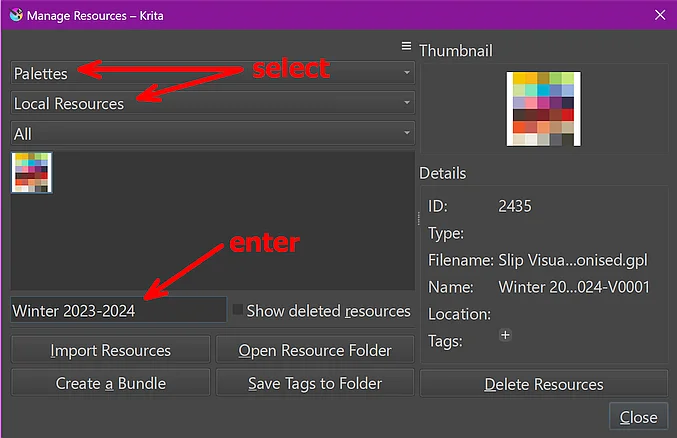
You will find it in Krita via Settings > Manage Resources..., in the dialog set the drop-down menu’s as shown in the screenshot, enter its name “Winter 2023-2024” in the search box to not have to search through all your palettes:
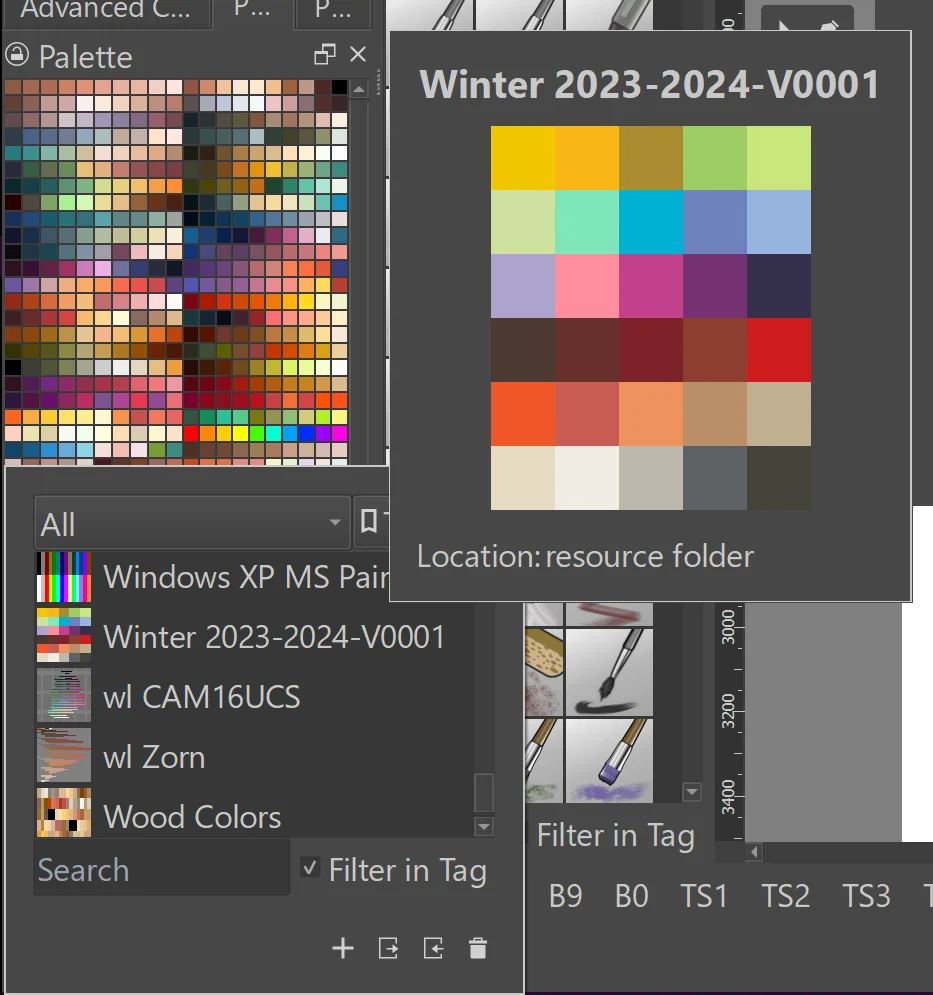
Here you can see it enlarged when you search for it among your installed pallets in Krita, if you enter the palettes name “Winter 2023-2024” in the search box it will display it directly so you can select it:
 ):
):Michelist