Let me pursue again by showing how Photoshop’s free transform tool work.
It also does have a form of Unified Transform Tool.
In the case of Photoshop, the transform operations combined are :
Scale, Skew, Distort, Rotate, Perspective and Warp, all into a single major operation.
Let me apply so you can see, with pictures. Pay attention to the transform UI carefully.
Initial pixel data :

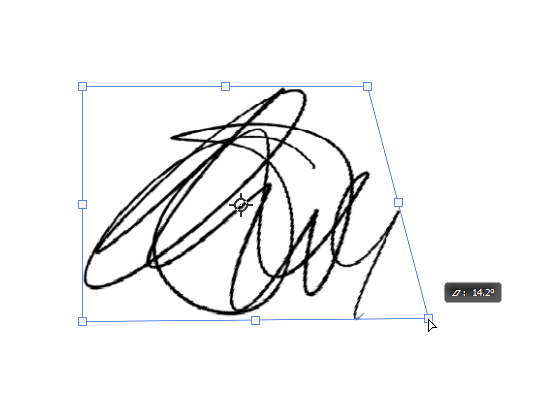
While in scale mode, I can press and hold CTRL to switch to
Distort mode and do the following :
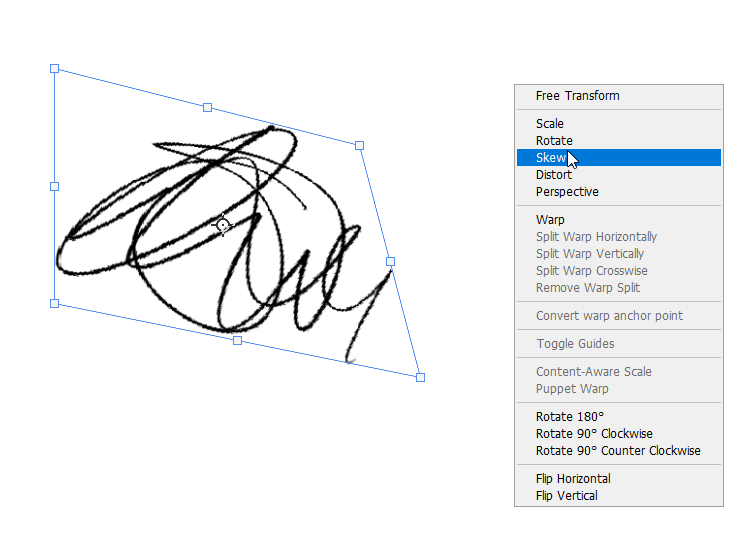
I can then right click, and go into skew mode to do the following :
I can then right click for the context menu again, and go into warp mode, and do the following:
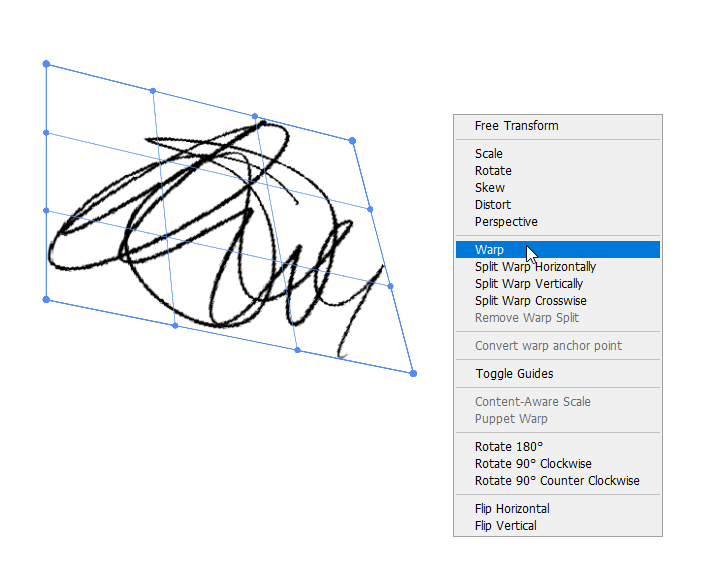
I can then manipulate the pixel in warp mode to the following. And we’re still
using the Unified Transform tool. It’s not over :
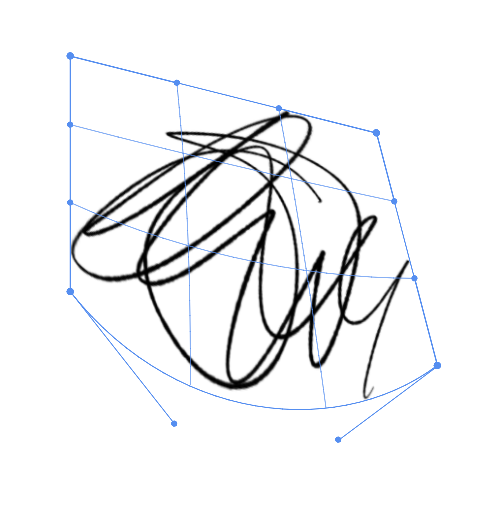
When I switch back to scale, this is what the transform UI becomes :
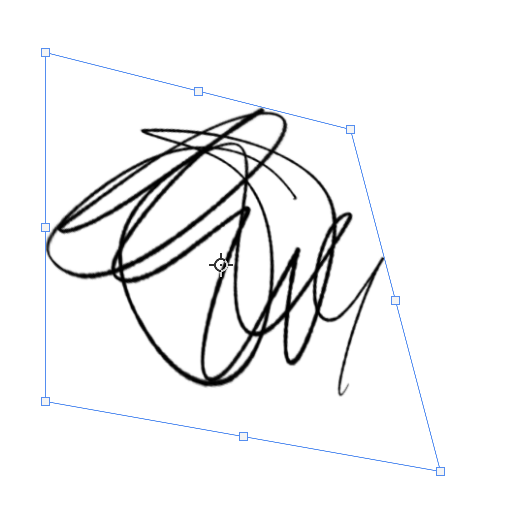
I can then switch to perspective mode to do this next operation :
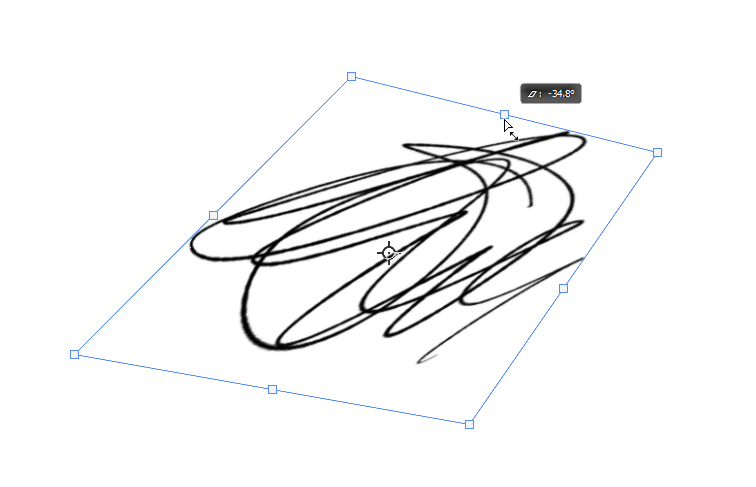
And when I am satisfied, I just press “ENTER”.
The final result of the pixel data manipulation, with a Unified Transform Tool or a Transform
Tool which combines a few operations into a single one :

This is what a Unified Transform Tool provides in terms of workflow or function.