Workflow suggestions to split an image into layers by colors or values?

Sometimes I’ll use 3d to create foreground vegetation for illustrations. It’s like using leaf brushes but with total artistic control, perfect perspective, swapable leaf shapes, and the best of all, the possibility of separating leaves by depth without creating additional painting layers.

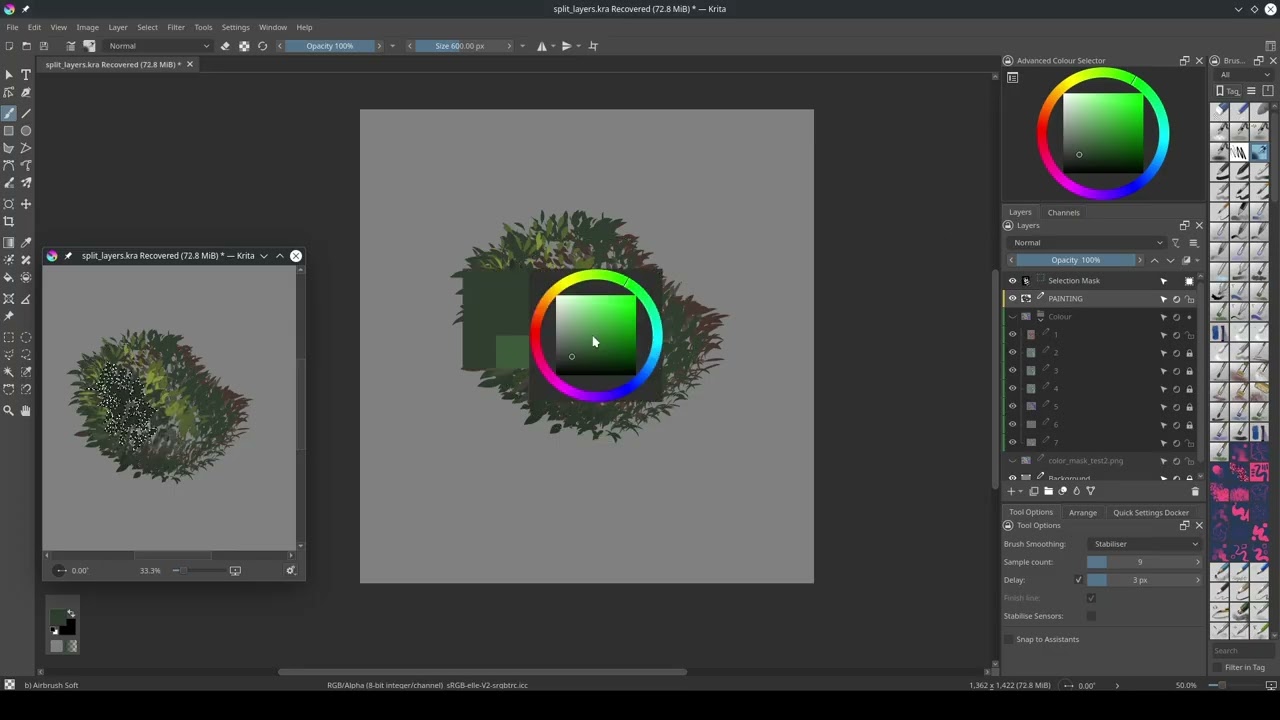
For now I’ve been grouping leaf slices by colors. I can generate either color gradients or grayscale depth slices:

I’ll then use that as a mask to select regions to paint. It’s great, but there are some hiccups in my workflow and I’d love some ideas.

For convenience, I’m calling those depth bands of colors or values slices here.

Color Slices

Using the color version I’ll have to stop painting, select the layer containing the slices, use the similar color selection tool then return to the layer I’m painting. I’ll keep the slices layer under the painting and set it to erase blending mode so at least I don’t have to show and hide it every time, but having to change tools and layers makes the process slower and prone to mistakes.

I also lose track of the slice I need to select next because I have to manually target it on the canvas, so I have to either reveal the slices layer or keep selecting at random. :joy:

Gradient Slices

Using the gradient slices, I’ll use several filters to select each value group to then create individual layers from them:

The advantage of this method is that I no longer need to leave the painting layer to make a selection, I can simply keep them in a group and ctrl+click the layer I want. I also don’t lose track of the slice I’m working on.

The disadvantage is that I have to pre-process the images and adjust the filters by hand if I’m using a different number of depth slices. The extra layers also impact Krita’s performance.

The filter setup:

1 to 6 are threshold filters. The clone layer is just to smooth the edges (it’s a bonus, the color gradient selection has the disadvantage of being jagged for lacking this extra step). B is A with inverted colors for when it’s a more convenient setup.

To create the layers I’m revealing the number I need and merging visible. It’s a bit slow but when I bring them into the painting everything flows faster.

The biggest issue is the threshold value, which was set by hand and has to be manually tweaked when using a different number of slices. If I could automate that value selection without having to write an entire script most of my issues would be solved.


I can alternatively alter my setup in Blender - the 3d software I’m using - to output black and white images for each slice, but it’s the worst option because the process is slower than pre-processing the gradient slices in Krita.

So, suggestions? My objective is to be able to easily create selections from each depth slice as I paint, without ever having to leave the layer I’m painting.

I am sorry if I do not understand your question fully. But have you checked the split layer feature

Sorry if you know about this already

1 Like

That would sound like perfect job for Cryptomatte. Krita plugin kriptomatte (Note: I have never tested the plugin but would like to know if it works.)

/AkiR

1 Like

I didn’t! I still don’t know half Krita features, and searching for similar terms just turned up people on reddit asking how to and no one pointing them to the feature. :joy:

It’s almost perfect, though it struggles a bit with separating the colors properly.

The color version of the render works better, but I had to tweak the palette then apply a posterize filter on Krita before using Split to be able to use a lower fuzziness without it placing colors like yellow and green in the same layer. Without the posterize it creates dozens of unwanted layers containing the edges with color transitions, heh, while using it creates only one or two.

That’s interesting, though I’m not as fancy as to be using compositing.

I’m using the newish shader AOV feature, feeding it procedural attributes generated by the same geometry nodes tree I’m using to spawn the leaves. I’ll then save the resulting render as a multilayer exr, which imports perfectly in Krita.

That’s also the reason it’s a hassle to manually separate the depth slices into their own AOVs in Blender. You have to create the output in the material, then also add it to the scene AOVs. Not only it’s a manual operation defeating the procedural nature of that workflow but Blender lags when adding or removing AOVs to the scene.

With all in a single color-coded AOV being split in Krita I only have to create it once and never touch it again, controlling the steps from an input in the geonodes modifier instead. It’s very handy, I don’t have to hunt for other options elsewhere in the UI as I setup the scene.

I’m planning to write a general plugin later to crawl the materal trees and create scene AOVs for outputs it finds and vice-versa, but I want to make something general, not specific to this one geonode. It’d still not help with having to manually create all AOVs for color steps in either the scene or the material.

In my coloring process I use Split Layer, after Colorize Mask. For me, it works very well: I only had problems with certain tones. For example: the light skin tone and the light orange were placed by Krita together in a single layer. I stopped using tones that were too close together… and the problem was solved.

1 Like

I tried the Split Layer method for real in a current piece. It works, but…

I’m experiencing the same issue of close colors being placed in the same layer. They’re not that close, but with a different fuzziness I get way too many layers with stray pixels from color edges which I just had to accept for now.

I’m also not a fan of the jagged edges. I can live with it in high resolution paintings, but they’ll be visible in something smaller.

I’ll keep thinking. Maybe index colors somehow before, or use a set of 3 renders with pure RGB values to catch the channels in Krita instead with Separate Image. Because it’s an action I can even save it as a task to have everything at hand without having to write a line of python code to automate it.

I’d need 3 renders - 7 colors in 3x3 (9) -, but it’s doable as I rarely go over 9 depth slices so I would only need to setup the shaders in Blender once.

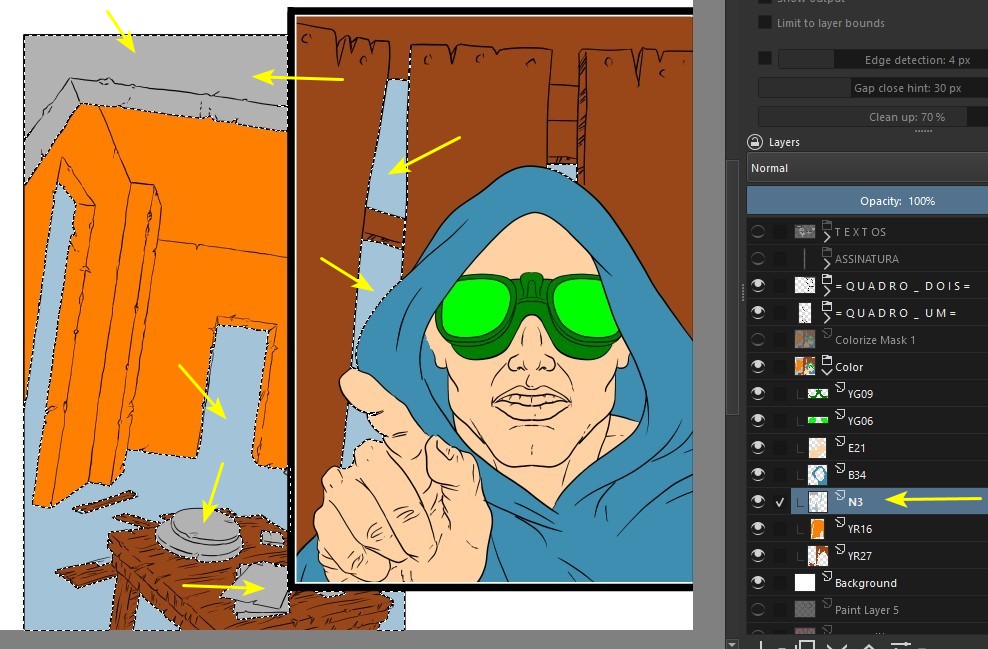
I tried it with an old drawing of mine. In the “Colorize Mask” I used a few colors and converted the result to a “Paint Layer”:

Then I went to the “Split Layer”. I left the “Fuzziness” at 22. This was not the default value… and I don’t remember, at the moment, why I changed it:

Krita left the gray and the blue colors on the same layer, but it wasn’t hard to separate them:

Here is the final result, done in a hurry:

Even with these small setbacks, I still consider it a thousand times better to use the “Split Layer” for the colorization process.

1 Like

I also am having a bit of a hard time to understand why your doing the split.

In pigment.o there is a section to see the channels of an image or range from a selection. Albeit VERY funky controls. It should be able to do this. As after reading and thinking you can push out a local selection mask.

I was writing this section as a different plugin now so the controllers don’t be as bad and be more straightforward.

So if I understand you need selection profiles ?
But if the lighting in an image changes won’t it defeat the selection profile ?

@D_Guerreiro

Fuzziness 50 result, which is the one that works most of time for this color scale. It has 7 colors, generated 10 layers. Lower fuzziness can generate hundreds of them. That’s due the anti-aliasing in the render.

Sometimes it generates more layers or merges colors, it depends on the render. There’s a video in this post where you can see how few pixels are in those extra layers.

Doing a posterize with 10 steps before improves the Split, generating a couple less of excess layers, but not by much. Having to hunt them down is a hassle.


@EyeOdin
I’m not sure if it’d be the best solution if it’s funky workflow. It’s not about being possible, it’s about achieving most accurate and least contrived process possible. My earlier workflow with filters for example generates a flawless result, but it’s slow making it’s a no go for now.

It’s hard to describe how the workflow flows with words alone, here’s a video of the current method I’m using. It’s unedited and has plenty old laggy PC moments.

Actual result of workflow above.

For me the ideal workflow means:

  • If I have to pre-process anything, reuse as many settings as possible, in the same part of the GUI, with the least amount of steps, and not demand too much from the PC otherwise the lag makes it unworkable.
  • When painting, being able to select the regions I need to paint without leaving or obscuring the layer I’m painting on or having to guess if I’m selecting the region correctly: Select from layer panel to avoid having to color pick the image on the canvas. That way I have a continuous workflow.

Ctrl+clicking the target layer corresponding the area I need to paint is faster than keeping 7+ local selections because sometimes I temporarily add or subtract but I want to preserve the original selection.

I also work with display selection hidden. I’m already familiar with the color x depth, thus I don’t second guess if I’m selecting the correct region, I know red is the foreground, etc.

2 Likes

yeah for what I can see what I have in hands should be able to help but with local selections. I am busy on other things and doing it on my spare time. but it will be the same as what pigment.o has but in a better package.

This topic was automatically closed 4 days after the last reply. New replies are no longer allowed.