Whenever I put my PenTablet pen on my Xp-Pen drawing tablet (even lightly), it automatically changes the brush preset I have selected to the last one used, or to the last tool I used. I cannot record this because it happens ad nauseum and I would have to record the tablet, my hand, the pen, and the screen all clearly for brush presets and tools to be seen. I don’t even think my older iPhone 11 would catch all those details without me having to zoom out too much, making me lose all the details to show.
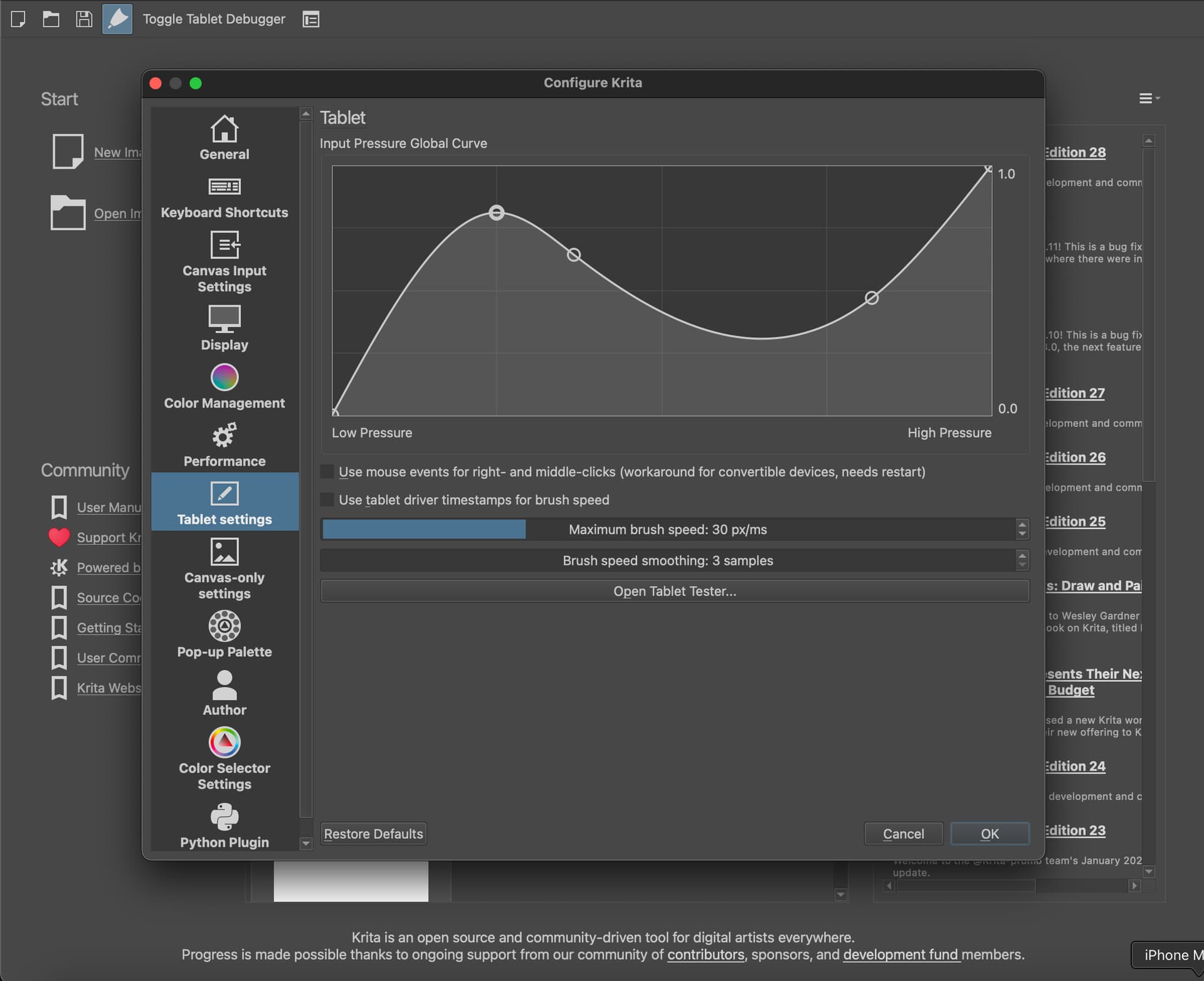
I can, however, show that I do not have an option for “windows ink” in my Configure Krita Settings, and because of the Krita software (I don’t think it has anything to do with the older age of my pen and drawing tablet) and whether if I have “E” for eraser selected or not, the eraser side of my pen can draw. The latter is not an issue for me, I just do wonder if that is one cause of tools and brush presets changing around without me doing anything.
Note that it was hard for me to get this video, I really had to trim it down to get to the file limit, and I had to do multiple takes just so the circular icon showed that I was, in fact, drawing was visible. My phone also takes videos in .MOV files, which is not supported here (I have never converted the two files before, and VLC media player doesn’t convert from .MOV to .mp4)–another step I feel should not be needed. I really don’t want to switch drawing programs after only doing Krita for a few weeks and having something I’m currently working on, but the topic title is deeply impacting how well I can work.
Probably because you are on a Mac, according to the topic tags and that option is only for Windows OS.
What pressing E does is not the same as using the eraser side of the pen. E puts every preset into eraser mode (it temporarily sets the blending mode to erase) while the back of your pen can “paint” with any preset. It can be but it doesn’t has to be an eraser. You can change what the back of your pen should paint with by selecting a brush preset of your choice (for example an eraser preset) from the brush preset docker with the back of your pen.
Unfortunately I don’t know why you have the other issue.
Is there something similar to it for Macbooks, then?
In the PenTablet application driver, changing the shortcut to “E” for the eraser side seemed to mostly fix it. I unfortunately cannot add any shortcut to the pen tip, so it still acts weird with Krita.
I don’t know much about Mac other than it exists. Under normal circumstances you wouldn’t need to ad shortcuts to the pen tips. With my Wacom both get recognized as two independent left mouse buttons basically. Putting E on the eraser end would make your flipping your pen back and forth every time you want to toggle the mode, right? And it’s still not the same as putting a eraser preset on it.
Having only the easer end of my pen set to “E” as a shortcut is possible. That mostly does fix the back and forth shenanigans, but not always. I think I should try another drawing program, but keep Krita because I like all the brushes I have there and this comunity.
I don’t have an XP-pen or a mac to test this but it’s the first time I heard of this issue (so I guess it can work smoothly). Some graphics tablet drivers require to create application profiles for different applications, perhaps your’s is one of them.