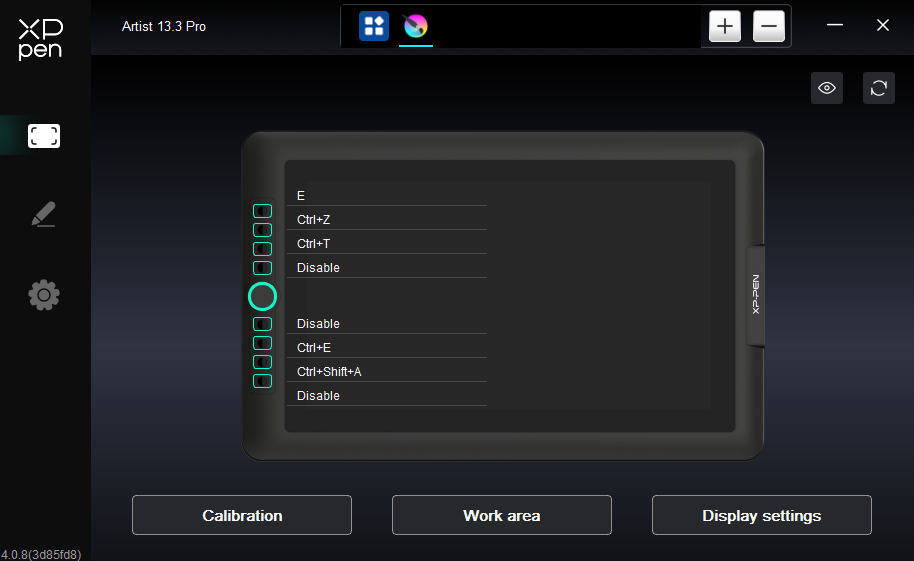
I switched pcs recently and my xp-pen 13.3 pro tablet has been causing some issues, specifically the shortcuts i set attached arent the ones that process through to krita when i click the buttons.
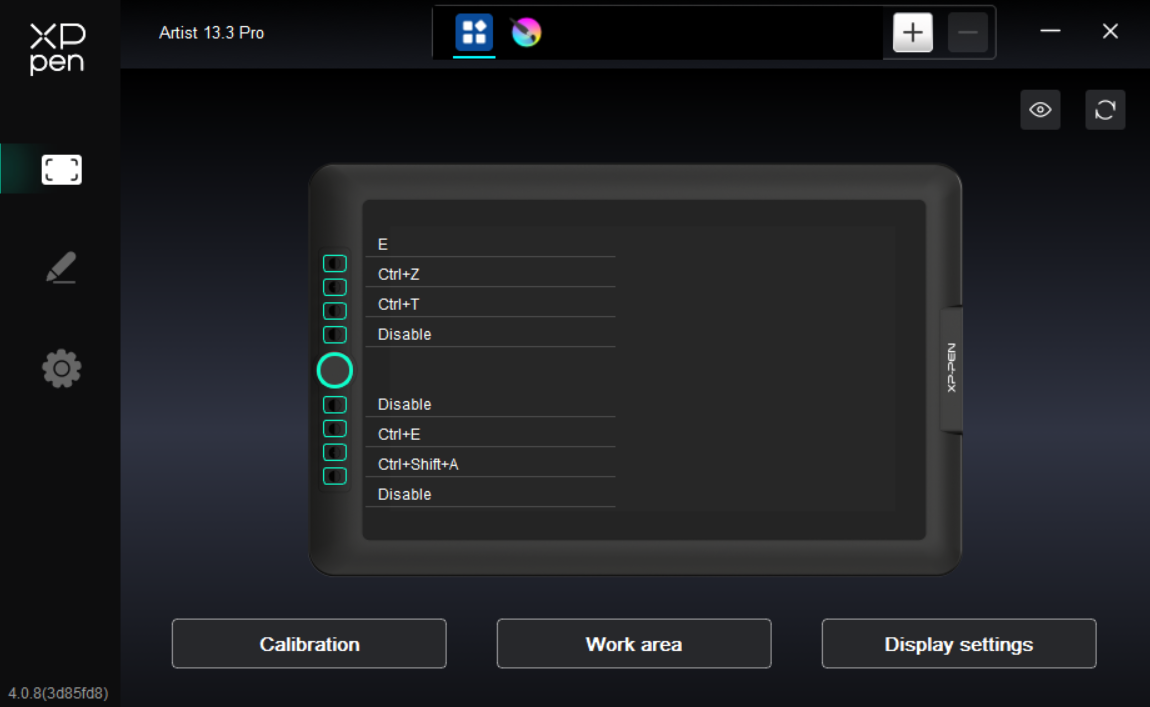
ex: when clicked ctrl+z doesn’t undo but it does the default of that button which is E
This driver is the most recent driver for my tablet and I’ve made a config for my shortcuts which ive imported back into the driver in some sort of attempt to fix it but that doesn’t work either
Everything i’ve searched up is too outdated to help me so i’m hoping anyone has a fix for this </3