One last test idea from my side:
Go into Krita settings → configure Krita
Disable Canvas Graphics Acceleration
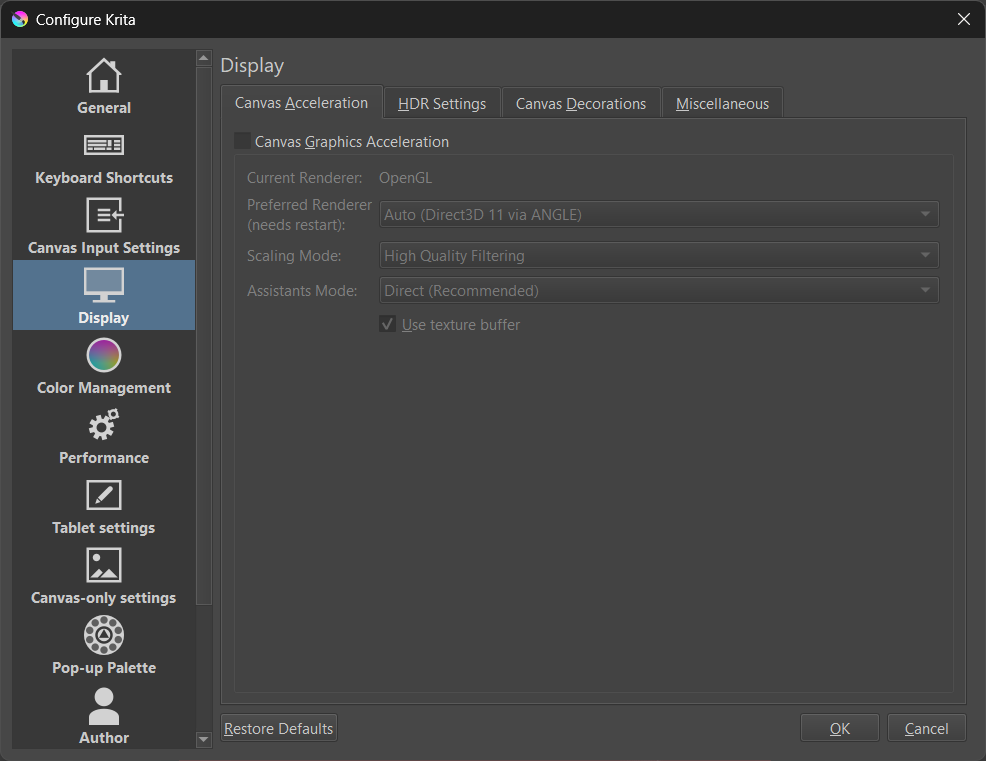
Close and restart Krita
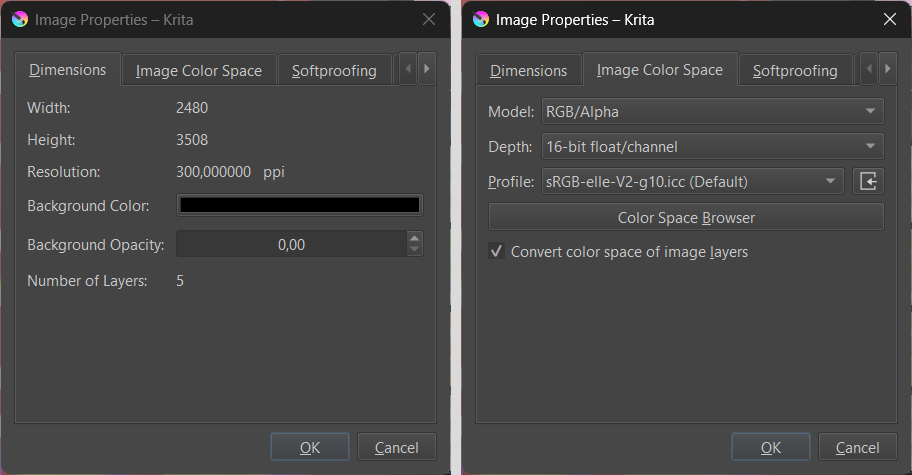
Make a new document with the properties shown below
Ad a few layers and paint random content
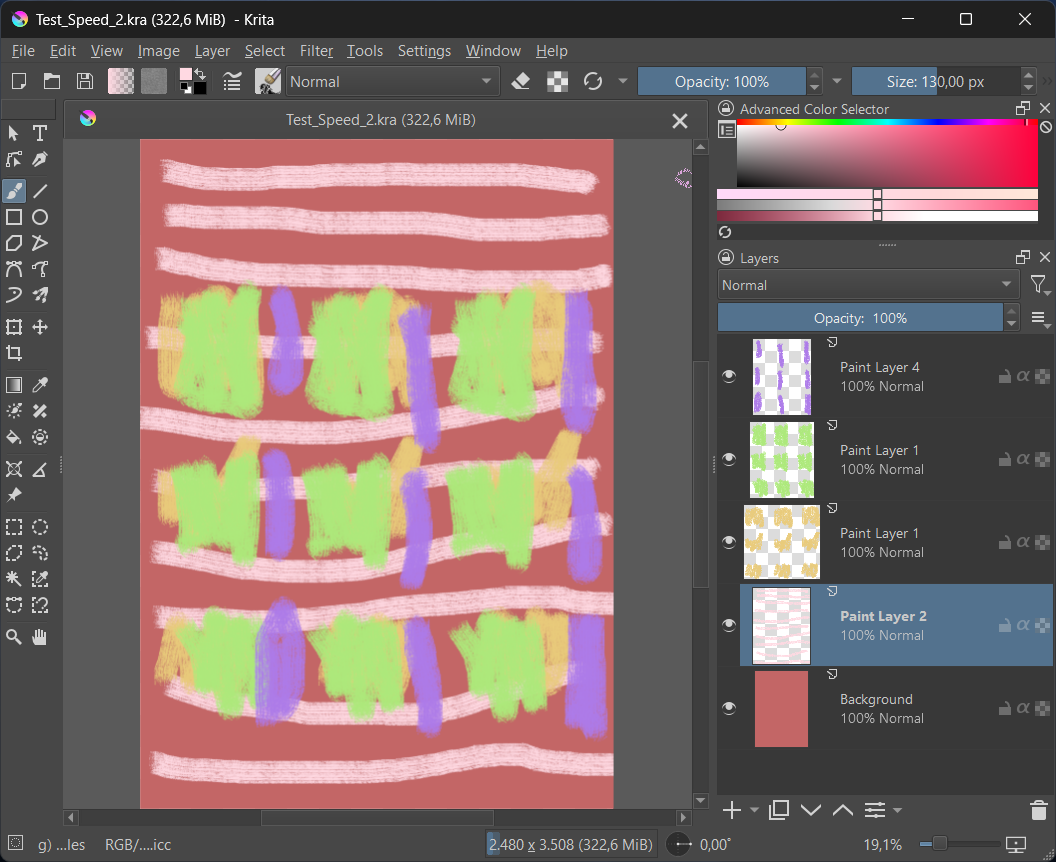
Then delete a layer, do an undo etc.
On my notebook (a faster one with 10th gen intel cpu) it takes maybe a 10th of a second to delete a layer.
And one more suggestion:
We don’t know what the state of your Krita is (plugins, brush bundles, custom settings etc.). Before testing you might like to reset your Krita to its default state (like it was when you installed it).
Tutorial for this is here: