Hey artists,
When i surfing the web i found this high quality 4098*3072 px and 300dpi PNG paper/canvas textures.
And i say to myself “i want to share this for Krita users”
You can found this here i hope you enjoy this.
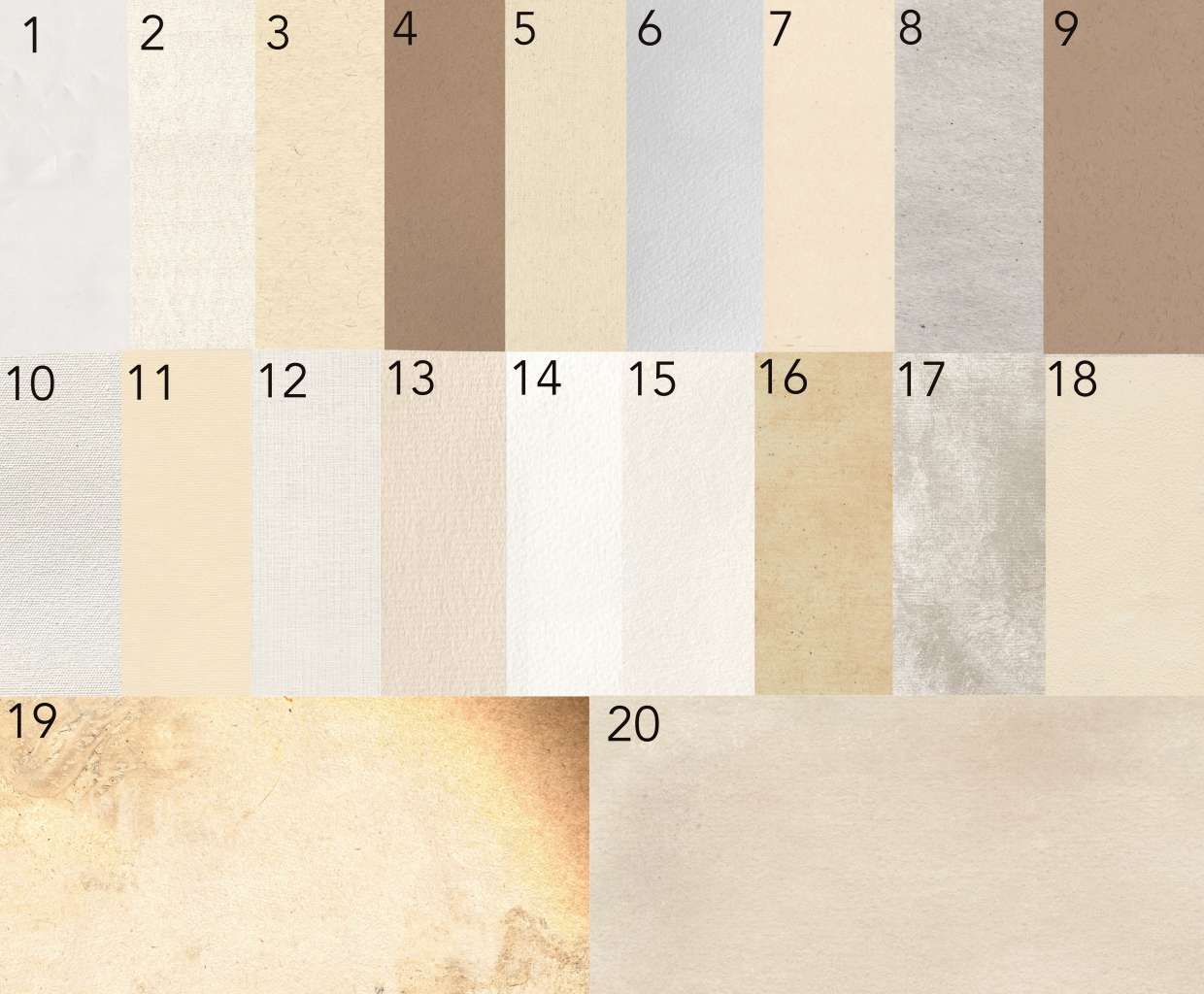
(sorry for my bad langue)
Hey artists,
When i surfing the web i found this high quality 4098*3072 px and 300dpi PNG paper/canvas textures.
And i say to myself “i want to share this for Krita users”
You can found this here i hope you enjoy this.
(sorry for my bad langue)
Hello @Mindscanner and welcome back 
It’s a 316 MB download if you get them in a .zip file all and I now have them all
Thank you !
The whole resource section in ProCreateFoilio is a good source for papers and canvases usable in Krita. I go there 1 or 2 times a year to look for new releases, it’s worth it!
Michelist
Thank you for this information. I try it right away
Karola
What is a good way to install these so that I do not have to manually import them as layers?
Put them into the patterns named folder, you get there via ''Settings'' → ''Manage Resources...'' → ''Open Resource Folder''.
Then you can access them from the Patterns-Docker and the Fill-Patterns-Widget (which is usually found) in the “BrushesAndStuff”-Toolbar. Additionally, they are found in the brush-editor with all brush-engines that offer to add patterns in the respective option.
Michelist
Edited once
Thanks I put them under “patterns/SS 20 Paper Textures” I do not see them in the patterns docker. It looks like I was able to import them as resources.
Who said you should create a subfolder in the folder patterns?
Michelist
I use a file naming scheme to distinguish the patterns I put in my patterns folder, usually I follow this scheme: creator name - category name (in case there are different categories from that creator) - resource name + necessary numbering (variations in the scheme are possible).
To rename (large) batches of files, I’m using the mass-renaming tool of my file-manager (Total Commander (or the Total Commander Clone “Double Commander” when using Linux)) in combination with the standalone mass-renaming tool “Metamorphose 2”, because both have their strength’s and weaknesses.
Michelist
There already couple folders that were created by some other resources it seems. It looked logical so that I can differentiate with the defaults vs my installs. I will use your recommended naming
Depending on how long you have carried/maintained your resource folder across versions of Krita, or if you have bundles installed in Krita 5 that were created for Krita 4 or even older versions, these old bundles/resources may have created subfolders for their contents. This was possible with resource management before Krita 5, since then it can cause difficulties. For presets and their associated brush tips, subfolders will cause errors. Unmapped brush tips are usually found in folders as well. Patterns occasionally are too, but unreliably, so I avoid creating subfolders in resource folders these days.
Michelist
It would make more sense to group all images of the same type or creator into one folder though.
Only if you use Imagine Board, because Krita itself does not see/display the folders inside its resource folders. With filenames, Krita alone gives me a chance to find my way around large pattern and texture collections.
Michelist
Hey folks, I was wondering – are people just using these textures as-is? They’re a bit different than (for example) the patterns that come stock with Krita. Instead of being small-ish, tile-able textures, these seem like they’re meant to be used as a single “sheet” layer or background. When I use them as pattern backgrounds, for example, there are some very obvious seams. But of course I don’t want my images to have to be the size of these textures (or smaller).
So yeah: how are you all using these in your images?
(They’re awesome textures, by the way! Thanks for the link!)
EDIT: I did come across this post which gives some hints about grayscaling textures like this, which helps a bit in extracting just the texture (not the color) of these. But that post also suggests using only textures which are large enough to cover your entire canvas. (Which works, but also a bit limiting.)
Users who download these patterns will use these files according to their abilities and needs. They may even combine them into (fake) seamless files, as I did with this Saachi Singh - Aged Parchment 8196x6144 pixels, which now appears seamless and can be used as such, no matter which side you dock it to. Some will use it directly as a canvas, others as a pattern, whether in color or grayscale. When you see that 3,200 users alone have clicked on the link (and who knows how many have bypassed the count by right-clicking and selecting “Open in new tab”) and put this in relation to the posts in this thread, it should become clearer how independently users are applying it.
Michelist
4 posts were split to a new topic: How do I get a canvas to draw on?