Thank you. I’m a tiny bit worried about installing it on my Movink pro. I installed it on windows 11 and was disastrous. Sooo slow.
If you download this bug fix release, then your Windows 11 issue should be solved:
Michelist
The slowness problem is Windows only.
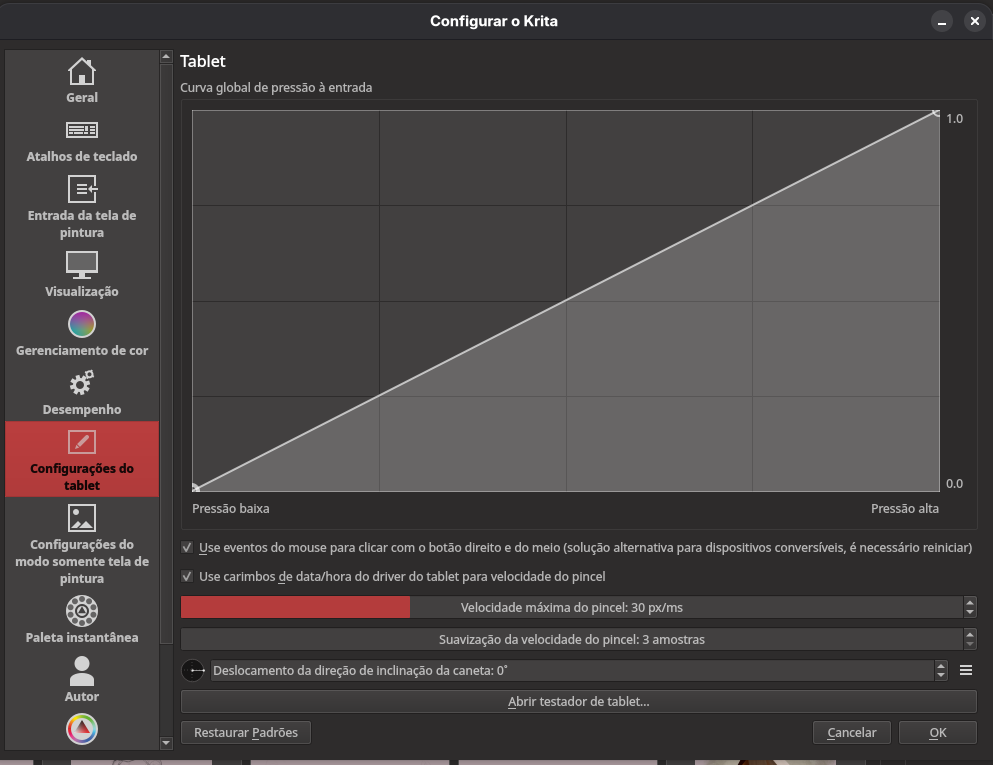
Thank you! I also have an Asus VivoBook. I downloaded and installed the suggested package, and it works well. At first, I had no pressure sensitivity (Huion display tablet), but I changed the setting from Wintab to Windows 8+ pointer input and pressure and tilt work.
One more wee problem. The pop-up ring won’t pop-up with my digital pen, though I have it set to mouse right-click. It works fine with the mouse, and it used to work with the Huion digital pen too. Suggestions?
Perfect. That’s part of getting Krita set up on your device.
Inside your driver interface, is the stylus button set to right mouse click?
Yes. I have the top button set to right click mouse in my Huion driver settings. It always worked out of the box before, but it doesn’t now.
I moved these posts into it’s own thread as we had taken the original poster’s thread off topic.
When you open Canvas Input Settings, do you see any conflict warnings (tiny yellow triangle on the right side)?
Thank you, that did it! Much appreciated.
Thank you separating the threads . Good idea. I’ll do more testing today but I think my problem is solved.
That’s great news. When you feel your question is solved, please hit the solution button on the comment that was most helpful.