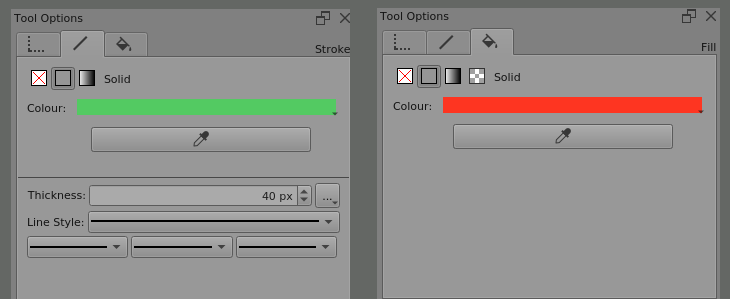
I have a request for a special feature in the vector layer, which is to have a color picker in the tool options docker.
This feature will make it very easy for people to create things in the vector layer, because:
Beginners can immediately know how to change the stroke/fill color because of the color picker icon, because it works the same way as when using the color picker in raster layers.
It helps my workflow, which is not familiar with color palettes.
More freedom, because you can experiment with mixing colors on a raster layer and then use those colors on a vector layer easily without having to create a palette of test colors one by one.
This is my only request, which I also continued the suggestion from @AhabGreybeard
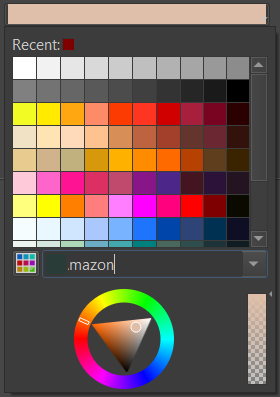
Not just a color picker. Please make the color selection for vector layer “normal”. Just make it work like other color selection UI in Krita. It’s quite unusable now: it’s super small, it doesn’t has a color history, it doesn’t accept a hex code input, etc etc.
Try swapping fg/bg color (hotkey), and then using whichever color picker you want to pick the fg color, then swapping them back. The vector shape should be selected.