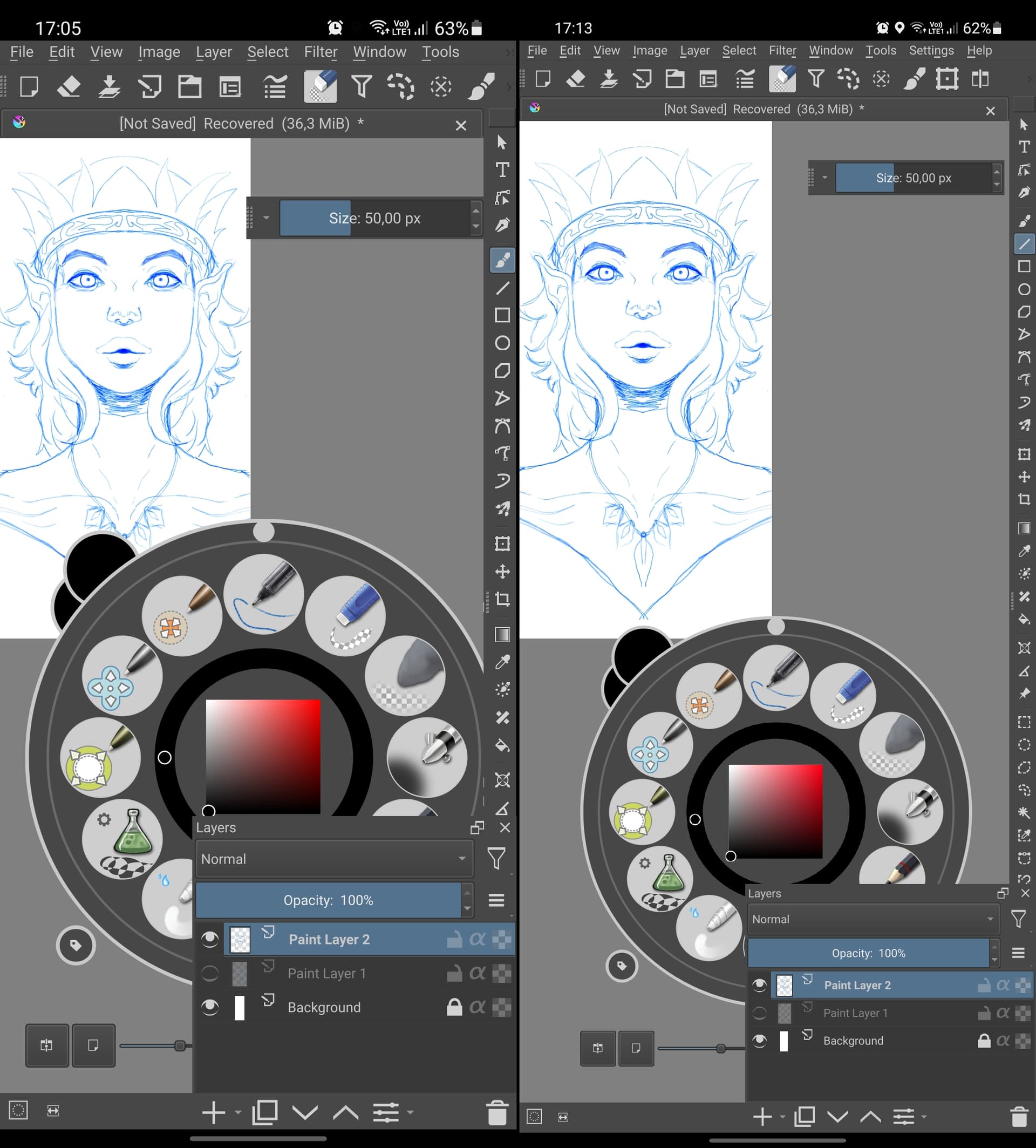
Thanks for the ping! Looks like you caught a real bug. I’ve fixed and updated the APK for this (please do test it!).
I do have this in my todos already. I just need to see how it is done in other places in Krita 
Thanks for the ping! Looks like you caught a real bug. I’ve fixed and updated the APK for this (please do test it!).
I do have this in my todos already. I just need to see how it is done in other places in Krita
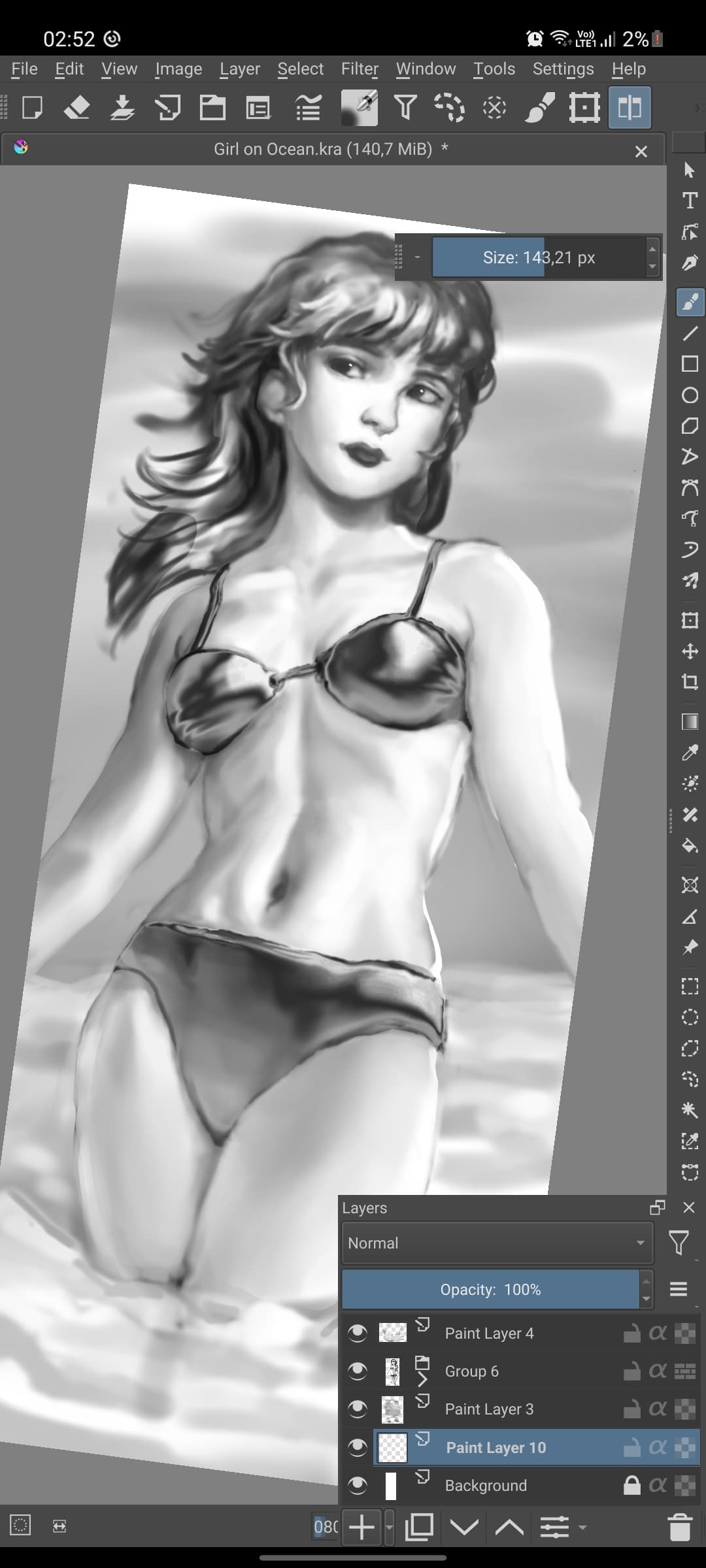
Working great now @sh-zam, ive done a paint to test it (let me know anyone if i can’t post it here):
@sh-zam Bug with brush outline is fixed as well ?
It’s still in the last build he uploaded @GregP.
I myself end up using the float slider as is much faster and easier than dragging the finger all the time, mainly because the finger gets in the way of the brush size so you can’t easily see the size you are changing.
@sh-zam do you think it would be hard to do an vertical slider for the brush/opacity/flow to add on the toolbar? It would be perfect for Krita users on smartphone like me and would be in line with a lot of Android painting apps like Procreate and Clip Studio Paint.
I can be totally wrong but it seems that all is needed is to duplicate the code and tweak it’s UI to be vertical, so it’s seems to be not that hard to implement.
I agree this app is turning into a great alternative for android users. I like all the improvements so far. Just need a few UI fixes.
Can we skrink or maximize the size of options on android? Im using a phone with sPen.
Anyway to lock the layer docker when set in place? I i like to sometimes largen the layers docker at the bottom to switch between layers but majority of times it just undocks it and i have to carefully set it back.
Maybe an option to have full screen on by default would be great
Thanks for all your work.
@cosmos10040 I think i’ve tested all the other apps available on android right now and in functionality Krita is the best of them all, followed by Clip Studio Paint that is awesome, but need a monthly subscription to be used.
What’s your phone? Mine it’s a Note 10 Lite. I think we need to get used to the interface like this for now, Krita to be really UI friendly on a phone would need a UI rework that if happens would be in the far future. About the dock, i recommend you to use it undocked like me, it’s way better to resize when needed.
Also, i recommend you to follow this simple tutorial and change the dpi of your phone, this way everything will be smaller, just keep in mind that this change the UI size of your entire phone, i particularly like this way better as it gives every app way more space to show content, but here’s a comparison, left it’s the default 411 dpi (same as yours), and right it’s the 500 dpi size i use.
Hey axelfar thank you very much for the tip. I do agree its the best drawing app in android. I have an s22 ultra, got a good deal on it. 500 dpi looks good. I will get use to the ui for now, eventually it will get reworked. Thanks for your help.
You have a monster of a phone, I’m way more humble haha. Good it helped you, try to get used to the 500 dpi, i think it’s way better to see content on a screen this size, but if you feel everything is too small change just the font size in the display option on settings, just don’t touch the “screen zoom” option as it resets the dpi to default.
You could go crazier on like 600 dpi, but i find it starts to make everything on the phone too small, on krita itself even on 700 its usable and at this point nothing go offscreen anymore. You could change it evertime you want to use krita and back when you closed too.
Anyway, I’ve found 500 to be a sweet spot on the whole phone.
Hope Krita adds a UI scaling or dpi option one day.
On the Big tablet screen its super useful  You only need to swipe finger a bit lover after a “click” so a brush outline will be more viable , after that you can swipe right-left to change size , keep finger crossed for @sh-zam to fix bug with the outline
Looking back at this. I would prefer that the layers docket would be toggleable through a button i could press on toolbar on top and it would pop out like other mobile drawing apps (ibispaint) or even an autohide. Heck if a layer option would appear on the pen popup that would be great.
The s pen works great but when fliping over the pen to use the eraser it acts as pen. Other mobile apps recognize the difference between pen tip and eraser.
Dropping by to say that this update works so smooth on mobile with the spen [the s22u]. i have not experience lag. Minus the UI and UX that we all know has not been designed yet in this factor in mind [mob and tablet] . The other user in this thread will be able to give more feedback on that front and how to proceed forward with those. I just want to give my appreciation -it so much fun to sketch.
It isn’t something which I’d call hard. But definitely something which would require more discussion with the team and users. And probably can be done when we get to optimizing UI for mobile.
I’ve fixed it.
Did you update link with build @sh-zam ? I would love to test it
yes, I’ve updated the link!
I using a workaround for that, in the toolbar I’ve placed a button that goes to Canvas only mode, and in the settings i changed the canvas only mode to keep the toolbars and menus, so the button do practically what you mentioned.
Here’s a video:
Yeah, after testing for a while it’s very quickly when you get used to it, even on the phone, but i still prefer the slider as i memorized it’s pattern and can just quickly click to get the exactly size i want instead of swiping the finger all the time.
Nice, it’s already very good on my phone and the S22 Ultra its more than double the performance, a shame it costs a kidney in my country.
Can’t install the last build, Galaxy Tab S7, android 12
My bad, I’ve fixed the APK
Thanks!
Hey
I had a problem with app… Did anyone had a situation like this
Its appear with new build i suppose … @AxelFar do you had the same problems ?
Not at all, finished this a while back and started other artwork with it and no problem so far
Also @sh-zam thanks for fixing the right button thing, and the snapping at angles you implemented are great and really helpful, I just find it a bit annoying to snapping at 45, 135 etc, it can be useful but i think a option to be able to snap just at 0, 90, 180 etc would great.
Could you let us know in this thread when all this code is merged on Krita Next?
Thanks for all the amazing work.
Also maybe it would be interesting to create a section on the forum just for the discussion and feedback of the mobile development.