i really hope someone can make a plugin or have this as a feature, of krita having an option of a chrome effect like the effortless one that can be done in photoshop, this can be done by either executing it as a layer style just as we have the bevel and emboss feature, or done by adding smart objects to krita, where the smart objects are then turned into the effect you choose (this involves 3d models i think, not sure tho) , this will greatly help anyone working for graphic design or making a poster for their art which makes the main text look insanely cool, im not into coding and i dont know if this is extremely difficult, but if someones able to make it, i promise it will help lots of graphic designers and poster artists like myself, like i have to manually digitally draw the chrome effect and it doesnt end up perfect, while photoshop users do it effortlessly, and theirs ends up better
 Hello @Mohammed_Sayed.18, and welcome to the forum!
One way would be to use Adobe Layer Styles, so ASL-Files. They usually work in Krita, you can import them in the layerstyles dialog or using Krita’s Resource Management via ‘‘Settings’’ >> ‘‘Manage Resources…’’ >> ‘‘Import Resources’’.
Most ASL’s work in Krita, but it is advisable to save your picture before applying any ASL layerstyles because not every function Photoshop supports is implemented in Krita and that sometimes leads to a crash, destroying all work from your last save state on.
I haven’t tested chrome styles yet, but glass, gold and copper styles work very well and with pleasing results.
You can find tons of free ASL’s at Deviant Art and the many Adobe resources hosting websites out there. DA requires a compulsory registration, but most others too.
The other way is to find out the needed settings by yourself, using the settings Krita’s layer styles offer.
To find Krita’s layer styles, just right-click the layer you want to apply it to and choose “Layer Style…”.
But what I absolutely can’t understand is why you don’t ask if this exists in Krita before you make a feature request?
Michelist
thanks for telling me about the asl, never knew about those, and just so you know i do use the layerstyle option but almost none of them give the same result, and i assumed that layerstyle is the only way a chrome effect couldve been there, if it already exists id appreciate you telling me, because i never found one on the layer style option, only embosses and bevels and glows and satin and such, thanks again for telling me about asl, really a life saver man
A search for ‘chrome’ on the forum finds lots of topics, mostly about the Chrome OS, but there is this topic which may be useful:
Chrome-y Gel Text FX
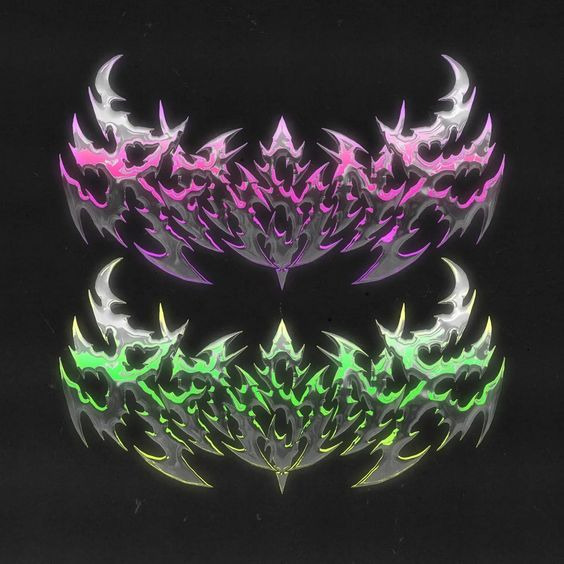
this is an example of what i see done in photoshop with the effect, i have seen an asl on deviantart that can do almost the same, which fixed my issue, but having a similar thing prebuilt in krita would def help future users, but thats a difficult task i cant do on my own tbh, but thanks alot to the kind gentleman that told me about the option of importing an asl into krita, life saver
The niche thing with this is that you can find thousands of layerstyles on the WWW and most of them are offered for free.
I just downloaded “Free Metal Chrome Layer Styles and psd” from a user called “Giallo86” at DA, I would say, if I find a better a suited base color, it will look better than my first test, because this is too white for me:
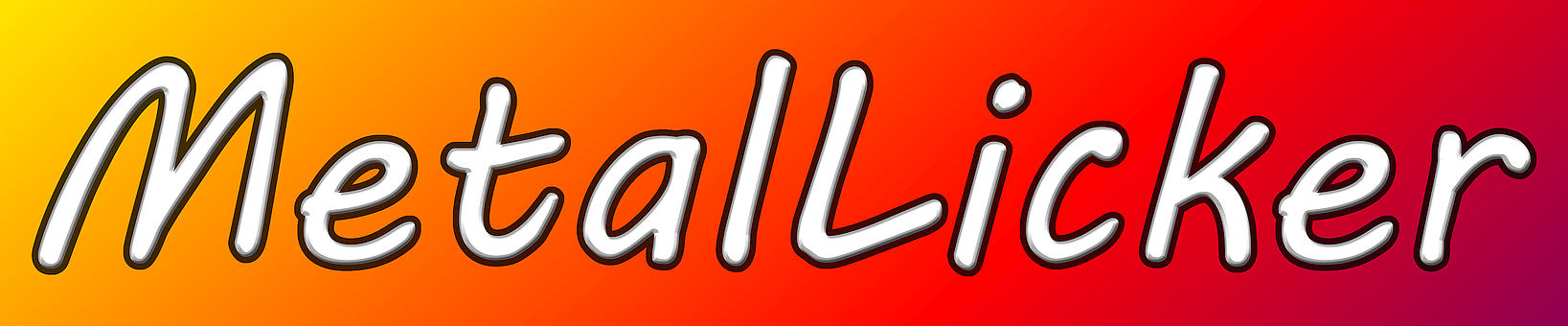
But that ASL’s work shows this one, effect of colored Glass-Letters:

The thing is to find the good ASL’s, or the needle in the haystack.
Michelist
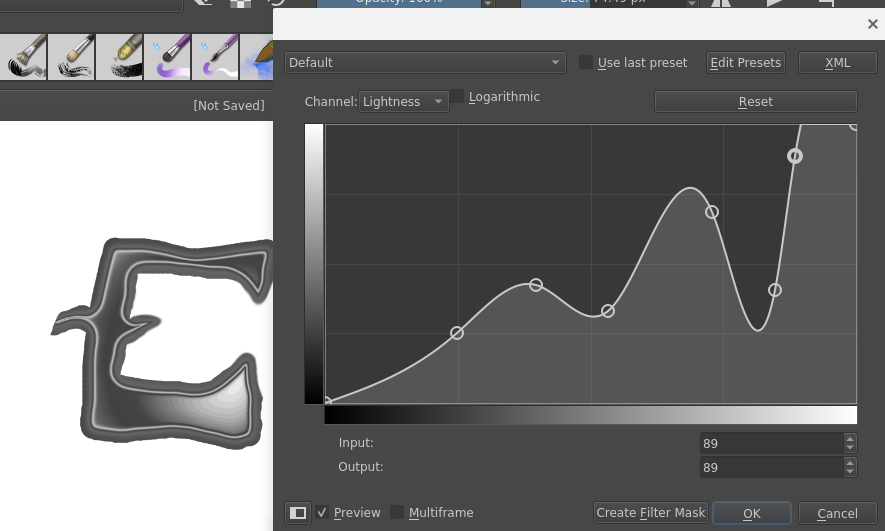
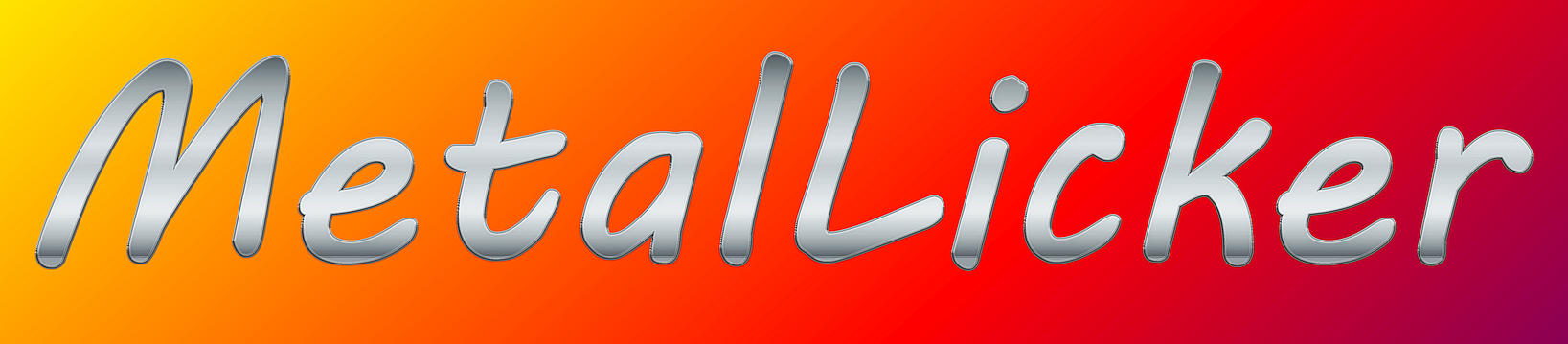
I learned a long time ago in Gimp how to do this with curves and I tried to remember and do it in Krita. It’s not perfect but it could be done on a filter layer and a gradient added afterwards.