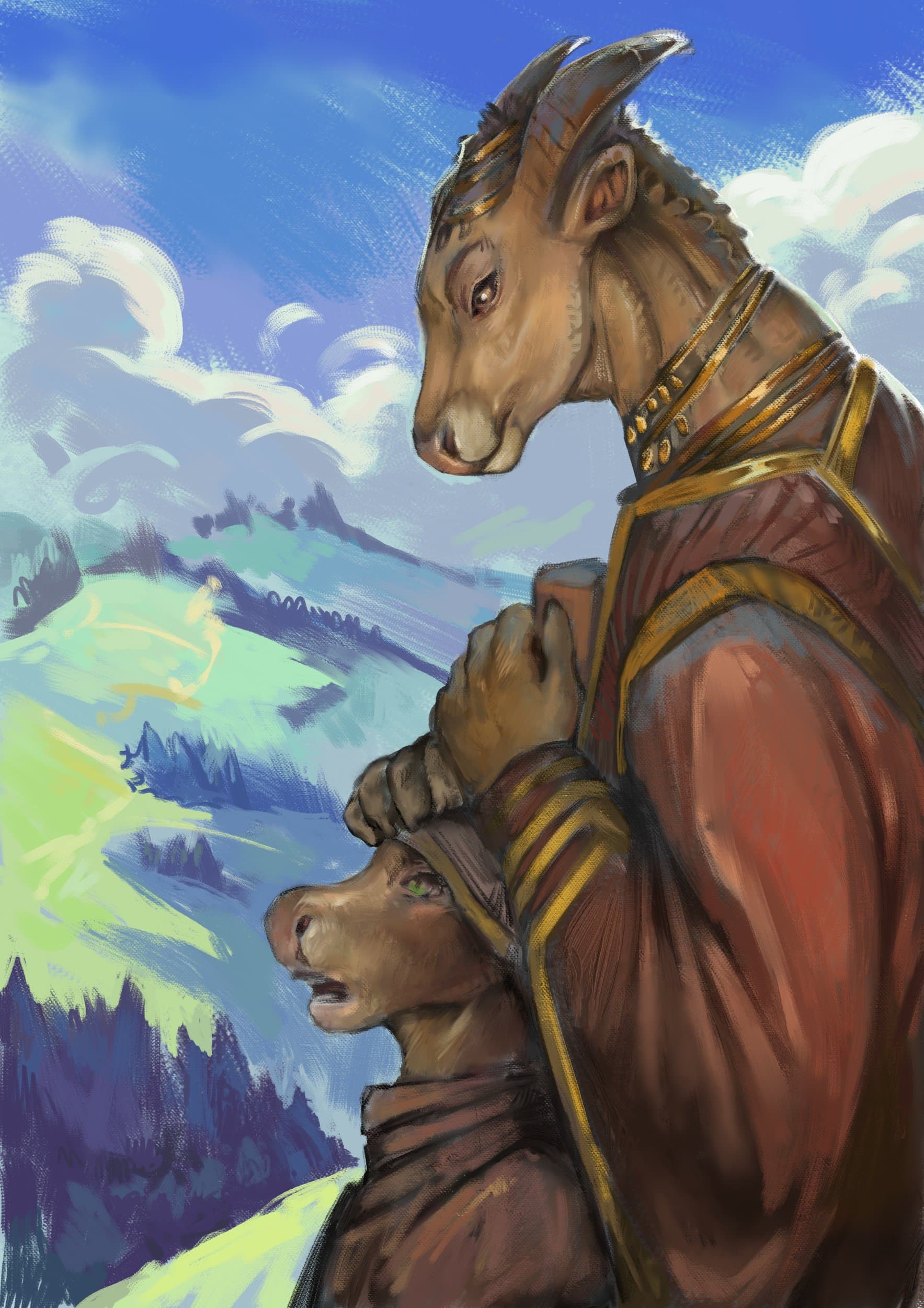
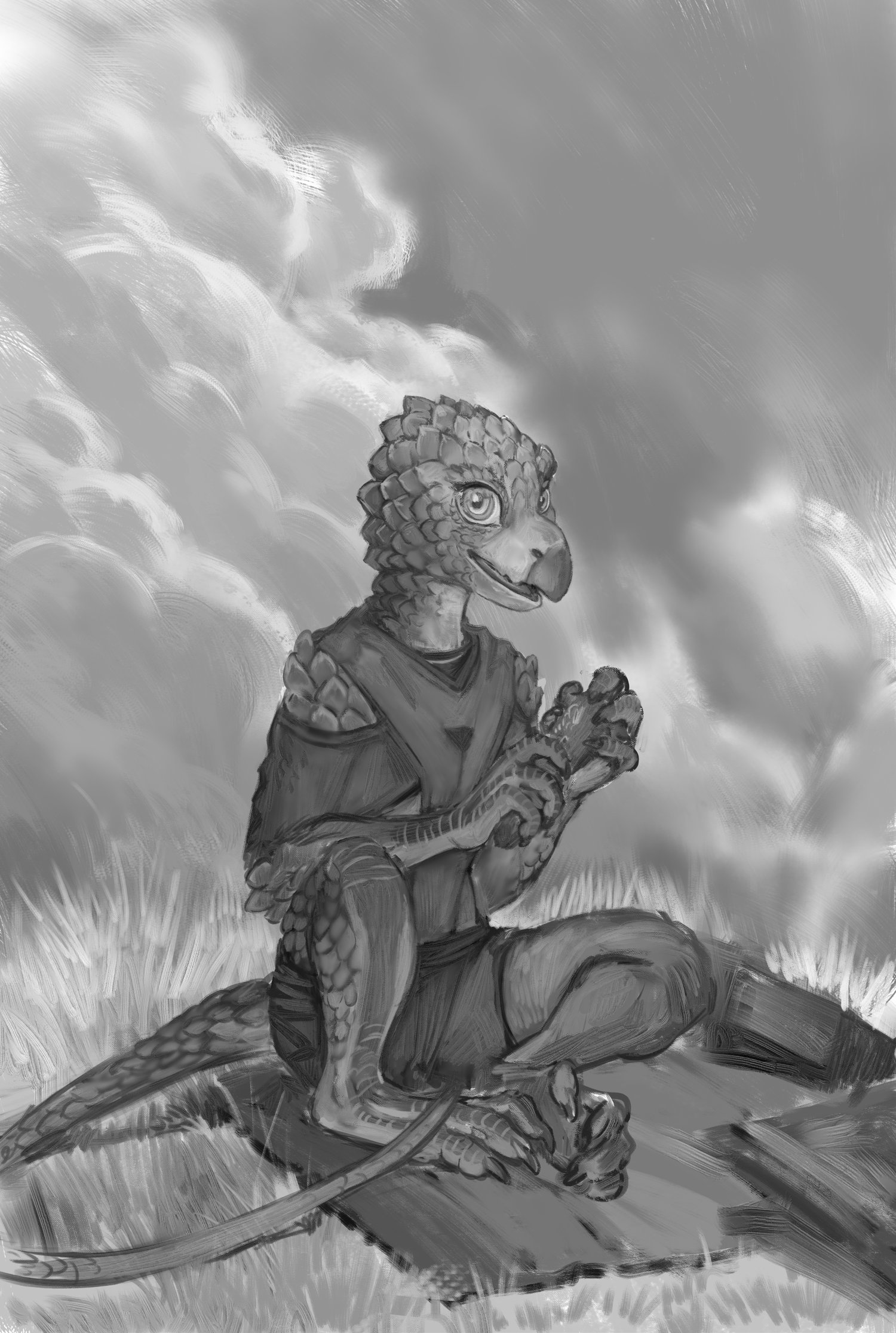
New to the forum and new to Krita! Been using it for a couple of weeks, lurking the forum to learn the odds and ends! I think I’m slowly falling in love with the program!
32 Likes
Great sketch! Welcome to the forum.
thank you! I’m happy to be here!

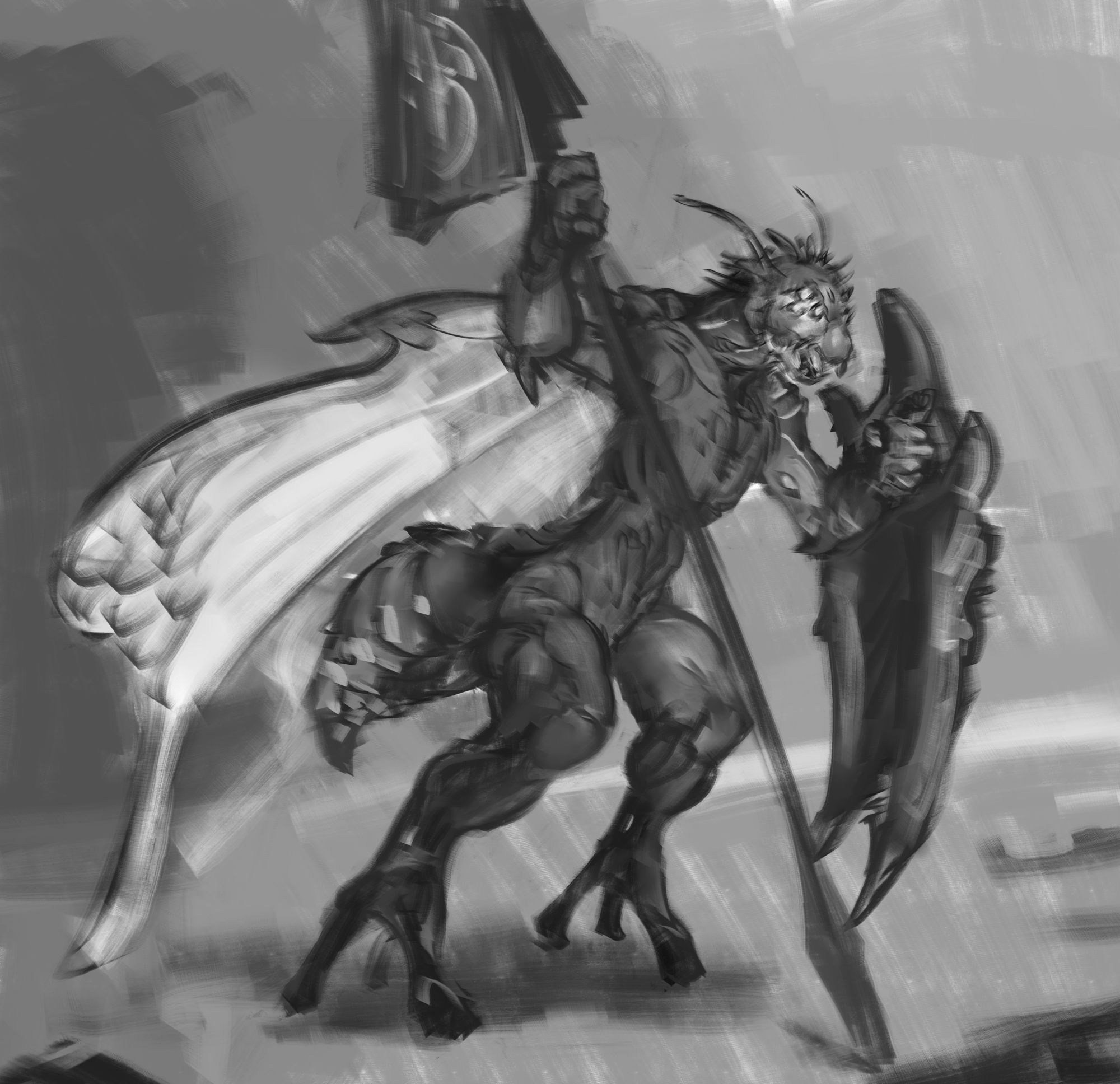
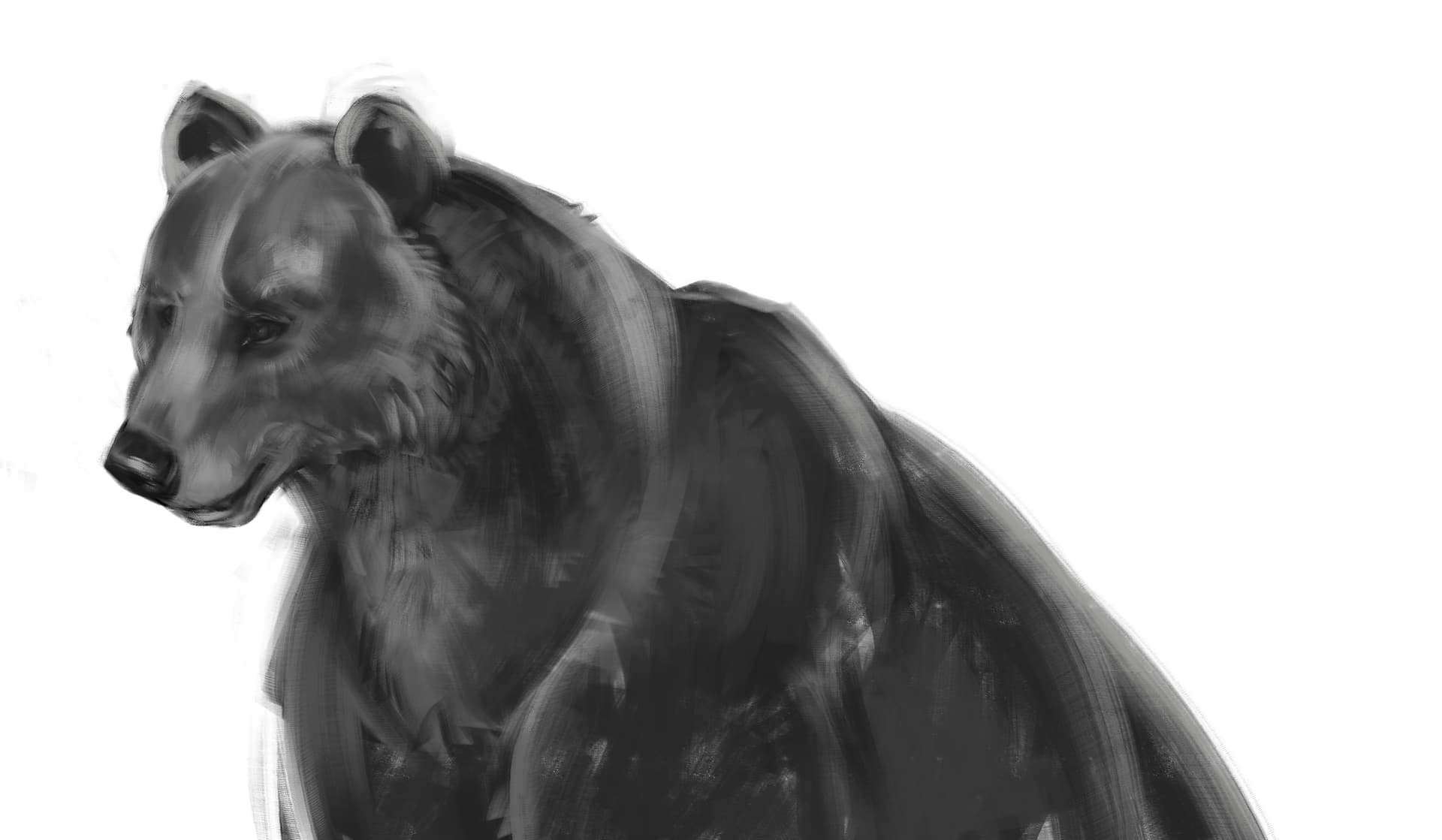
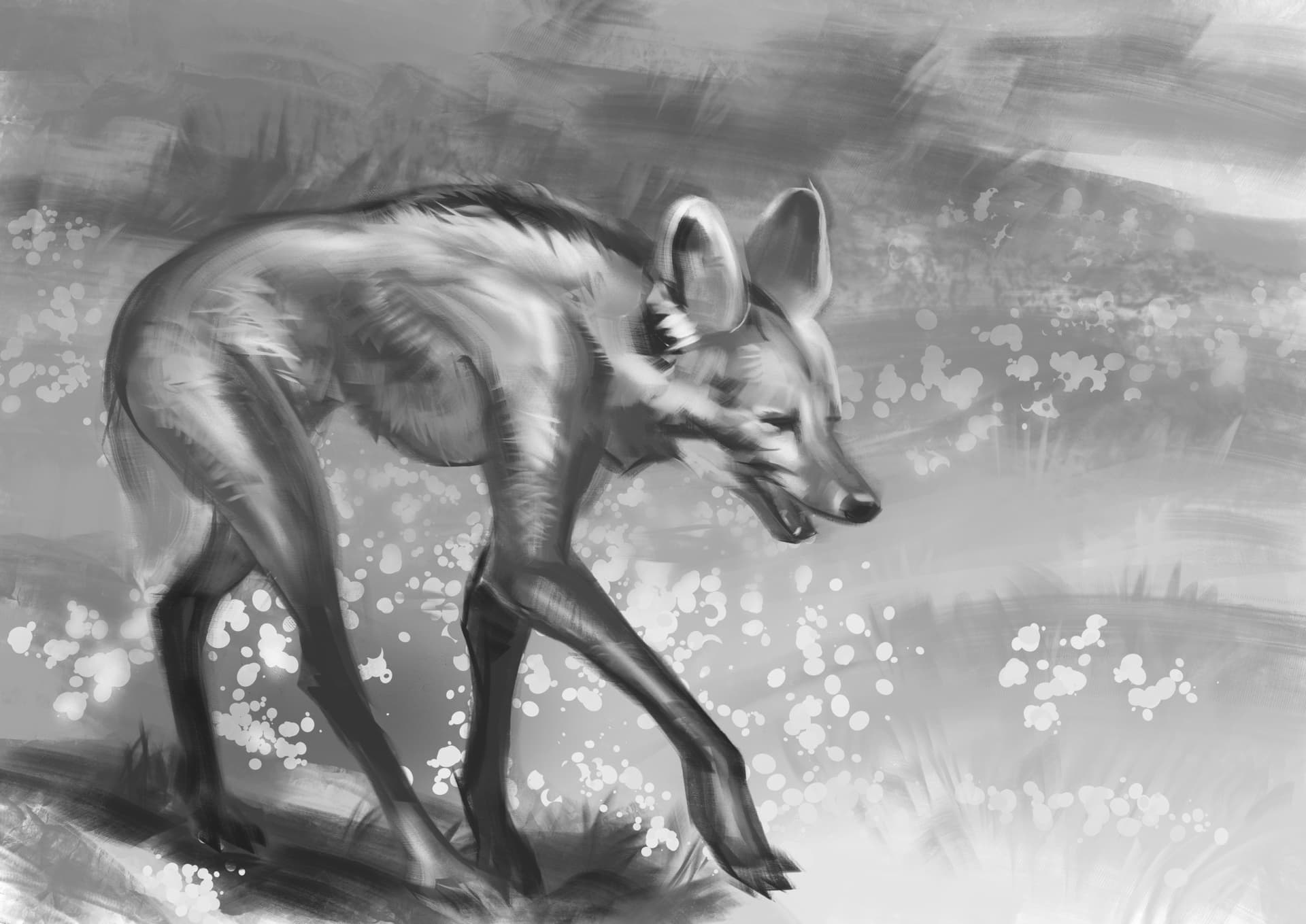
Long time no see!
Been perfecting a workflow to mimic charcoals and pastels on krita. 50% there; I need to make something like those broken edged mineral charcoal pencils; and a couple of smeary dry blenders! (like applying a tortillon to pigment.)
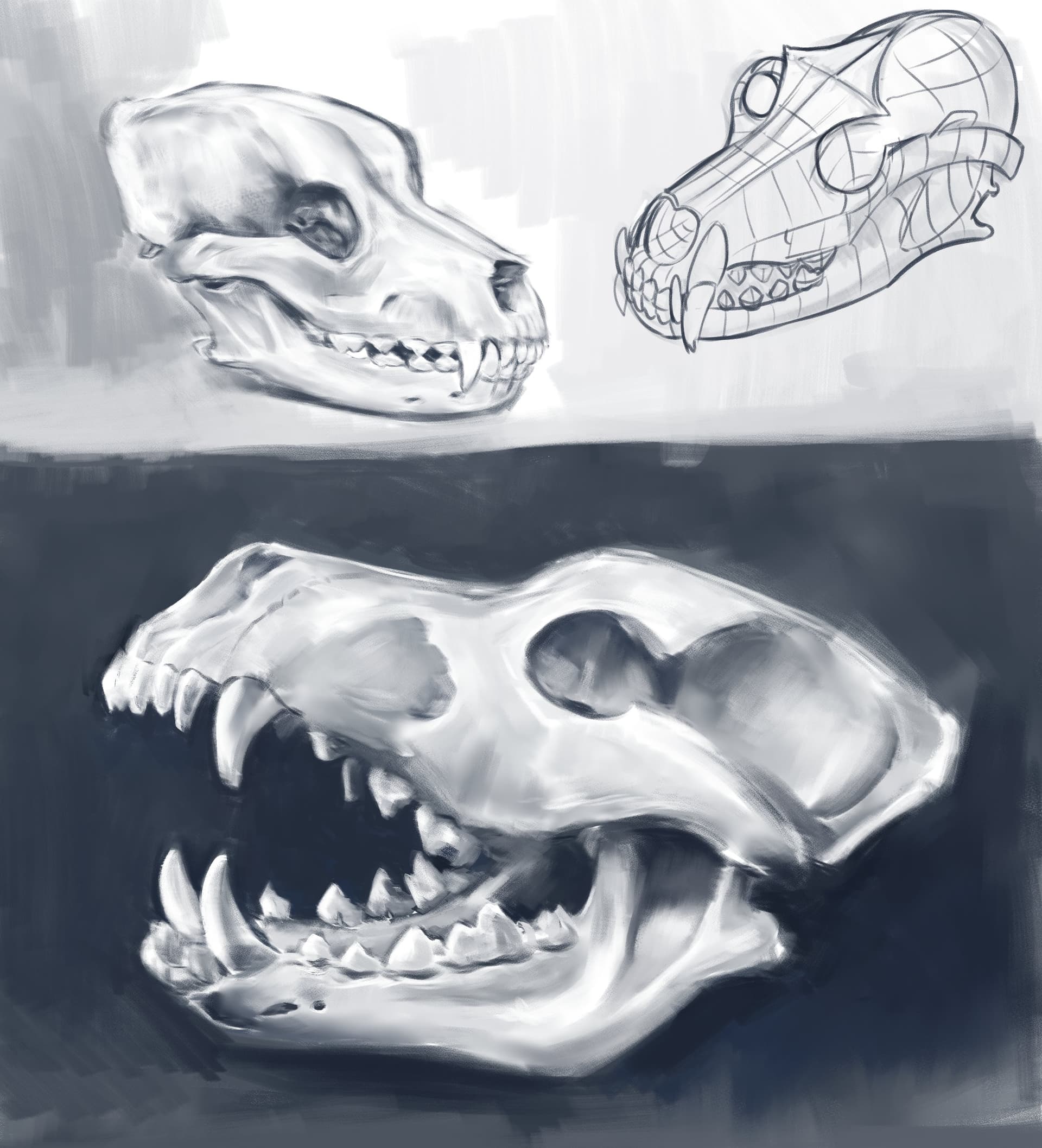
Been perfecting a workflow to mimic charcoals and pastels on krita. 50% there; I need to make something like those broken edged mineral charcoal pencils; and a couple of smeary dry blenders! (like applying a tortillon to pigment.)
4 Likes
6 Likes
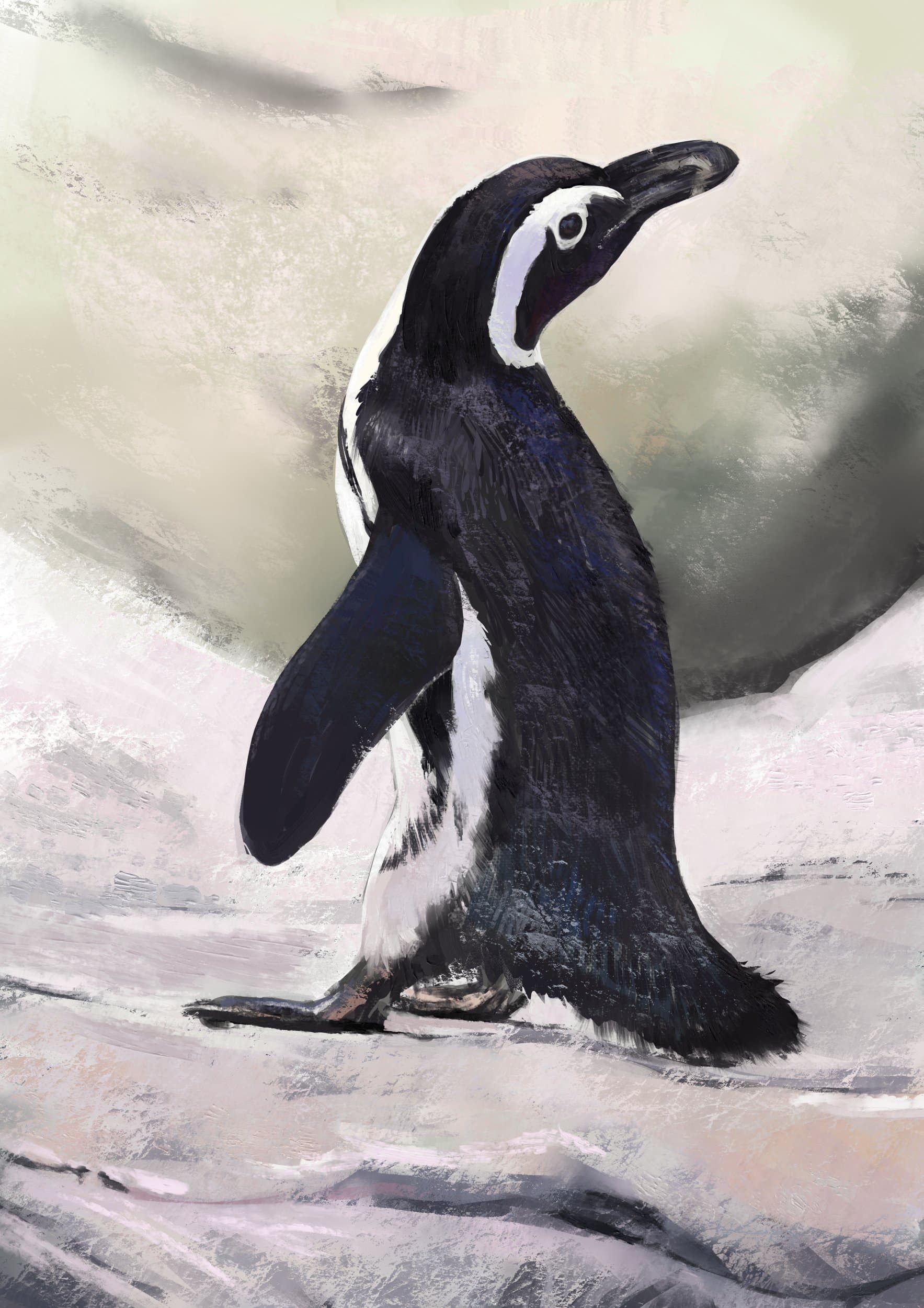
Great job with his coat. I can see the blue sky in his shiny coat of feathers.
Thank you! I love how easy it is to shift temperatures with Krita’s color selectors! Just grab that grey shift a little towards the blue and up the value a couple of ticks with a hotkey!
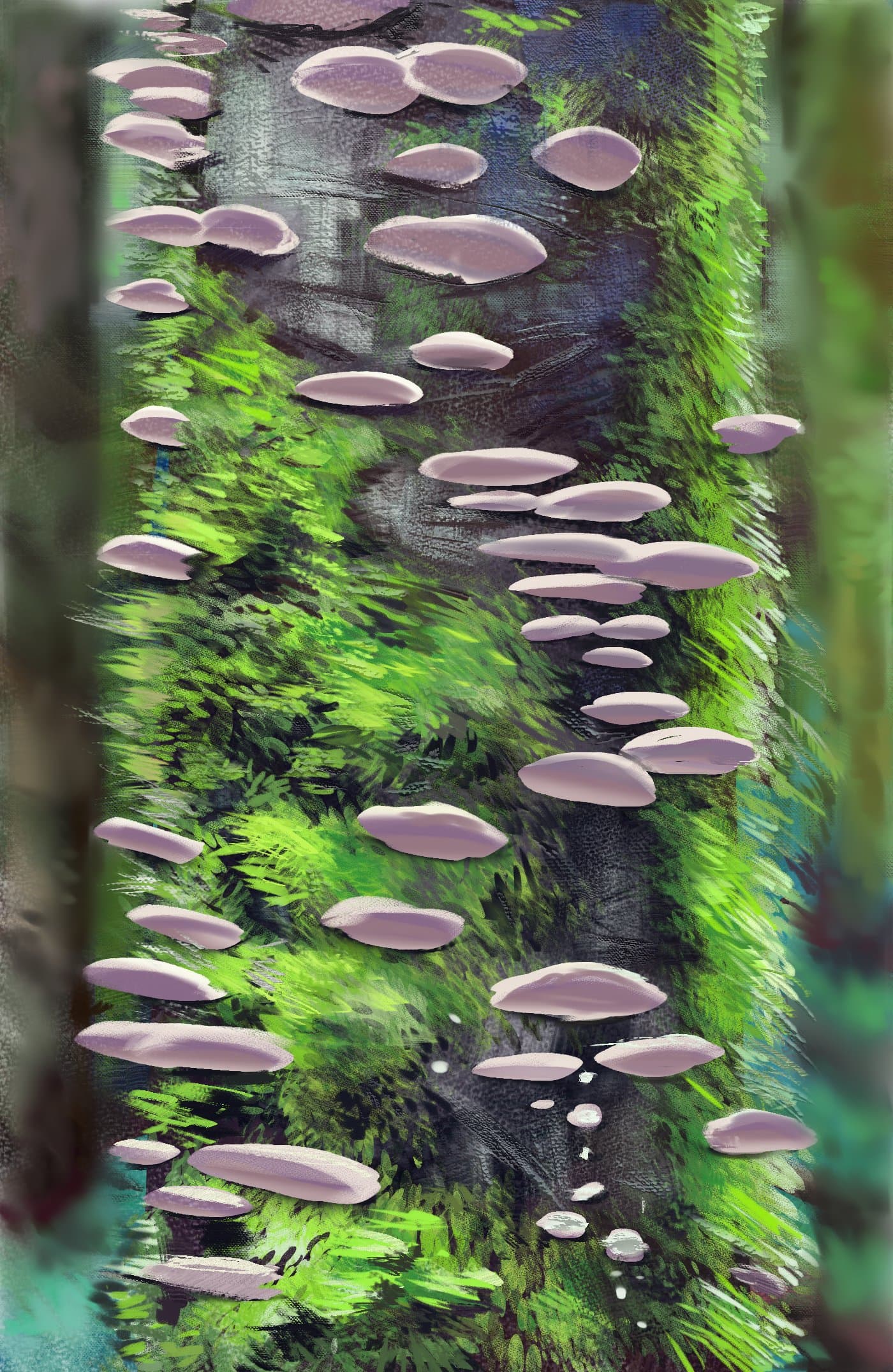
mossy studies; playing around with krita’s alpha inheritance; (putting grups into groups and adding texture to groups as clipping masks is fun!) Also I just found out Krita has Photoshop’s layer styles? which means I can do that old arcane trick of adding bevel emboss to strokes to make them look like impasto 
3 Likes
The functions are only supported in parts, so always save your work before applying an Adobe ASL! Because a defunct ASL will often crash Krita and then kicks your work into nirvana. So, if you had not saved it before applying an Adobe-Layer-Style file (*.ASL) and Krita crashes, your work so far can be gone forever if the crash recovery file may fail to restore (most of) your work.
But it is really fun to checkout which work, because of the possinilities these offer. It may be a good idea to create a backup of your kritarc beforehand, so you can restore it should it get damaged in case of a real bad crash.
Michelist
Thank you for the heads up! I’ll make sure I save often and backup My kritarc folder!
That would be far too much, because in that folder many programs store their settings, not only Krita, you would save many Gigabytes when saving the whole folder.
The files carrying krita in their name would be sufficient.
Michelist
Ahh! I hear ya! I think I got mixed up: the kritarc file you mention is the configuration file located in app data/local in windows right? I thought you were talking about configuration folder in app data/roaming/krita ; Which I’ve been meaning to backup to save my settings; I am getting close to the point where I got everything set just the way I like it and I’m feeling the pressure to save my hotkeys, plugin tweaks and assets in case something goes wrong.
I think i will backup both; But here is another question: Can I save my kritarc file and local krita folder in windows and swap them in Linux mint if I want them both to have the same settings? making sure both platforms have the same version of krita?
You must edit the kritarc if you want to do it, there you have to adapt the path’s to some folders.
You can copy your resource folder without changes. It may be needed to rebuild your resource cache, but if so, Krita will do it automatically.
Michelist
1 Like
That is very helpful, thank you!