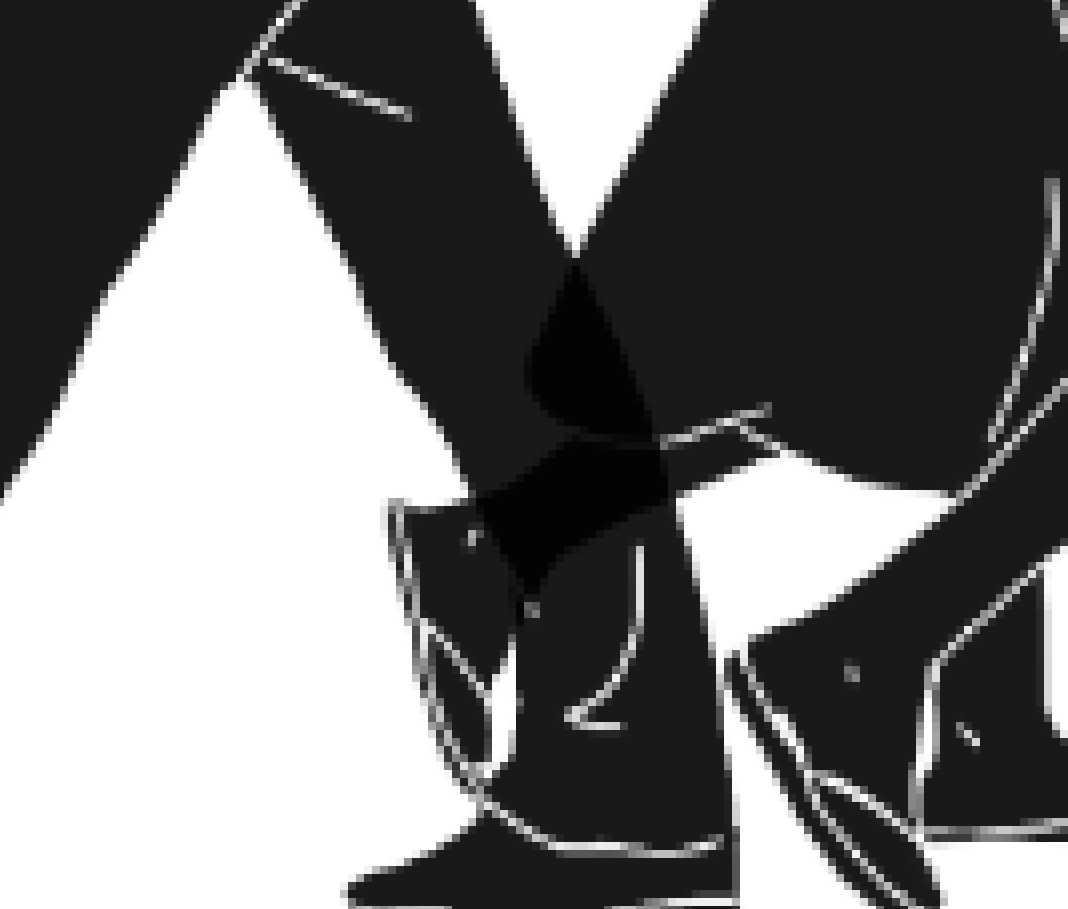
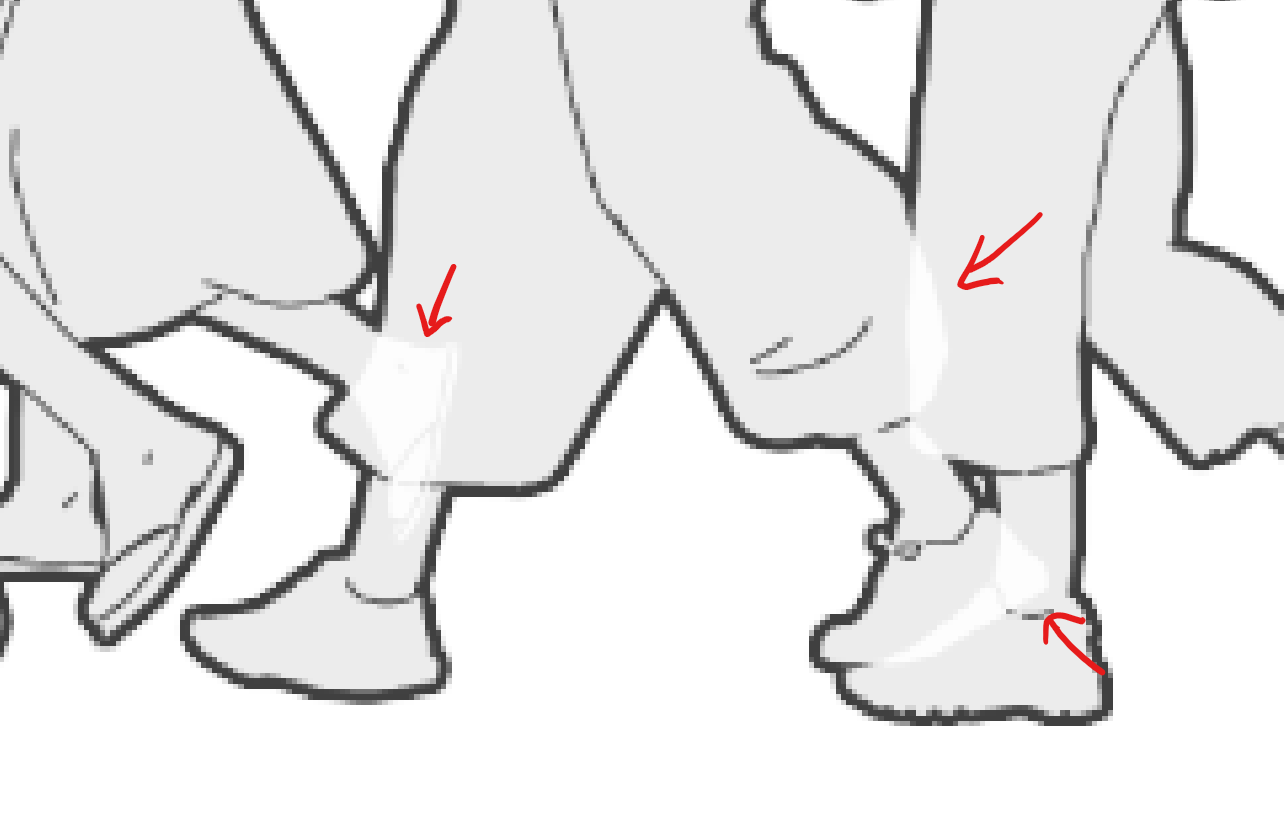
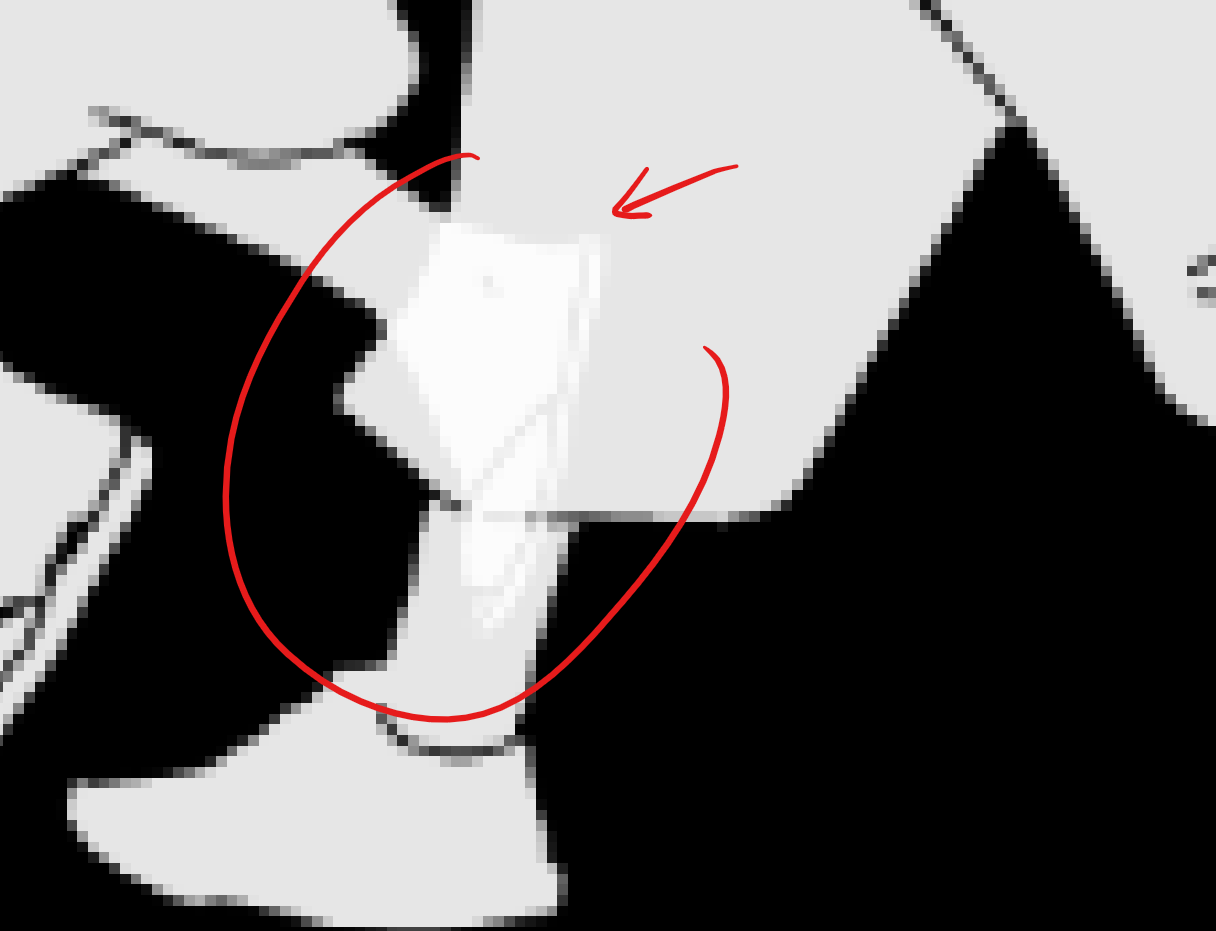
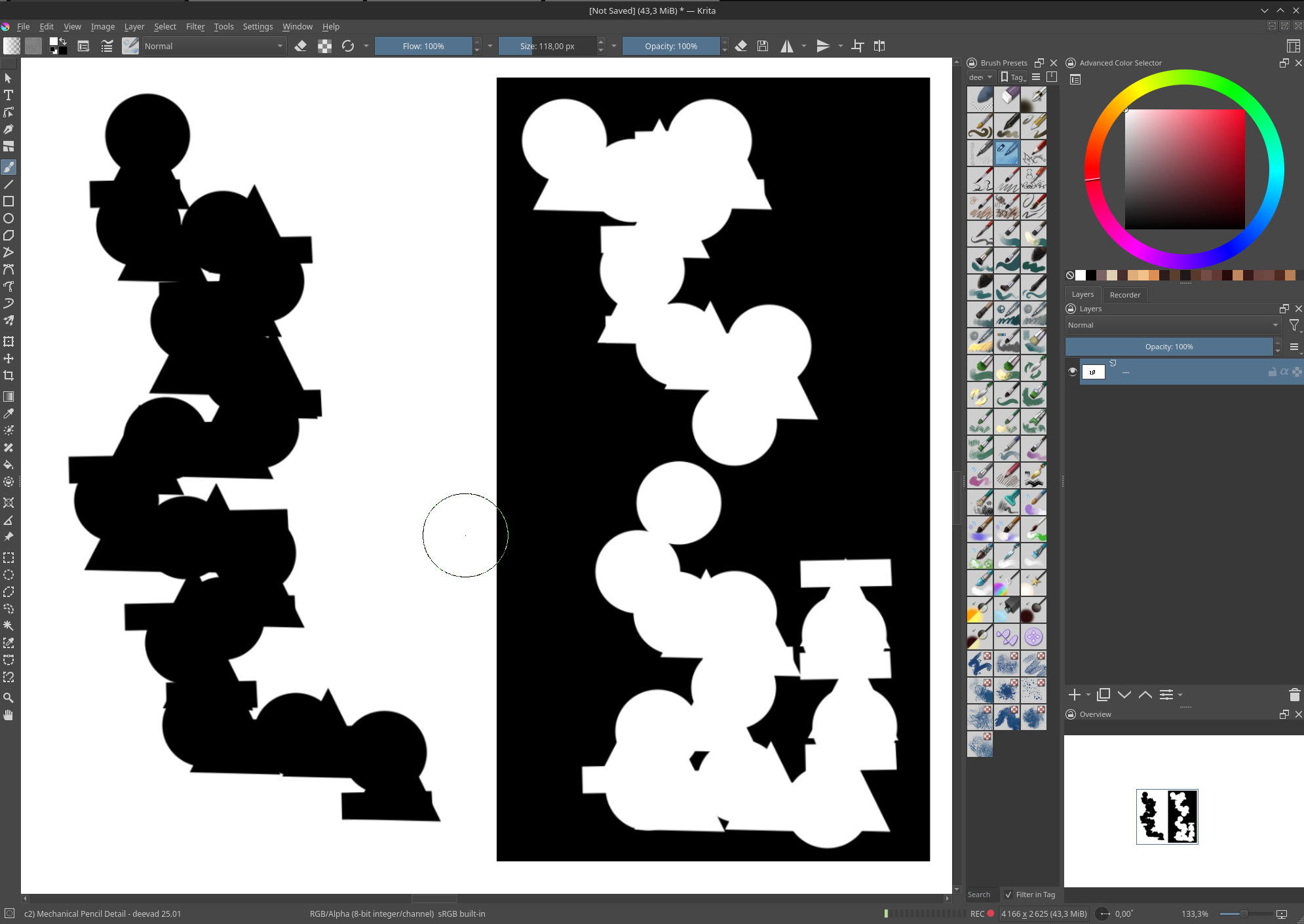
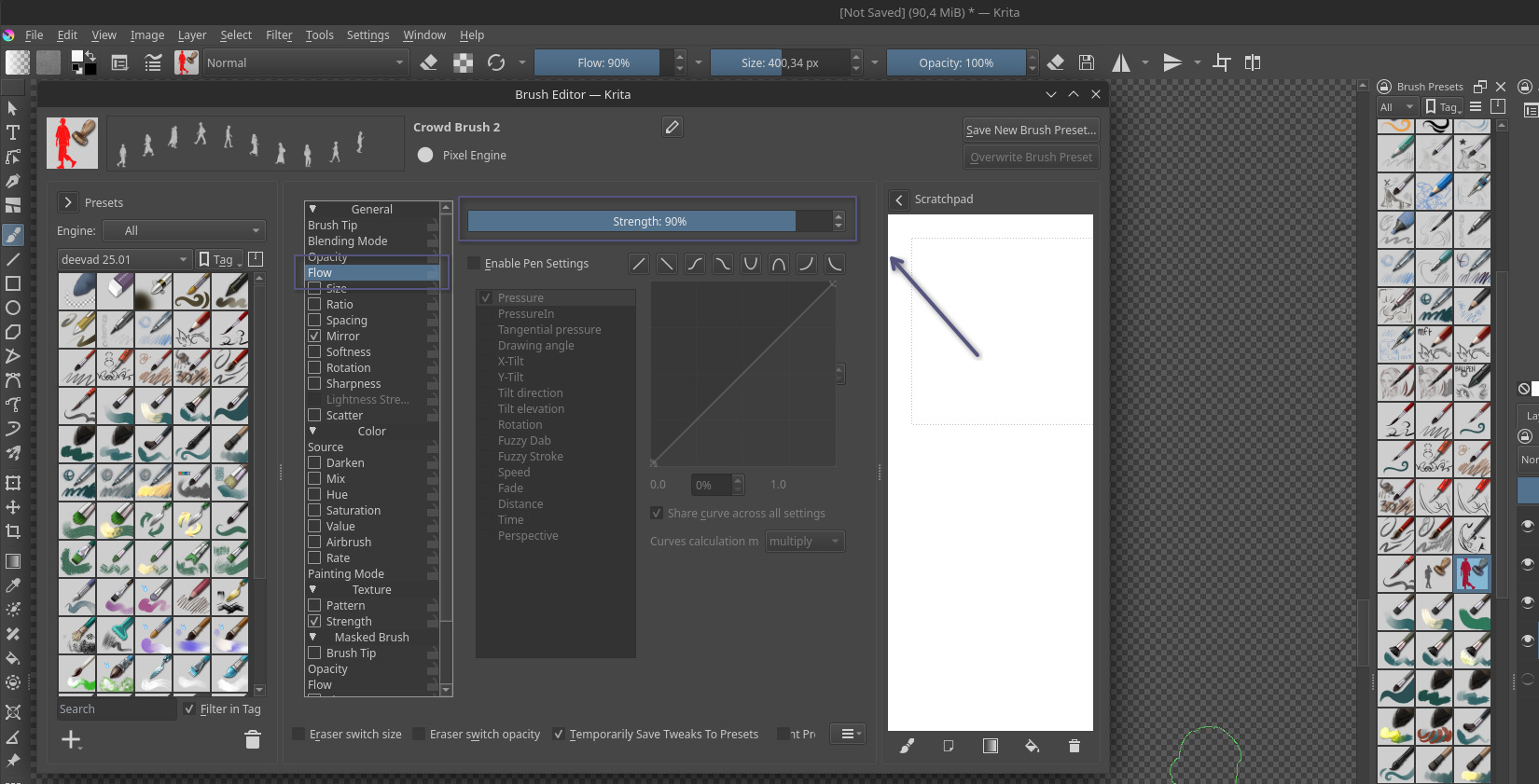
I’m creating an animated brush but i find that the opacity of the result is not set to 100%
the brush’s opacity is set to 100%
the tips are pure black with no alpha
i tried saving the brush tip as incremential (cause i needed the tips to loop) and as random to test if
the problem was in the first setting but they both showed the same result
any idea what might be causing this? sorry if this was asked before
Krita Version: 5.3.0 (git 148ce5c), Qt version compiled: 5.15.7, loaded: 5.15.7.
Hey, I found this bug report fascinating. I tried to replicate, but I couldn’t.
Here is what I did:
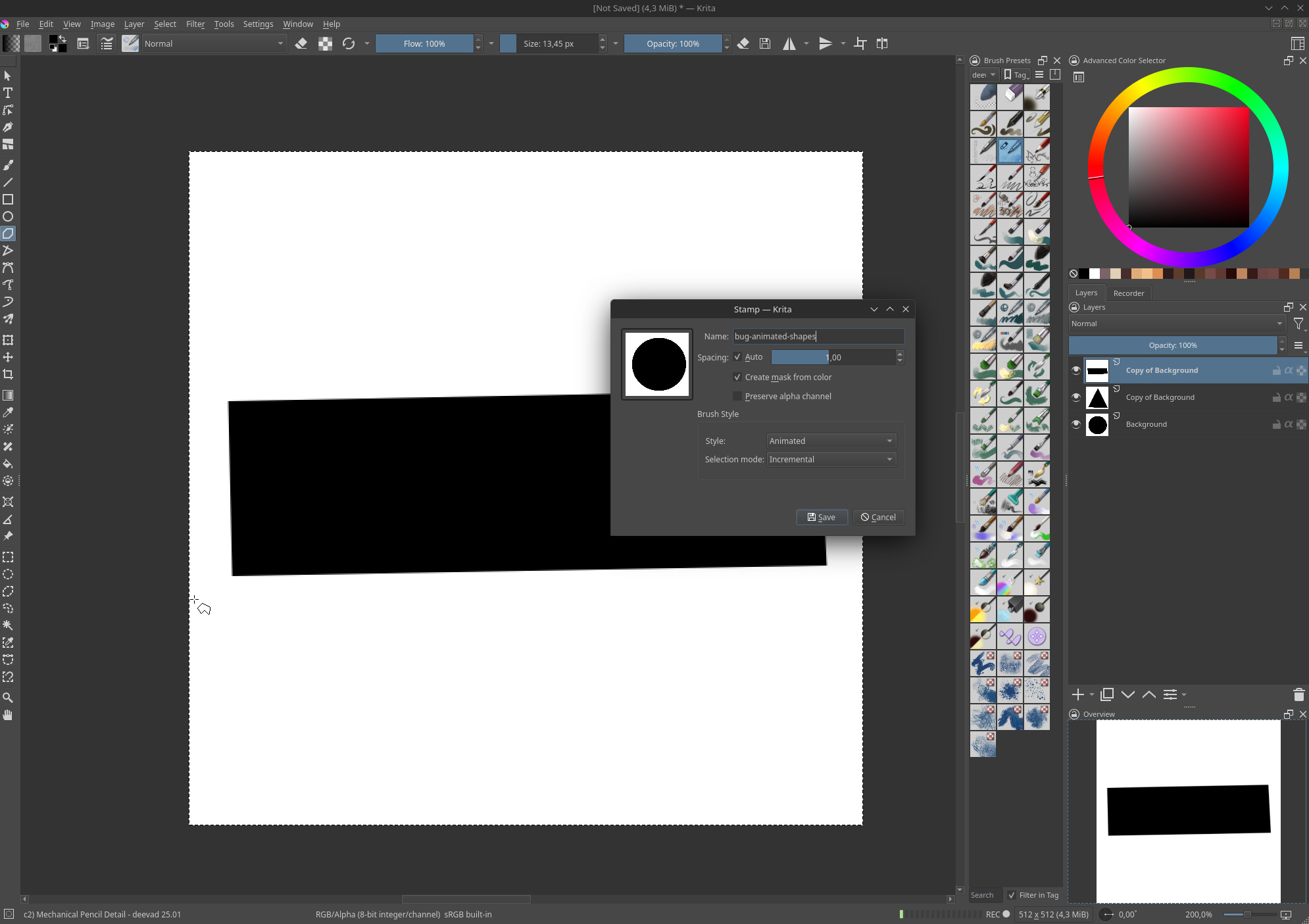
I started with making my own animated brush, using 3 layers (see layer stack on screenshot under) with a rectangle, a triangle and a circle. Pure black on white, on a 512x512. I then created the brush with the “+ Stamp” in Krita brush settings and on the screenshot, you can see my settings.
So, be sure to check twice if you have a dynamic on your preset (texture, flow, etc…) , and check also your animated gih animated brush file to check if the mask really go to black. I’m pretty sure you did because the info and report you made looks like you really pushed and explored the tool. The animated brush you are trying to do looks cool btw.
If you share the file (can be in private, you’ll find my email on the footer of my comic https://www.peppercarrot.com/ ) I can have a look.