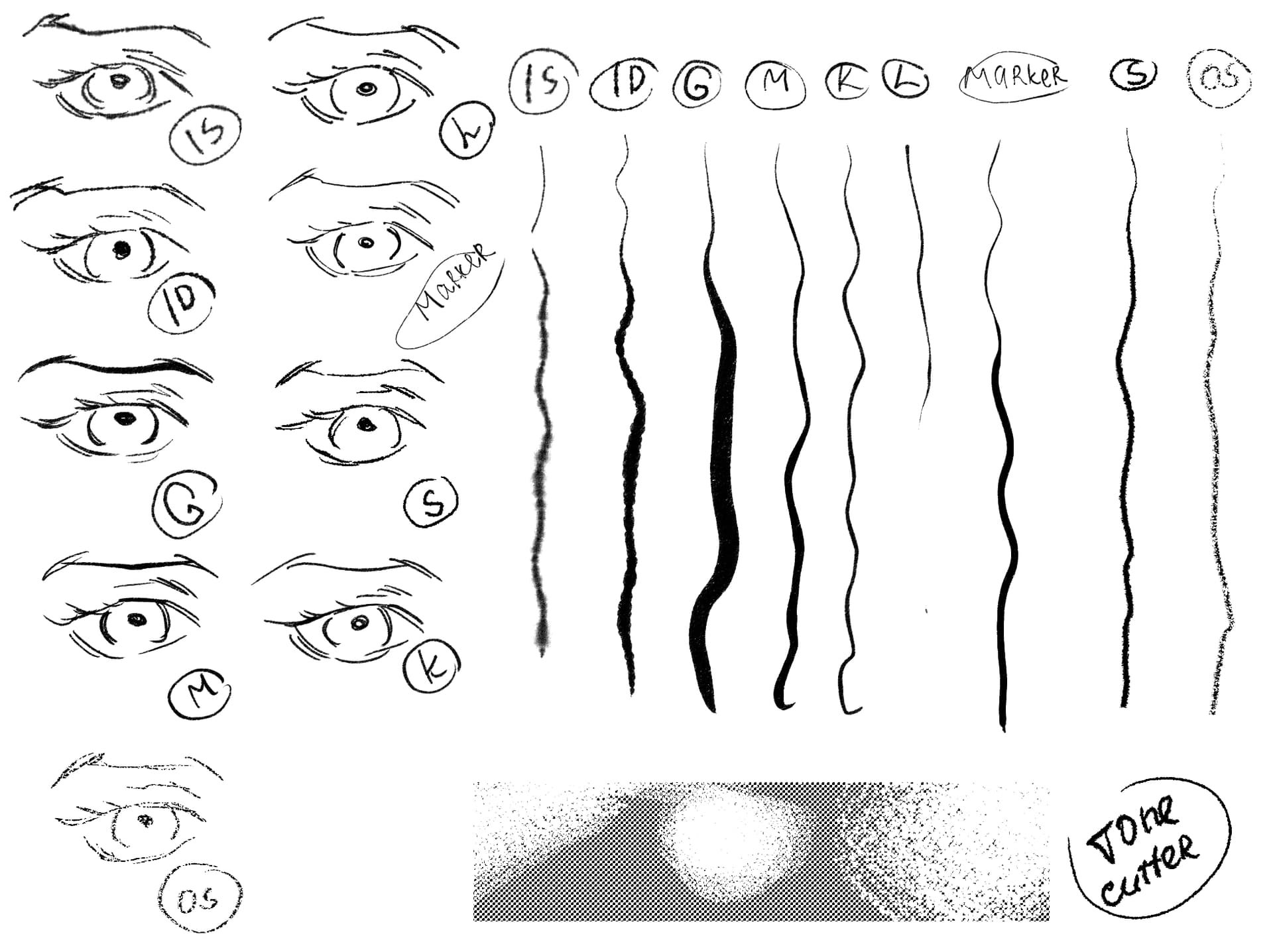
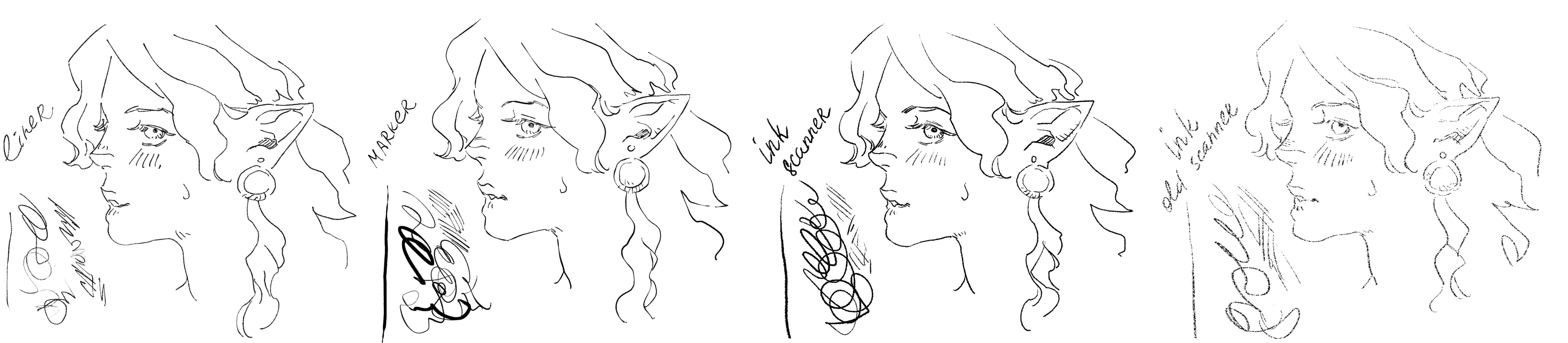
This bundle contains 9 pens, 1 eraser for screentones + 5 patterns that are not used for brushes but are in the bundle (line patterns, a tone pattern).
Created this for lining of my comic/manga pages.
This bundle is CC0. Materials made by me start with “AL …”.
Previously I had trouble making my older bundles, so just in case, I also added paint presets, textures and tips in separate folders. You can also see a check list, in case something doesn’t work and you know what brushes use what tips/patterns.
Thanks for once again sharing the result of your work with the community, I think this is your 12th bundle now!
A full dozen, congratulations on this achievement!
I don’t think it’s my 12th at all, I did some I chose to delete bc I no longer really use them and they were not really free as I want them to be now
More like 7-8th I thinks? x)
Thanks for a comment
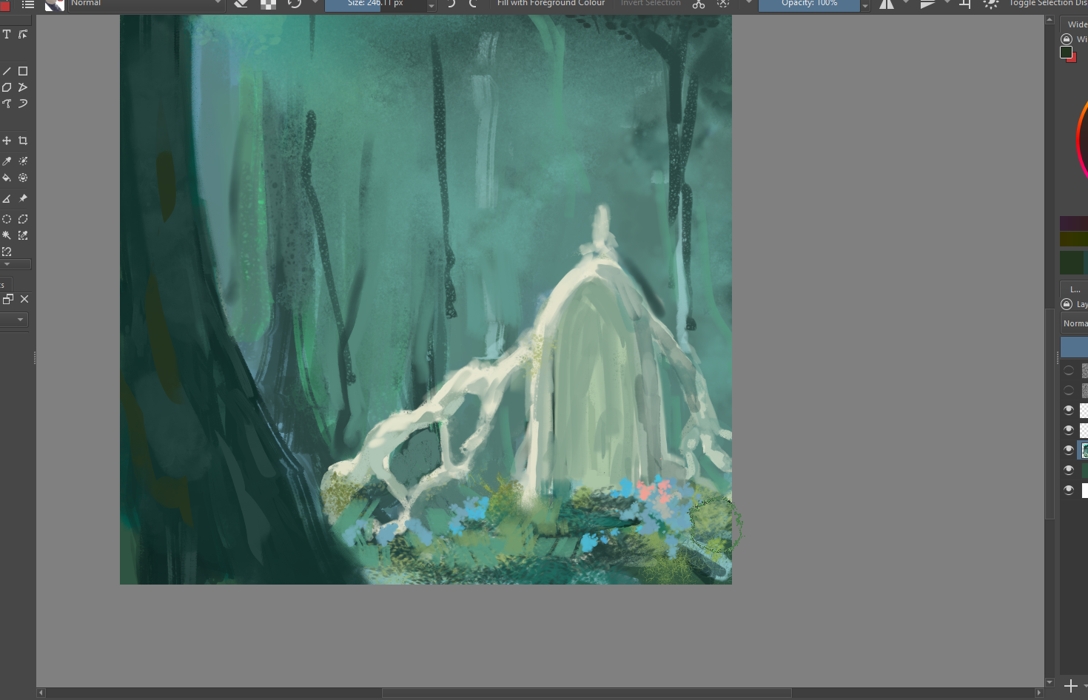
I’m also working on a paiting bundle, for now have 27 brushes, testing how minimal I can make it and how much they can carry me without references :DDD
I’m having way too much fun with grasses, tho not sure if people need plant brushes that much sweats
Hello! I was able to try these out and I’d just like to say I really love them! Specifically “ink soft” for it’s well… soft inkiness, and pooling effect. I also like how genuine/grungy the old scanner brush is, and tone cutter is really satisfying to use as a fill too
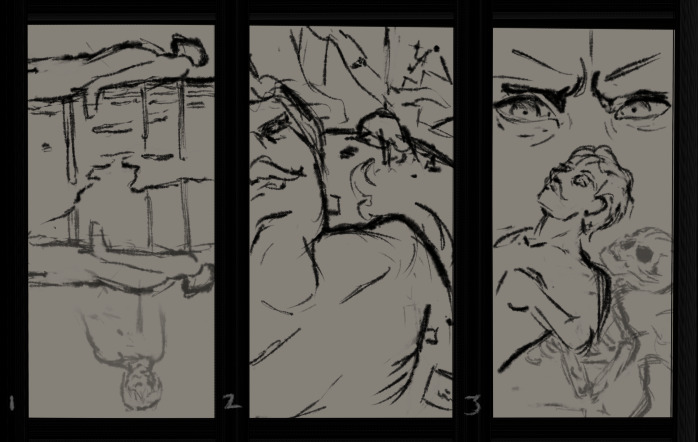
I don’t a full sketch, but I used the it to make 3 spooky thumbnails (content warning; ghosts, bodies, skeletons) that I’ve put as a blur just in case it is too halloween-coded for the forums xD
hi, i love these brushes so much, ink deep my beloved . do you know if they work in photoshop? i have to use it when i start uni and i really want these brushes in photoshop but dont know if its compattible. thanks
You want what, @Paulo? To download the bundle, you have to use the link to Google Drive at the end of the initial post. On the opening website, the download button is found in the titlebar a little to the right side, symbolized through a downward pointing arrow that points into a kind of “u” shape.
Hi guys - I’m new to the forum here but I’m trying to install the brushes but I’m not sure how. Some advice would be super useful - I can actually download the file, but I’m not sure how to import them further into Krita
A bundle is installed in Krita via the menu ‘‘Settings’’ >> ‘‘Manage Resource Libraries…’’ and in the opening dialog you have to click the button + Import in the next dialog browse to the downloaded bundle, select it and confirm the selection. Now Krita imports that bundle, and you can use its content, so the brushes in case of this bundle.
In the case this BUNDLE comes in an archive-file, like ZIP or RAR, like this one, for instance, then you have to unpack the archive first to get the BUNDLE-File it contains, before you can proceed as described above.
Here you’ll find a folder inside in which you will find 3 folders, 1 bundle (the file to import), two pictures and a read me info.txt file which explains why there is not only the bundle inside. But the only file you need from inside the archive is the bundle AL_Lineart.bundle.
If you use Windows as operating system (OS), you can open a ZIP-Archive with a double click (a double LMB) and browse it as it were a folder, but you must grab the AL_Lineart.bundle with your LMB and drag it onto your desktop, for example, and then you can import it as described above.
But for my knowledge also Android is able to open (unzip) ZIP-Archives like this with its file manager, and I guess the same is true for macOS, Haiku and Linux too. If you can not unzip your archive, you can ask in a forum for your OS how to unzip an archive, or alternatively use the already unzipped bundle (which I renamed to AureliaLeta - AL Lineart.bundle (to fit in my system to organize files and folders)) from my cloud instead:
Hey! The bundle’s really great, I love it, especially the ink brushes. I have a little problem, though; the liner brush doesn’t work. No matter what I do, on what painting I try, it just doesn’t. I thought it’s just a problem with my PC not rendering krita’s things so I tried using different rendering machines but it still didn’t work. I’m still sure it’s a problem with my PC (maybe specifically videocard) though but I’d still like you to know that it exists.
Thanks again for the bundle, your brushes are incredible!










 Hello
Hello 

 , I mean the brush pack that mentions she’s making about nature.